
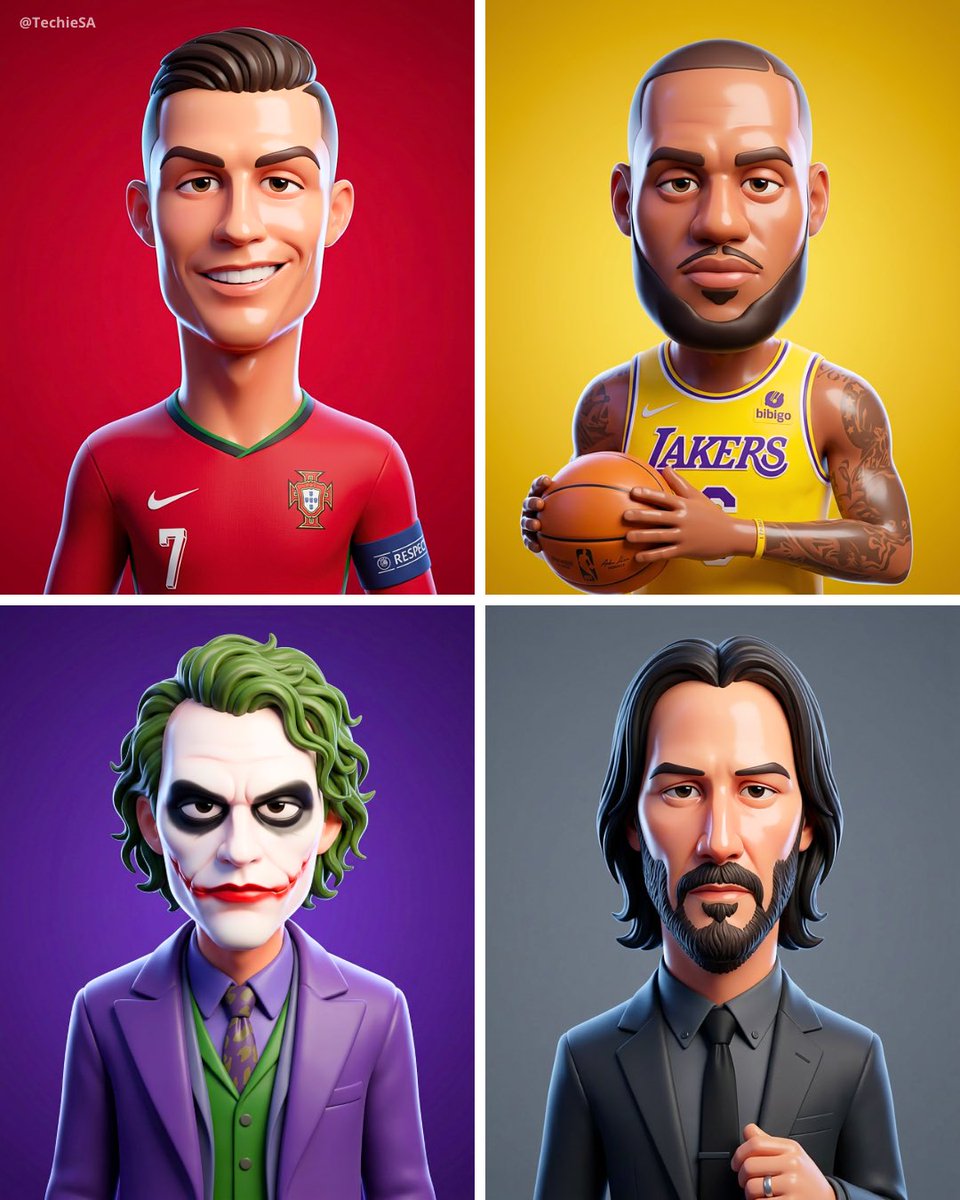
text-to-image3d cartoonpixar stylecharacter designphoto to cartoonstylized portrait
Stylized 3D Cartoon Character from Photo | Pixar-Inspired
Turn your photo into a smooth 3D cartoon character with exaggerated features and glossy skin. Get a Pixar-style portrait with studio lighting. Try it now!
Prompt
Generation Parameters
Aspect Ratio4:5
Modelgpt-image-2
Related Recommendations
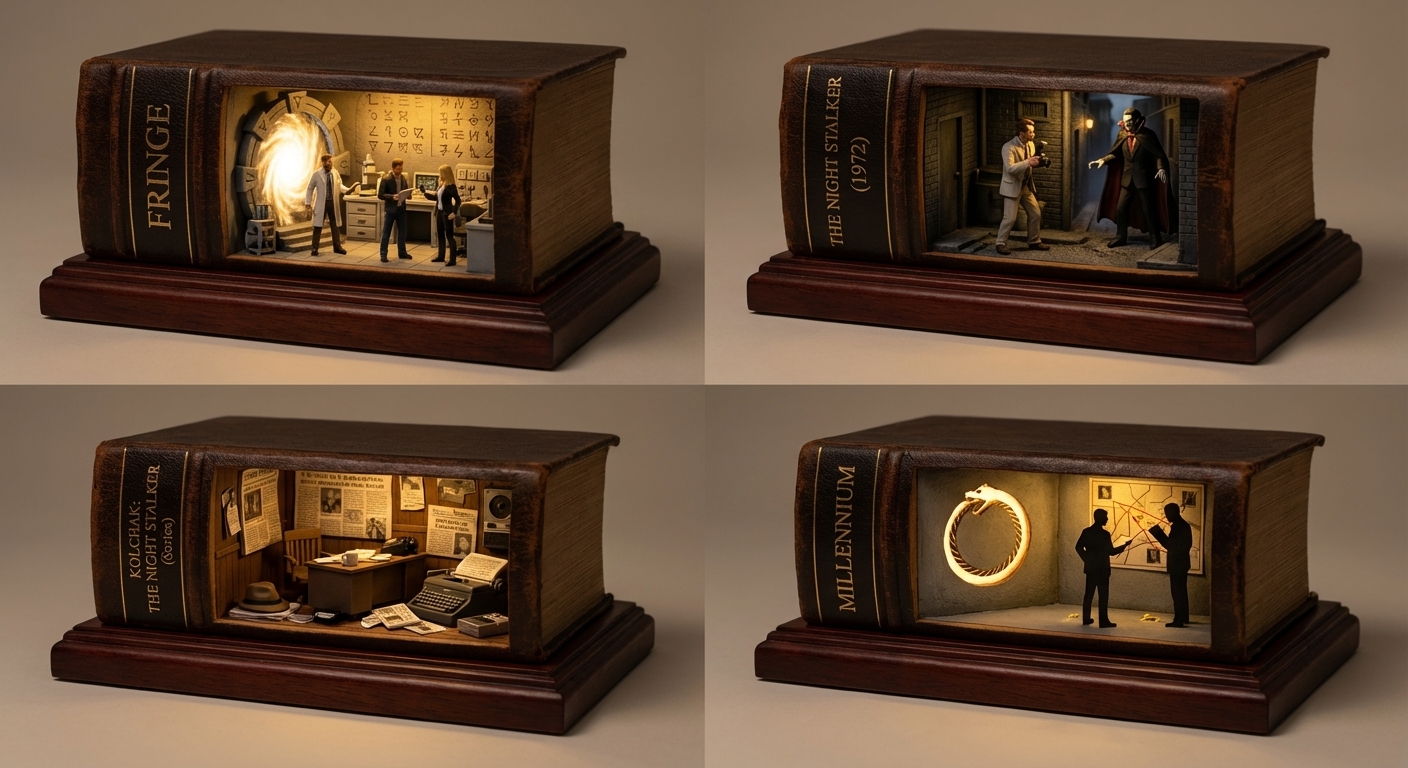
Book Diorama Art: X-Files Inspired 2x2 Grid Carved Book Blocks
Explore a stunning 2x2 grid of carved book dioramas inspired by The X-Files. Antique leather-bound books with warm lamp glow. Perfect for book art lovers.
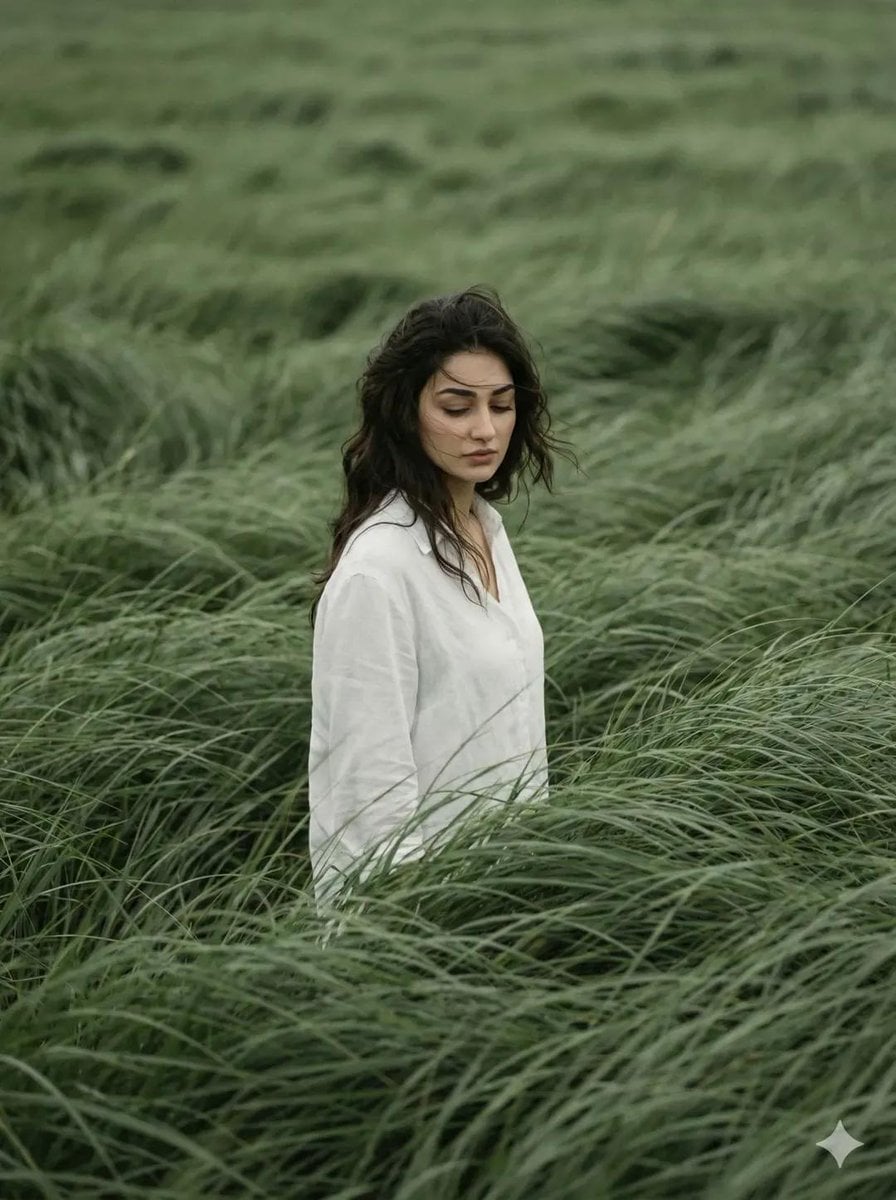
Cinematic Editorial Portrait in Wind-Swept Sage Fields
Discover a cinematic editorial portrait set in vast sage green fields. Moody, introspective, and magazine-ready. Perfect for visual storytelling inspiration.
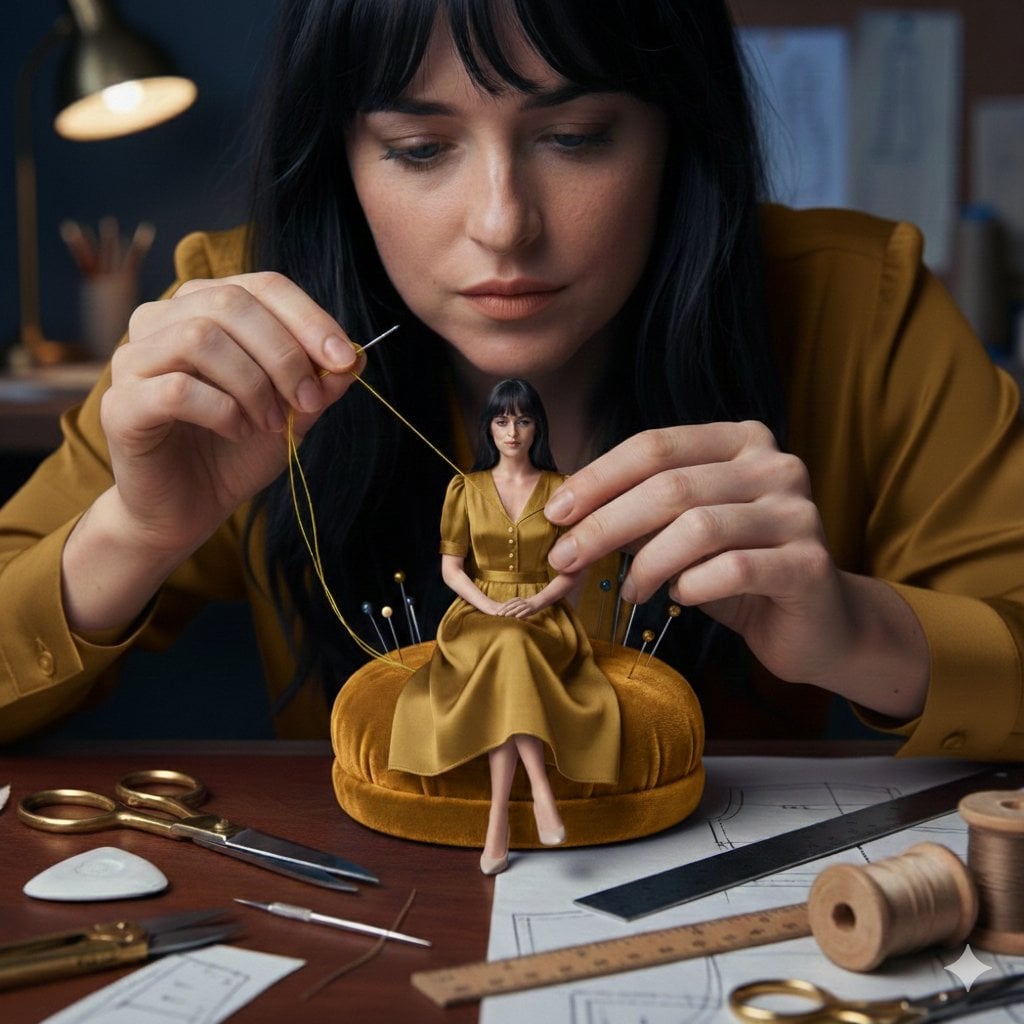
Cinematic Miniature Tailoring: Woman Sewing Tiny Dress
Explore a hyper-realistic fashion studio scene where a woman sews a miniature dress on a pin cushion. Ultra-detailed 8K macro photography. See the craft in stunning detail.