


State-of-the-Art Identity Consistency
Open-source SOTA in character identity preservation, ensuring subjects remain recognizable across complex edits
Transform photos with AI: Ghibli style, pixel art, photo colorization, outfit swap and more. Free, no sign-up, no watermark, powered by FireRed Image Edit 1.1.
Explore image and video models for your next creation.
Choose a tool and start with your image.

Create a comic from an original character idea or uploaded references. Plan 4–12 panels, review the script, then export pages as ZIP, a long image, or PDF.
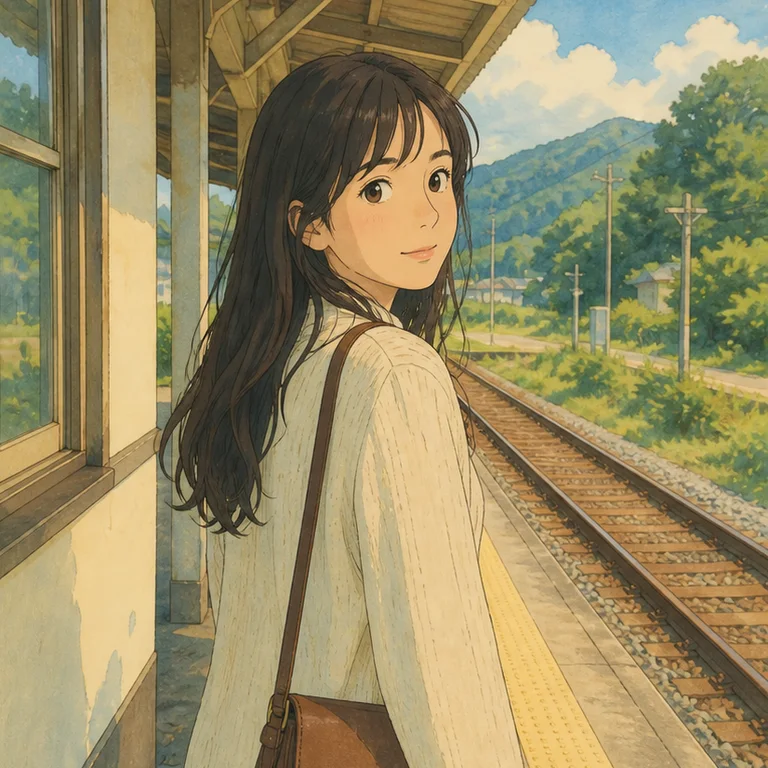
Turn portraits, pets, and landscapes into warm hand-painted Ghibli-style art online. Choose a scene and mood, keep the original composition, and try it free.
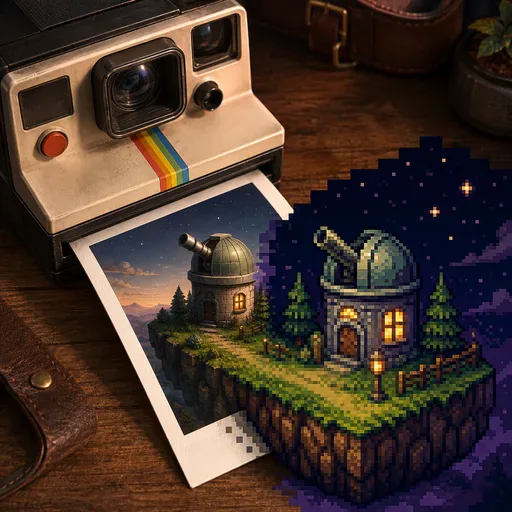
Convert a photo to crisp 8-bit, 16-bit, or 32-bit pixel art online. Control the era and palette, preserve the subject, and create a clean PNG-style result.
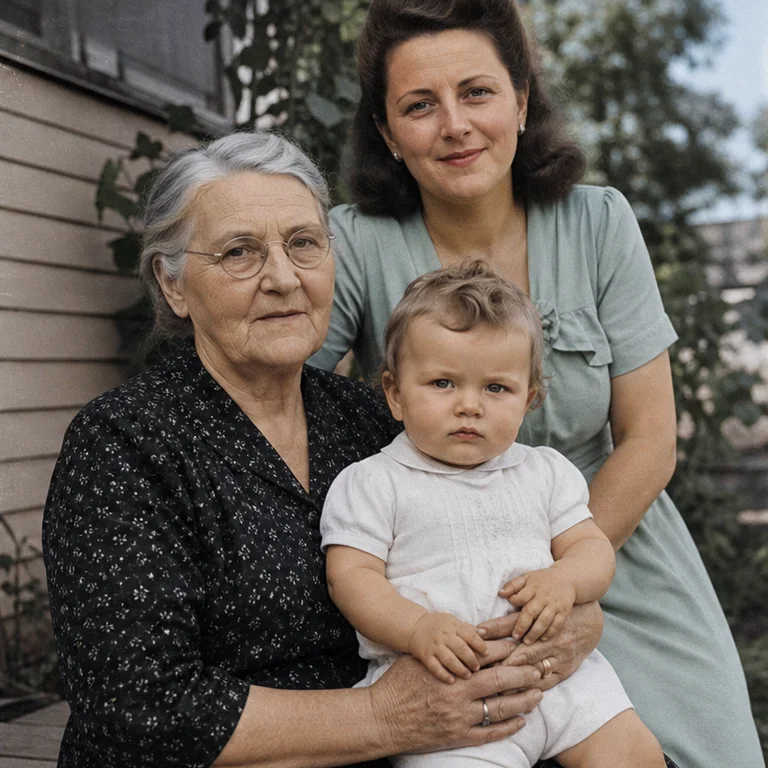
Colorize black and white family, portrait, and street photos with natural AI color. Keep grain and facial detail, compare the result, and try it online.

Change a complete outfit in a portrait with AI while preserving the face, pose, body shape, lighting, and background. Preview coordinated looks online.

Remove people, signs, text, clutter, or small distractions from photos with AI. Choose how the background is rebuilt and inspect a clean before-and-after result.

Immerse photos in nostalgic 80s synthwave aesthetics with purple-pink gradients and retro effects.

Transform photos into futuristic cyberpunk scenes with neon lights and holographic effects.

Add stunning neon glow effects to your photos with vibrant light rendering and cyberpunk aesthetics.

Convert photos into beautiful watercolor paintings with flowing pigments and soft washes.
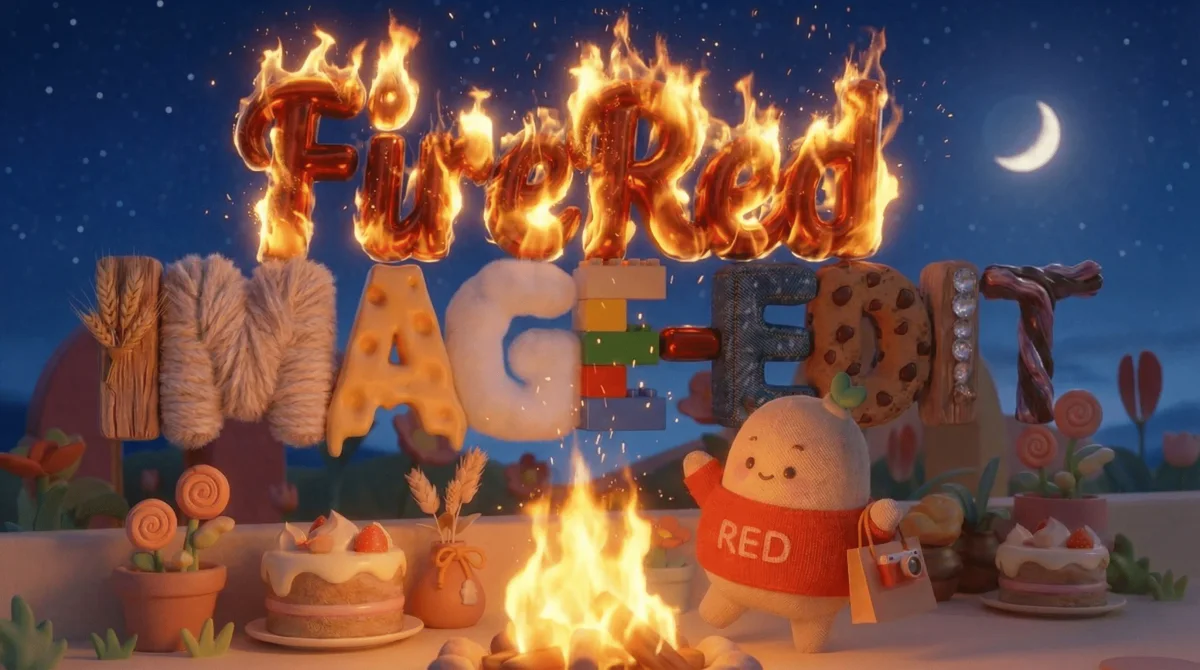
By RedNote · Open Source
A universal image editing model trained on 1.6 billion samples, achieving state-of-the-art high-fidelity editing across object manipulation, style transfer, virtual try-on, photo restoration and more. Open source under Apache 2.0.
State-of-the-art editing performance with ultimate engineering optimization
Open-source SOTA in character identity preservation, ensuring subjects remain recognizable across complex edits
Freely combine 10+ elements with Agent-powered automatic cropping and stitching — no more struggles with short prompts
Dozens of styles from professional beauty retouching and yellow/olive skin tone brightening to Halloween witch makeup and creative looks
Maintains high-fidelity typography and stylized text comparable to closed-source solutions
High-quality old photo repair and enhancement with superior detail recovery
Local deployment guides
Practical, source-linked notes for developers running FireRed Image Edit 1.1 locally. These independent guides point back to the official FireRed Team model files and workflows.
Install the official workflow, place the transformer, text encoder, VAE, and optional Lightning LoRA in the correct folders, then run single- or multi-image edits.
Read guide →Compare BF16, community FP8 conversions, and GGUF quantization before choosing a model file for your available VRAM and quality target.
Read guide →Understand the official CoverCraft, Makeup, and Lightning adapters, what each one changes, and how to keep versions compatible.
Read guide →Compare Qwen Image Edit 2511, Nano Banana, and FLUX Kontext by deployment, editing workflow, source availability, and practical fit.
Read guide →Explore the four core editing capabilities of FireRed: portrait editing, multi-image fusion, portrait makeup, and text style reference. All examples are from official documentation.
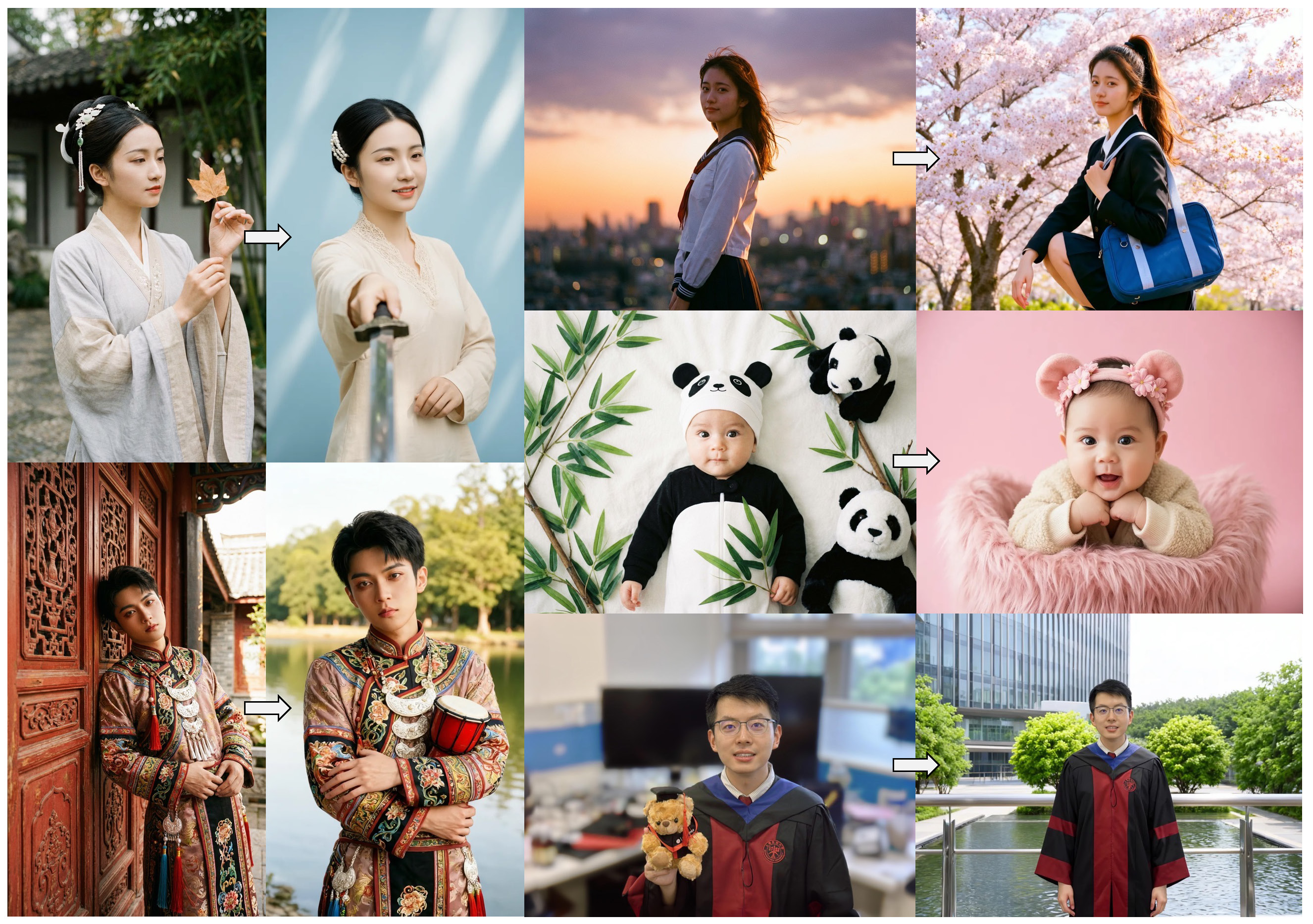
Complex portrait editing including background replacement, clothing changes, pose adjustment, and accessory modification
Open-Source SOTA
FireRed Image Edit establishes a new state-of-the-art among open-source models on ImgEdit, GEdit, and REDEdit benchmarks
| Model | ImgEdit_O ↑ | GEdit_O ↑ (EN) | GEdit_O ↑ (CN) | REDEdit ↑ (EN) | REDEdit ↑ (CN) |
|---|---|---|---|---|---|
| Step1X-Edit-v1.2 | 3.95 | 7.480 | 7.467 | — | — |
| Qwen-Image-Edit-2509 | 4.31 | 7.480 | 7.467 | 3.99 | 4.00 |
| FLUX.2 [Dev] | 4.35 | 7.413 | 7.278 | 4.07 | 4.05 |
| LongCat-Image-Edit | 4.45 | 7.748 | 7.731 | 4.12 | 4.12 |
| Qwen-Image-Edit-2511 | 4.51 | 7.877 | 7.819 | 4.23 | 4.18 |
| FireRed-Image-Edit | 4.56 | 7.943 | 7.887 | 4.26 | 4.33 |

Trained at scale for production-grade image editing
ImgEdit Overall Score
GEdit Score (EN)
End-to-End Inference
VRAM Requirement
What researchers and creators say about FireRed Image Edit
“FireRed's identity consistency in v1.1 is remarkable. Face and character preservation across edits rivals closed-source solutions, and the open-source availability accelerates our research.”
Dr. Wei Zhang: “FireRed's identity consistency in v1.1 is remarkable. Face and character preservation across edits rivals closed-source solutions, and the open-source availability accelerates our research.”
Sophia Martinez: “The multi-element fusion feature is a game-changer. Combining 10+ elements with automatic cropping and stitching saves hours of manual compositing work.”
Kenji Tanaka: “Photo restoration quality is outstanding. Old family photos come back to life with natural colors and sharp details. The 4.5-second inference makes batch processing practical.”
Emily Rogers: “The bilingual understanding is seamless. I write instructions in English, my colleague writes in Chinese, and FireRed handles both with equal precision. Truly impressive.”
Liu Chenxi: “Virtual try-on with FireRed has transformed our product photography pipeline. Realistic garment fitting on different body types without expensive photo shoots.”
Anna Kowalski: “The portrait makeup capabilities cover everything from subtle beauty retouching to bold creative looks. Dozens of styles available out of the box with consistent quality.”
Raj Patel: “Training on 1.6 billion samples really shows. The model generalizes across diverse editing scenarios without fine-tuning. The Lightning 8-step mode is perfect for real-time applications.”
Yuki Nakamura: “Font style reference and text rendering are best-in-class. FireRed preserves text styles with high fidelity, which is critical for our multilingual marketing materials.”
Common questions about FireRed Image Edit
A general-purpose image editing model by Xiaohongshu's Intelligent Creation Core Technology Team, built on Diffusion Transformer architecture with Qwen2.5-VL as vision-language encoder.
Yes. FireRed Edit and FireRed-Image-Edit both refer to the FireRed Image Edit model and its editing workflow. Some searches misspell the name as firerd image edit; the correct project name is FireRed Image Edit.
10+ categories: object add/remove/replace, attribute adjustment, background editing, style transfer, text editing, photo restoration, multi-image editing, virtual try-on, portrait makeup, and multi-element fusion.
30GB VRAM with optimized inference (distillation + quantization + static compilation), ~4.5s per sample.
Open-source SOTA on ImgEdit (4.56), GEdit EN (7.943), GEdit CN (7.887), REDEdit EN (4.26), REDEdit CN (4.33), surpassing some proprietary models.
Yes, native bilingual support for both Chinese and English editing instructions.
Automatic multi-image processing: ROI detection → crop & stitch → recaption. Supports 1-3 native input images, and 3+ via Agent.
Yes, full LoRA training code is released. Also provides LoRA Zoo with pre-trained styles (Makeup, Covercraft text style, etc.)
Apache 2.0, fully open source. Available on HuggingFace, ModelScope, and GitHub.
Start editing your images with state-of-the-art AI technology





10,000+ users
Friend Links · 2