AI Pixel Art
Transform your photos into pixel art with AI-powered style conversion.
Why Use AI Pixel Art Generator?
Multiple Pixel Styles
Choose from 8-bit, 16-bit, or 32-bit aesthetics to match your creative vision, from classic retro to modern pixel art.
Adjustable Pixel Density
Control the level of pixelation — from large, chunky pixels for a classic arcade feel to finer detail for modern pixel art.
Versatile Applications
Create game sprites, NFT avatars, social media assets, retro posters, and more — all from a single photo upload.
How AI Pixel Art Conversion Works
See It in Action
FAQ
User Reviews
Derek S.: “The 8-bit preset is perfect for creating NES-style sprites from reference photos. Huge time saver for my game.”
Yuna K.: “I love the cute chibi style! It turns my character designs into adorable pixel versions instantly.”
Matt P.: “Made custom pixel art emotes for my Twitch channel. My viewers love the retro aesthetic.”
Clara B.: “The isometric preset creates amazing pixel art for infographics and presentations. Very professional results.”
Jason L.: “16-bit retro style gives my collection that perfect nostalgic feel. Quality is consistently high.”
Priya M.: “I use pixel art icons in my retro-themed app designs. This tool generates them faster than drawing by hand.”
Lucas W.: “My students create pixel art versions of historical figures for class projects. They're always excited to see the results.”
Fiona R.: “Pixel art social media posts get amazing engagement. The 32-bit modern style is our go-to for campaigns.”
More AI Tools
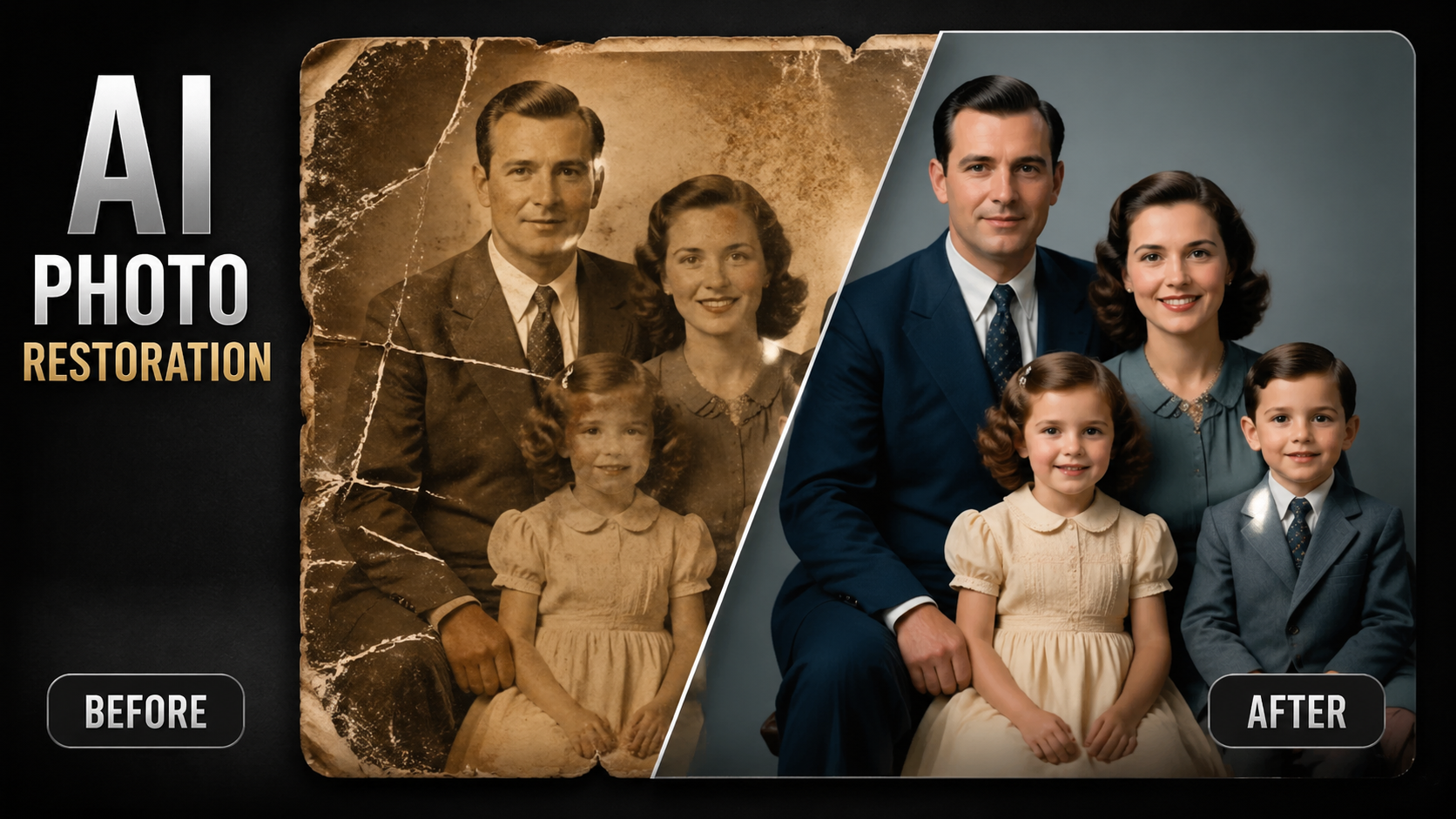
Photo Restoration
Repair damaged, blurry, or aged photos with AI-powered deep learning technology.
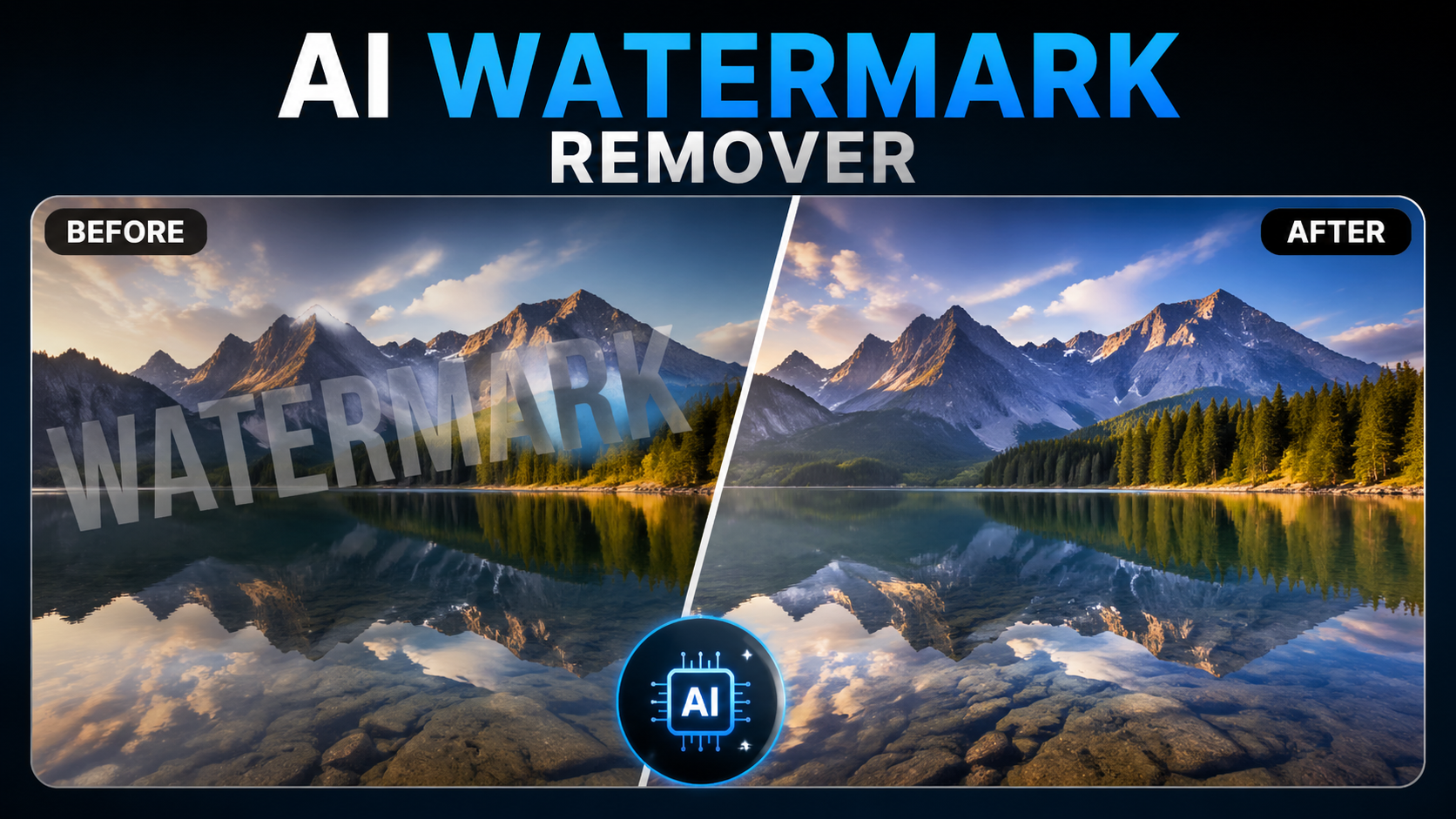
Watermark Remover
Intelligently remove watermarks, logos, and unwanted objects from images.
ai-photo-generator
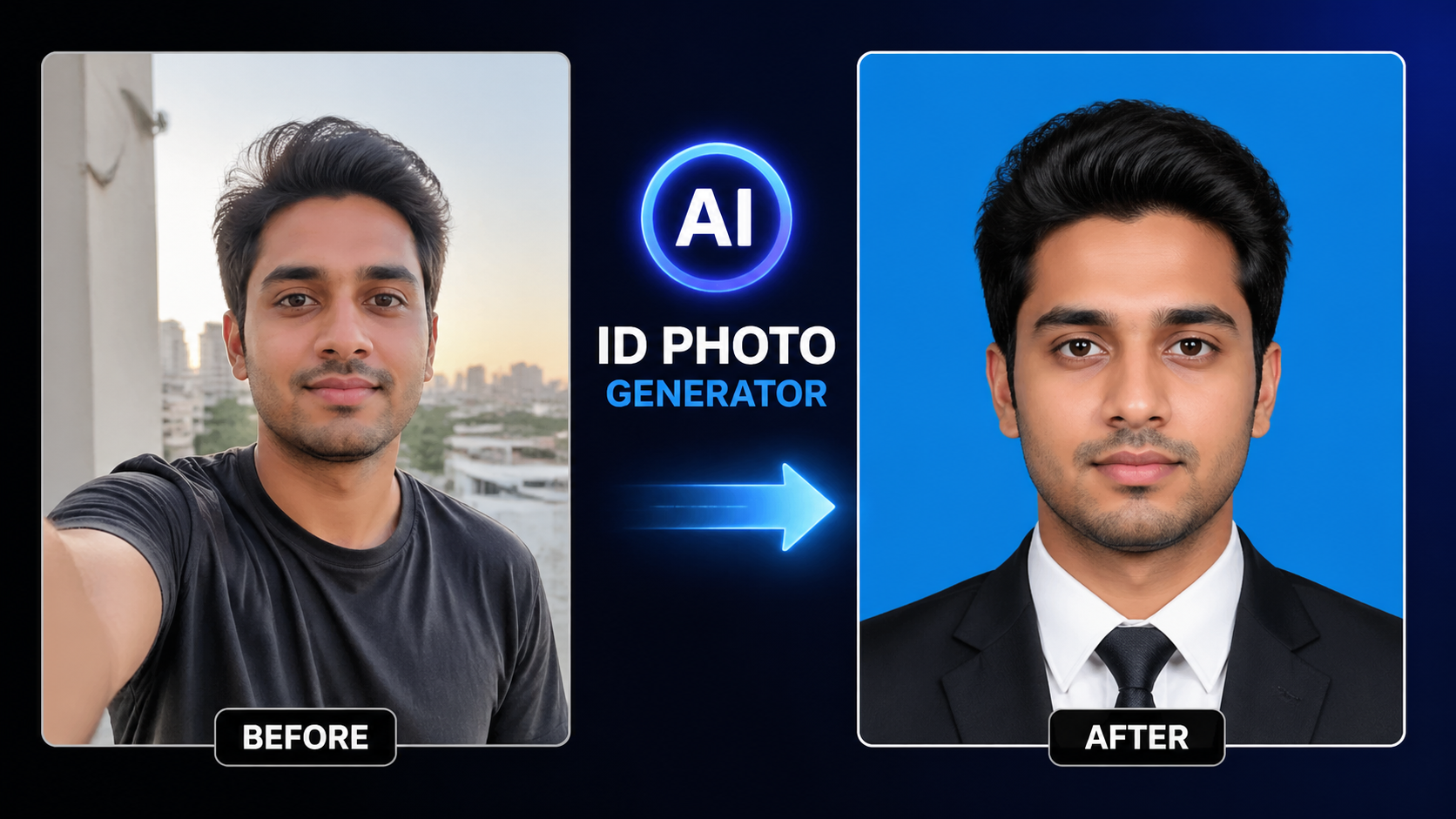
AI ID Photo
Professional ID photo creation with automatic background change and skin retouching.
Experience FireRed Image Edit
Start editing your images with state-of-the-art AI technology
10,000+ users