
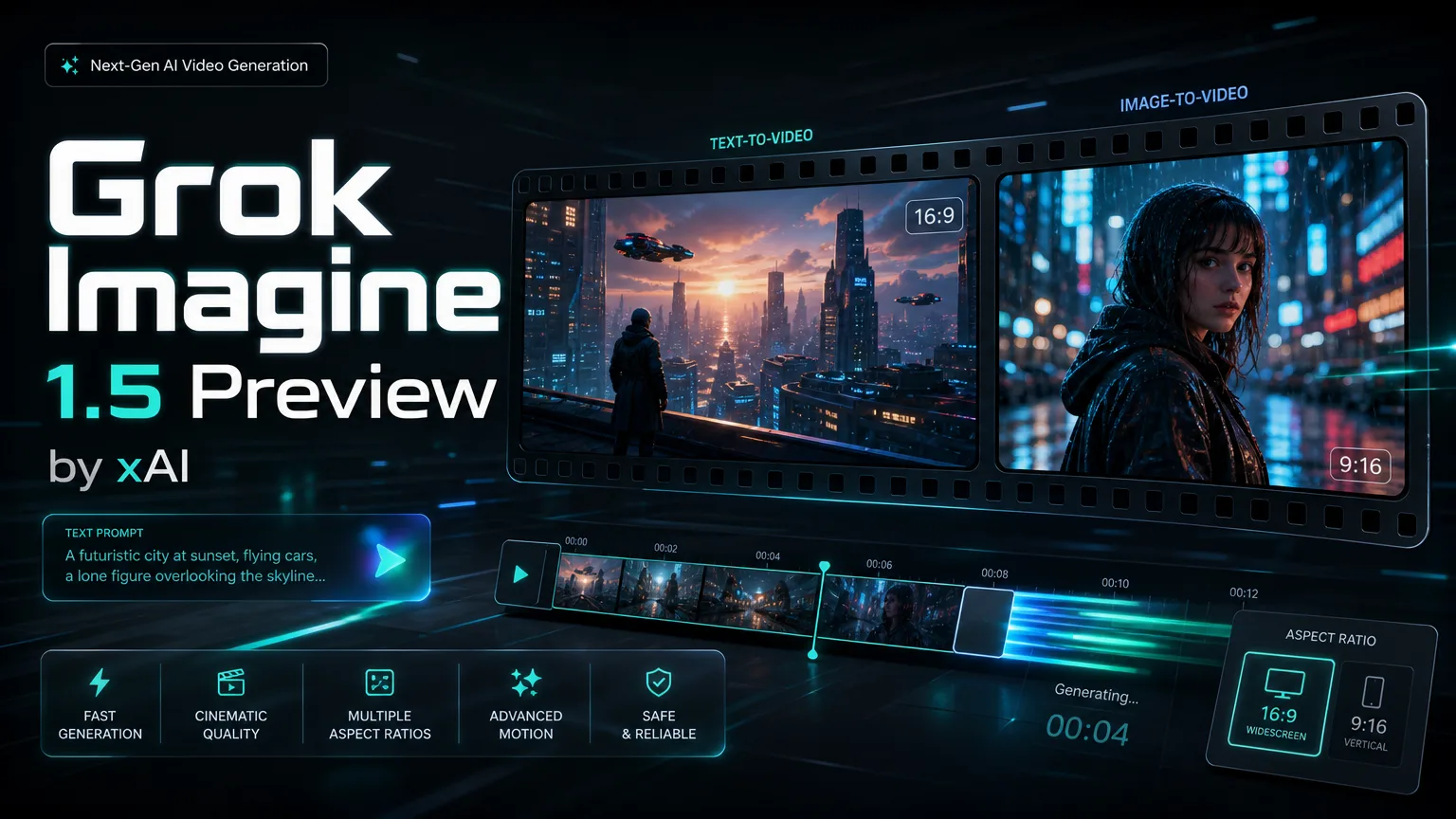
xAI image-to-video model

Grok Imagine Video 1.5 Preview

Generate 720P image-to-video clips from one reference image. Grok Imagine Video 1.5 Preview supports 5-15 second durations and seven aspect ratios for social, product and creative drafts.

מפרט המודל Grok Imagine Video 1.5 Preview

עמוד מודל PearAPI זה מתמקד בזרימת עבודה אחת של Grok Imagine Video 1.5 Preview: העלאת תמונת ייחוס אחת ויצירת קליפ תמונה לווידאו ברזולוציית 720P קבועה.

יכולות

מצב יצירה
תמונה לווידאו בלבד
תמונת ייחוס
עד תמונה אחת
רזולוציה
720P קבוע
משך
5-15 שניות
יחסי תצוגה
16:9, 9:16, 3:2, 2:3, 1:1, 3:4, 4:3

תמחור בקרדיטים

מתחיל ב-30 קרדיטים ל-5 שניות, ואז מתווספים 10 קרדיטים לכל שנייה נוספת.

720P בלבד
5s
30 קרדיטים
6s
40 קרדיטים
7s
50 קרדיטים
8s
60 קרדיטים
9s
70 קרדיטים
10s
80 קרדיטים
11s
90 קרדיטים
12s
100 קרדיטים
13s
110 קרדיטים
14s
120 קרדיטים
15s
130 קרדיטים
About

Create image-to-video clips with Grok Imagine Video 1.5 Preview

Grok Imagine Video 1.5 Preview is an image-to-video model. Upload one reference image, choose 16:9, 9:16, 3:2, 2:3, 1:1, 3:4 or 4:3, and generate a fixed 720P video from 5 to 15 seconds.

Create image-to-video clips with Grok Imagine Video 1.5 Preview

Grok Imagine Video 1.5 Preview capabilities

Single reference image, fixed 720P output, 5-15 second duration control and seven supported aspect ratios.

Core Features Overview

Built for image-to-video

Grok Imagine Video 1.5 Preview focuses on image-to-video generation. Upload a single reference image and use the prompt to describe motion, camera direction, lighting and scene behavior.

Prompt idea
Output (Example)

Animate this product image with a slow cinematic camera push, soft studio light and subtle background movement.

Single-image video transformation

Reference rule

One reference image maximum

The model supports one reference image at most. This keeps the subject, composition and style focused during generation.

Use one uploaded image as the subject reference, then describe the desired motion in the prompt.

Single reference image control

Output rule

Fixed 720P output

Grok Imagine Video 1.5 Preview is configured for fixed 720P output. There is no 480P or 1080P selector for this model.

720P output is used for every generation.

720P video quality preview

Duration guide

5-15 second duration and linear billing

בחרו בין 5 ל-15 שניות. התמחור בקרדיטים מתחיל ב-30 קרדיטים ל-5 שניות, ואז מתווספים 10 קרדיטים לכל שנייה נוספת.

Use 5 seconds for quick motion tests and 15 seconds for fuller visual stories.

5-15 second video draft preview

Aspect ratio guide

Seven supported aspect ratios

Supported aspect ratios are 16:9, 9:16, 3:2, 2:3, 1:1, 3:4 and 4:3.

Use 9:16 for vertical feeds, 16:9 for wide previews, and 1:1 for square placements.

Aspect ratio workflow preview

FAQ

Grok Imagine Video 1.5 Preview FAQ

Grok Imagine Video 1.5 Preview FAQ

הוא מתאים ליצירת וידאו מתמונה אחת עם פלט 720P קבוע ושליטה במשך של 5 עד 15 שניות.

אין תמיכה. התצורה הנוכחית מיועדת לתמונה לווידאו בלבד ודורשת תמונת ייחוס אחת.

נתמכת תמונת ייחוס אחת לכל היותר.

המודל מפיק וידאו ברזולוציית 720P קבועה.

נתמכים 5, 6, 7, 8, 9, 10, 11, 12, 13, 14 ו-15 שניות.

נתמכים היחסים 16:9, 9:16, 3:2, 2:3, 1:1, 3:4 ו-4:3.

חיוב 720P מתחיל ב-30 קרדיטים ל-5 שניות, ואז מתווספים 10 קרדיטים לכל שנייה נוספת. 10 שניות עולות 80 קרדיטים ו-15 שניות עולות 130 קרדיטים.

Testimonials

How teams use Grok Imagine Video 1.5 Preview

Single-image input keeps the subject stable, and 720P is enough for fast review clips.

N

Nina Patel

מפיקת תוכן

Nina Patel: “Single-image input keeps the subject stable, and 720P is enough for fast review clips.

Eric Chen: “The 5-15 second range maps cleanly to cost, so we can control spend per draft.

Laura Kim: “The extra aspect ratios make it easier to adapt one product visual for multiple placements.

Marcus Reed: “Single-image input keeps the subject stable, and 720P is enough for fast review clips.

Sofia Garcia: “The 5-15 second range maps cleanly to cost, so we can control spend per draft.

Daniel Wong: “The extra aspect ratios make it easier to adapt one product visual for multiple placements.

Maya Stein: “Single-image input keeps the subject stable, and 720P is enough for fast review clips.

Owen Miller: “The 5-15 second range maps cleanly to cost, so we can control spend per draft.

גלה עוד מודלים של וידאו AI

Seedance 2.0

Seedance 2.0

חדש

Seedance 2.0 הוא מודל יצירת הווידאו AI המתקדם ביותר של ByteDance, שהושק בפברואר 2026. הוא מאמץ ארכיטקטורת יצירה מאוחדת מולטי-מודלית של שמע-וידאו התומכת ב-4 מצבי קלט בו-זמנית — טקסט, עד 9 תמונות, עד 3 קליפי וידאו ועד 3 רצועות שמע. מערכת @-reference פורצת הדרך מאפשרת לכם לתייג אלמנטים ספציפיים בהנחיה שלכם ולקשר אותם להפניות שהועלו לשליטה גרעינית על תנועת מצלמה, מראה דמויות, קצב שמע וסגנון חזותי. הפלטים מגיעים לרזולוציית 2K עם שמע מסונכרן טבעי הכולל סנכרון שפתיים רב-לשוני, אפקטים קוליים ומוזיקת רקע.

נסה עכשיו
Grok Video

Grok Video

חדש

Grok Video (מופעל על ידי Grok Imagine Video) הוא דגם יצירת הווידאו של xAI המובנה ישירות במערכת האקולוגית של Grok. מונע על ידי מנוע Aurora הקנייני, הוא הופך פרומפטים טקסטואליים או תמונות סטטיות לקליפים קצרים עם אודיו מסונכרן. מה שמייחד את Grok Video הוא המהירות — קליפים נוצרים תוך שניות, לא דקות — בשילוב עם גישה לנתוני אינטרנט בזמן אמת להפניות ויזואליות עדכניות ורלוונטיות. הדגם מתעדף דיוק בביצוע הפרומפט ותנועה טבעית קוהרנטית, מה שהופך אותו לאידיאלי לתוכן מהיר לרשתות חברתיות, אבות-טיפוס מהירים, וזרימות עבודה יצירתיות אינטראקטיביות.

נסה עכשיו

Start a Grok Imagine Video 1.5 Preview generation

Try Grok Imagine Video 1.5 Preview for fixed 720P image-to-video drafts from one reference image.

user 1
user 2
user 3
user 4
user 5

10,000+ users




