xAI 비디오 프리뷰

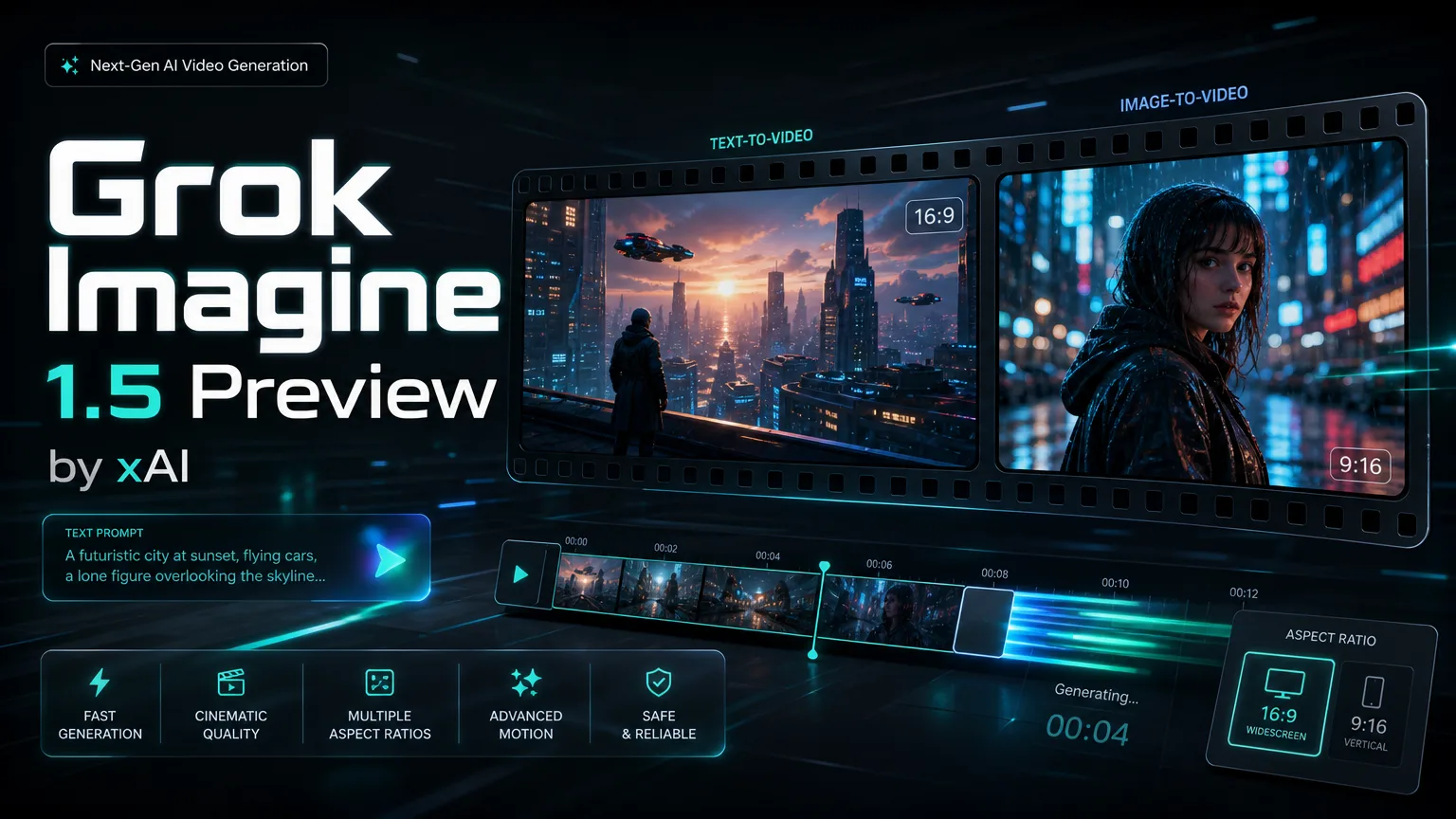
Grok Imagine 1.5 Preview 동영상 생성기

Grok Imagine 1.5 Preview Preview로 짧은 영상 초안을 빠르게 만드세요. 텍스트나 한 장의 참고 이미지에서 시작해 화면비, 해상도, 길이를 정한 뒤 제작 방향을 확인할 수 있습니다.

About

Grok Imagine 1.5 Preview로 이미지 기반 비디오 만들기

Grok Imagine 1.5 Preview는 텍스트-비디오와 이미지-비디오를 빠르게 만들기 위한 모델입니다. 한 장의 참조 이미지나 명확한 아이디어에서 시작해 480p 또는 720p, 4-10초 클립을 자연스러운 움직임, 카메라워크, 장면 연속성과 함께 생성할 수 있습니다.

Grok Imagine 1.5 Preview로 이미지 기반 비디오 만들기

Grok Imagine 1.5 Preview 핵심 기능

이미지-비디오, 네이티브 오디오, 사실적인 움직임, 빠른 초안, 더 강한 프롬프트 반영을 하나의 흐름에서 제공합니다.

Core Features Overview

기능 설명

Grok Imagine 1.5 Preview 이미지-비디오

Grok Imagine 1.5 Preview를 사용하면 한 장의 정지 이미지를 자연스러운 움직임, 제어된 카메라워크, 읽기 쉬운 장면 전환이 있는 짧은 영상으로 바꿀 수 있습니다. 제품 데모, 캐릭터 움직임 테스트, 소셜 클립, 빠른 시각 초안에 적합합니다.

오른쪽 영상은 한 장의 정지 이미지가 움직임, 카메라워크, 연속성을 갖춘 짧은 장면으로 바뀌는 모습을 보여줍니다.

단일 이미지 기반 비디오 예시

기능 설명

Grok Imagine 1.5 Preview 네이티브 오디오

Grok Imagine 1.5 Preview는 비디오와 함께 동기화된 오디오를 생성해 별도 음향 편집 작업을 줄입니다. 대사, 효과음, 주변음, 음악이 필요한 완성형 시청각 초안에 사용할 수 있습니다.

오른쪽 영상은 시각적 움직임과 오디오 큐가 한 클립에서 함께 생성되는 모습을 보여줍니다.

시청각 초안을 위한 네이티브 오디오

기능 설명

Grok Imagine 1.5 Preview 사실적 비디오 품질

Grok Imagine 1.5 Preview는 움직임의 사실감, 얼굴 표현, 조명 반응, 물리적 일관성을 개선합니다. 짧은 AI 비디오가 더 믿을 만하게 보이고 장면 구조가 클립 전체에서 유지되도록 돕습니다.

오른쪽 영상은 짧은 장면 안에서 사실적인 움직임, 조명, 시각적 일관성을 보여줍니다.

사실적 품질과 장면 일관성

기능 설명

Grok Imagine 1.5 Preview 빠른 비디오 초안

Grok Imagine 1.5 Preview는 빠른 크리에이티브 반복에 적합합니다. 크리에이터, 마케팅팀, 제품팀이 짧은 비디오 아이디어를 빠르게 테스트하고 해상도, 길이, 화면비를 쉽게 제어할 수 있습니다.

오른쪽 영상은 컨셉을 세련된 짧은 미리보기로 빠르게 바꾸는 과정을 보여줍니다.

빠른 크리에이티브 초안 생성

기능 설명

Grok Imagine 1.5 Preview 프롬프트 반영

Grok Imagine 1.5 Preview는 세부 지시를 더 안정적으로 따르므로 움직임, 카메라 스타일, 캐릭터 행동, 창의적 방향을 자연어로 지정할 수 있습니다. 구체적이고 집중된 지시일수록 결과가 더 안정적입니다.

오른쪽 영상은 집중된 창의적 지시로 동작과 카메라 방향을 제어하는 예를 보여줍니다.

움직임 제어를 위한 프롬프트 반영

FAQ

Grok Imagine 1.5 Preview FAQ

Grok Imagine 1.5 Preview 동영상 생성기 FAQ

It is best for short image-to-video and text-to-video workflows where you need fast motion concepts, social clips, product teasers, creative prototypes or-powered video generation inside a SaaS product.

This integration supports one input image. The single image anchors the subject, composition and style while the prompt controls motion, camera behavior and scene changes.

Yes. Grok Imagine 1.5 Preview can generate synchronized audio in the same workflow, including dialogue, sound effects, ambience and background music.

The page supports 480p and 720p output with 4, 6, 8 or 10 second durations, plus 16:9 and 9:16 aspect ratios.

Use 480p for lower-cost ideation and quick prompt testing. Use 720p when you need clearer detail for stakeholder review, social previews or higher-quality drafts.

Write concrete prompts that name the subject, action, camera movement, environment, lighting and audio intent. Avoid packing too many actions into one short clip.

Yes. Grok Imagine 1.5 Preview is suitable for production-style workloads such as creative tools, automation platforms, marketing systems and AI video generation products.

As with most preview video models, small text, logos, hands, complex long actions and crowded scenes may drift. Use one clean reference image and focused motion instructions for better control.

Testimonials

How teams use Grok Imagine 1.5 Preview

The one-image workflow lets me turn campaign stills into motion drafts before we plan a full shoot.

N

Nina Patel

콘텐츠 프로듀서

Nina Patel: “The one-image workflow lets me turn campaign stills into motion drafts before we plan a full shoot.

Eric Chen: “480p is useful for fast testing, and 720p gives enough clarity for stakeholder review.

Laura Kim: “The prompt following is strongest when we keep camera motion and character action very specific.

Marcus Reed: “It fits product workflows because the can create quick video previews without a separate editing queue.

Sofia Garcia: “I use the vertical format for short clips and test multiple hooks before committing budget.

Daniel Wong: “Native audio support reduces the number of tools we need in our prototype pipeline.

Maya Stein: “Reference images help preserve the product silhouette while adding enough movement for demos.

Owen Miller: “The model is useful when speed and predictable controls matter more than long-form continuity.

더 많은 AI 비디오 모델 탐색

Seedance 2.0

Seedance 2.0

신규

Seedance 2.0은 2026년 2월에 공개된 ByteDance의 최첨단 AI 영상 생성 모델입니다. 통합 멀티모달 오디오-비디오 공동 생성 아키텍처를 채택하여 텍스트, 최대 9개의 이미지, 최대 3개의 영상 클립, 최대 3개의 오디오 트랙 등 4가지 입력 모달리티를 동시에 지원합니다. 획기적인 @-reference 시스템을 사용하면 프롬프트의 특정 요소에 태그를 지정하고 업로드된 참조 파일에 바인딩하여 카메라 움직임, 캐릭터 외형, 오디오 리듬 및 시각적 스타일을 세밀하게 제어할 수 있습니다. 출력은 최대 2K 해상도에 도달하며, 다국어 립싱크, 음향 효과 및 배경 음악을 포함한 네이티브 동기화 오디오를 제공합니다.

지금 시도

Grok Imagine 1.5 Preview 영상 만들기

Grok Imagine 1.5 Preview 동영상 생성기로 텍스트 및 이미지 기반 영상 초안을 만드세요.

user 1
user 2
user 3
user 4
user 5

10,000+ users