
Portrait to 16-Bit Art


A Photo to Pixel Art Converter should do more than blur an image into blocks. This workflow rebuilds the photo on one consistent grid, limits the palette, and keeps the silhouette readable across 8-bit, 16-bit, 32-bit, and isometric presets. Busy photographs still need simplification because hair strands, text, and soft gradients do not translate cleanly into small pixel clusters.

A Photo to Pixel Art Converter should do more than blur an image into blocks. This workflow rebuilds the photo on one consistent grid, limits the palette, and keeps the silhouette readable across 8-bit, 16-bit, 32-bit, and isometric presets. Busy photographs still need simplification because hair strands, text, and soft gradients do not translate cleanly into small pixel clusters.

Use the original file rather than a social-media screenshot.
Choose one visual goal and one preservation setting.
Compare edges, faces, hands, text, and repeated patterns at 100%.


No account wall before the first result
Focused controls instead of a generic prompt box
Visible failure guidance before download


Use a subject with a strong silhouette and decide whether the final asset needs an 8-bit, 16-bit, 32-bit, or isometric grid.
Use the preservation-focused option and describe only the intended change. Avoid asking for a new pose, camera angle, and background in the same pass.
For Portrait to 16-Bit Art, begin with 16-bit; generate once before adding extra instructions so you can see which setting caused the change.
Hair strands, soft gradients, small text, and busy foliage can collapse into noisy pixel clusters at low grid sizes.
Rights depend on the source photo, brands, recognizable people, and the intended market. Review those rights separately; a generated result is not automatic clearance.
Upload the least-compressed original available. Repeated JPEG saves, tiny screenshots, and enlarged thumbnails give the model fewer reliable edges to preserve.
Use a narrower description and run a second pass. Complex local repairs are more reliable when the requested area and surrounding texture are described precisely.
“I used it for Portrait to 16-Bit Art. The first pass was close, and the focused controls made the second pass predictable.”
Maya R.: “I used it for Portrait to 16-Bit Art. The first pass was close, and the focused controls made the second pass predictable.”
Jon K.: “For Portrait to 16-Bit Art, it kept the framing better than a long free-form prompt. I still checked small edges at full size.”
Ari S.: “My first result pushed the effect too far. Dropping back to 16-bit kept the source more believable.”
Lena P.: “The before-and-after view exposed a small texture error I would have missed on a phone screen.”
Chris M.: “I like that the page says where Photo to Pixel Art Converter can fail. That saved me from using the wrong source photo.”
Noah T.: “Upload from mobile was quick, but I downloaded and reviewed the final file on desktop before publishing.”
Sofia D.: “Portrait to 16-Bit Art worked well after I removed a second request from the prompt. One edit per pass is the useful rule here.”
Evan L.: “The output was usable, not magically perfect. A short cleanup pass was still faster than rebuilding the image manually.”
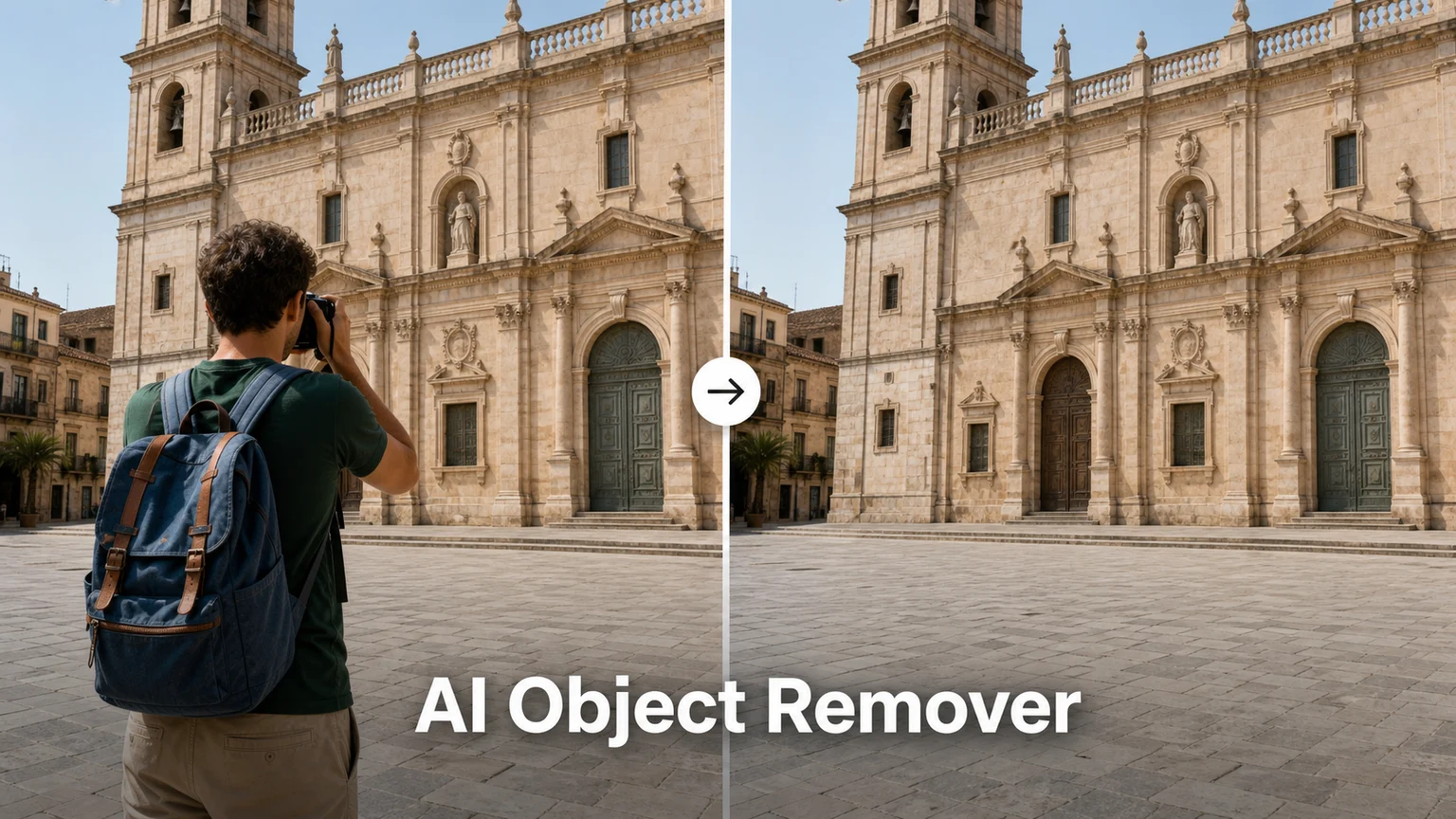
Remove people, signs, text, clutter, or small distractions from photos with AI. Choose how the background is rebuilt and inspect a clean before-and-after result.
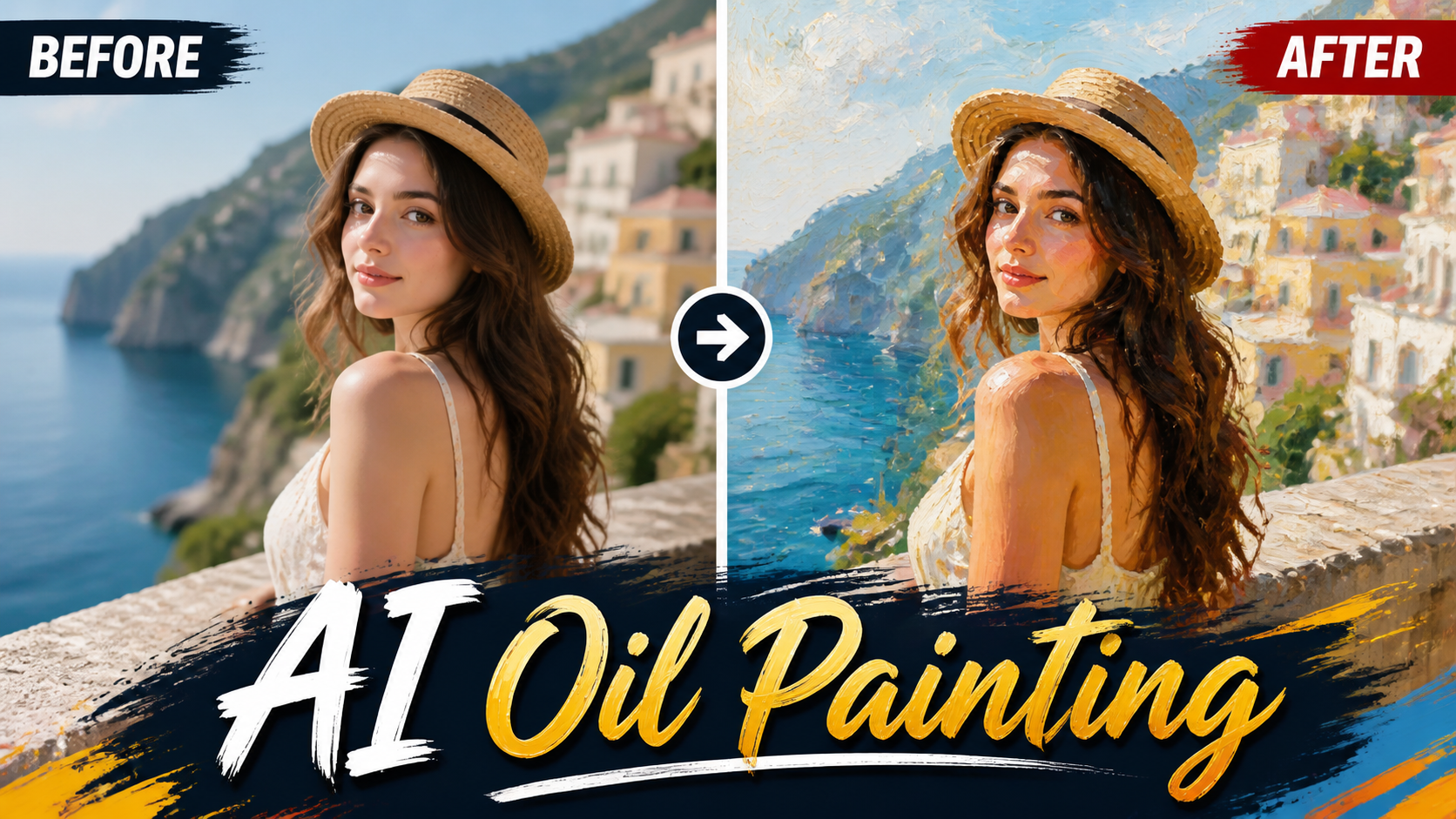
Transform your photos into stunning oil paintings with realistic brush strokes and canvas texture.
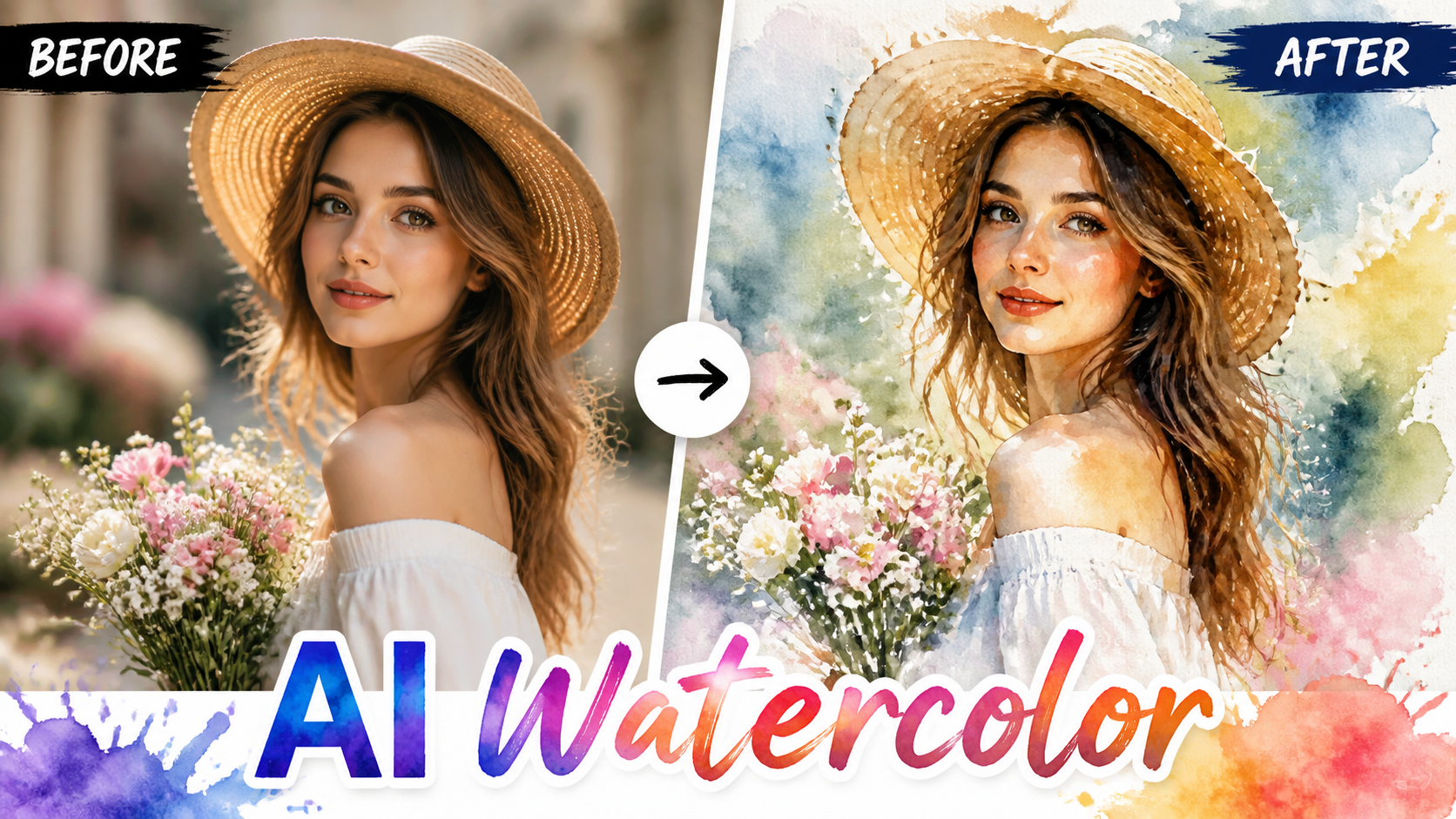
Convert photos into beautiful watercolor paintings with flowing pigments and soft washes.
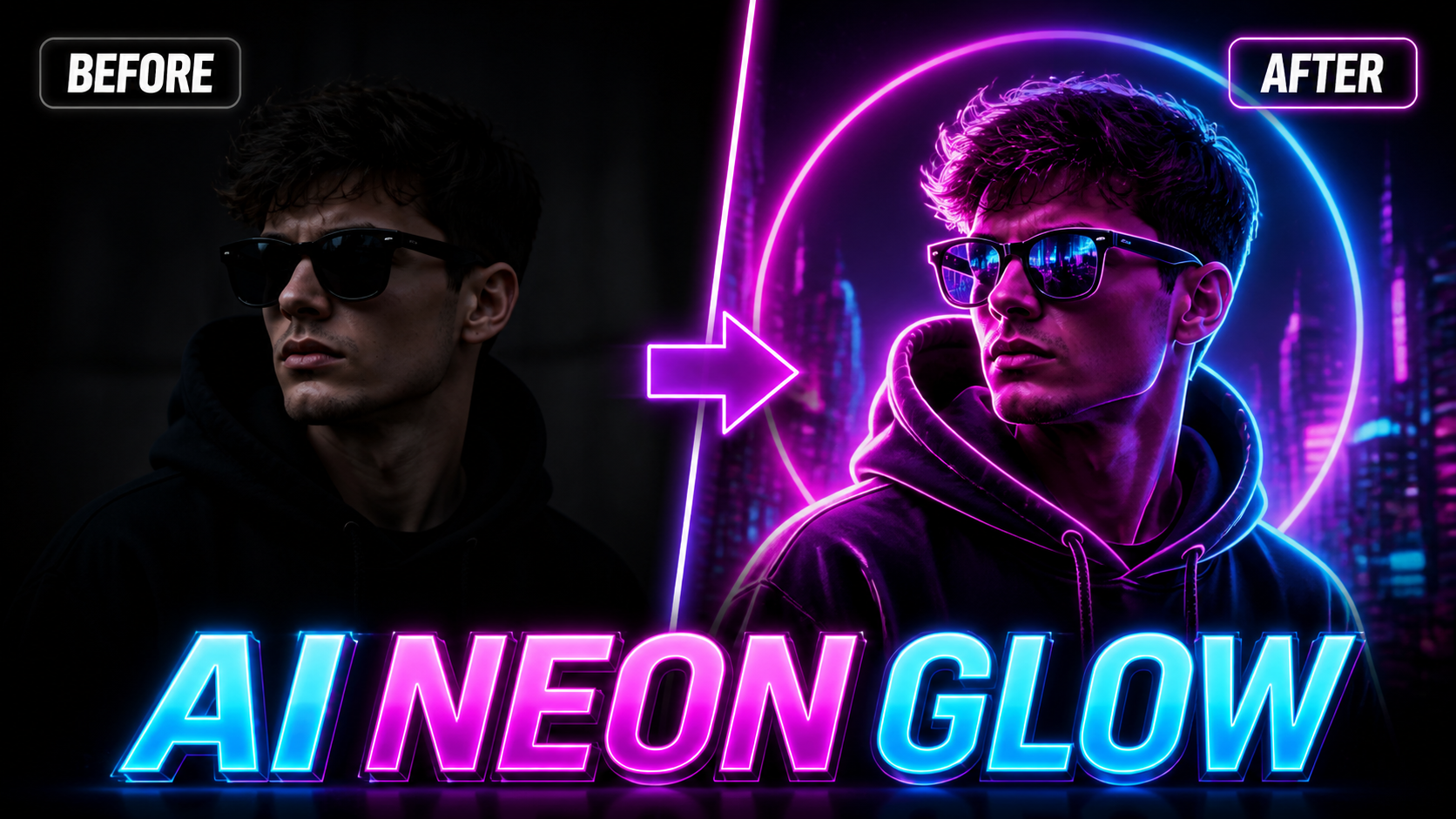
Add stunning neon glow effects to your photos with vibrant light rendering and cyberpunk aesthetics.

Use the FireRed Image Edit AI model online ? Xiaohongshu FireRed's open-source instruction-driven image editing model...

OpenAI's most advanced image generation model with native Thinking Mode, 95%+ text rendering accuracy, web search dur...

Nano Banana Pro (also known as Gemini 3 Pro Image ) is a free AI image generator by Google DeepMind that produces stu...

Veo 3.1, released in October 2025 by Google DeepMind, delivers cinematic 1080p videos with native audio generation — ...

OpenAI's most advanced general video generation model — create high-quality videos from text prompts and images with ...

ByteDance's next-generation AI video model with the revolutionary @-reference system. Combine text, images, video cli...
Start editing your images with state-of-the-art AI technology


10,000+ users