








AI Watercolor
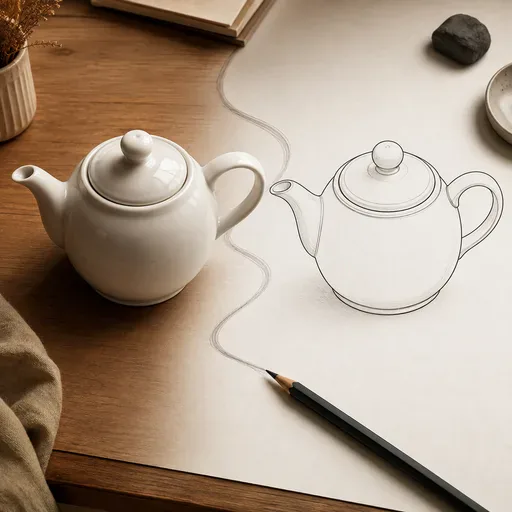
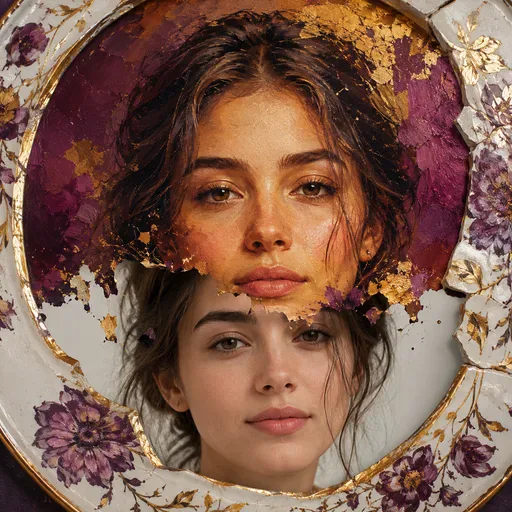
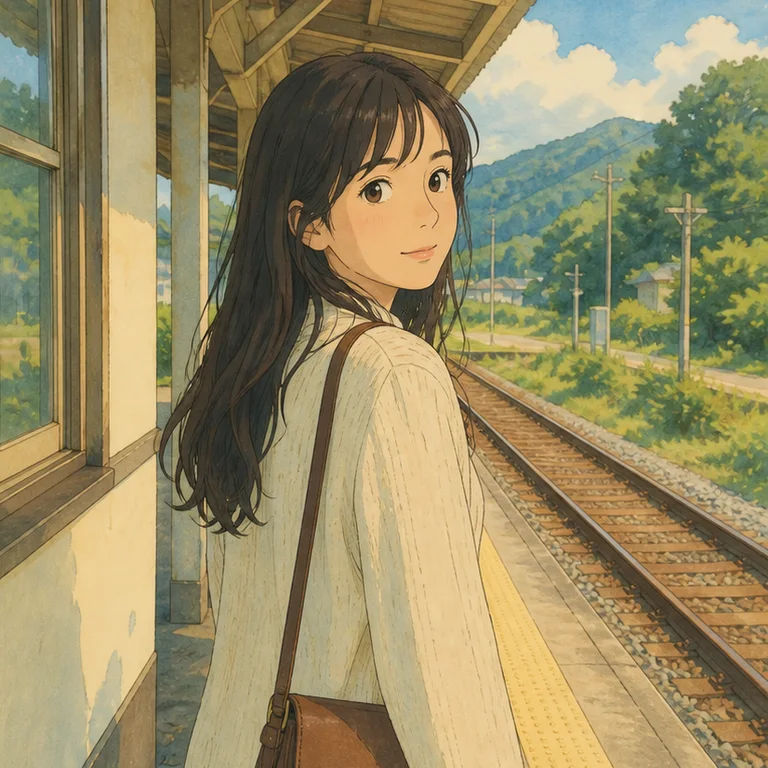
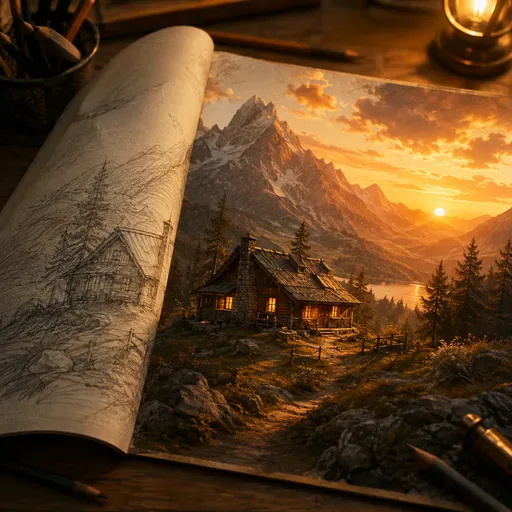
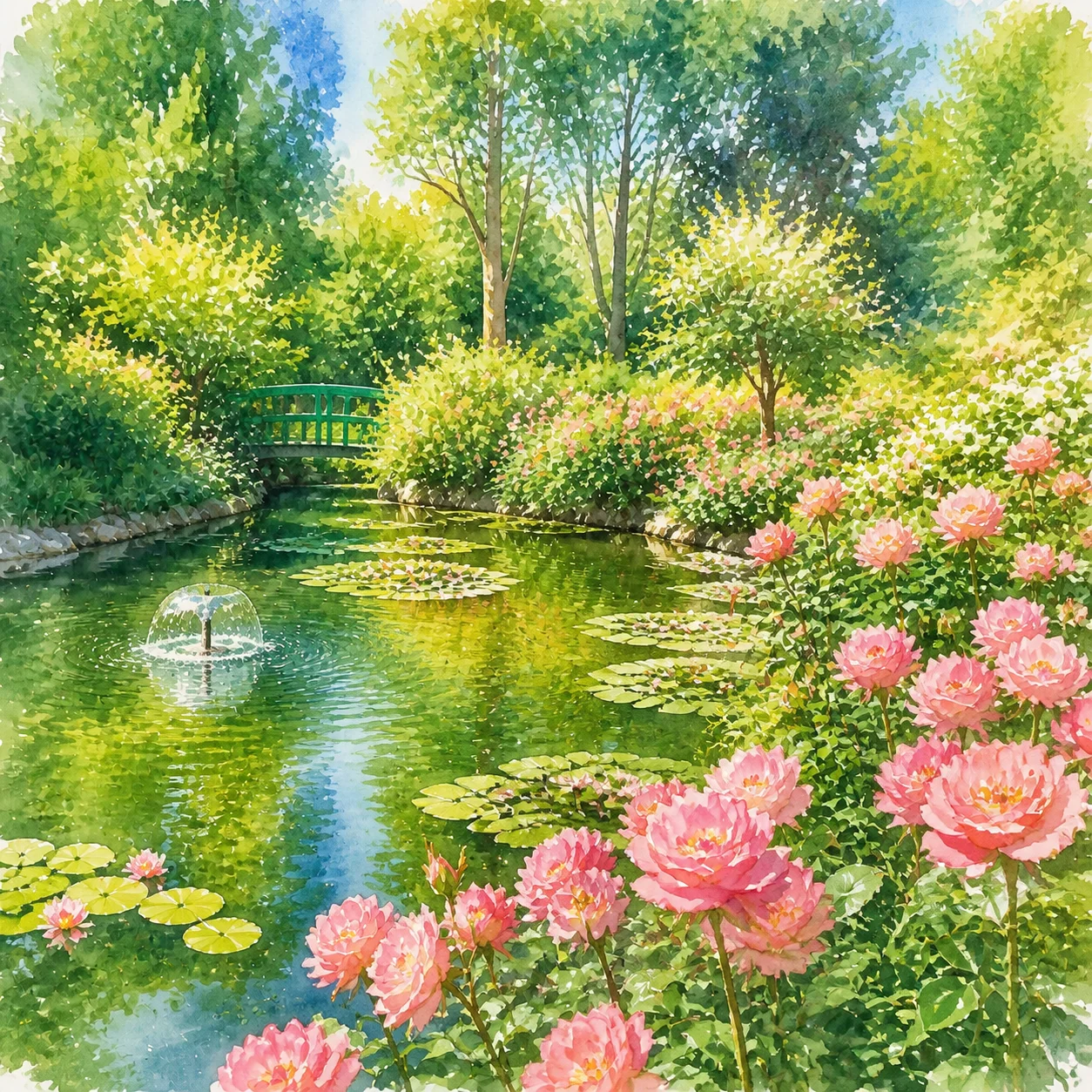
Transform your photos into delicate watercolor paintings with flowing pigments and soft washes.
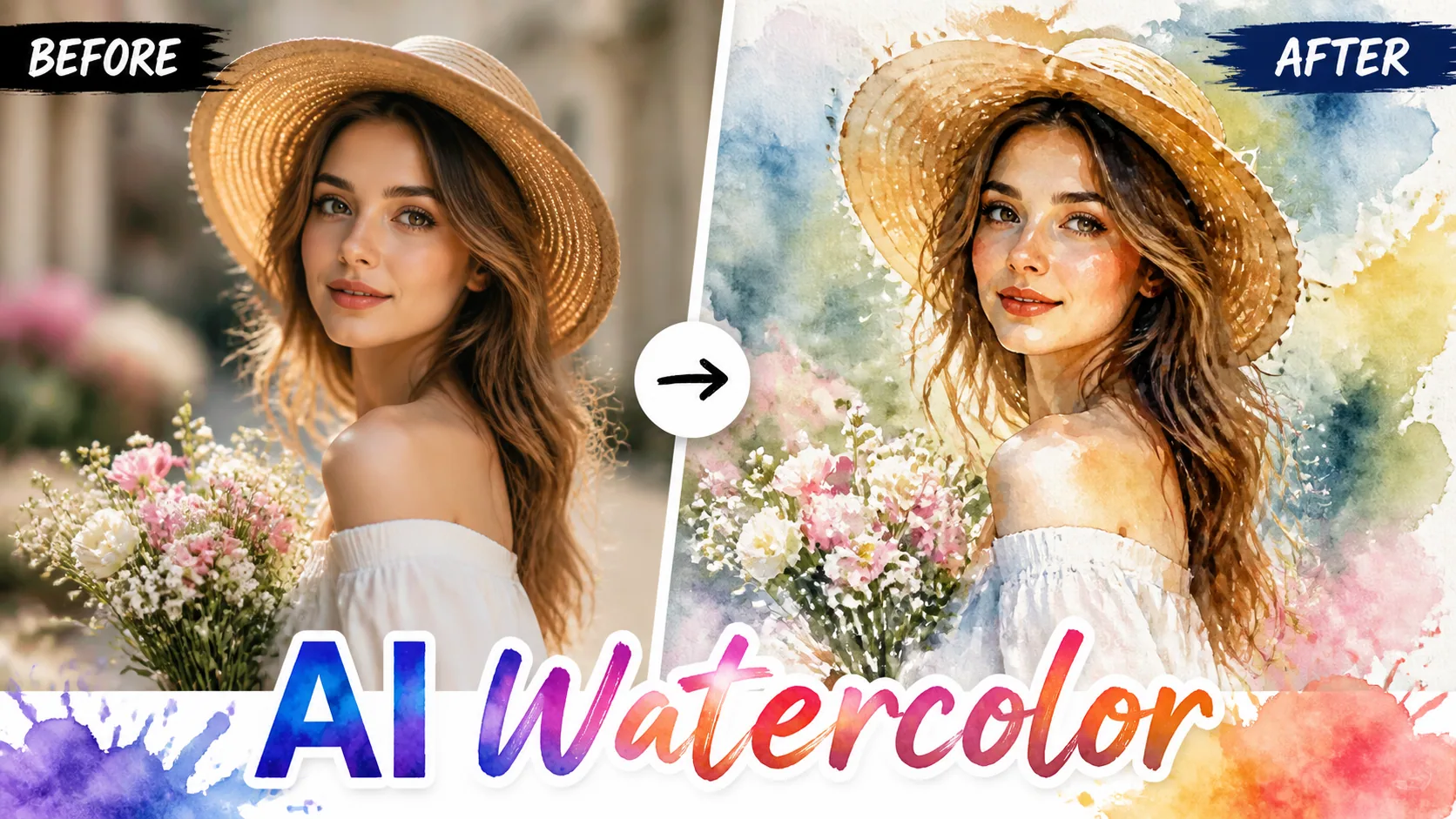
Transform your photos into delicate watercolor paintings with flowing pigments and soft washes.
Transform your photos into beautiful watercolor paintings. Our AI simulates real watercolor techniques including wet-on-wet blending, pigment dispersion, and paper grain texture.
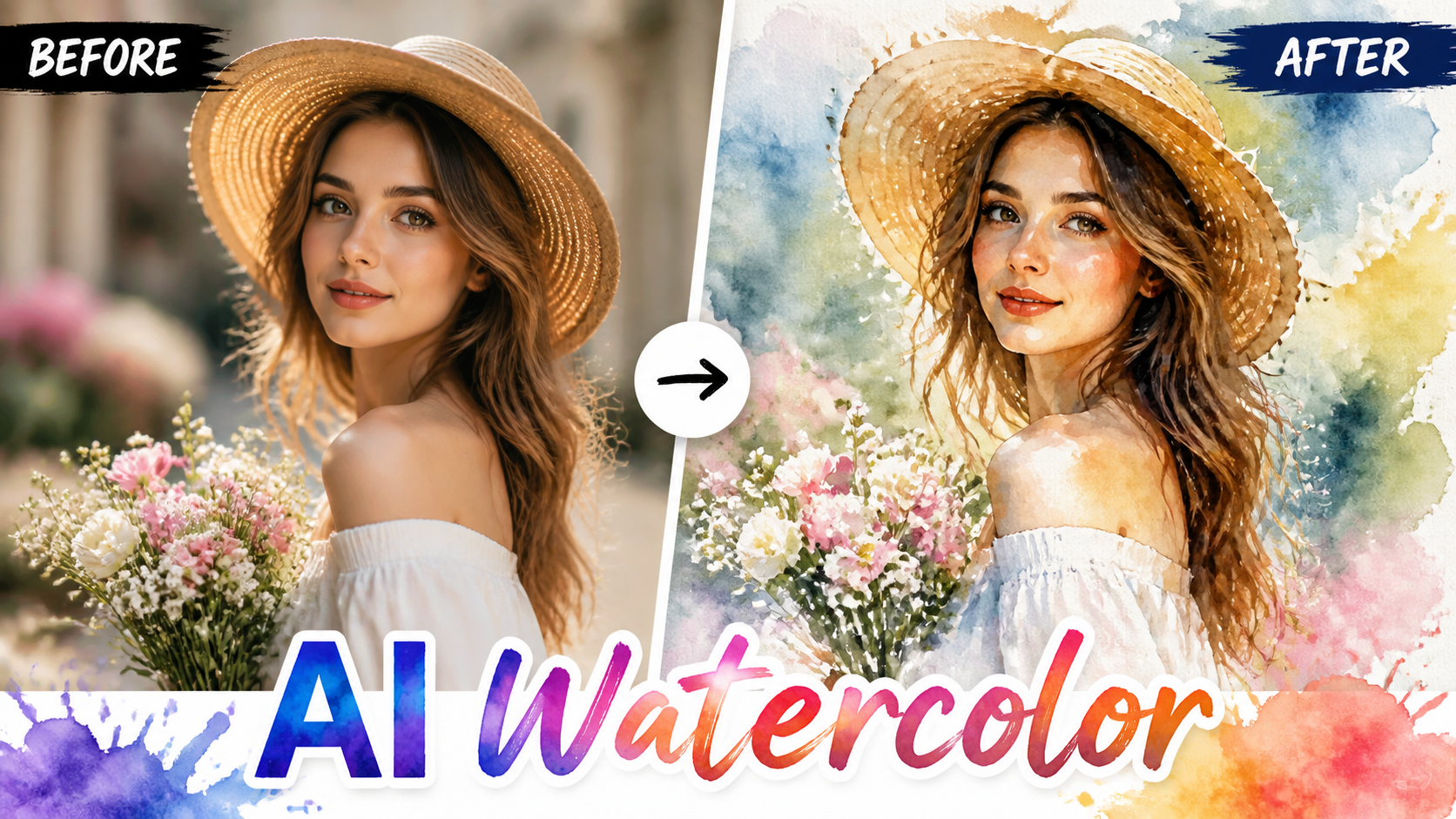
AI Watercolor transforms your photos into watercolor paintings. The AI simulates pigment flow, paper texture, and brush techniques to create authentic watercolor art.
We offer Soft Wash, Bold Pigment, Minimalist, Wet-on-Wet, and Portrait Watercolor styles.
Yes, the AI preserves key details while applying the watercolor effect for an authentic painted look.
Yes, high-resolution output is suitable for prints, cards, and wall art.
New users get free credits to try the watercolor effect.
Most watercolor conversions complete in 10-20 seconds.
Use a clear image with even lighting and minimal obstruction. Cleaner source material gives AI Watercolor more visual detail to work with.
Choose a sharp image with the main subject fully visible and a reasonably simple background. Very dark, blurry, or heavily obstructed images may produce less consistent results.
“I use watercolor AI to create beautiful card designs. The pigment flow and paper texture look incredibly authentic.”
Emma W.: “I use watercolor AI to create beautiful card designs. The pigment flow and paper texture look incredibly authentic.”
Lucas B.: “Watercolor versions of wedding photos are incredibly popular with my clients. The soft romantic look is perfect for albums.”
Sophia N.: “My students love seeing their photos turned into watercolor paintings. It teaches them about composition and color theory.”
Alex M.: “AI Watercolor is straightforward to use and gives me a useful starting point quickly when I need fresh social visuals.”
Jordan K.: “I use AI Watercolor for fast concept exploration before refining the strongest direction in my regular design workflow.”
Taylor R.: “AI Watercolor makes routine image experiments much easier without requiring a complicated editing setup.”
Casey L.: “Being able to try several variations with AI Watercolor helps me compare ideas before committing to a final look.”
Morgan S.: “AI Watercolor speeds up the process when I need several visual options for covers, posts, or campaign drafts.”

Remove people, signs, text, clutter, or small distractions from photos with AI. Choose how the background is rebuilt and inspect a clean before-and-after result.

Transform your photos into stunning oil paintings with realistic brush strokes and canvas texture.

Add stunning neon glow effects to your photos with vibrant light rendering and cyberpunk aesthetics.

Transform photos into futuristic cyberpunk scenes with neon lights and holographic effects.

Use the FireRed Image Edit AI model online ? Xiaohongshu FireRed's open-source instruction-driven image editing model fo
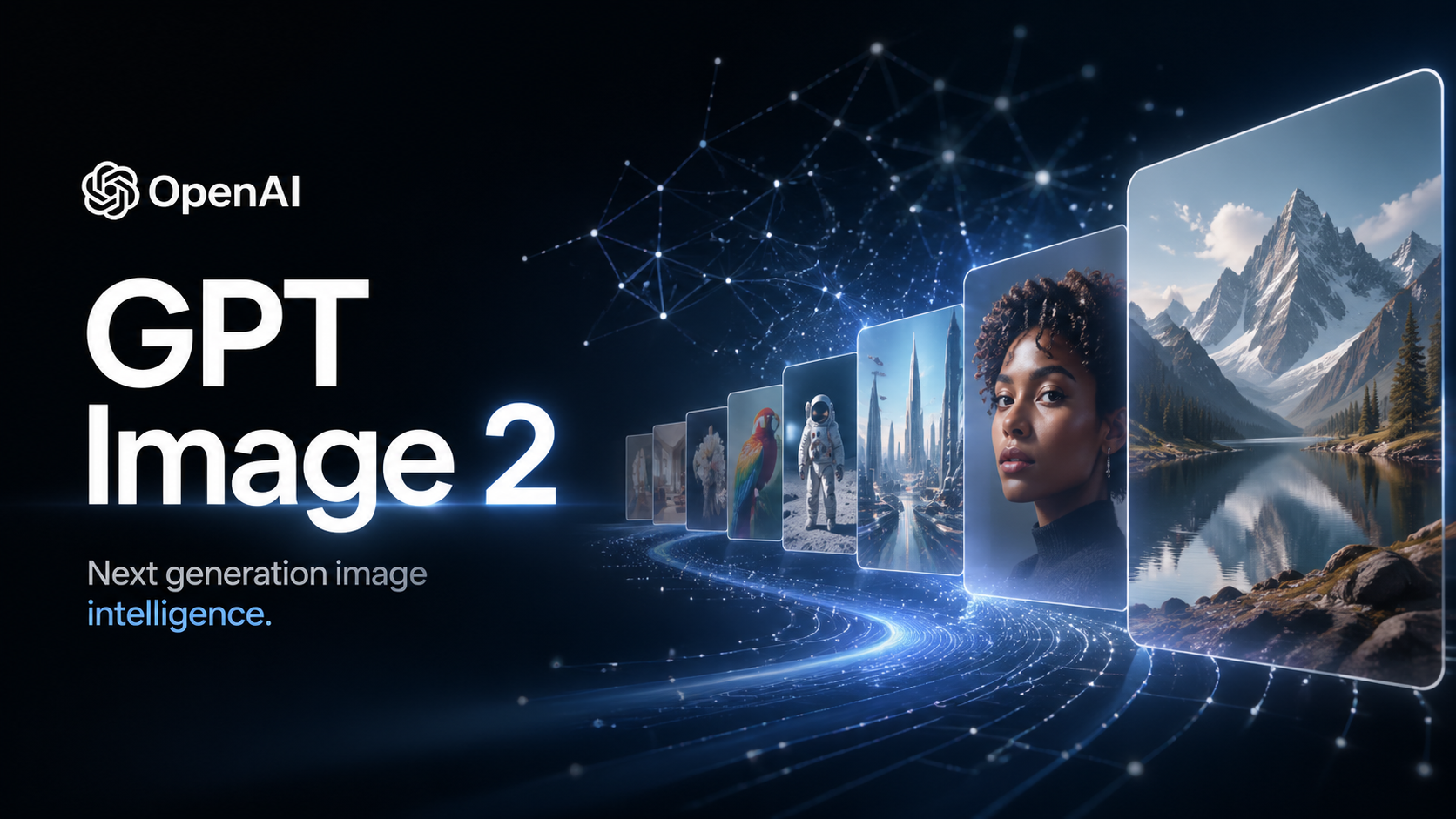
OpenAI's most advanced image generation model with native Thinking Mode, 95%+ text rendering accuracy, web search during

Nano Banana Pro (also known as Gemini 3 Pro Image ) is a free AI image generator by Google DeepMind that produces stunni
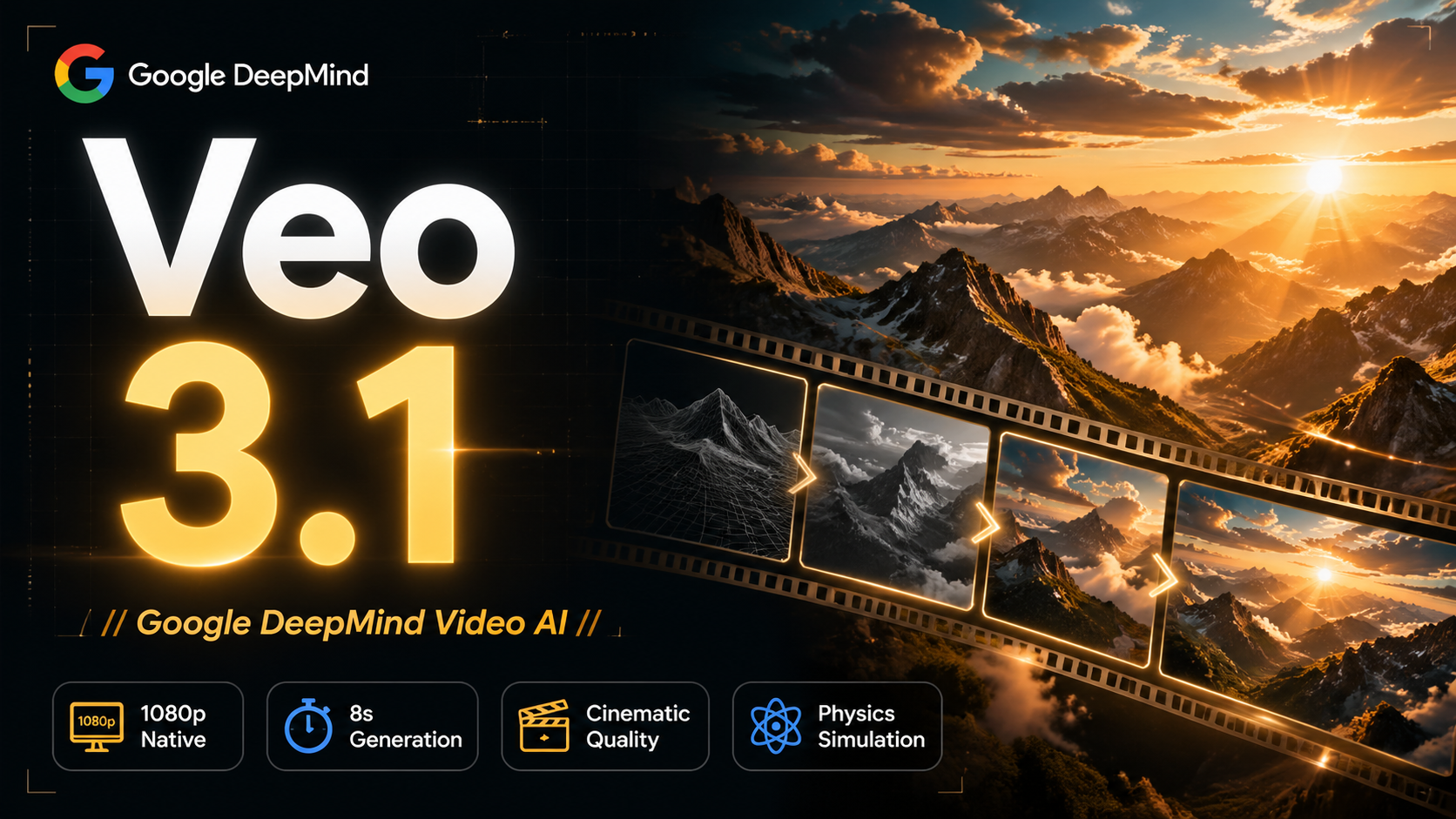
Veo 3.1, released in October 2025 by Google DeepMind, delivers cinematic 1080p videos with native audio generation — fre

OpenAI's most advanced general video generation model — create high-quality videos from text prompts and images with rea
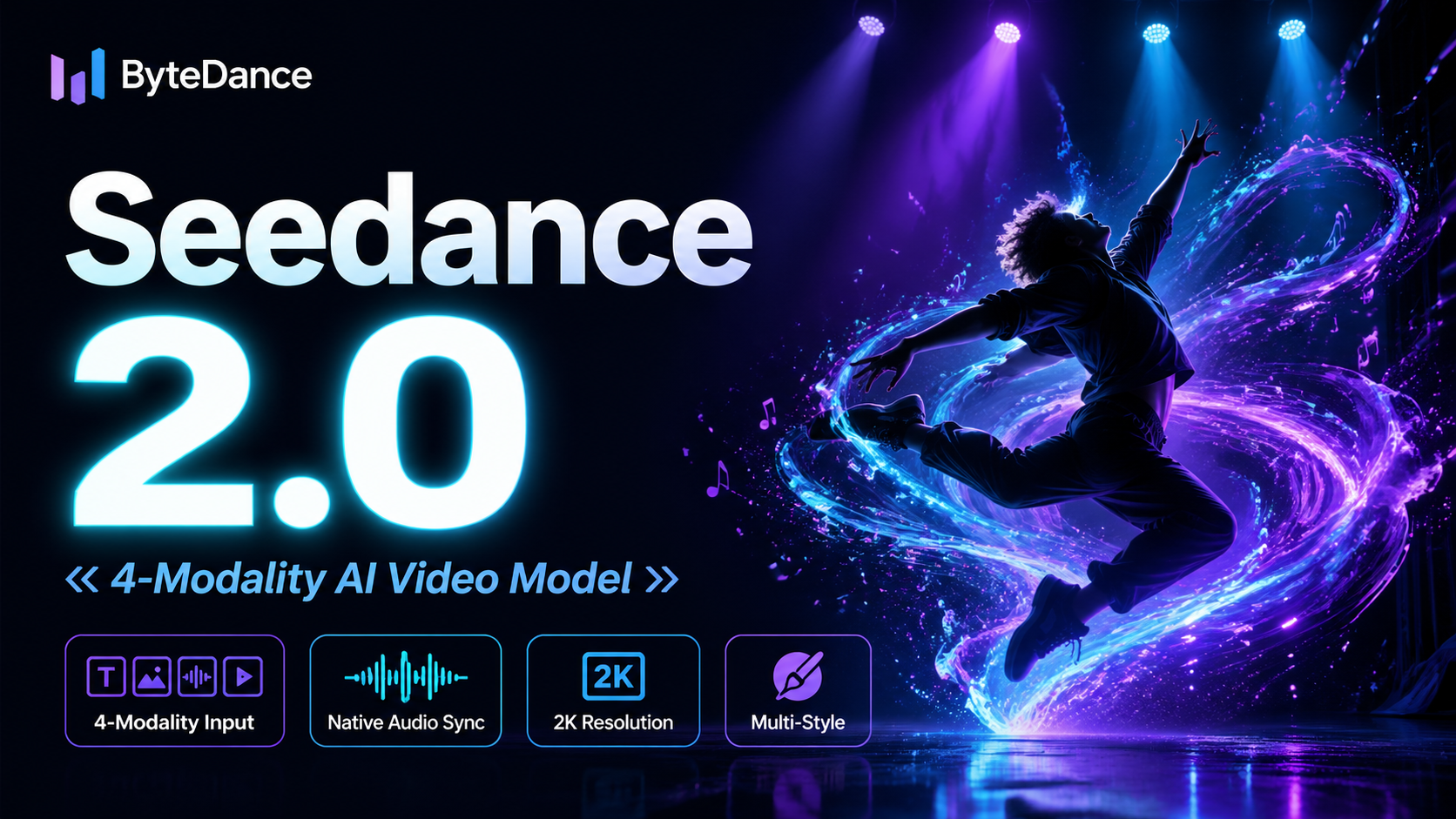
ByteDance's next-generation AI video model with the revolutionary @-reference system. Combine text, images, video clips,
Start editing your images with state-of-the-art AI technology





10,000+ users