


















AI Landscape Design: Explore yard layouts
Use your yard photo to explore seating, paths and planting layouts. Choose a use and visual style for a landscape concept; measurements and build plans remain a separate step.
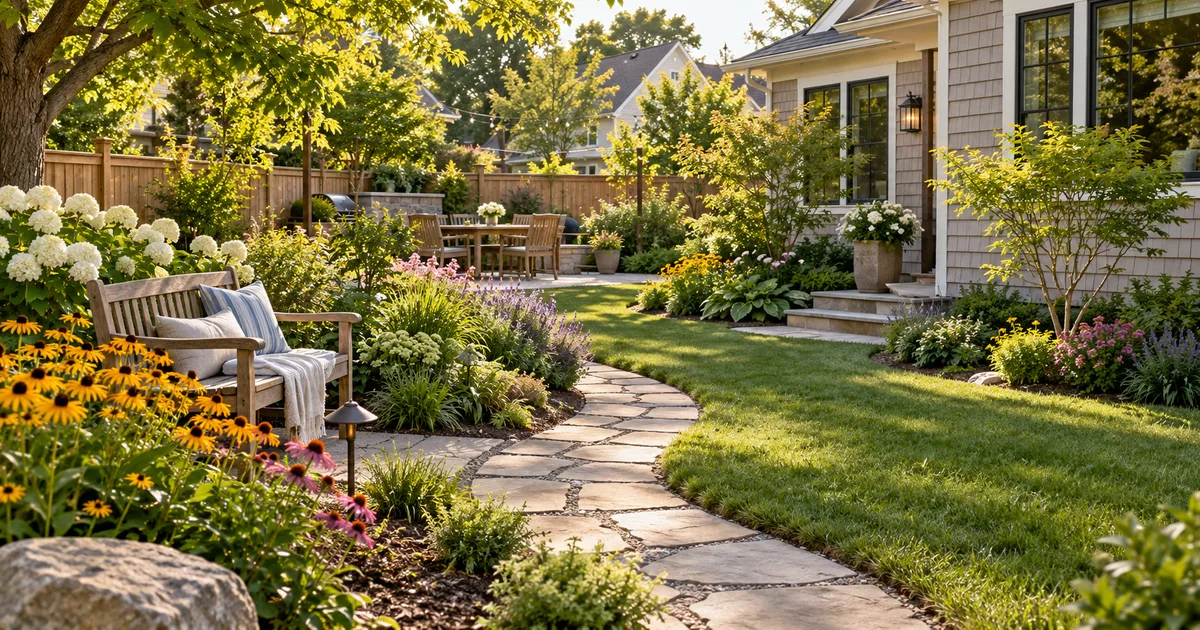
Use your yard photo to explore seating, paths and planting layouts. Choose a use and visual style for a landscape concept; measurements and build plans remain a separate step.
Explore how a yard could combine planting, a walking route and a place to sit. The image helps you discuss a visual direction before committing to materials or plants. Keep the task tied to the photographed yard instead of asking for an unrelated landscape.
Explore a garden concept from your yard photo. Choose how you want to use the space and a landscape style; review planting and paths before planning work.
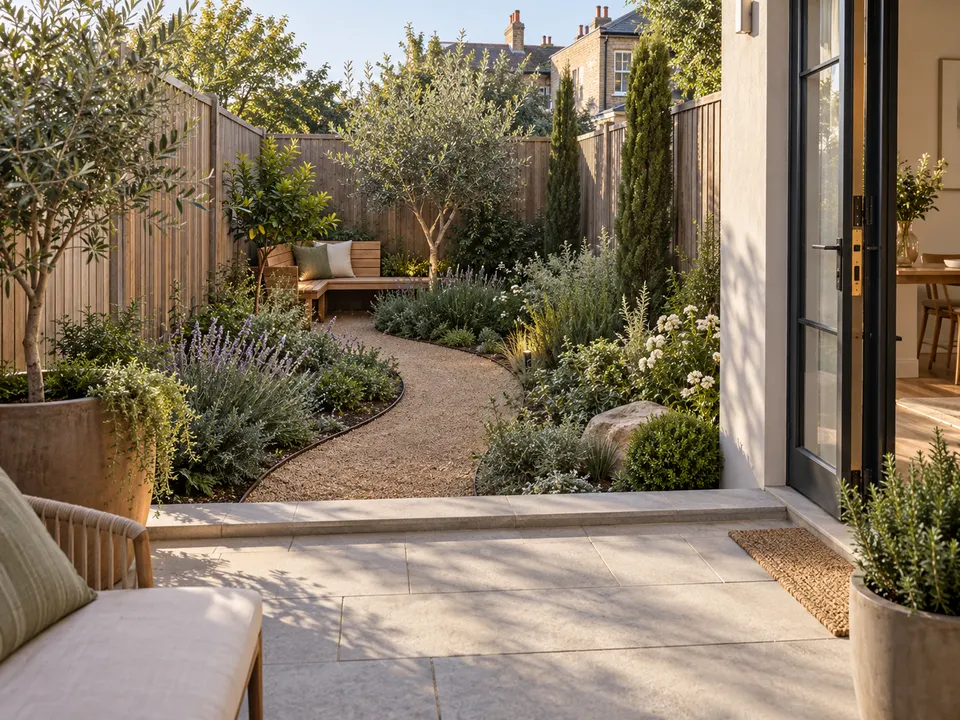
Garden use: Seating and relaxation · Landscape style: Modern
Garden use: Family outdoor space · Landscape style: Courtyard
Garden use: Lower maintenance · Landscape style: Mediterranean inspiration
A clear yard photo with visible boundaries and entrances is enough for an initial visual concept. There is no dimension-entry field here. Use measurements later to review the result with a professional; the output is not a scaled plan.
No. A style is a visual direction, not a local planting recommendation. Check depicted species, sunlight, watering and climate with a local professional.
Keep the tree or wall clearly visible in the reference. The task asks to preserve existing boundaries, but details can change; compare the result with the original before using it.
No. It creates a visual direction, without drainage calculations, quantities or contractor pricing. Those decisions require real measurements, local materials and a site assessment.
No. Review circulation and appearance first, then obtain a site-specific design for levels, structures, planting and approvals. Do not build a retaining wall or reroute drainage from the image alone.
Choose the model and settings first, then check the credit amount shown beside the generation action. Different supported models and resolutions can have different costs; this page does not promise free or unlimited generation.
Choose an available aspect ratio that suits the reference and intended placement. Sizes and formats depend on the selected model. A larger image is still a visual concept, not a production design file.
Use the result panel to inspect and download the image. You can also check generation history if you leave the page while the task runs. Review the full image before sharing it or handing it to a designer.
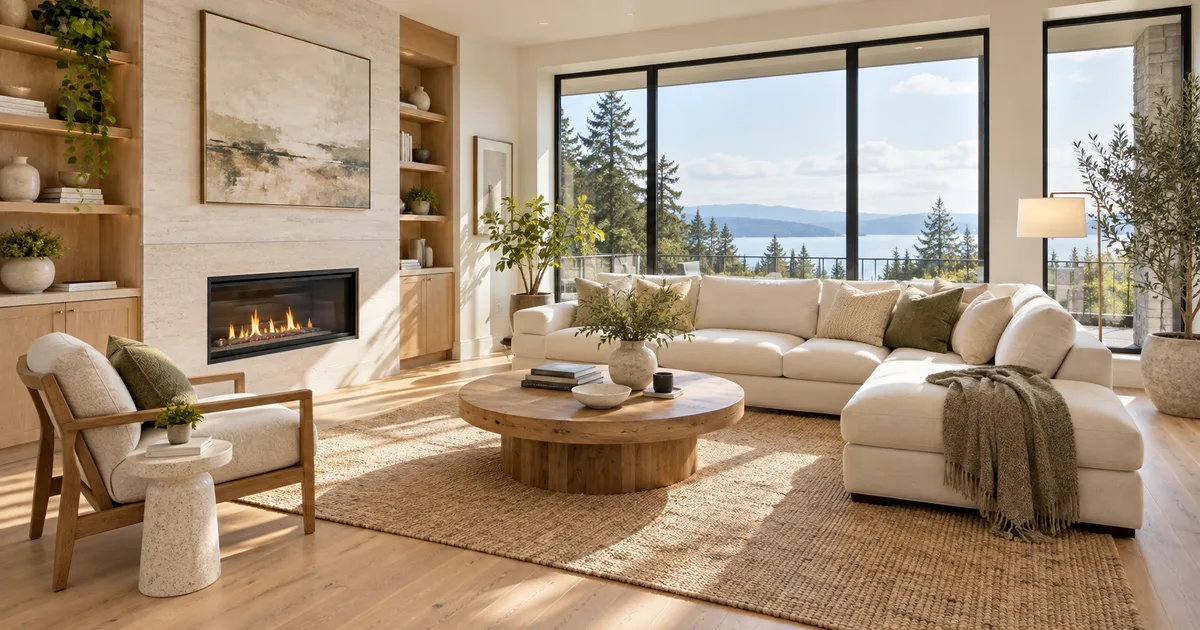
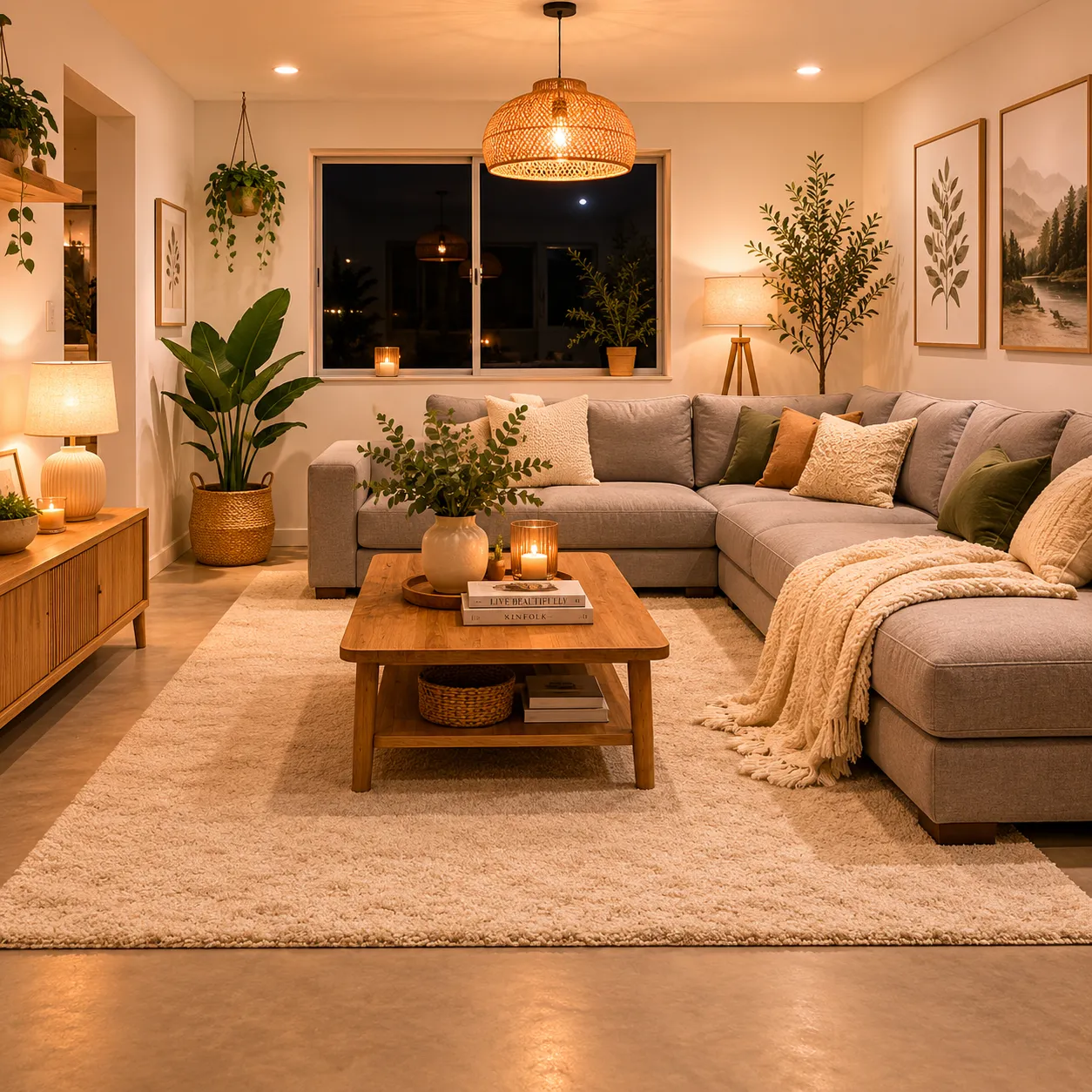
Explore furnishings for an empty room: upload a room photo, choose the room type and furniture style, then generate a virtual-staging concept.

Explore a logo symbol from a sketch or visual reference. Choose a graphic style and palette, then review the raster concept at a small size.
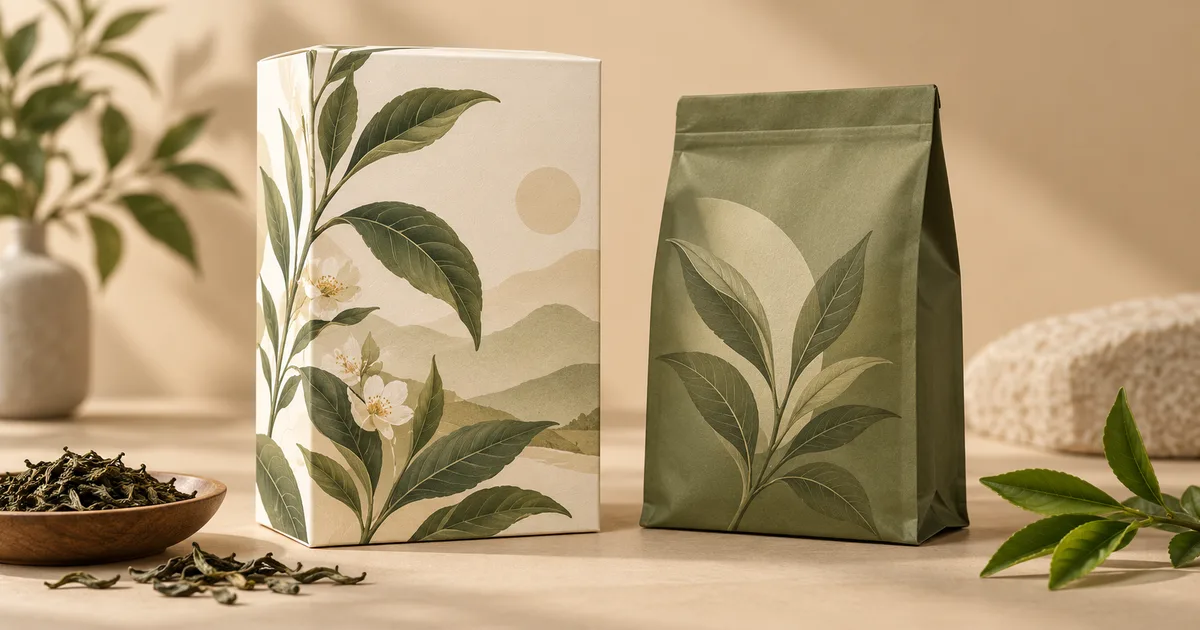
Explore a new packaging concept from a package reference. Choose a package format and visual style, then review graphics, folds and label space.

Turn a pet, character or object reference into a sticker-style illustration. Choose an expression and drawing style, then review the silhouette.

Use the FireRed Image Edit AI model online ? Xiaohongshu FireRed's open-source instruction-driven image editing model fo

OpenAI's most advanced image generation model with native Thinking Mode, 95%+ text rendering accuracy, web search during

Nano Banana Pro (also known as Gemini 3 Pro Image ) is a free AI image generator by Google DeepMind that produces stunni

Veo 3.1, released in October 2025 by Google DeepMind, delivers cinematic 1080p videos with native audio generation — fre

OpenAI's most advanced general video generation model — create high-quality videos from text prompts and images with rea
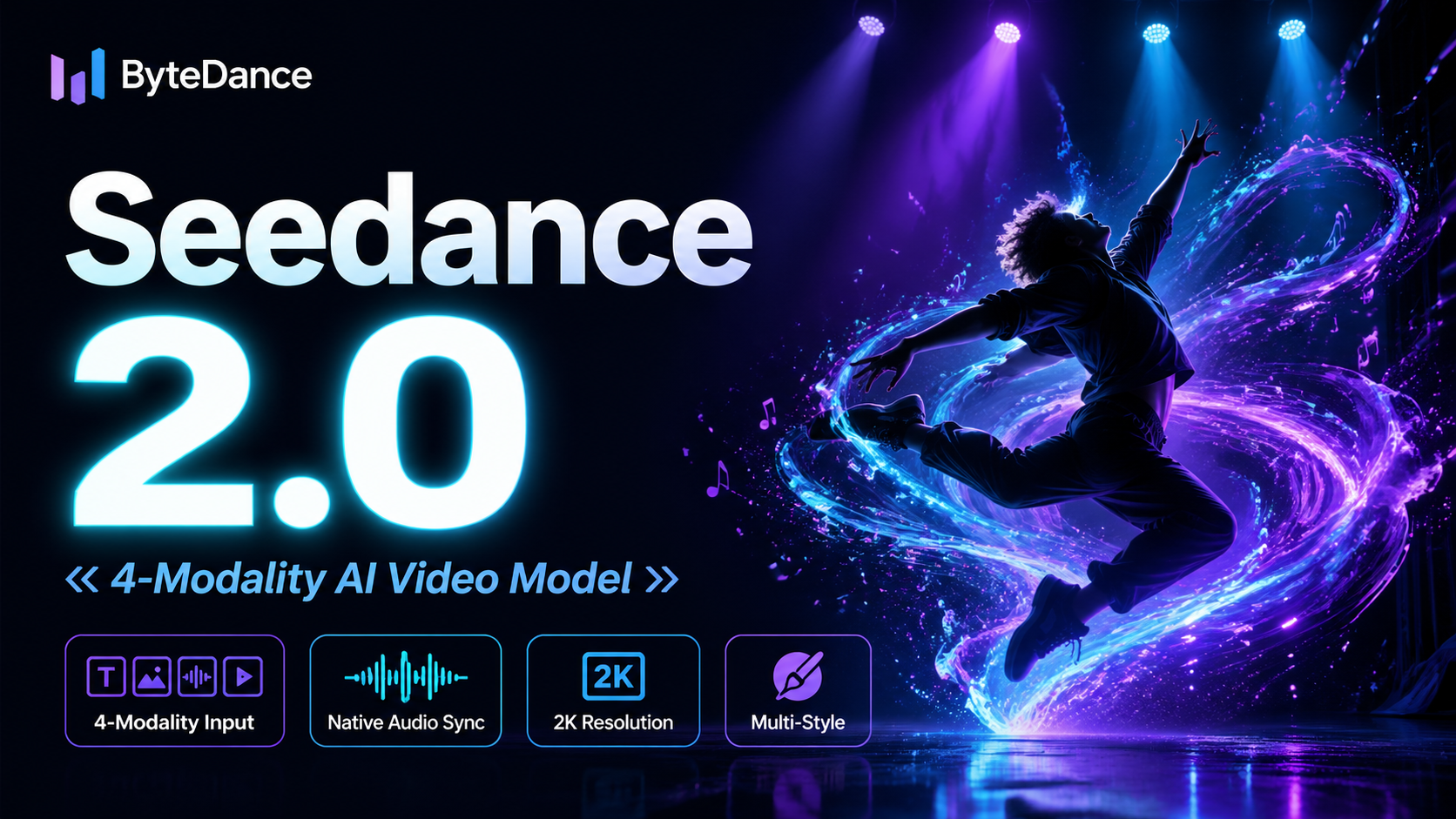
ByteDance's next-generation AI video model with the revolutionary @-reference system. Combine text, images, video clips,
Start editing your images with state-of-the-art AI technology





10,000+ users