
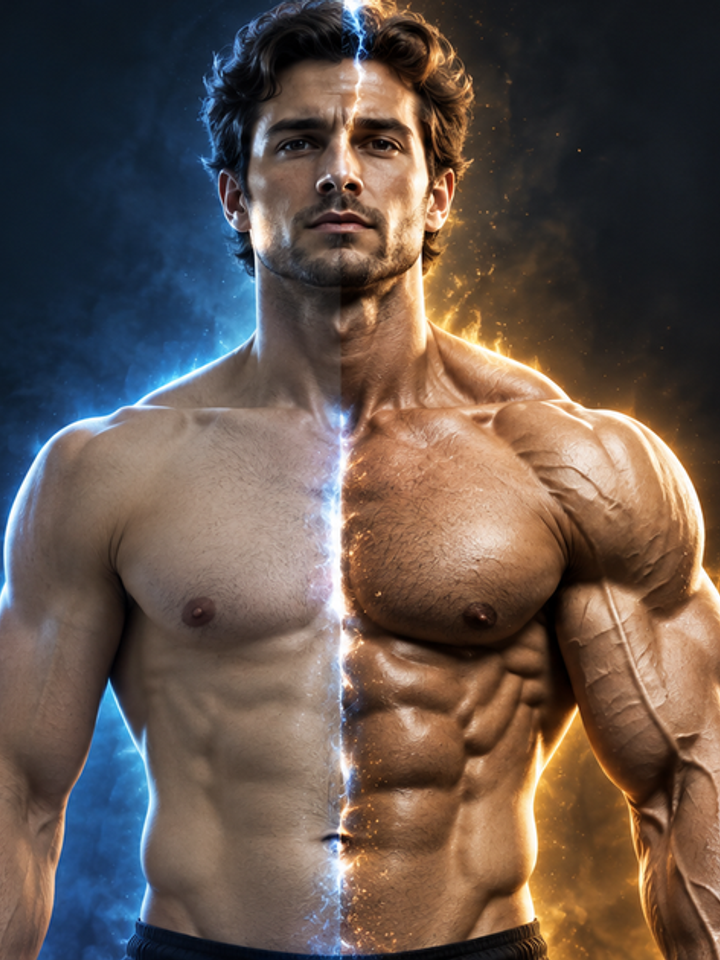
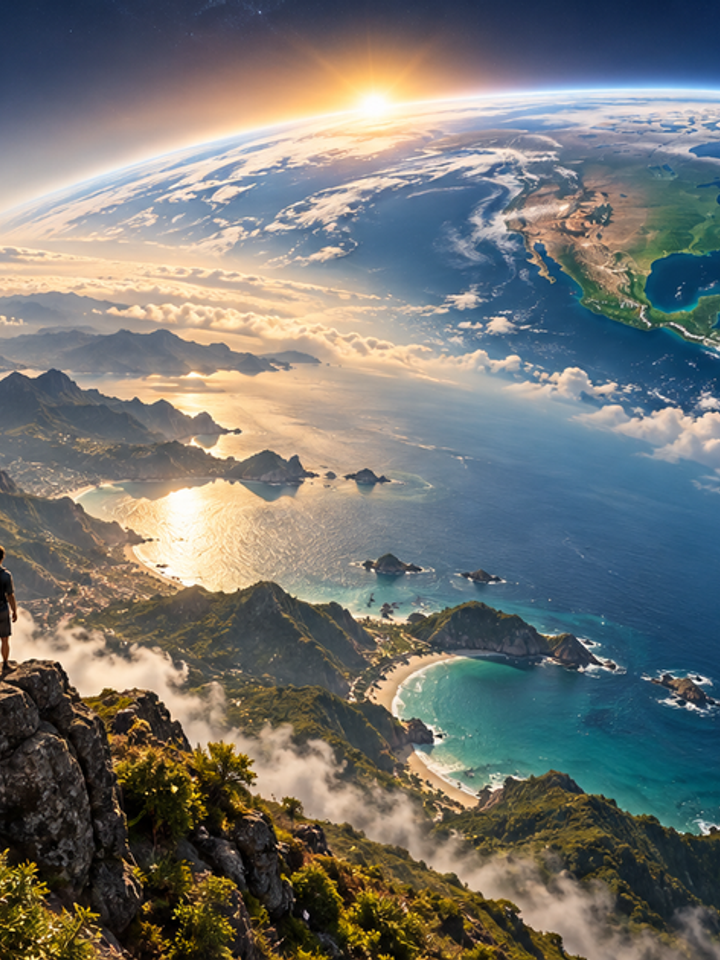
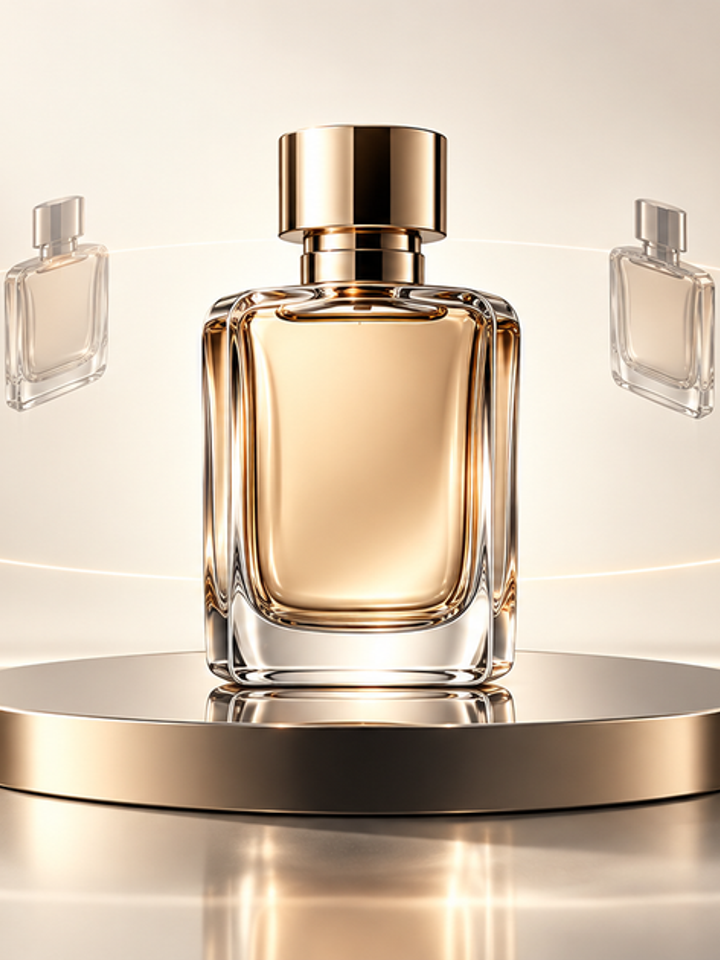
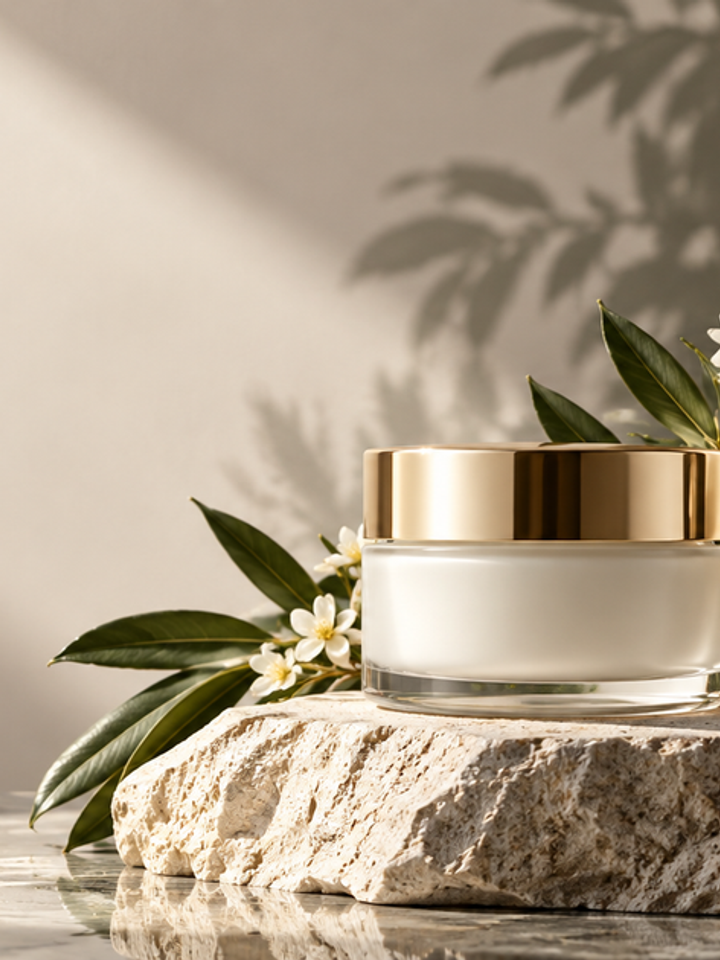

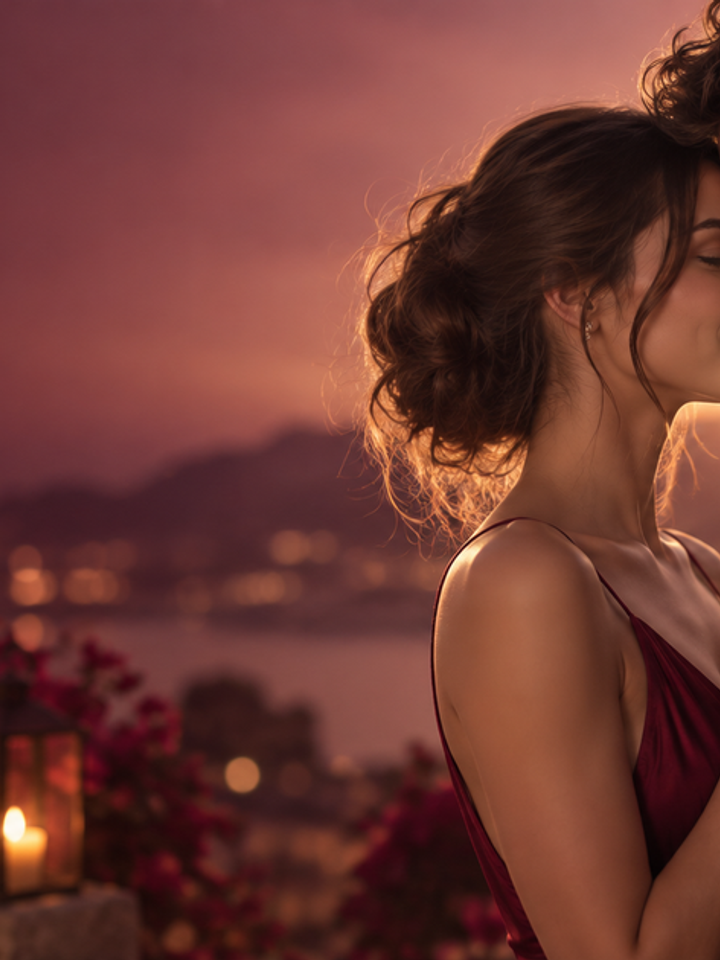
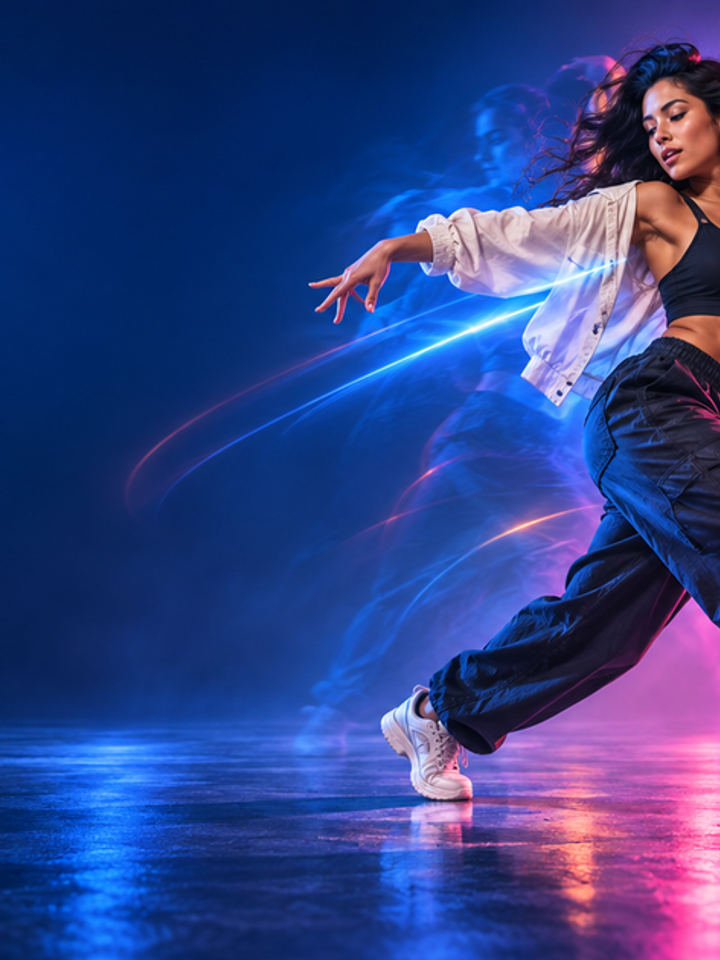
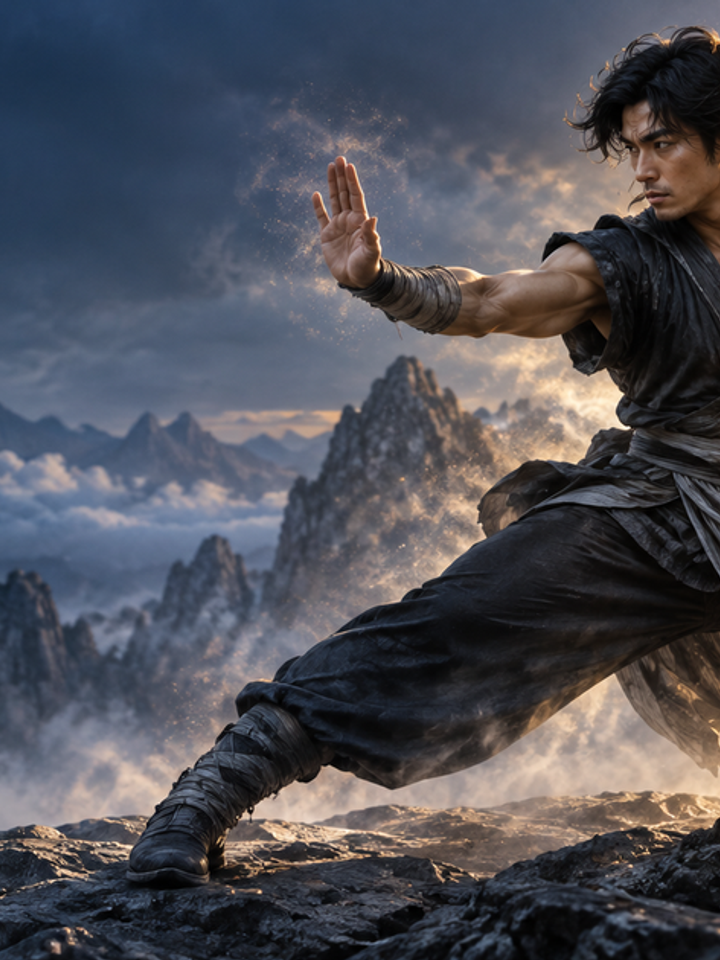

Stable Main Subject
The prompt keeps identity or product geometry as the visual anchor while the viewpoint changes.
Drag & drop reference images here or browse files
Only upload media you have permission to use.
Create a cinematic orbit around a person or product while keeping the main subject visually stable.
Check whether the face or product geometry stays stable while the background develops believable parallax from the camera move.
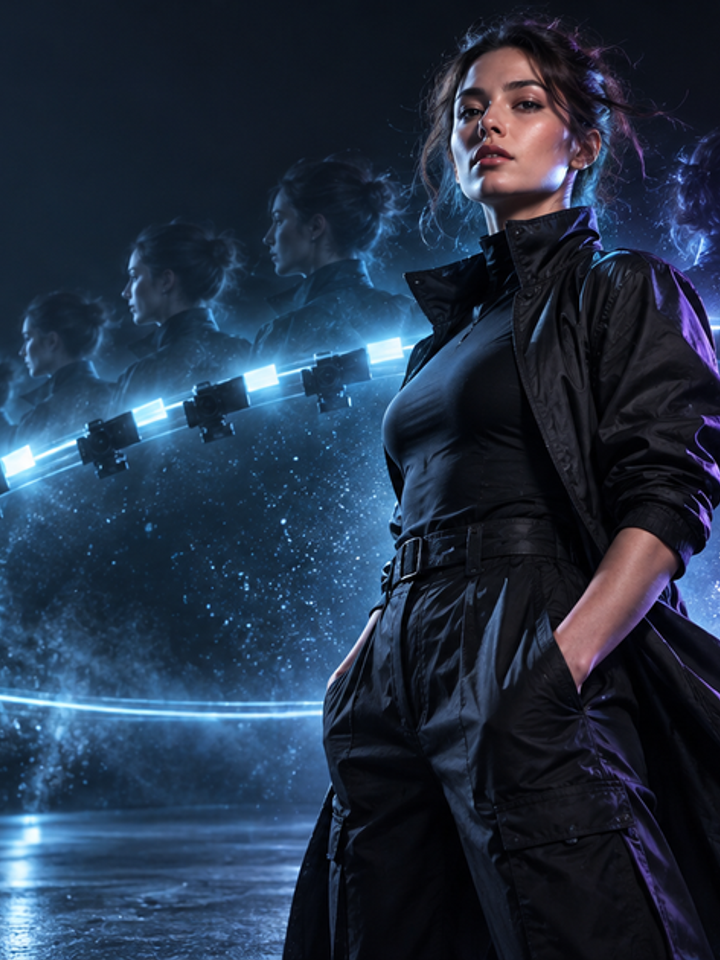
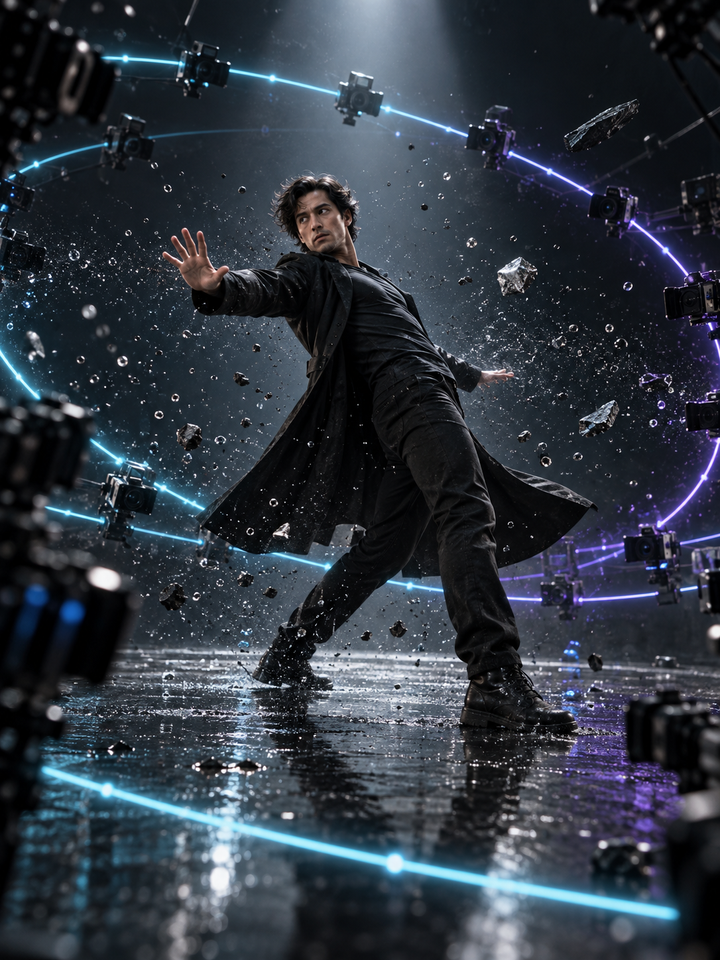
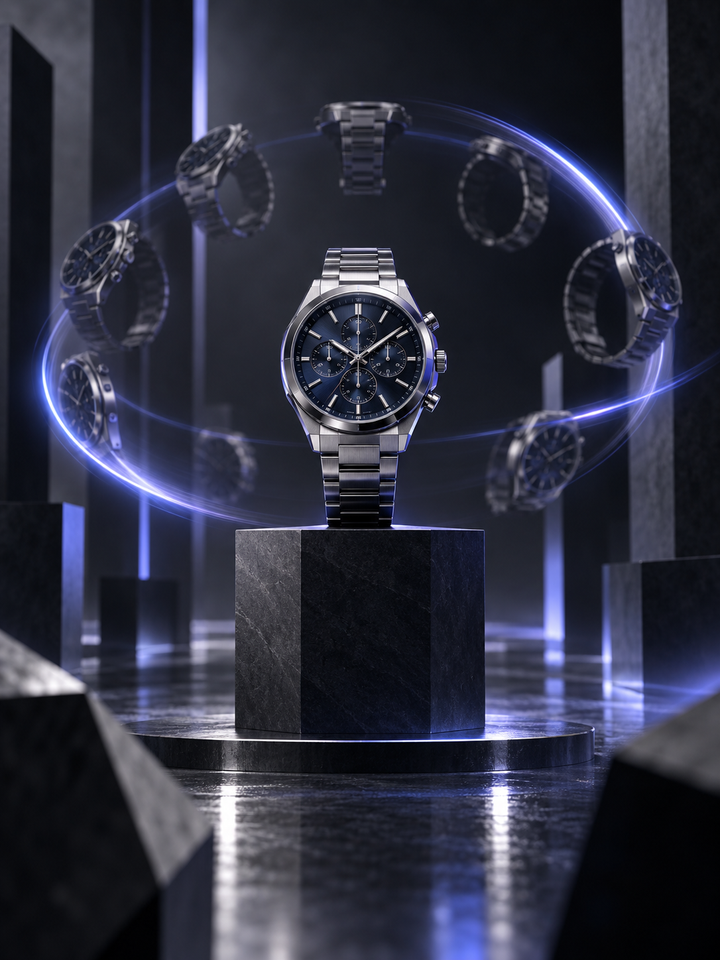
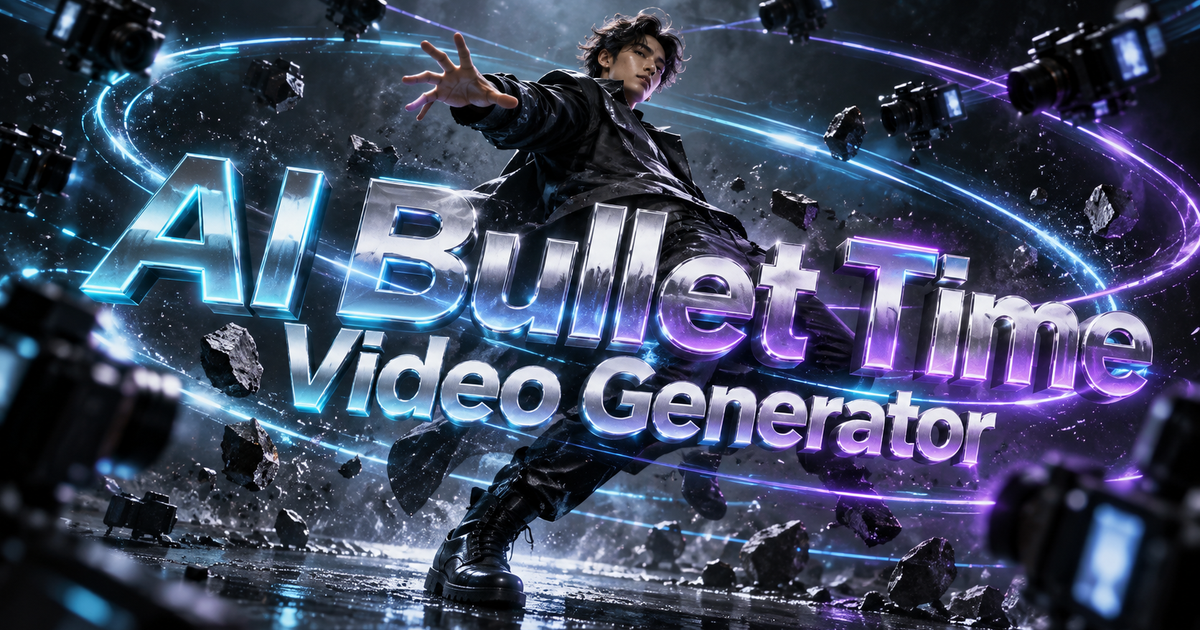
This effect simulates a virtual camera moving around the subject. It is designed to create parallax and changing perspective while keeping the person or product recognizable and anchored in the scene.
The prompt keeps identity or product geometry as the visual anchor while the viewpoint changes.
Background depth gives the camera move a stronger three-dimensional feel.
Choose left, right or a wider orbit based on how much perspective change you want.
Choose a person or product with clear edges and enough space around it for the virtual camera to move.
Left and Right use a smaller camera arc. Wide Orbit reveals more of the subject, so the AI must invent more of the hidden sides.
Check the face, hands, product labels and background geometry across the whole camera move.
Use photos where the subject is separated from the background. Flat cutouts, tightly cropped faces and cluttered overlapping objects provide less information for a convincing orbit.
A single photo does not contain the back or side of the subject. Wider orbits require the model to infer unseen geometry, so clothing, hair, product labels or background structures can change.
It simulates a moving or orbiting camera around a subject from a single starting image.
Left or Right asks the model to reveal less of the hidden side than Wide Orbit. This gives you a more restrained first test, not a guarantee of perfect geometry.
Yes. Centered products with clean edges and visible depth often work well, but small labels should be reviewed carefully.
The model has to infer details that were not visible in the original image.
No. Select the camera direction and the tool supplies the movement instructions. You do not need to describe the orbit yourself.
Yes. Change the direction or regenerate to get a different camera path.
Choose your photos and a style, then check the credit cost shown in the generator. Review faces, movement and small details before sharing.
Back to the video generator