AI Product Photo Generator
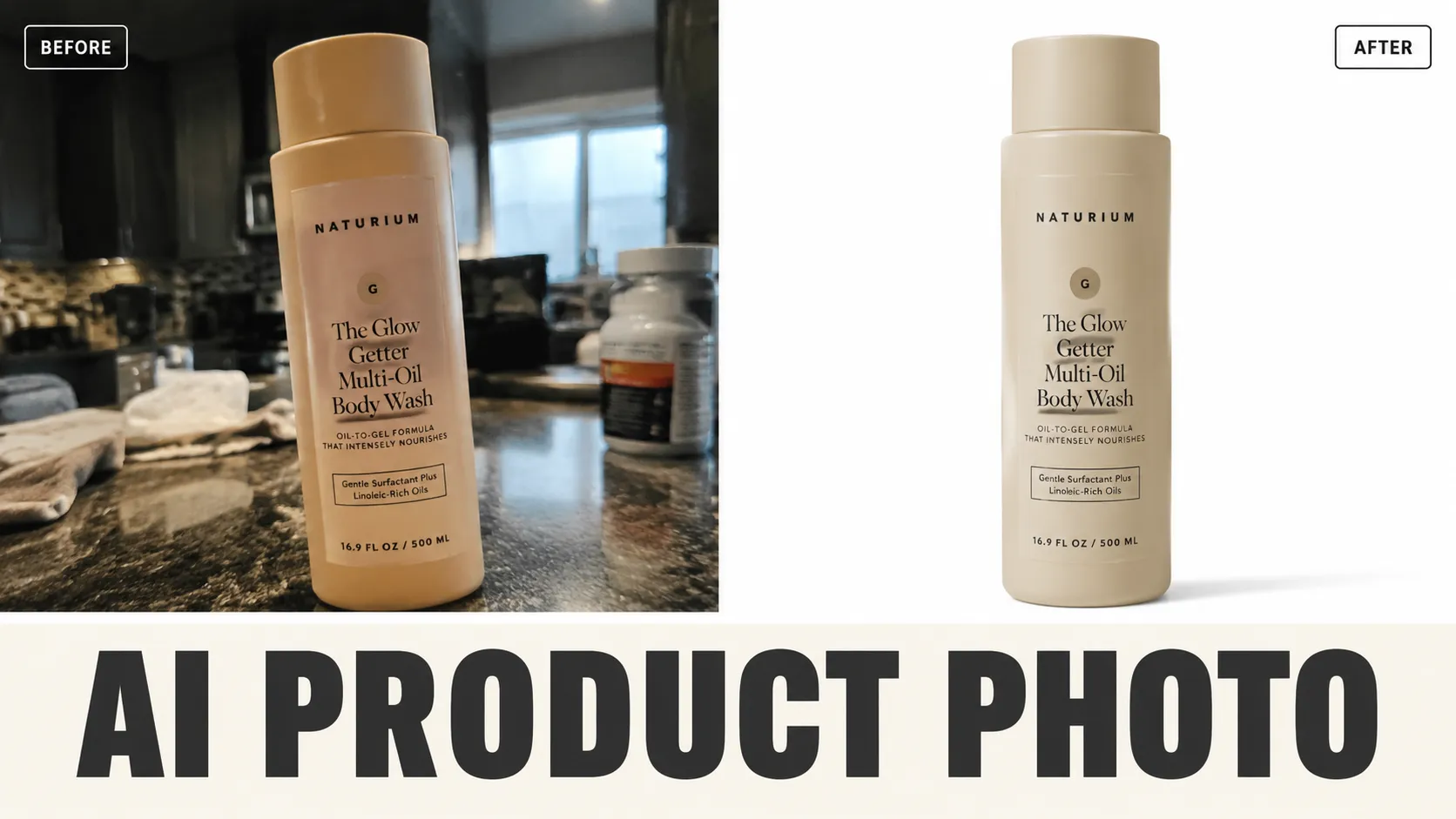
Turn plain product shots into ecommerce-ready images with realistic scenes, clean light, and accurate details.
AI Product Photo Generator
Turn plain product shots into ecommerce-ready images with realistic scenes, clean light, and accurate details.
FAQ
Turn plain product shots into ecommerce-ready images with realistic scenes, clean light, and accurate details. Use a clear source image and review tiny text, faces, edges, and lighting before publishing.
Start with the page controls or presets, then add one precise detail. Long prompts often create conflicts and less stable results.
Generated images can support ads, ecommerce, social posts, and drafts. Check trademarks, model rights, product accuracy, and local rules before final use.
Use a clear image with even lighting and minimal obstruction. Cleaner source material gives AI Product Photo Generator more visual detail to work with.
Choose a sharp image with the main subject fully visible and a reasonably simple background. Very dark, blurry, or heavily obstructed images may produce less consistent results.
AI generation includes some variation, so details, textures, and composition can change slightly between runs. Trying a few versions can help you pick the strongest result.
Try a clearer source image, reduce background clutter or obstruction, and keep the main subject easy to identify. If prompts are available, make your request more specific before regenerating.
No. The tool creates a new generated result based on the image you provide, so your original local file remains unchanged.
User notes
“I use AI Product Photo Generator when a reshoot would slow down a product launch. Clean source photos still matter; messy uploads take a second pass.”
Maya R.: “I use AI Product Photo Generator when a reshoot would slow down a product launch. Clean source photos still matter; messy uploads take a second pass.”
Jon K.: “The best results come from short prompts. I pick the mode first, then add one constraint instead of writing a paragraph.”
Ari S.: “It is fast enough for campaign drafts, but I still zoom in on edges and text before sending files to production.”
Alex M.: “AI Product Photo Generator is straightforward to use and gives me a useful starting point quickly when I need fresh social visuals.”
Jordan K.: “I use AI Product Photo Generator for fast concept exploration before refining the strongest direction in my regular design workflow.”
Taylor R.: “AI Product Photo Generator makes routine image experiments much easier without requiring a complicated editing setup.”
Casey L.: “Being able to try several variations with AI Product Photo Generator helps me compare ideas before committing to a final look.”
Morgan S.: “AI Product Photo Generator speeds up the process when I need several visual options for covers, posts, or campaign drafts.”
More AI Tools
AI Comic Generator
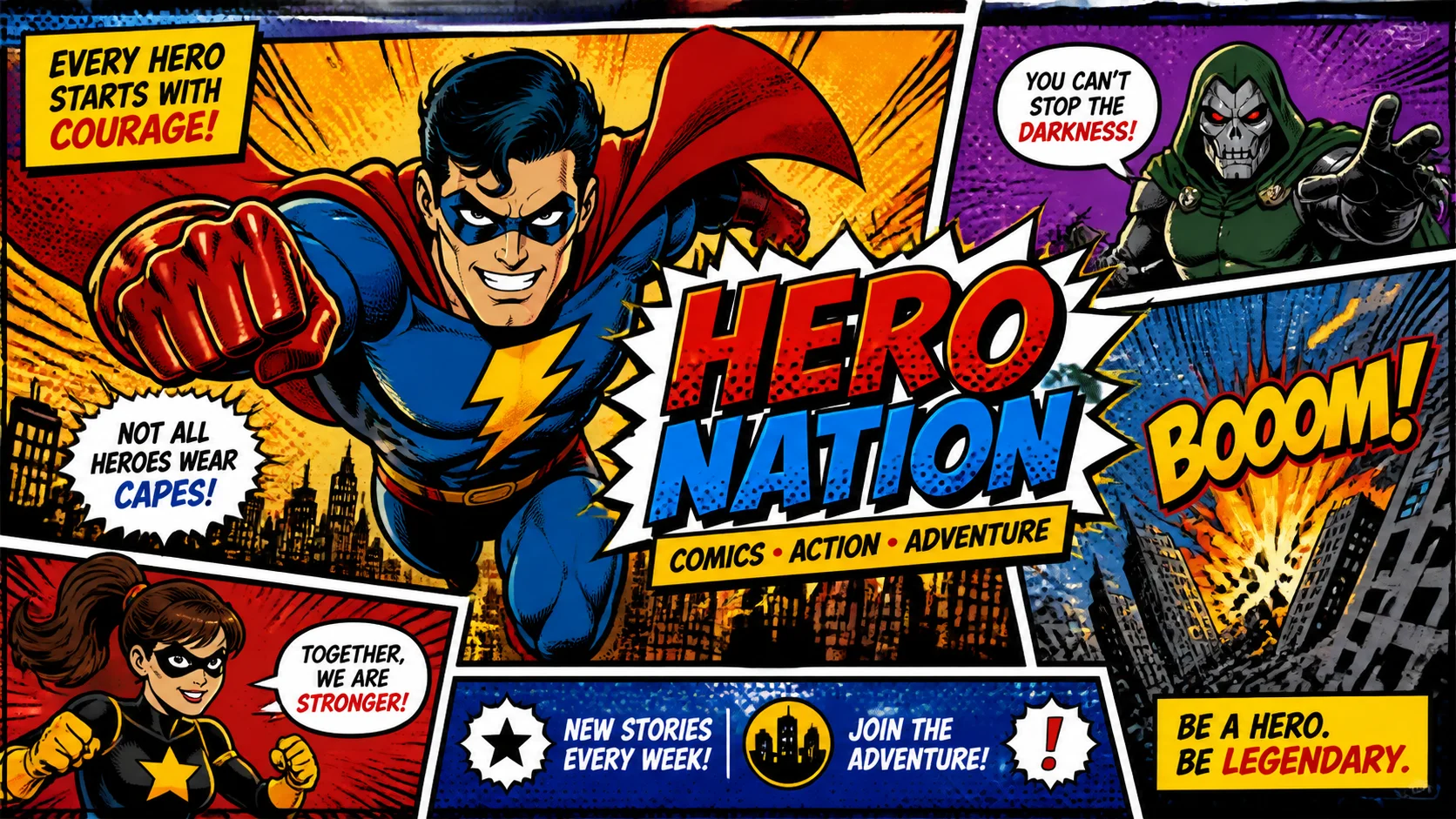
Create a comic from an original character idea or uploaded references. Plan 4–12 panels, review the script, then export pages as ZIP, a long image, or PDF.
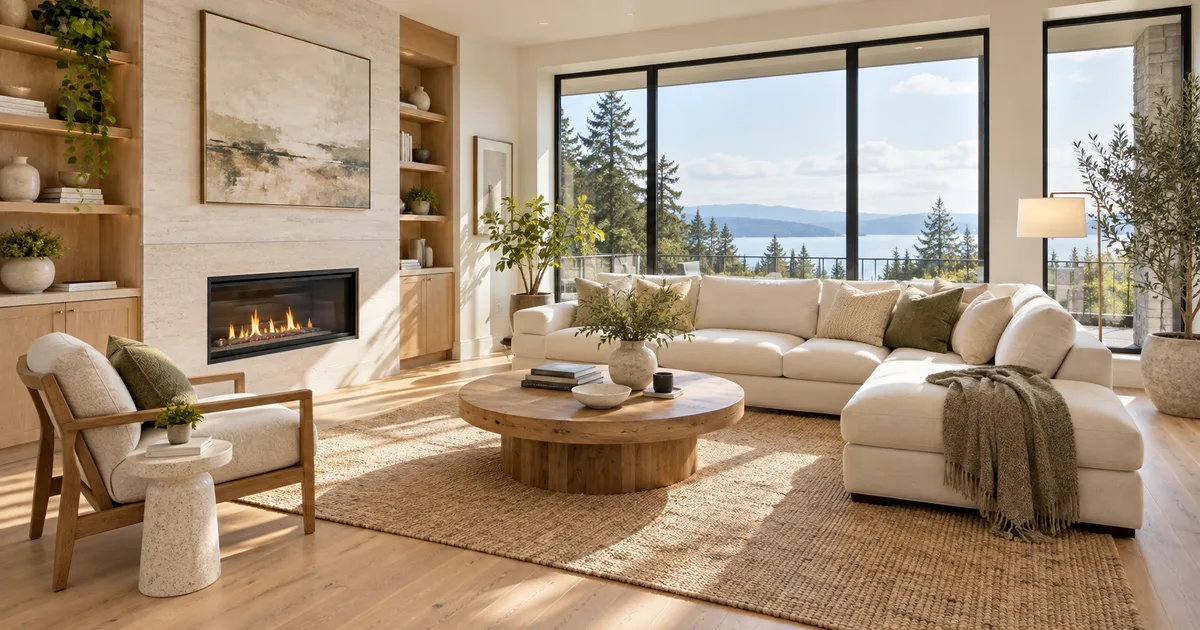
AI Virtual Staging
Explore furnishings for an empty room: upload a room photo, choose the room type and furniture style, then generate a virtual-staging concept.
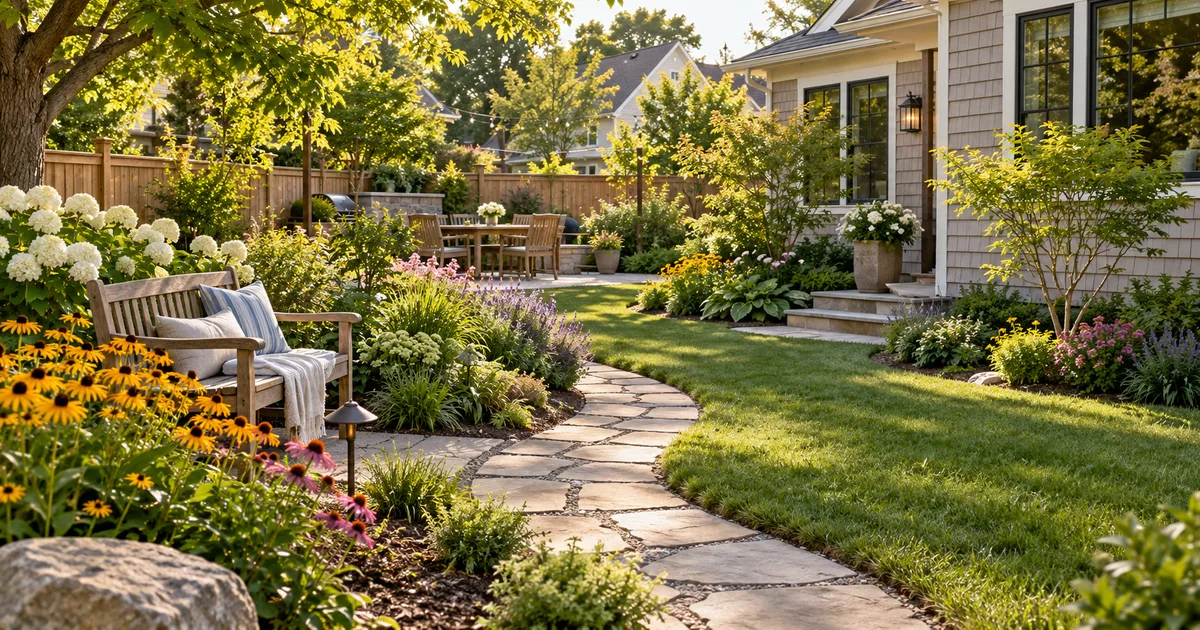
AI Landscape Design
Explore a garden concept from your yard photo. Choose how you want to use the space and a landscape style; review planting and paths before planning work.
AI Logo Generator
Explore a logo symbol from a sketch or visual reference. Choose a graphic style and palette, then review the raster concept at a small size.
AI Models You May Like
 Image
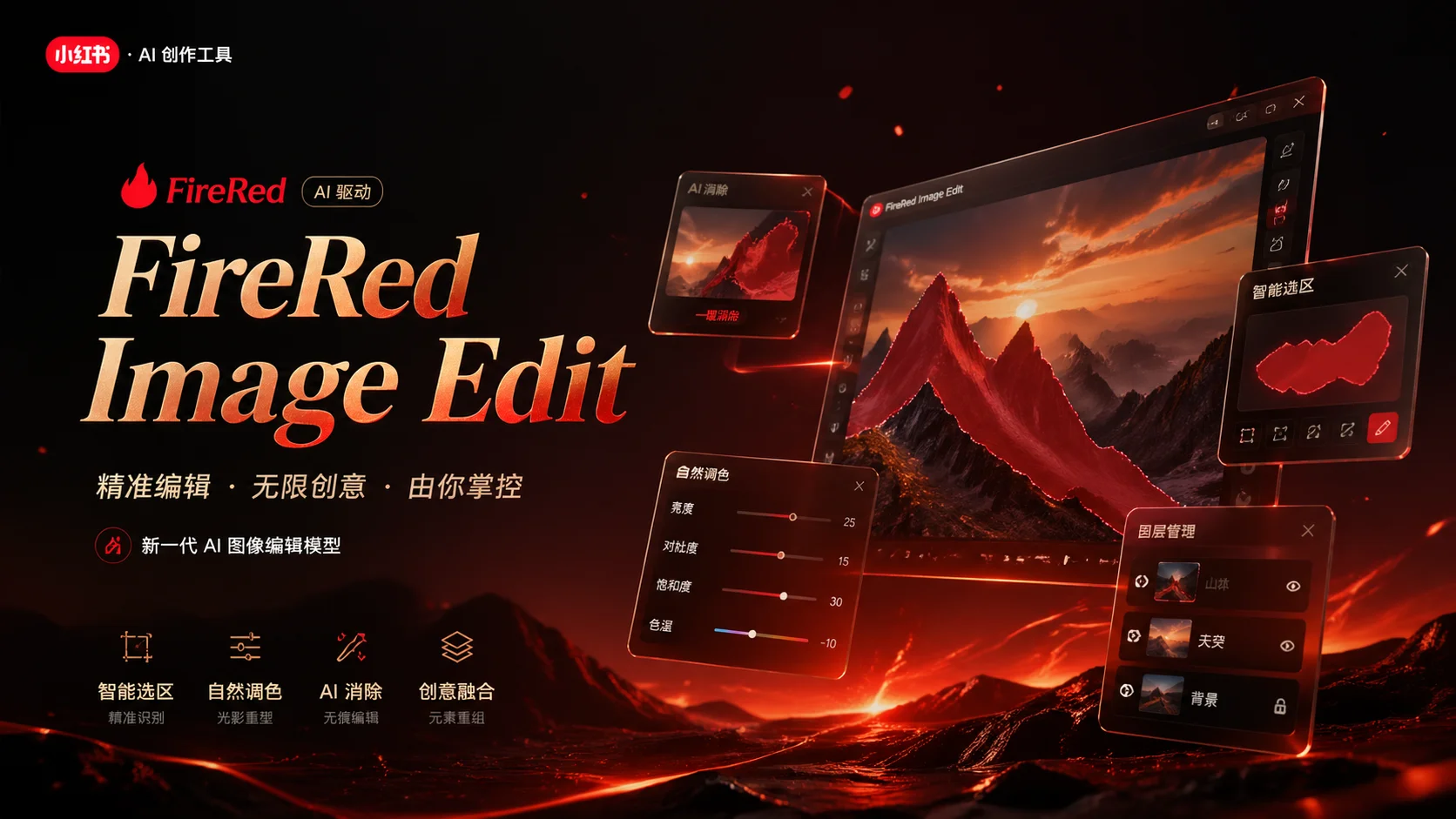
ImageFireRed Image Edit
Use the FireRed Image Edit AI model online ? Xiaohongshu FireRed's open-source instruction-driven image editing model fo
 ImageNEW
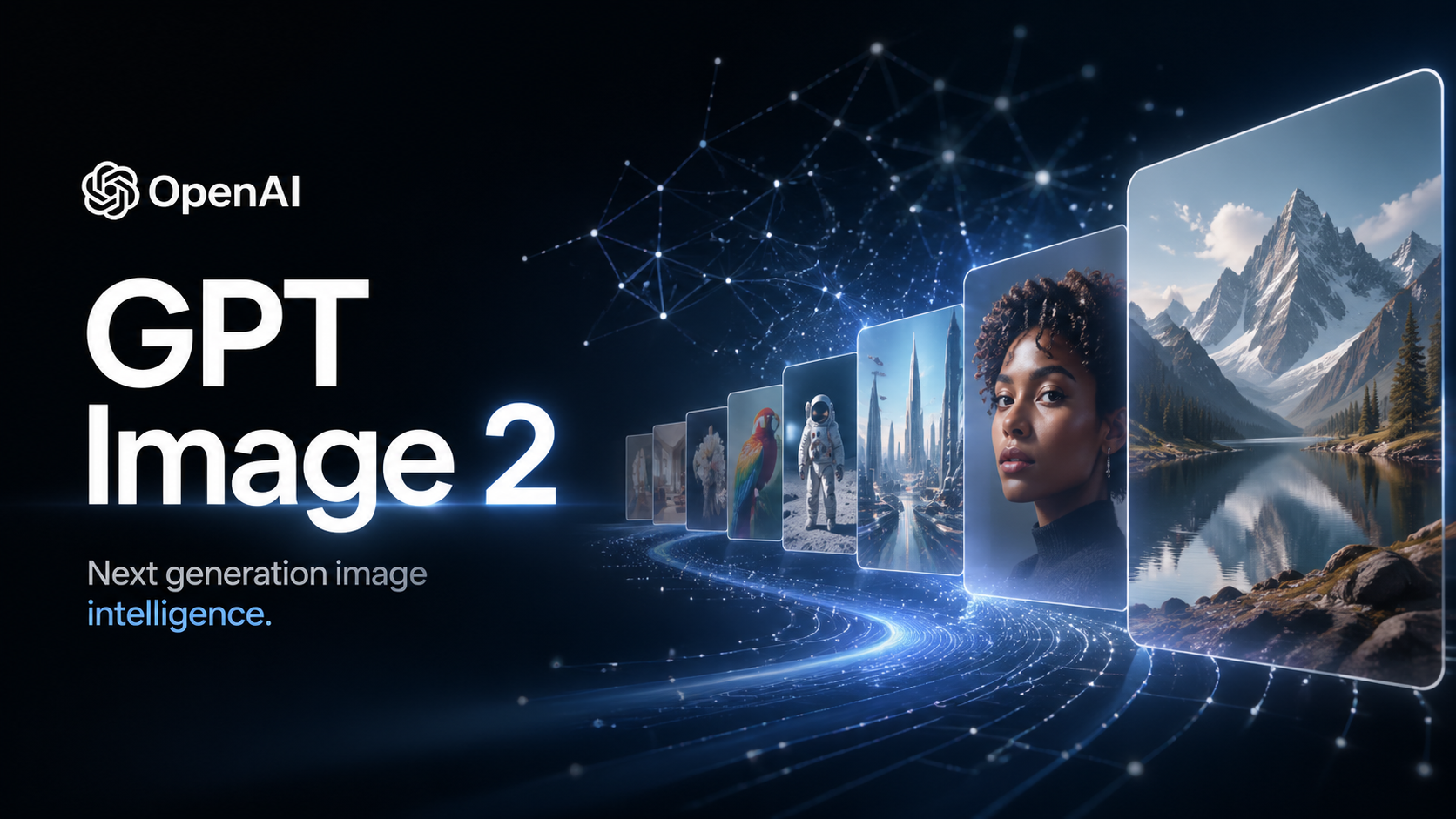
GPT Image 2
OpenAI's most advanced image generation model with native Thinking Mode, 95%+ text rendering accuracy, web search during
 Image
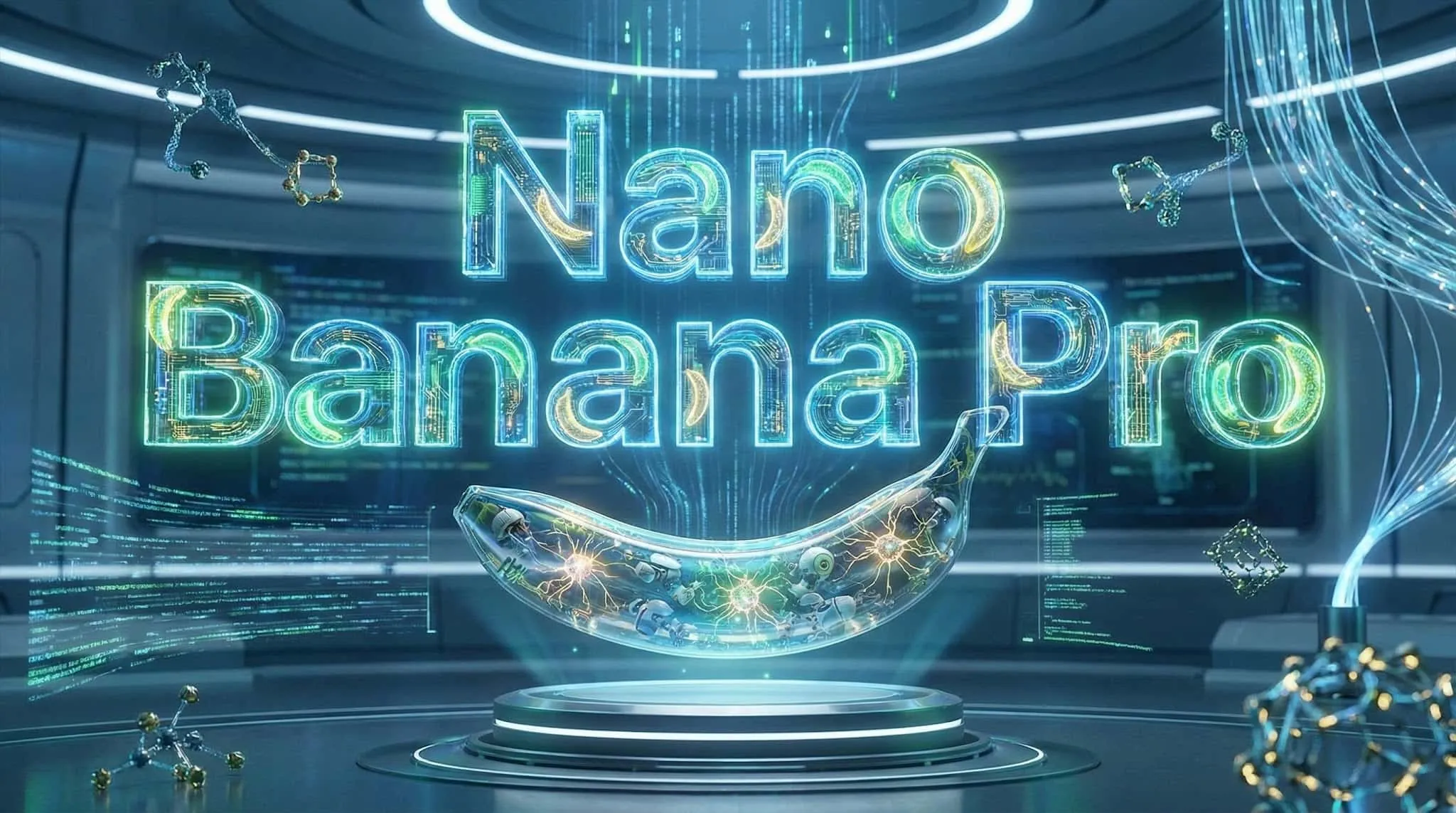
ImageNano Banana Pro
Nano Banana Pro (also known as Gemini 3 Pro Image ) is a free AI image generator by Google DeepMind that produces stunni
 VideoNEW
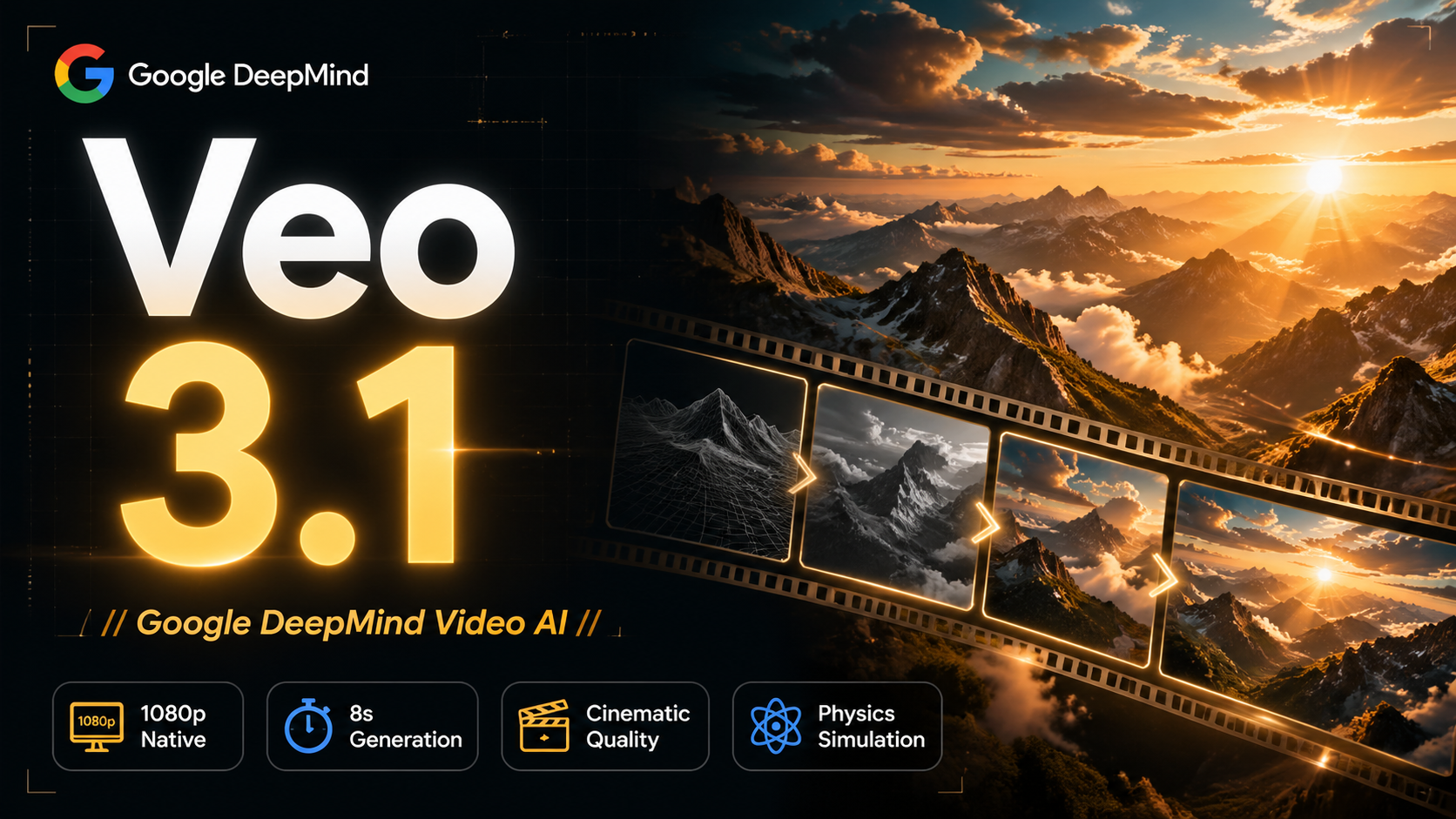
Veo 3.1
Veo 3.1, released in October 2025 by Google DeepMind, delivers cinematic 1080p videos with native audio generation — fre
 Video
VideoSora 2
OpenAI's most advanced general video generation model — create high-quality videos from text prompts and images with rea
 VideoNEW
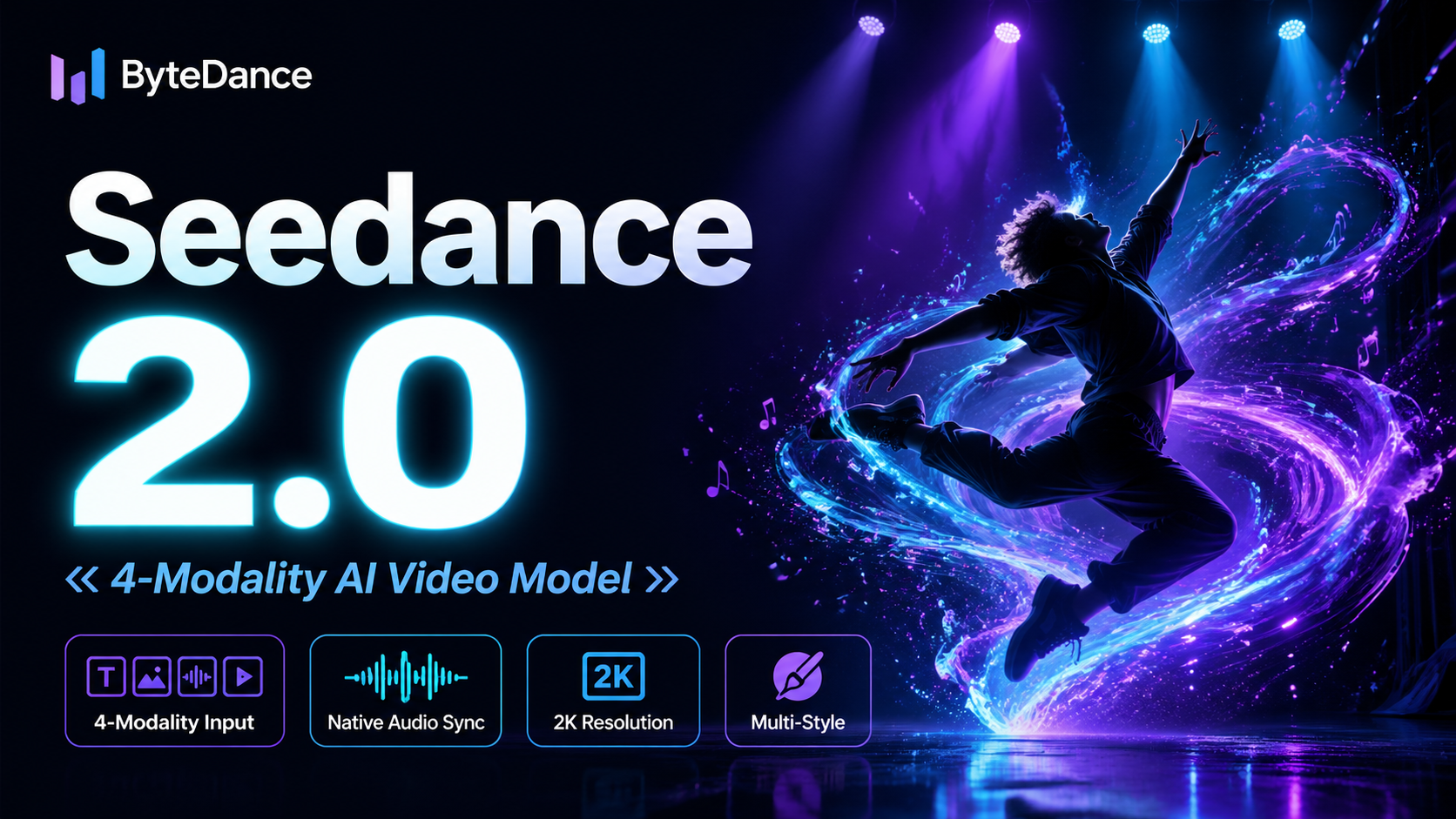
Seedance 2.0
ByteDance's next-generation AI video model with the revolutionary @-reference system. Combine text, images, video clips,
Experience FireRed Image Edit
Start editing your images with state-of-the-art AI technology




10,000+ users