FireRed Image Edit
  • Home
  • Reviews
  • Assets
  • Coupons
  • Pricing
Video Effects
All Video EffectsBulin 47 AI Video GeneratorAI Muscle Video GeneratorEarth Zoom Out AI Video EffectAI Bullet Time Video GeneratorAI 360 Product Video GeneratorAI Hug Video GeneratorAI Dance Video GeneratorAI Kiss Video GeneratorAI Fighter Video GeneratorPet Dance AI Video GeneratorAI Product Video GeneratorWalking Blast AI Video EffectAI Crying Video GeneratorCar Jump AI Video Generator
FireRed Image EditFireRed Image Edit
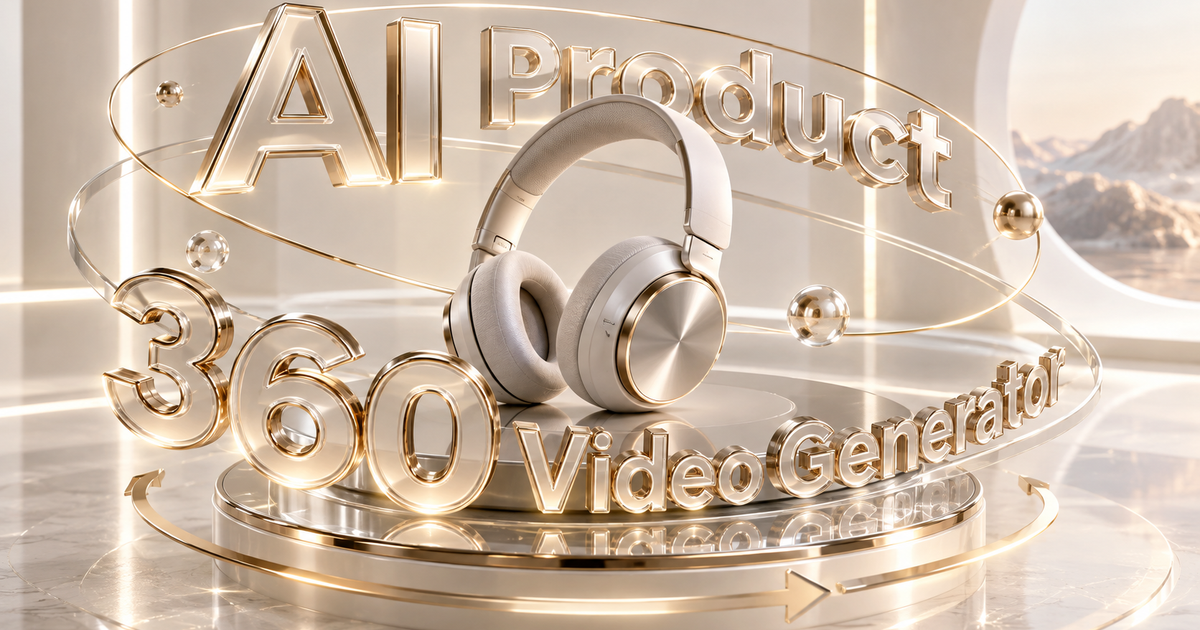
AI Product 360 Video Generator

Animate one product photo into a polished rotating showcase for ecommerce, social content and creative ads.
AI Product 360 Video Generator
  1. Home
  2. /
  3. AI Video Effects
  4. /
  5. AI Product 360 Video Generator

AI Product 360 Video Generator

Animate one product photo into a polished rotating showcase for ecommerce, social content and creative ads.

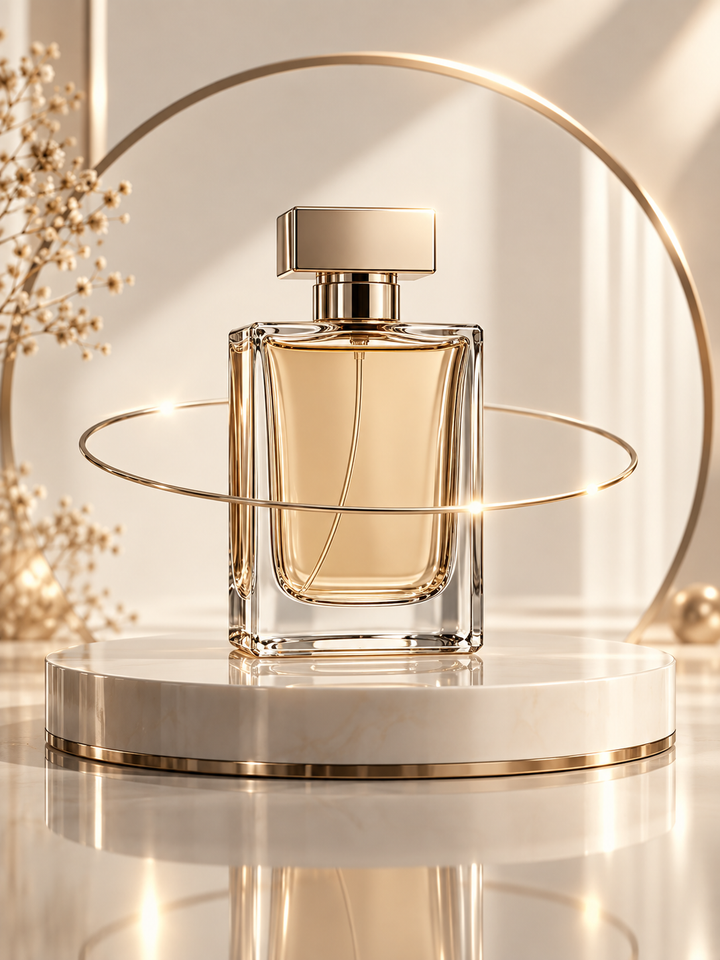
AI Product 360 Examples

Compare against the original product and inspect silhouette, materials, logo placement, packaging structure, and the consistency of inferred hidden sides.
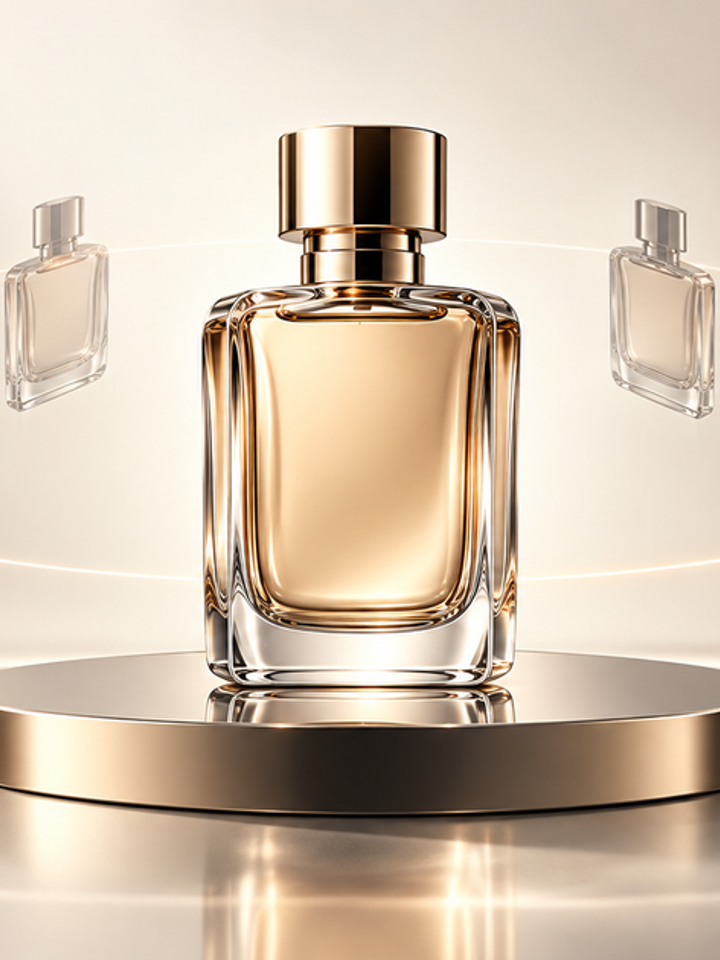
AI Product 360 Video Generator example 1
AI Product 360 Video Generator example 2
AI Product 360 Video Generator example 3
Create a Product Rotation Video from One Image

Create a Product Rotation Video from One Image

The Product 360 effect keeps the item as the visual center while simulating a rotation or orbital camera move. It is tuned to protect the product silhouette, materials, major colors and overall proportions.

Designed for Product-Focused Motion

Centered Composition

The product remains the hero instead of drifting into unrelated scene motion.

Commercial Lighting

The prompt encourages clean highlights, reflections and shadows rather than chaotic effects.

Direction Control

Choose a simple clockwise/counterclockwise move or a more dynamic premium orbit.

How to Make a 360 Product Video

1. Upload a Clean Product Image

Center the product and avoid heavy overlap with hands, props or other products.

2. Choose the Rotation Style

Use the simple directions for stability or Dynamic for a stronger advertising feel.

3. Verify Product Details

Check logos, labels, buttons, edges and packaging text before using the clip in a campaign.

Product Photos That Work Best

Single products with a clear silhouette, clean background, visible depth and high-resolution materials are easier to animate consistently than flat screenshots or crowded lifestyle scenes.

Product Fidelity Tips

  • Use the highest quality source image available
  • Keep the product large in frame
  • Prefer simple backgrounds for packaging-heavy items
  • Check every visible logo and label in the result

Popular Uses

  • Ecommerce listings
  • Marketplace videos
  • Social product posts
  • Landing-page motion
  • Creative ad concepts

360-Style Does Not Mean a True 3D Scan

The model infers unseen sides from one image. It can change small labels, ports, seams, packaging text or geometry, so use the result as a creative showcase and verify details before commercial publication.

Questions & answers

AI Product 360 FAQ

01

No. The current effect starts from one product image and uses AI to infer the rotation.

02

Not always. Large branding usually holds better than small text, fine labels or tiny packaging details.

03

A clean, uncluttered background gives the model fewer competing objects to reconstruct.

04

No. It is a generated video effect, not a measured 3D scan.

05

Clockwise or Counterclockwise is generally more restrained than the Dynamic preset.

06

You can use it as creative ad content if you own the product media and verify that the generated product details are accurate enough for your use.

Video Effects

AI Video Effects
New

AI Product Ad Generator

1 Photo

New

Bulin 47 AI Video Generator

1 Photo

New

AI Muscle Video Generator

1 Photo

Ready to animate your photo?

Choose your photos and a style, then check the credit cost shown in the generator. Review faces, movement and small details before sharing.

Back to the video generator
FireRed Image EditFireRed Image Edit

FireRed Image Edit is an open-source, general-purpose image editing model by Xiaohongshu, trained on 1.6 billion samples for production-grade editing.

AI Image Generator

  • GPT-Image 2
  • Seedream 5.0
  • Nano Banana 2
  • Grok 4.2 Image
  • Nano Banana Pro

AI Video Generator

  • Gemini Omni
  • HappyHorse
  • Seedance 2
  • Veo 3.1
  • Grok Imagine 1.5
  • Wan 2.6

AI Tools

  • Background Remover
  • Image Upscaler
  • Photo Restoration
  • AI Background Changer
  • AI Object Remover
  • AI Product Photo Generator

Video Effects

  • AI Hug Video
  • AI Kiss Video
  • AI Dance Video
  • Earth Zoom Out
  • Bullet Time Video
  • Product 360° Video

Explore

  • Showcases
  • Blog
  • Pricing
  • API
  • Changelog
  • About
© 2026 FireRed Image Edit· All rights reserved
Privacy PolicyTerms of ServiceRefund PolicyRefund RequestAbout Us
DeutschEnglishEspañolFrançais繁體中文日本語한국어Türkçe中文עבריתPolski
HomeAI ToolsAssetsProfile