
Extend a Video at Either End
Continue a shot beyond the cut or add a lead-in before it starts. Set the added duration and preview how the new footage joins the clip.
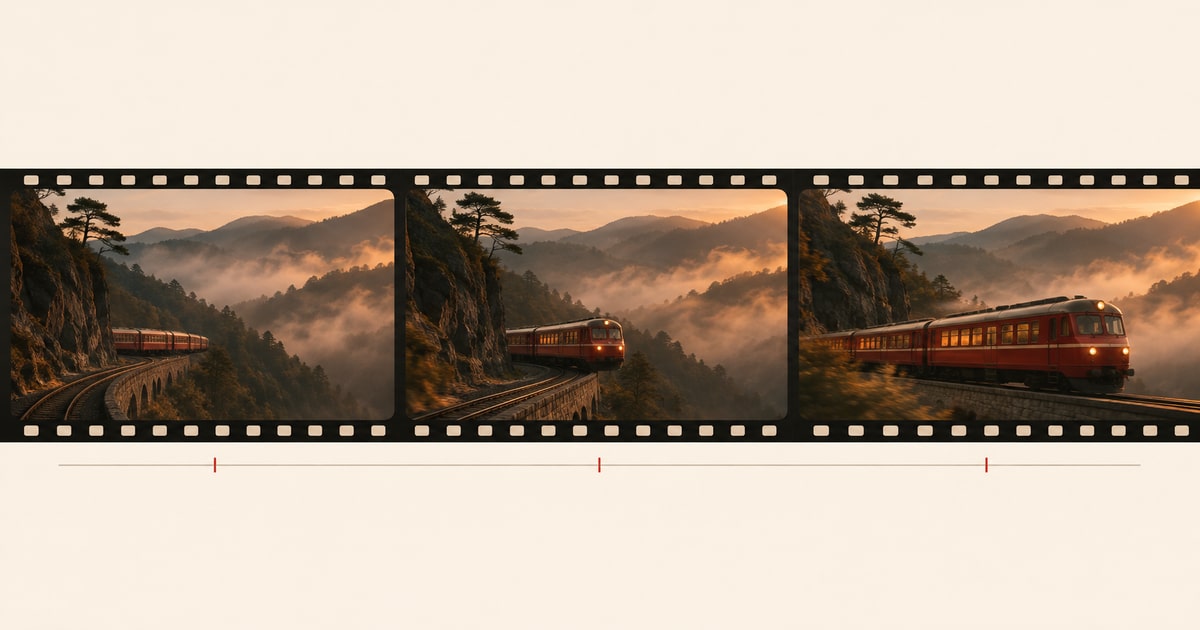
How to use it
Upload the original clip, choose a generated video from your library, or paste a direct video link.
1. Choose a video
Choose a clip with a clear first or last frame. Trim away a cut or abrupt movement at the edge you want to extend.
2. Processing options
Choose Before or After, added seconds and resolution. Describe the next movement relative to the source, and enable audio only if you want generated sound.
3. Your result
Place the result beside the source in your timeline. Play across the join at normal speed and check direction, lighting and sound before using the clip.
Core features
Extension direction
Add an opening before the first frame or continue the motion after the last one.
New video duration
Choose how much footage to add and the output resolution. Enable generated audio when the new footage needs sound.
Where to use it
Give an ending room to breathe
If a camera move ends before the product is centered, extend the ending with the same direction and speed. Use the added footage to give an end card time on screen.
Add a lead-in to an action
For a clip that starts with a door already moving, ask for the moments just before it opens. Match the hand position at the first original frame.
Frequently asked questions
Use MP4 or MOV. Local uploads allow up to 200 MB. Direct HTTPS links allow up to 24 MB. Source duration: 2–30 s.
Source duration is the length of the clip you upload. Added duration is how much new footage you ask for. Choose 480p, 720p or 1080p for the result.
Use 24–60 FPS. If rejected, export a copy at a supported rate before importing again.
Use a shorter extension and describe the next action in terms of what is already moving. Check the join in your timeline and trim any frames that jump.
Turn it off if you plan to supply the soundtrack in your editor. If you leave it on, listen for changes in ambience at the join.
This tool uses the source video and your description. Describe the visual detail you want to keep, and add your own audio in editing.
Select a source and wait for its metadata to load. Check the estimate again after changing settings, before you submit.
Use a public, direct HTTPS link to an MP4 or MOV file. If it opens a viewing page, asks for login or has expired, upload the file instead.