



Adult References Only
The page is intended for consenting adult subjects and authorized photos.
Drag & drop reference images here or browse files
Only upload media you have permission to use.
Animate consenting adult subjects into a gentle romantic kiss while prioritizing recognizable faces and restrained motion.
Check that both adults remain visually distinct during the approach and that profiles, mouths, hair, and short contact stay stable.

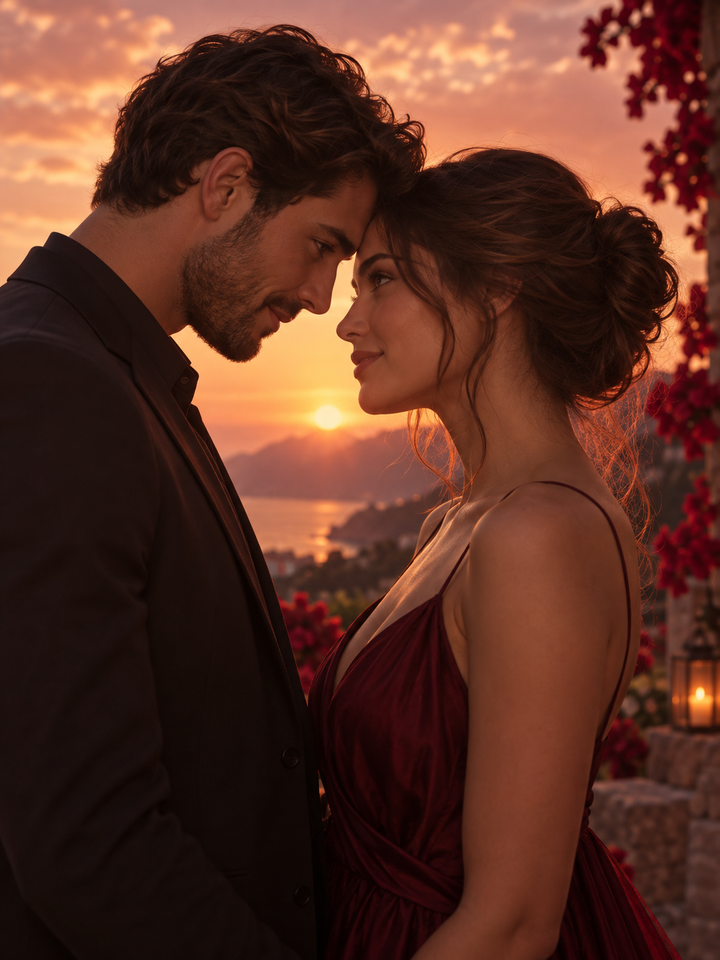
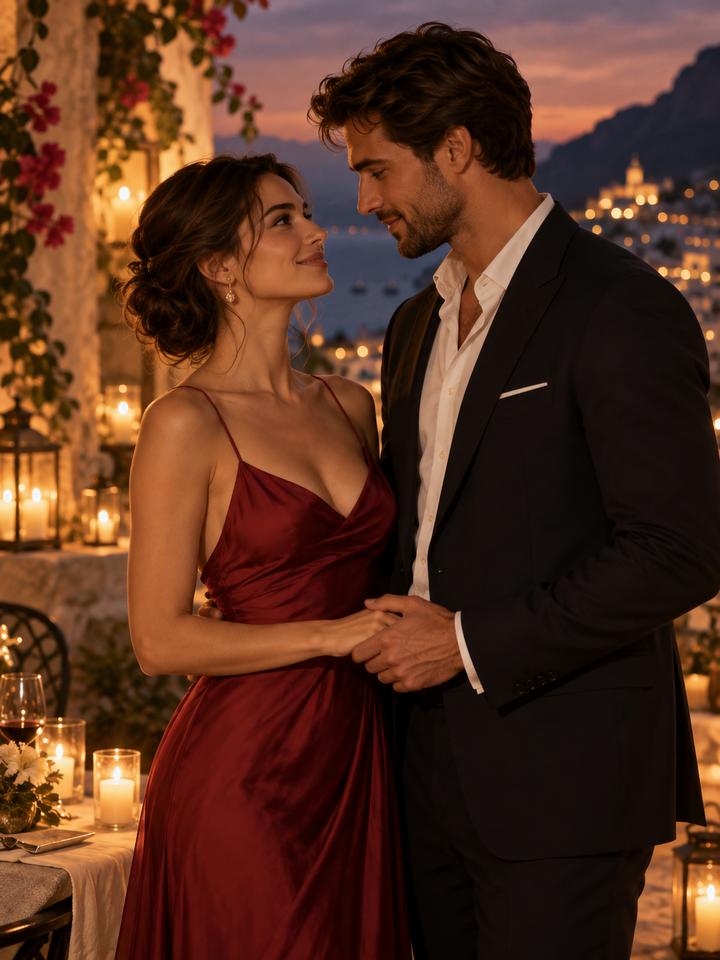

Create a brief, gentle kissing scene from one shared photo or two separate portraits of consenting adults. The style controls the approach and camera mood. Review both faces during contact: this is an imagined AI scene, not a recording of something that happened.
The page is intended for consenting adult subjects and authorized photos.
The prompt prioritizes distinct faces and avoids merging the two people into one identity.
Gentle is subtle, Romantic is warmer, and Cinematic adds a stronger visual mood without explicit content.
Use one two-person photo or two clear adult references that you have permission to use.
Start with Gentle for the most restrained motion and move to Romantic or Cinematic if needed.
Check both faces, mouths, hair and hands carefully because close contact increases generation difficulty.
Use clear adult faces at similar scale and quality. Side profiles can work, but extreme angles, covered faces and large differences in image lighting make identity preservation harder.
Faces overlap during a kiss, so lips, profiles or identity details can shift across frames. Review the result carefully and do not present generated scenes as evidence that a real event occurred.
Yes. The effect can use up to two adult reference images.
Yes. A clear image containing both adult subjects is also supported.
Overlapping profiles and mouths are difficult for video models to keep perfectly stable across frames.
No. This romantic kiss effect is intended for consenting adult subjects only.
Gentle uses the most restrained pacing and contact.
No. It is synthetic AI-generated media and should not be misrepresented as evidence of a real event.
Choose your photos and a style, then check the credit cost shown in the generator. Review faces, movement and small details before sharing.
Back to the video generator