
Introducing Gemini Omni: Create Anything from Anything
Watch on:YouTube
Google's multimodal creation model — where Gemini's reasoning meets the ability to create. Generate and edit video from text, images, video, or audio with natural language. Every edit builds on the one before. Try free with FireRed Image Edit.
Gemini Omni is Google DeepMind's multimodal creation model, announced at Google I/O 2025. It brings Gemini's reasoning ability together with generative media systems, enabling video generation and editing that goes beyond simple prompt-to-video output. The model understands scenes, actions, environments, physical behavior, and real-world context — producing results that feel intentional rather than random. Gemini Omni Flash is the first model in the Omni family, built for practical video creation and editing workflows where users can transform footage, guide results with references, and refine scenes through natural language conversation.
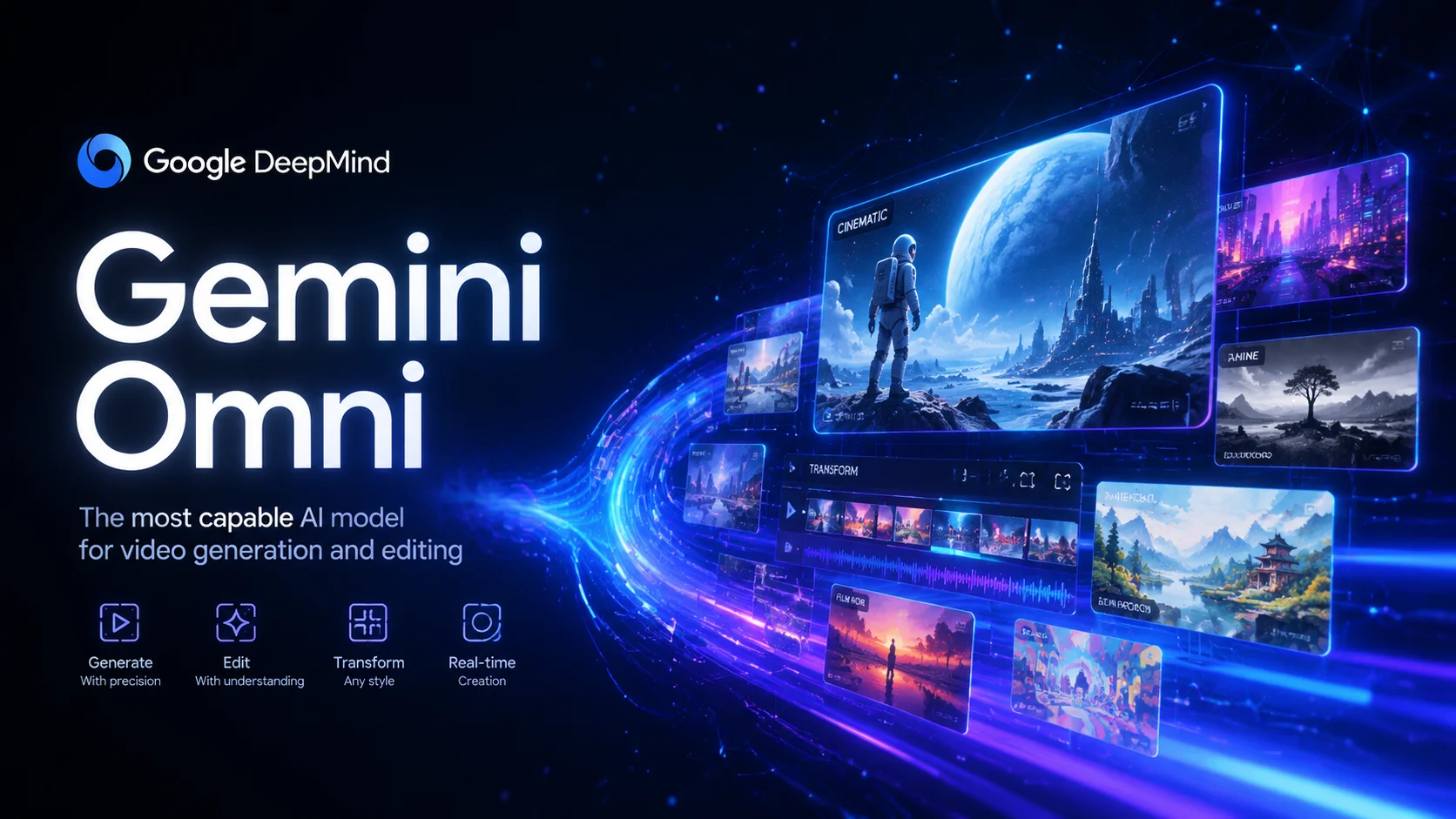
Multimodal input, conversational editing, style transformation, and real-world knowledge — all in one model
Gemini Omni introduces a fundamentally different approach to video editing. Instead of starting from scratch with each generation, you can refine your video through a series of natural language instructions. Change the background, adjust the action, replace objects, shift the camera angle, or add visual effects — all while keeping the rest of the video stable. This conversational workflow means you can iterate toward your vision step by step, just like editing a document with tracked changes.
Edit over multiple turns with consistency — change camera angle while maintaining scene coherence across sequential modifications
Multi-turn editing preserves scene coherence across sequential modifications
First establish the scene with a person in a room, then change the lighting to golden hour, then add rain on the window — each edit builds on the last
Sequential environment changes demonstrate conversational refinement
Gemini Omni can transform the visual style of any input video while preserving the underlying motion, structure, and scene composition. Describe the target aesthetic — metallic surfaces, hand-drawn sketches, felt puppets, holographic projections, voxel art — and the model applies the transformation coherently across every frame. The original camera movement, character actions, and spatial relationships remain intact, creating a seamless style transfer that goes far beyond simple filters.
When the person touches the mirror, make the mirror ripple beautifully like liquid, and the person's arm turns into reflective mirror material
Style transformation preserves motion while completely changing visual aesthetics to metallic
When the person touches the mirror, the entire environment turns into 3D voxel art with blocky geometric shapes
Complete environment transformation to voxel art while preserving spatial structure
Unlike models that only accept text or a single image, Gemini Omni can process multiple input types simultaneously. Provide text for direction, images for visual reference, video for motion guidance, and audio for speech or sound synchronization. The model synthesizes all inputs into a single cohesive video output. This makes it practical for real creative workflows where inspiration comes from multiple sources — a storyboard sketch, a reference clip, a voice recording, and a written description can all contribute to the final result.
Add harp sounds synchronized to when I touch each fern leaf. Change the leaf structure to bioluminescent plant life with fireflies flying around
Combining video input with text instructions and audio reference for synchronized output
Visualize protein folding process using real-world scientific knowledge, rendered in claymation style with accurate molecular behavior
Real-world knowledge applied to scientific visualization with creative style
ElevenLabs
Parker Prompts
Youri van Hofwegen
Gemini Omni FAQ
Gemini Omni is Google DeepMind's multimodal creation model that combines Gemini's reasoning ability with video generation. Unlike traditional text-to-video models, Gemini Omni supports multi-turn conversational editing (each edit builds on the previous), accepts multiple input types simultaneously (text, images, video, audio), and applies real-world knowledge to produce contextually meaningful results.
Gemini Omni accepts text prompts, up to 7 reference images, 1 video clip (up to 100MB, 30 seconds), and audio IDs. You can combine multiple input types in a single generation — for example, providing a reference video plus text instructions to transform the scene while preserving the original motion.
Yes. FireRed Image Edit offers credits to generate videos with Gemini Omni. New users receive free credits to start creating immediately. The model supports 4/6/8/10 second durations with 16:9 and 9:16 aspect ratios.
Yes. Gemini Omni excels at video editing through natural language. Upload a source video and describe what you want to change — transform the environment, replace objects, change the style, adjust camera perspective, or add effects. The model preserves elements you don't mention while applying your requested changes.
Video input files must be under 100MB and no longer than 30 seconds. The usable trim range (start to end) cannot exceed 10 seconds. Image files must be under 20MB each, with a maximum of 7 images per generation. Generated videos can be 4, 6, 8, or 10 seconds long.
Multi-turn editing means each generation can build on the previous result. You start with an initial creation, then refine it through follow-up instructions — change the angle, add effects, modify the action, adjust lighting — while the model maintains consistency with what came before. This is similar to how you might edit a document through multiple revisions.
Yes. Videos generated through FireRed Image Edit come with commercial usage rights. Gemini Omni is licensed for commercial use, making it suitable for marketing content, social media, product showcases, educational materials, and professional video production.
“The multi-turn editing is what sets Gemini Omni apart. I can refine a scene step by step instead of regenerating from scratch every time. It actually feels like directing rather than prompting.”
Elena Vasquez: “The multi-turn editing is what sets Gemini Omni apart. I can refine a scene step by step instead of regenerating from scratch every time. It actually feels like directing rather than prompting.”
Takeshi Mori: “Being able to transform video styles while keeping the original motion intact is incredibly useful for concept work. The metal and hologram transformations are particularly impressive.”
David Chen: “Gemini Omni understands context in a way other models don't. When I ask for a science visualization, it actually gets the physics right instead of just making something that looks vaguely scientific.”
Experience the power of Gemini Omni — free online





10,000+ users