









One or Two References
Use a single photo containing both people or provide two separate references.
Drag & drop reference images here or browse files
Only upload media you have permission to use.
Create a gentle hug interaction from one two-person photo or two reference images while keeping both people recognizable.
Watch whether both people remain distinct while approaching and hugging, with natural arm paths, hand placement, and contact points.


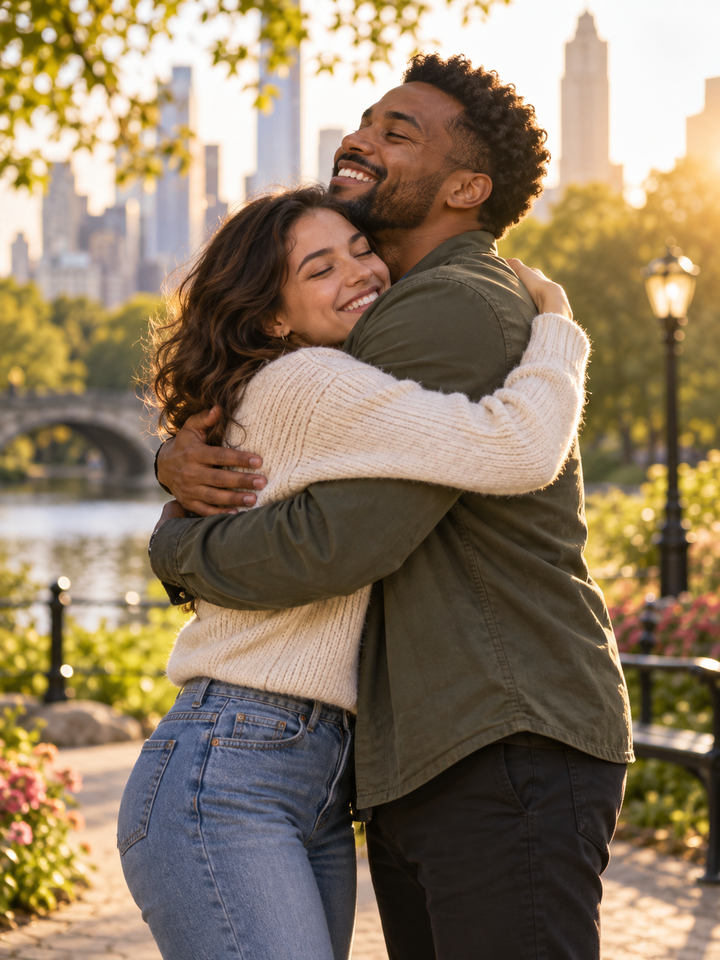

Bring two people into a short hugging scene using a shared photo or one portrait of each person. The two portraits identify the people, not the beginning and end of the video. The effect guides their approach and embrace, but faces and hands can still change during contact.
Use a single photo containing both people or provide two separate references.
The effect asks for coherent arm motion and body contact instead of abrupt merging.
Gentle, Warm and Reunion change the intensity without changing the core identity constraints.
Choose photos with clear faces and visible upper bodies. For separate portraits, similar framing and lighting make it easier to create a believable shared scene.
Gentle uses restrained movement, Warm adds more affection, and Reunion is more energetic.
Check faces, hair, hands and arm placement throughout the interaction before sharing the result.
Front-facing or lightly angled portraits with visible upper bodies work best. Similar lighting and image quality make it easier to keep both people consistent when they move together.
Hands, arms and faces can overlap during a hug, which makes identity preservation more difficult than single-person animation. Treat the result as a creative AI video and review it closely.
Yes. Upload one portrait of each person. The tool uses them to distinguish the two people, rather than treating the photos as the opening and closing frames.
Yes. One clear two-person image can also be used.
A hug creates overlapping arms and hands, which is difficult for video models to reconstruct consistently across frames.
Use clear, well-lit references with visible faces and similar framing.
Gentle uses the least aggressive motion and is a good first choice for identity stability.
Yes. Only upload media you are allowed to use, especially for recognizable people.
Choose your photos and a style, then check the credit cost shown in the generator. Review faces, movement and small details before sharing.
Back to the video generator