
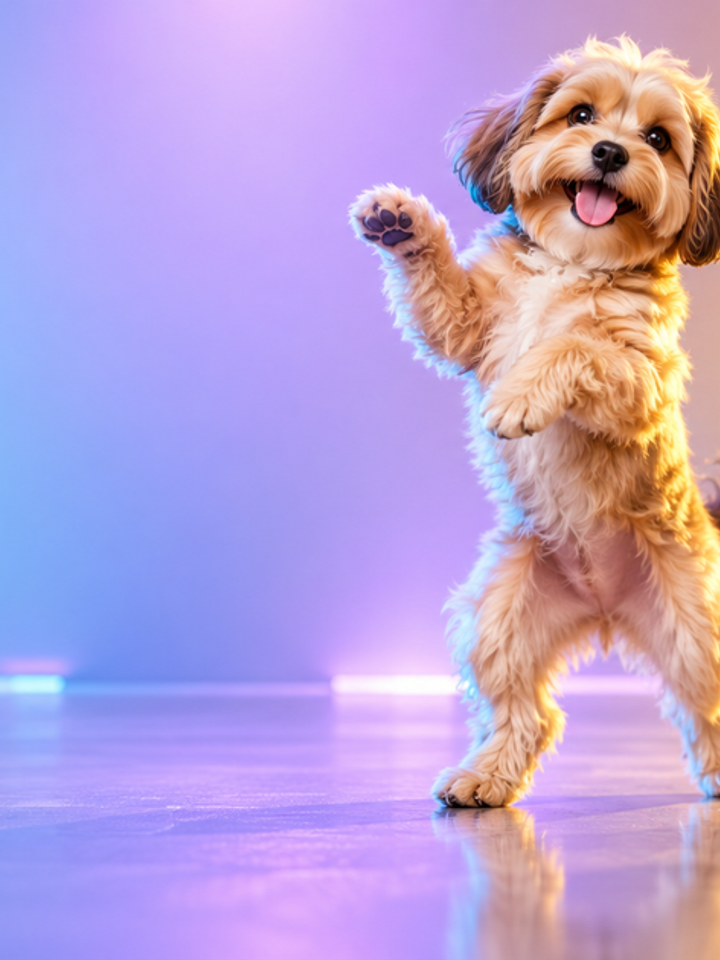
Style Presets
Freestyle, Hip-Hop and K-Pop provide distinct movement direction without requiring a custom prompt.
Drag & drop reference images here or browse files
Only upload media you have permission to use.
Animate one photo into a coordinated dance while keeping the person, outfit and background recognizable.
Check foot contact, weight transfer, hands, clothing consistency, and whether the dance reads as a connected sequence rather than random motion.
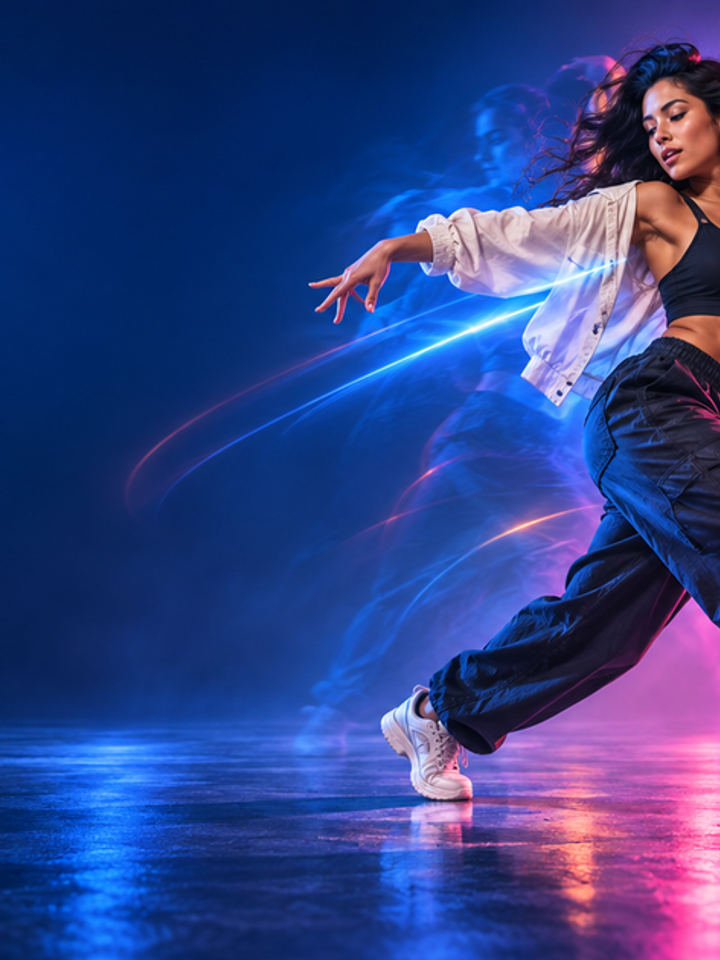
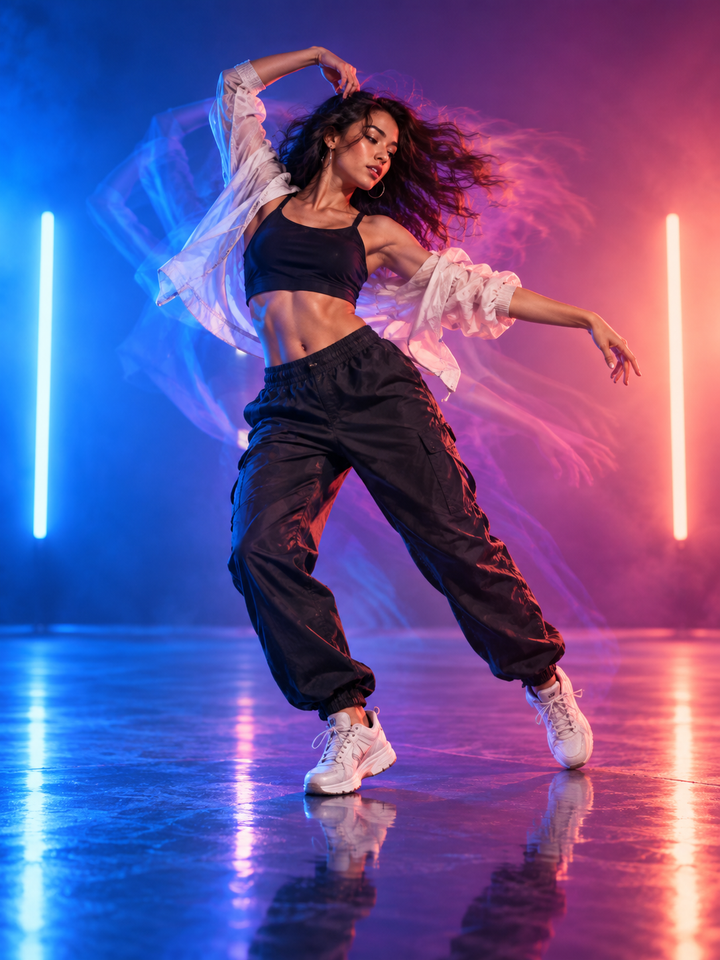
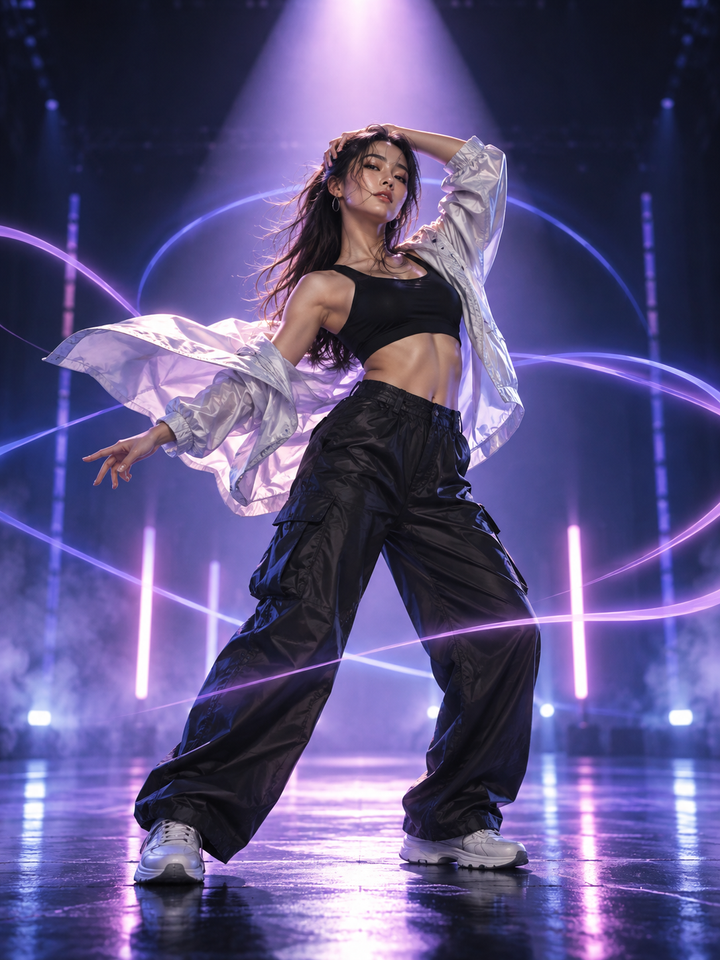
The AI Dance Generator adds coordinated full-body motion to a portrait. The effect prioritizes identity, clothing and balance while giving the arms, torso and legs enough movement to read as a dance rather than a simple camera animation.
Freestyle, Hip-Hop and K-Pop provide distinct movement direction without requiring a custom prompt.
The prompt tells the model to keep the face, hairstyle and outfit consistent as the body moves.
MiniMax H3 is the default, while other supported video models remain available for experimentation.
Show the legs and arms when possible so the model has enough body structure to animate.
Choose Freestyle for broad motion, Hip-Hop for grounded rhythm or K-Pop for polished choreography.
Watch for foot sliding, duplicated hands or sudden changes in clothing before downloading.
Full-body or three-quarter portraits with a single person, visible limbs and some free space around the body are more reliable than tightly cropped headshots.
Fast movement can introduce foot sliding, hand artifacts or body-shape changes. A simple standing pose usually gives the model the best chance to keep anatomy coherent.
It is not required, but showing more of the body gives the model more structure for dance motion.
Freestyle is a good general starting point. More choreographed motion can be harder when the source pose is complex.
The prompt asks the model to preserve it, but fast movement can still change folds, accessories or small details.
Yes, although movement quality depends on how clearly the body and limbs are drawn.
The model generates motion from a still image and does not have real motion-capture data, so ground contact can drift.
No. This tool generates preset-inspired dance moves from a photo. It does not accept a reference dance video or reproduce a specific choreography exactly.
Choose your photos and a style, then check the credit cost shown in the generator. Review faces, movement and small details before sharing.
Back to the video generator