

















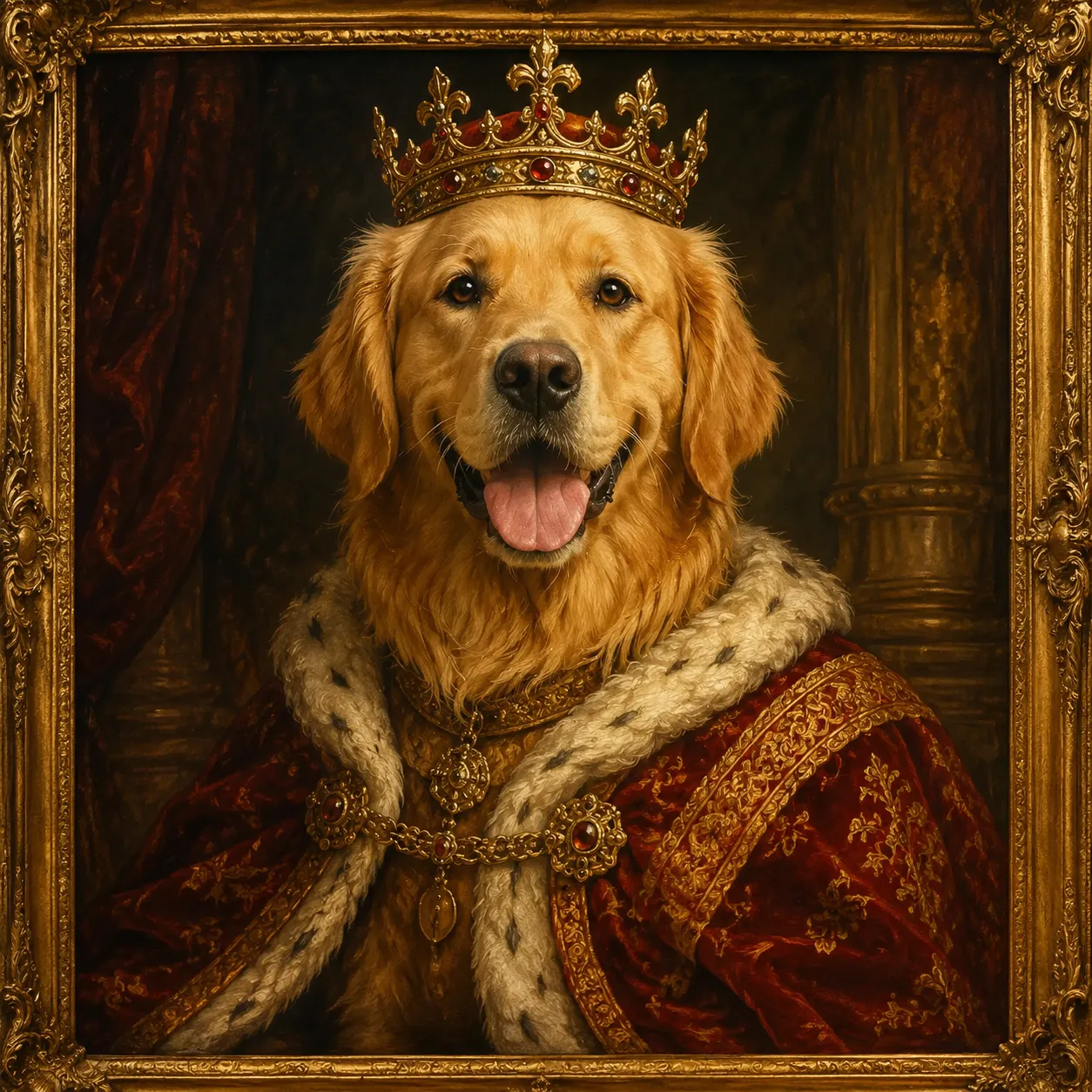
AI Logo Generator: Explore a brand symbol
Bring a sketch or visual reference and explore a logo symbol through shape style and palette. Review a raster concept before arranging lettering, vector artwork or trademark checks.

Bring a sketch or visual reference and explore a logo symbol through shape style and palette. Review a raster concept before arranging lettering, vector artwork or trademark checks.
Explore an original, recognizable brand symbol from a sketch or visual reference. Choose a symbol style and palette that fit the reference and intended brand character. Start with a clear silhouette and a few visual elements, then compare how the concept reads at a small size.
Explore a logo symbol from a sketch or visual reference. Choose a graphic style and palette, then review the raster concept at a small size.
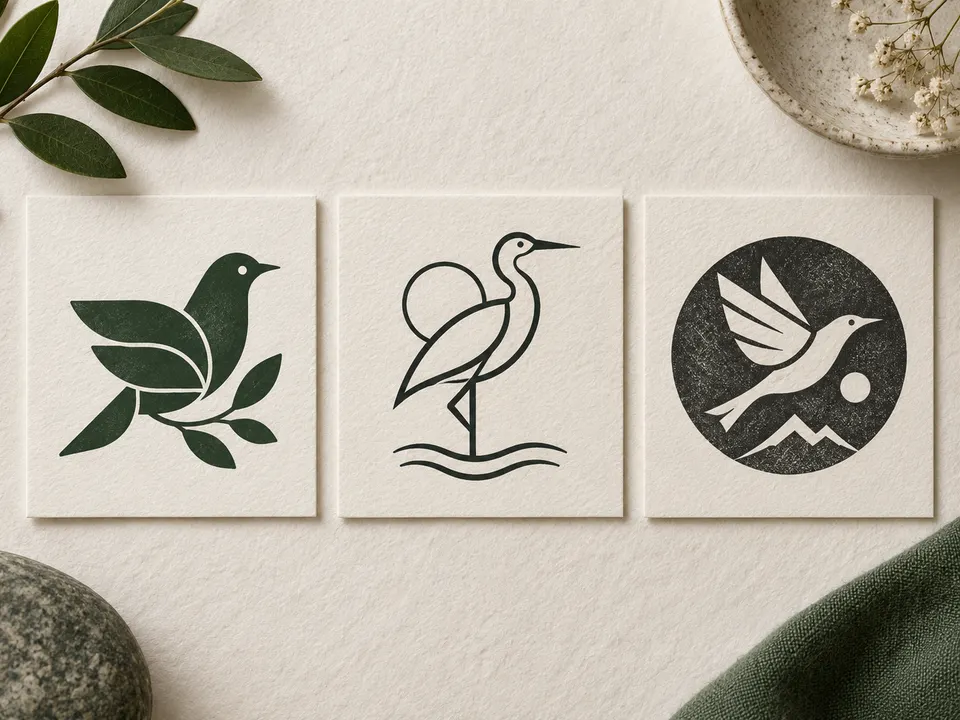
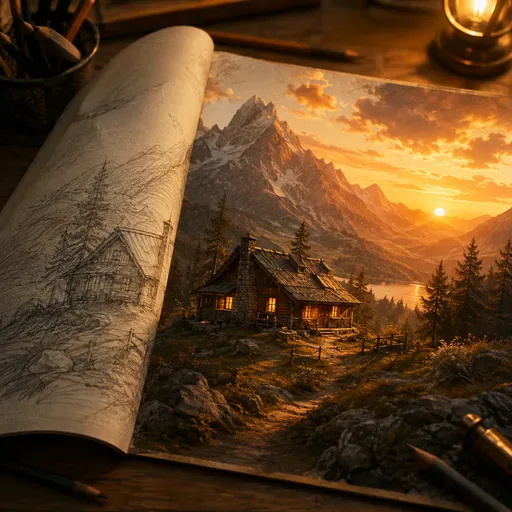
Symbol style: Geometric · Palette: Forest green
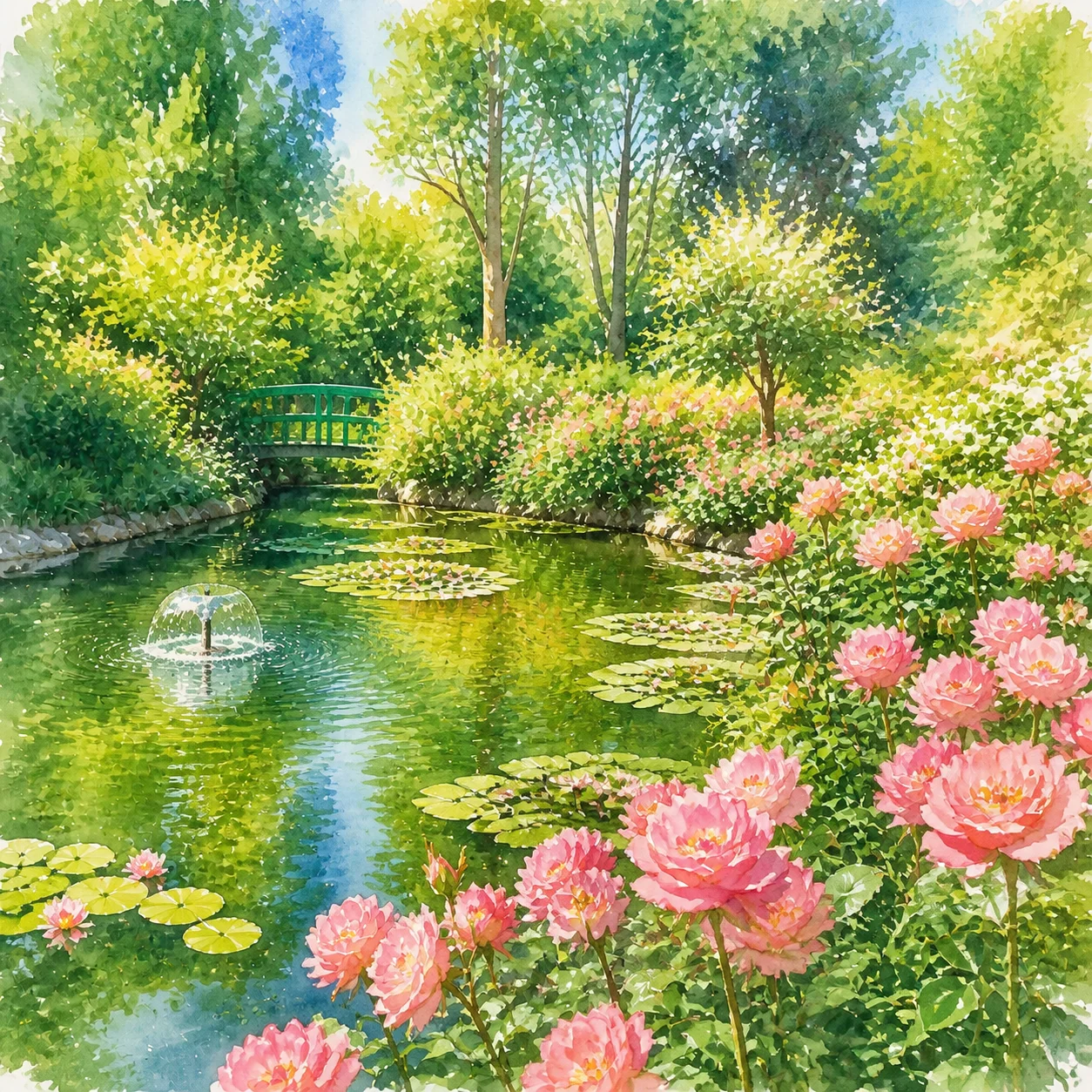
Symbol style: Minimal · Palette: Warm brown
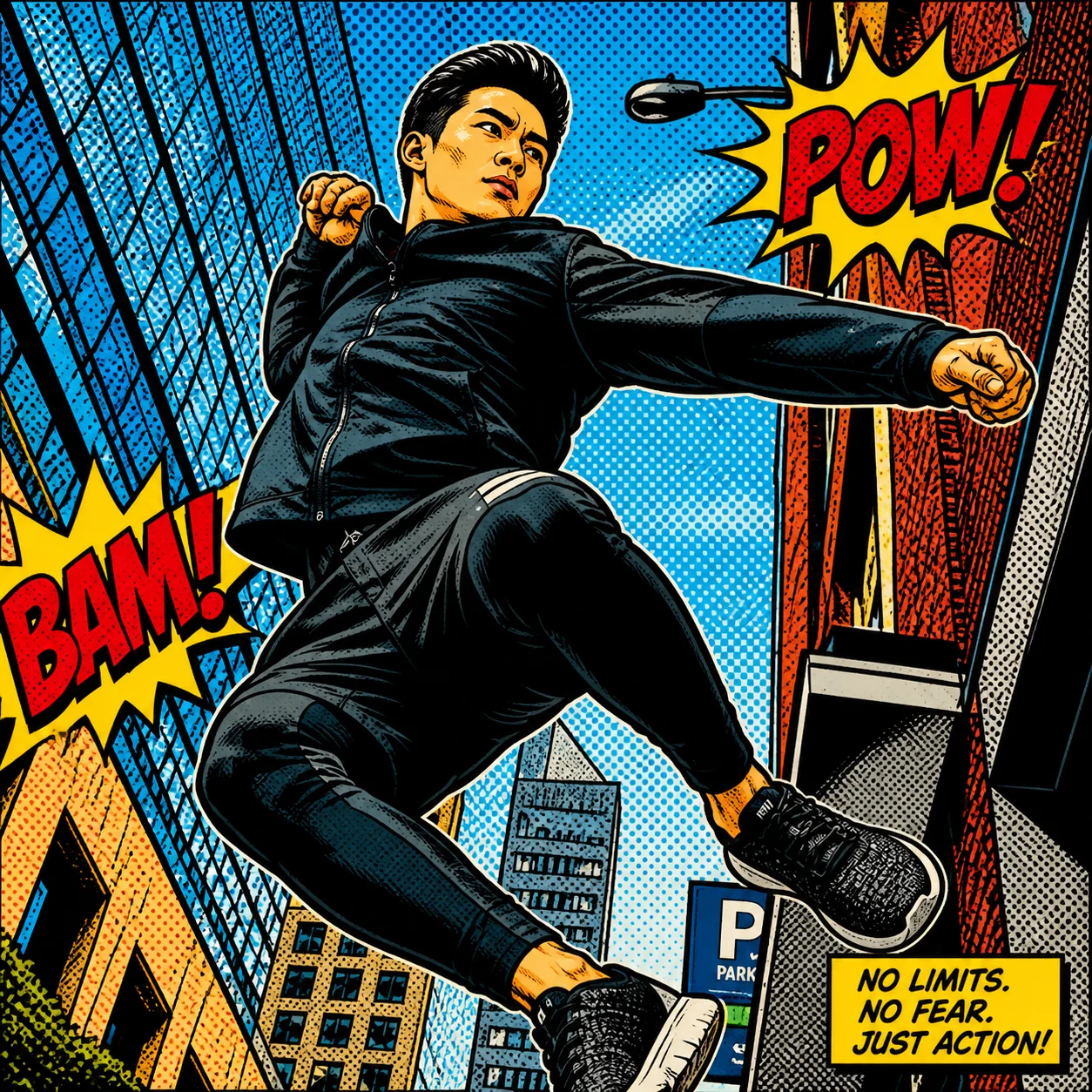
Symbol style: Playful · Palette: Navy blue
This page uses the reference-image workflow, so upload a sketch or an image that expresses your direction. A quick hand-drawn symbol is enough to explain the idea; it does not need to be polished artwork.
This form uses symbol-style and palette selections. It does not offer a brand-name field. Create the symbol concept here, then set the exact name and typography in a design application.
The result is a raster image, not editable SVG paths. A designer or vector editor must redraw or trace it and check the curves before you use it at print scale.
View it at a small size and in one color. Look for a distinct silhouette, adequate spacing and details that remain legible. Separately check whether the design resembles an existing mark.
No. Generation is not a trademark search or a guarantee of originality. Check the relevant trademark registers and obtain appropriate advice before using it as your brand’s identifying mark.
Choose the model and settings first, then check the credit amount shown beside the generation action. Different supported models and resolutions can have different costs; this page does not promise free or unlimited generation.
Choose an available aspect ratio that suits the reference and intended placement. Sizes and formats depend on the selected model. A larger image is still a visual concept, not a production design file.
Use the result panel to inspect and download the image. You can also check generation history if you leave the page while the task runs. Review the full image before sharing it or handing it to a designer.

Explore furnishings for an empty room: upload a room photo, choose the room type and furniture style, then generate a virtual-staging concept.

Explore a garden concept from your yard photo. Choose how you want to use the space and a landscape style; review planting and paths before planning work.
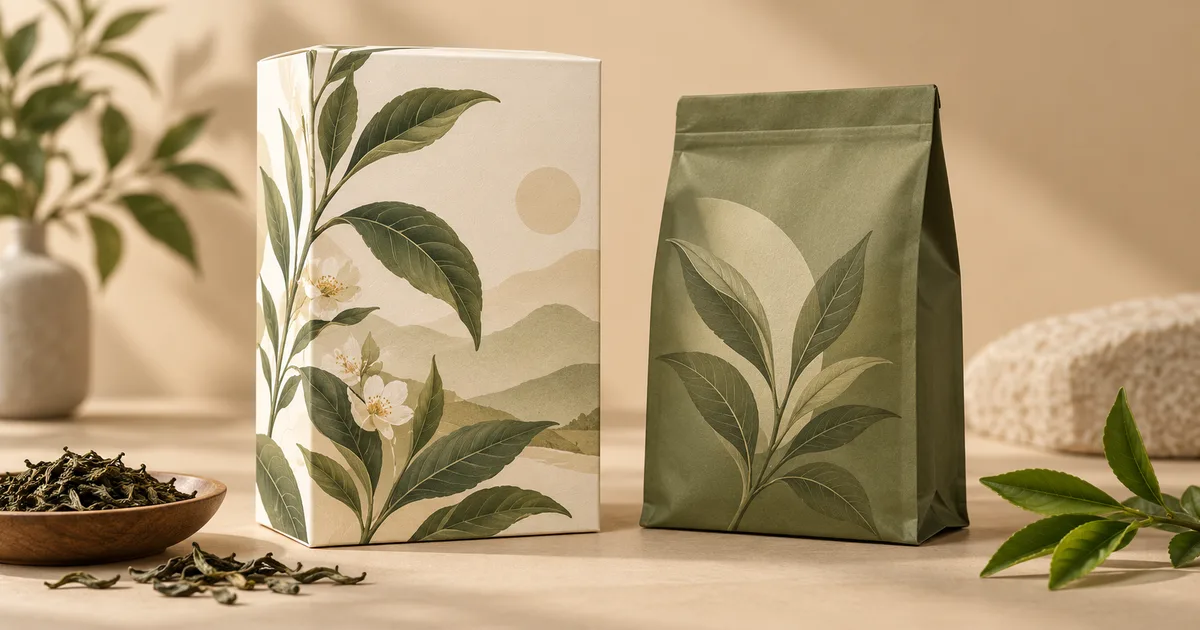
Explore a new packaging concept from a package reference. Choose a package format and visual style, then review graphics, folds and label space.

Turn a pet, character or object reference into a sticker-style illustration. Choose an expression and drawing style, then review the silhouette.

Use the FireRed Image Edit AI model online ? Xiaohongshu FireRed's open-source instruction-driven image editing model fo
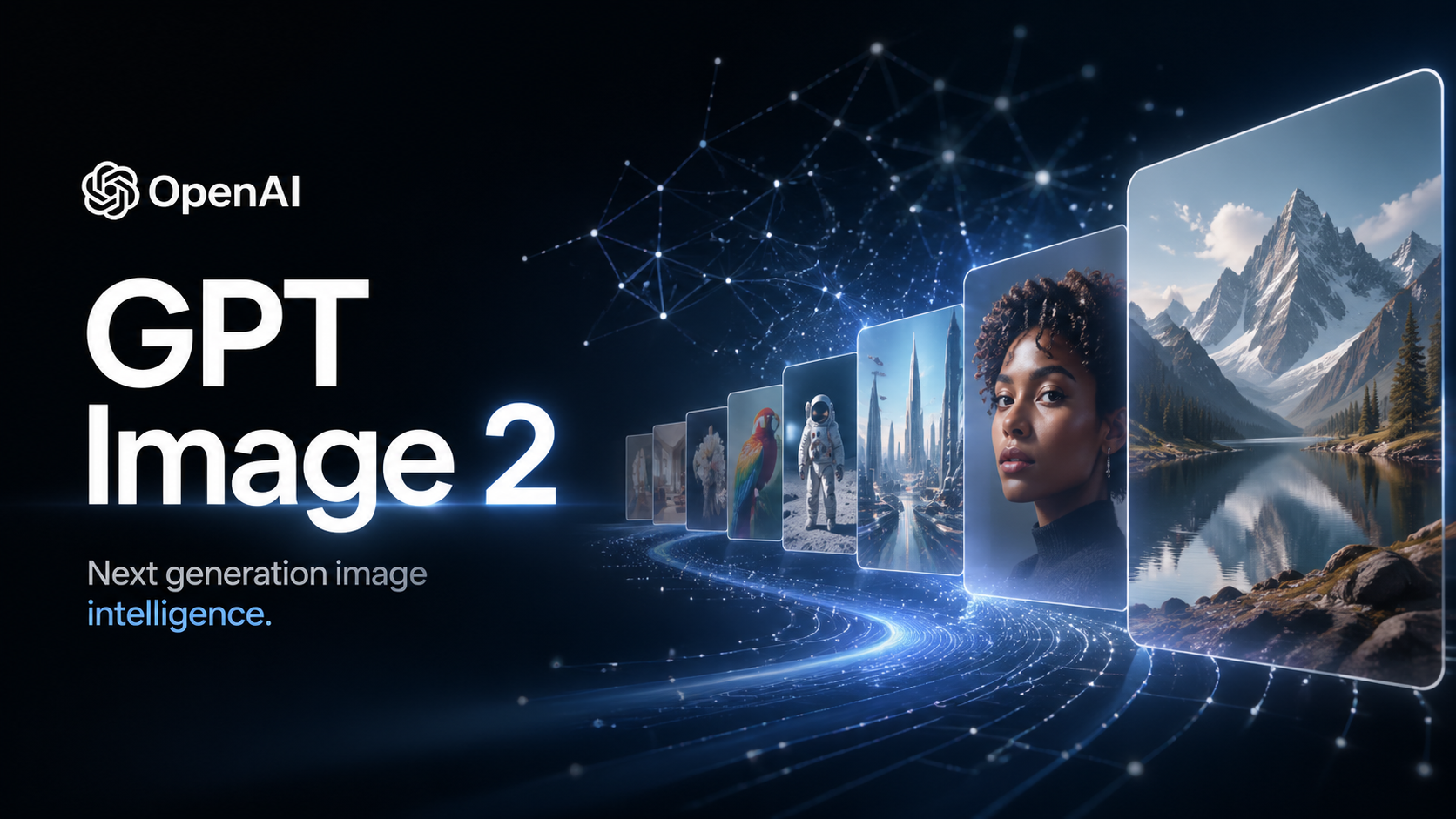
OpenAI's most advanced image generation model with native Thinking Mode, 95%+ text rendering accuracy, web search during

Nano Banana Pro (also known as Gemini 3 Pro Image ) is a free AI image generator by Google DeepMind that produces stunni
Veo 3.1, released in October 2025 by Google DeepMind, delivers cinematic 1080p videos with native audio generation — fre

OpenAI's most advanced general video generation model — create high-quality videos from text prompts and images with rea
ByteDance's next-generation AI video model with the revolutionary @-reference system. Combine text, images, video clips,
Start editing your images with state-of-the-art AI technology





10,000+ users