































AI Virtual Staging: Furniture ideas for empty rooms
Picture a furnished property from an empty-room photo. Select room use and furniture style to explore an AI staging image, then compare the architecture with your reference.
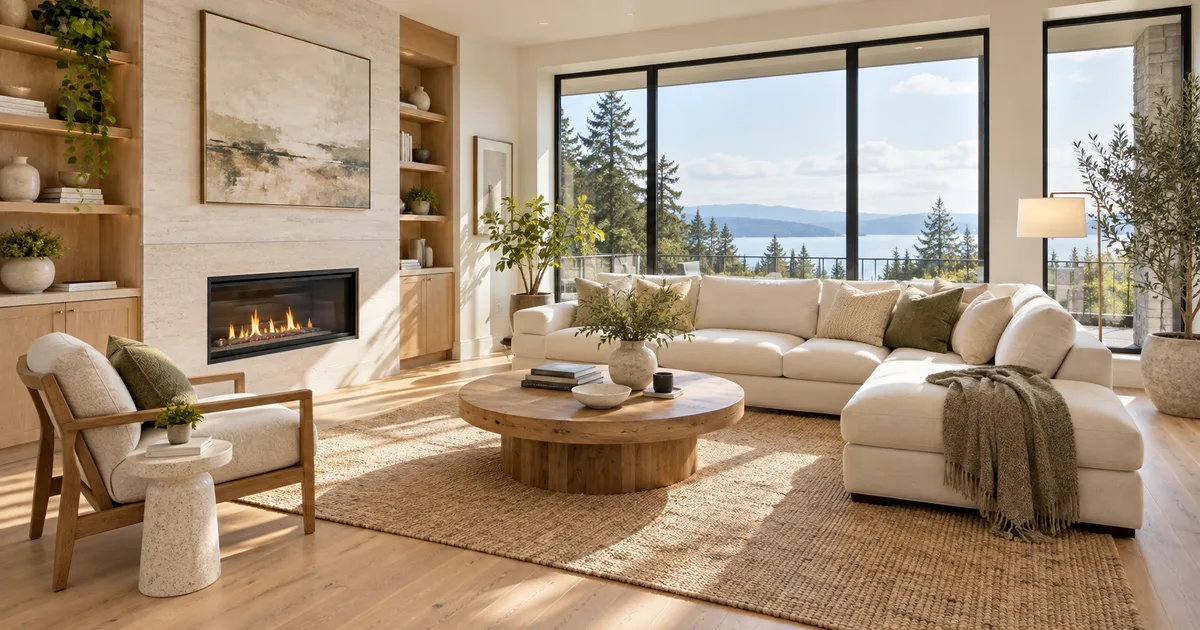
Picture a furnished property from an empty-room photo. Select room use and furniture style to explore an AI staging image, then compare the architecture with your reference.
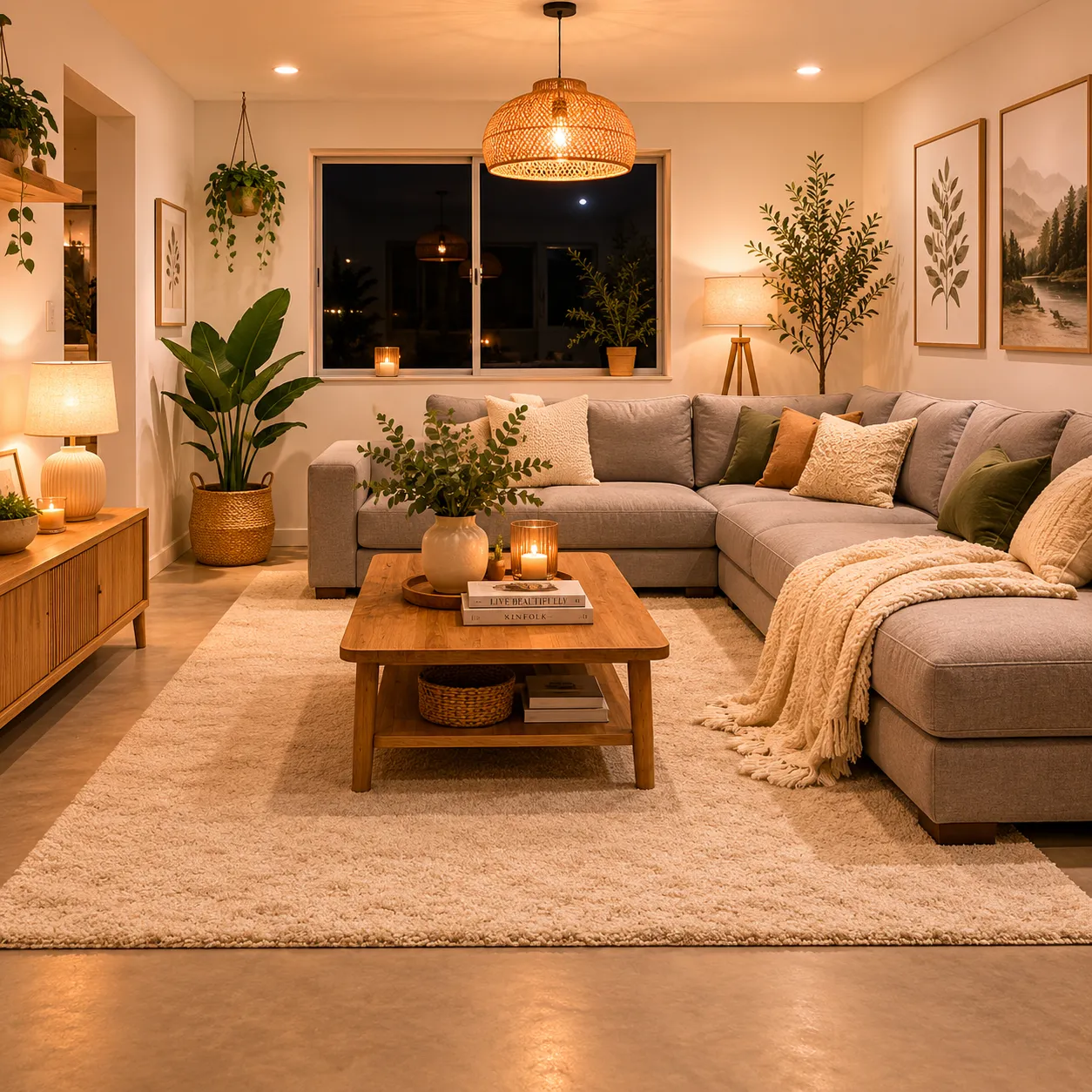
Help a buyer picture how an empty living room, bedroom or studio could be furnished. Start with one realistic furniture arrangement for the room’s intended use, rather than filling every corner with decorative objects. The goal is a clearer property presentation while keeping the photographed space recognizable.
Explore furnishings for an empty room: upload a room photo, choose the room type and furniture style, then generate a virtual-staging concept.
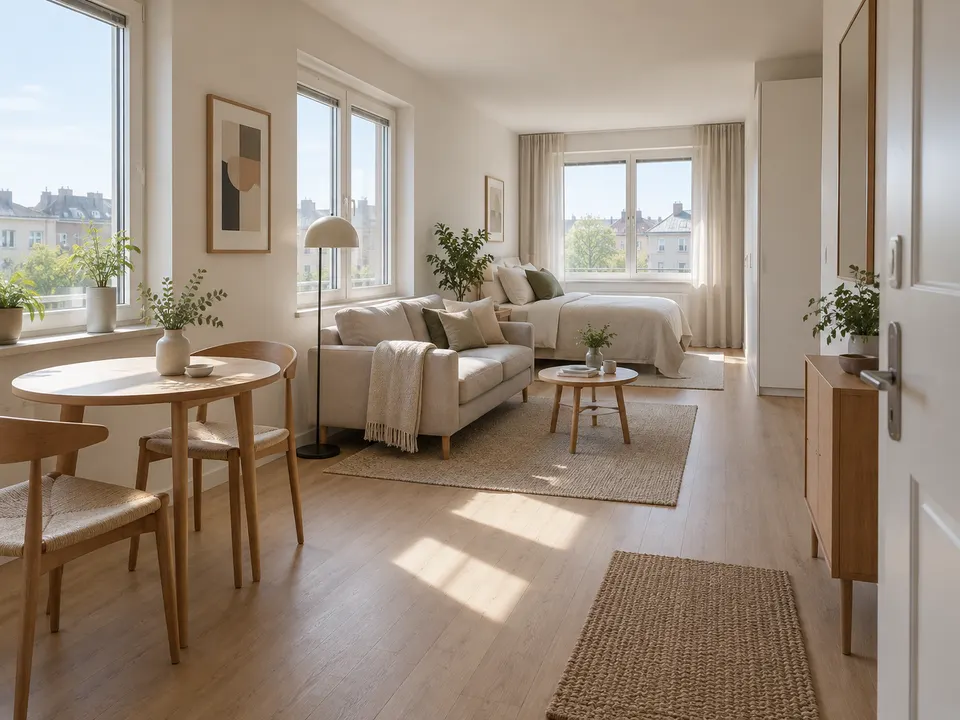
Room type: Living room · Furniture style: Scandinavian
Room type: Bedroom · Furniture style: Warm natural
Room type: Studio · Furniture style: Minimal
An empty or lightly furnished room gives the clearest starting point. There is no dedicated furniture-removal or renovation setting here. Compare any changes to existing furniture with the original photo.
The task instructions ask the model to preserve the architecture, but that is not a geometric guarantee. Compare door openings, window frames and wall lines against the source photo before publishing.
Specify a few essential pieces, compact furniture and a clear path between the entrance and windows. Avoid asking for a sofa, dining set, desk and storage wall in the same small corner.
No. The image suggests an arrangement without measured dimensions. Check room measurements, access clearance and the dimensions of actual products before buying furniture.
Label it as virtually staged and follow the relevant listing rules. The generated furniture is illustrative and must not imply that the property is supplied with those items or that its condition has changed.
Choose the model and settings first, then check the credit amount shown beside the generation action. Different supported models and resolutions can have different costs; this page does not promise free or unlimited generation.
Choose an available aspect ratio that suits the reference and intended placement. Sizes and formats depend on the selected model. A larger image is still a visual concept, not a production design file.
Use the result panel to inspect and download the image. You can also check generation history if you leave the page while the task runs. Review the full image before sharing it or handing it to a designer.

Explore a garden concept from your yard photo. Choose how you want to use the space and a landscape style; review planting and paths before planning work.

Explore a logo symbol from a sketch or visual reference. Choose a graphic style and palette, then review the raster concept at a small size.

Explore a new packaging concept from a package reference. Choose a package format and visual style, then review graphics, folds and label space.

Turn a pet, character or object reference into a sticker-style illustration. Choose an expression and drawing style, then review the silhouette.

Use the FireRed Image Edit AI model online ? Xiaohongshu FireRed's open-source instruction-driven image editing model fo

OpenAI's most advanced image generation model with native Thinking Mode, 95%+ text rendering accuracy, web search during

Nano Banana Pro (also known as Gemini 3 Pro Image ) is a free AI image generator by Google DeepMind that produces stunni

Veo 3.1, released in October 2025 by Google DeepMind, delivers cinematic 1080p videos with native audio generation — fre

OpenAI's most advanced general video generation model — create high-quality videos from text prompts and images with rea
ByteDance's next-generation AI video model with the revolutionary @-reference system. Combine text, images, video clips,
Start editing your images with state-of-the-art AI technology





10,000+ users