













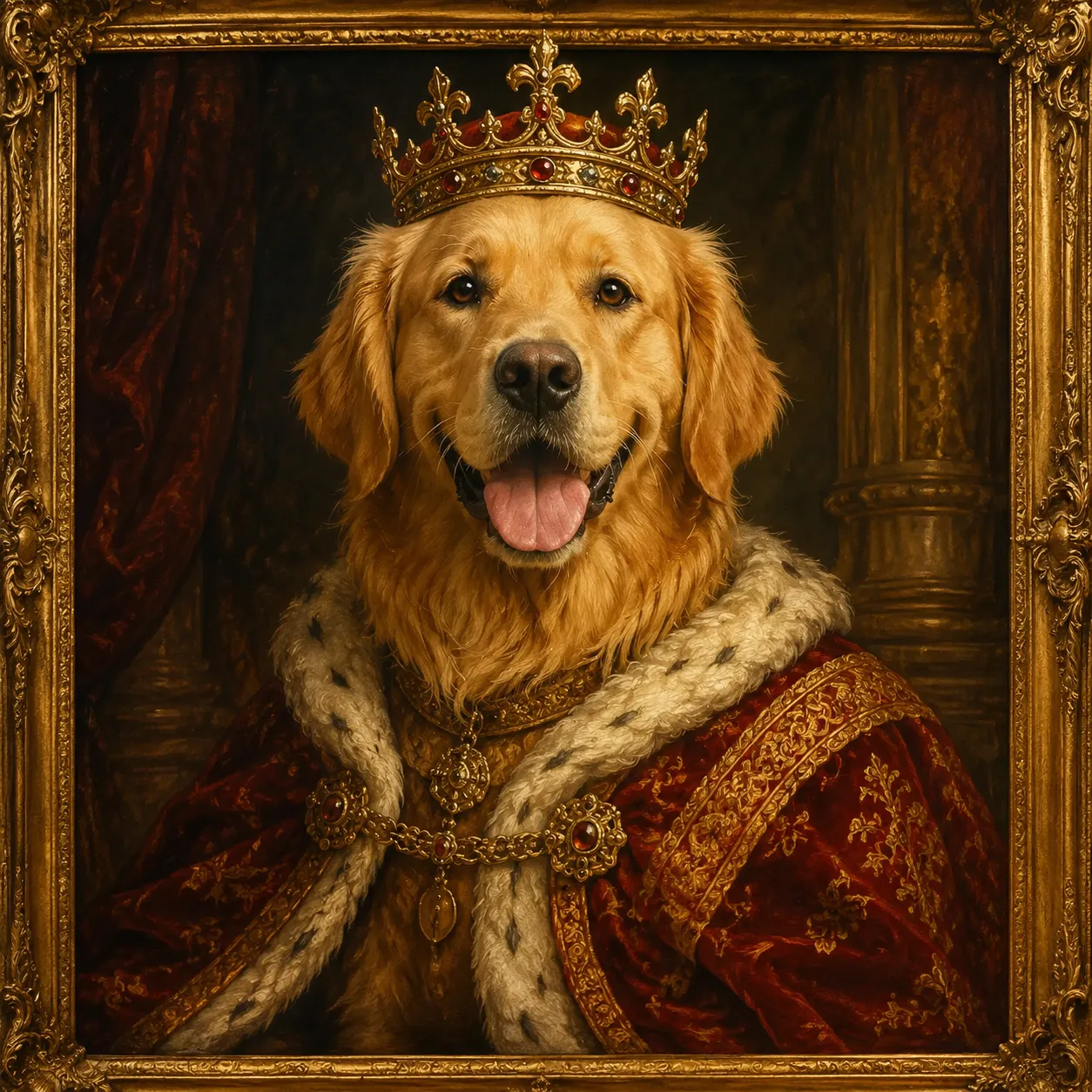
Character Nail Generator: Explore a coordinated nail set
Use character colors and motifs to explore ten coordinated nail designs in one image. Review the concept with a nail artist before choosing physical materials or techniques.
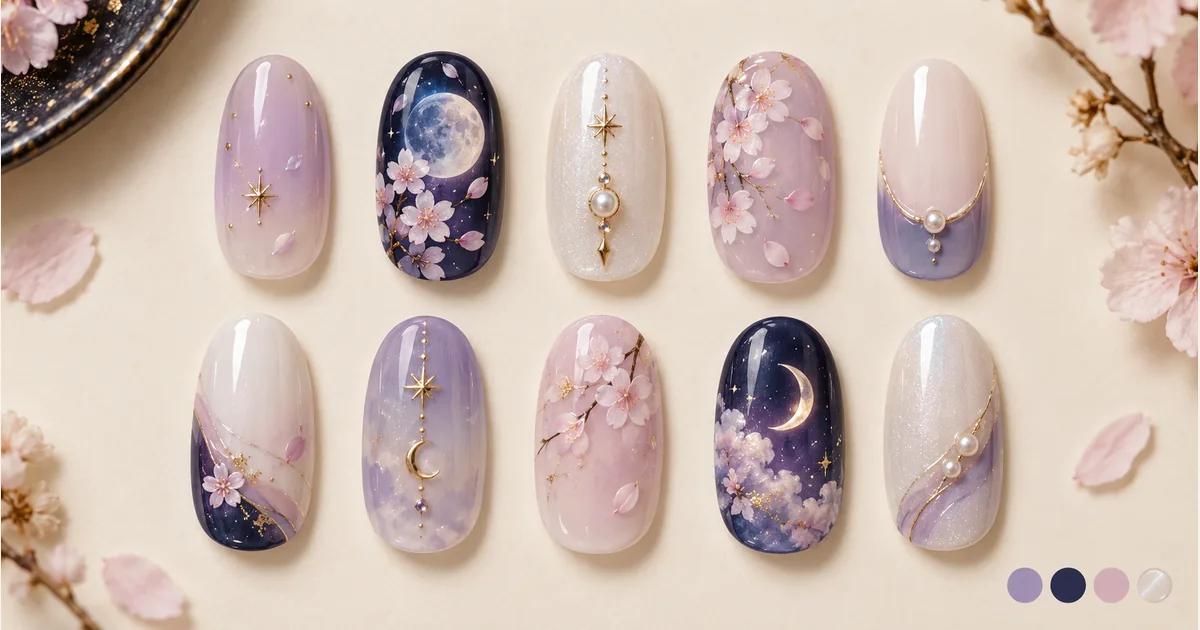
Use character colors and motifs to explore ten coordinated nail designs in one image. Review the concept with a nail artist before choosing physical materials or techniques.
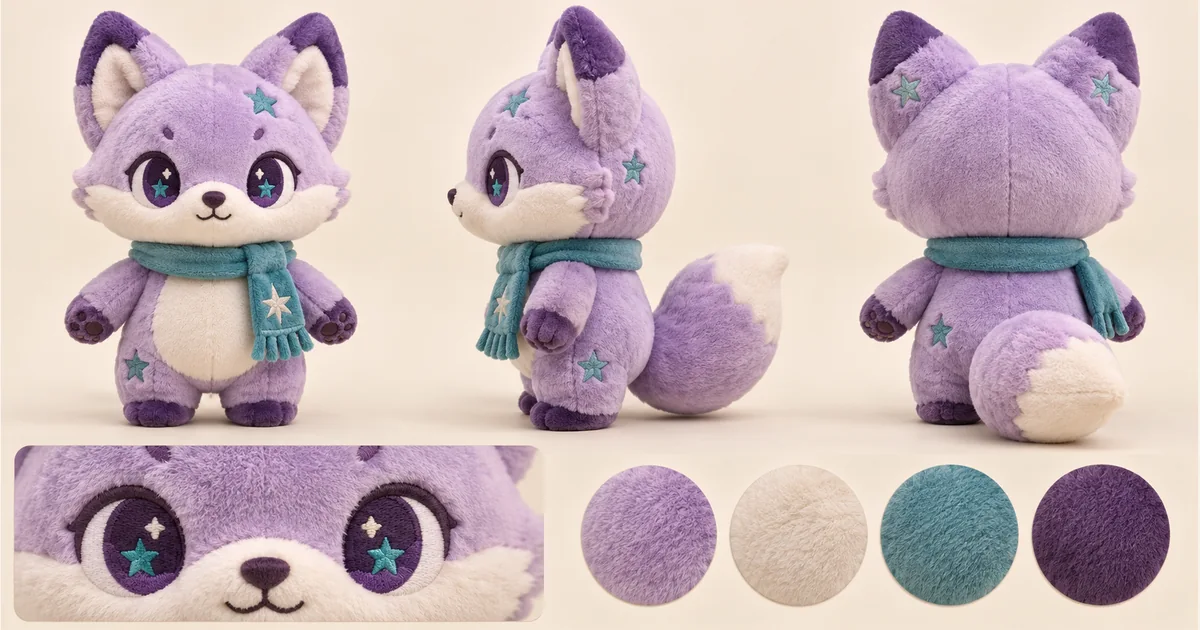
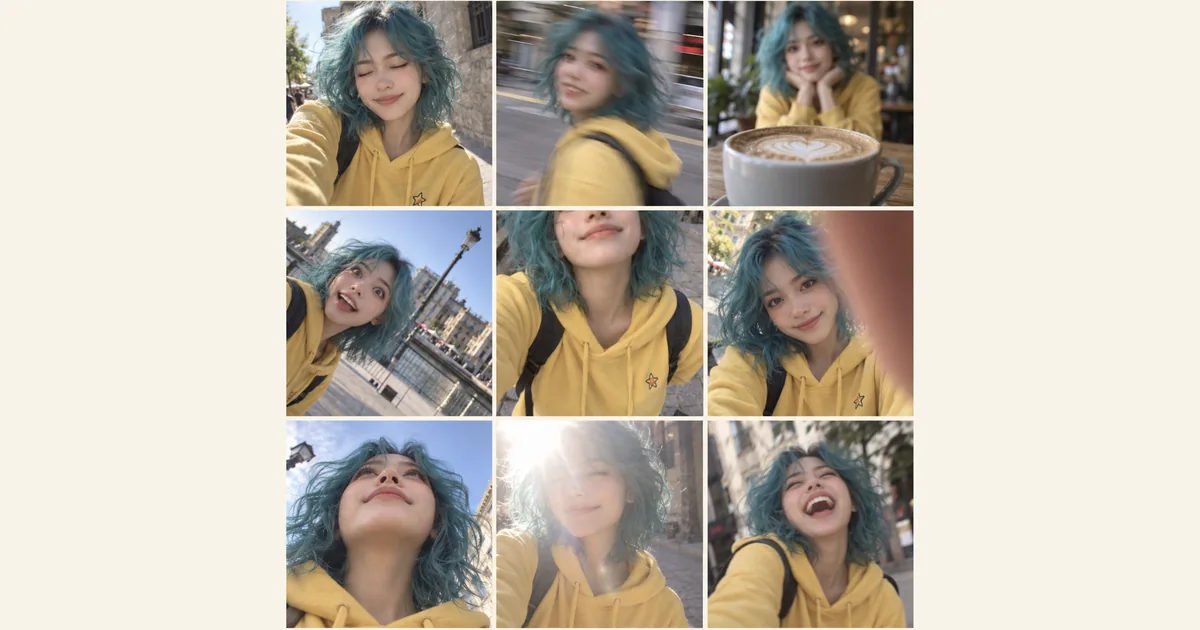
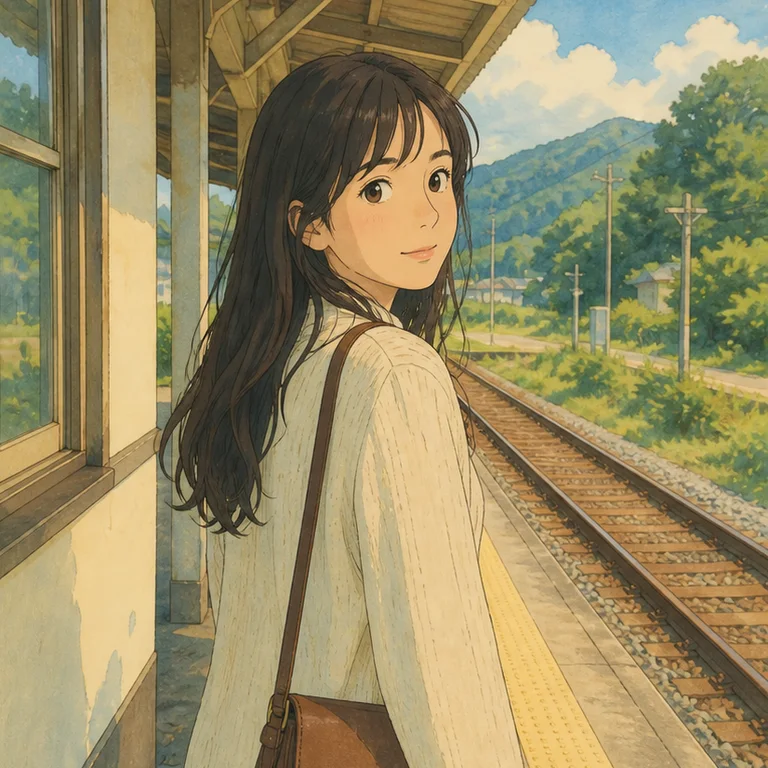
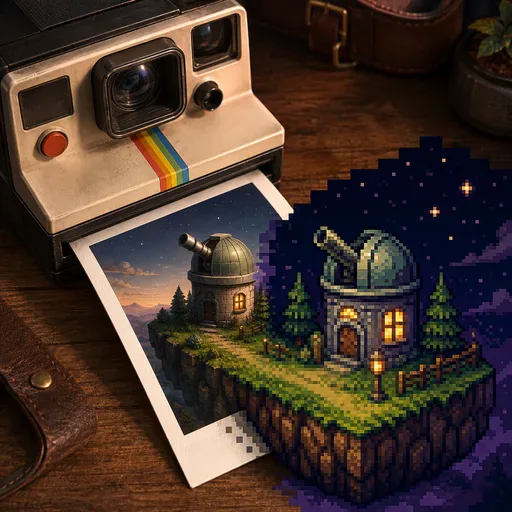
Use a character as inspiration for a ten-nail concept sheet. Hair and eye colors, costume accents and a few small symbols can produce a recognizable theme without putting a full portrait on every nail. The sheet is a starting point for discussing a set with a nail artist. AI-generated showcase artwork.
This is a theme design sheet of ten separate nails, useful for choosing colors and motifs. It does not provide a virtual manicure try-on for a photo of your hand.
Yes. Hair, eye and outfit colors can create a recognizable theme with a few small motifs. Two accents and simpler companion nails offer an alternative to drawing a portrait on every nail.
The design sheet uses two rows of five nail shapes. AI layouts can vary, so choose a version with clear, complete designs that you can discuss with your nail artist.
Not necessarily. The output is visual inspiration. Line thickness, nail length, materials and available techniques affect what can be done; ask your artist to simplify fine details and confirm the final plan.
It is not a print-ready decal template. Scale, transparency, cutting layout and printer or material requirements need separate preparation. Downloading a concept sheet does not produce a fitted ten-finger decal file.
Choose a model and image settings to see the credit amount beside the generation button. The amount can vary with the selected model and resolution; check it before submitting.
Choose from the aspect ratios and sizes available for your selected model. Match the image shape to where you want to display or share the result.
Use the result panel to inspect and download the image. You can also check generation history if you leave the page while the task runs. Review the full image before sharing it or handing it to a designer.

Explore furnishings for an empty room: upload a room photo, choose the room type and furniture style, then generate a virtual-staging concept.

Explore a garden concept from your yard photo. Choose how you want to use the space and a landscape style; review planting and paths before planning work.
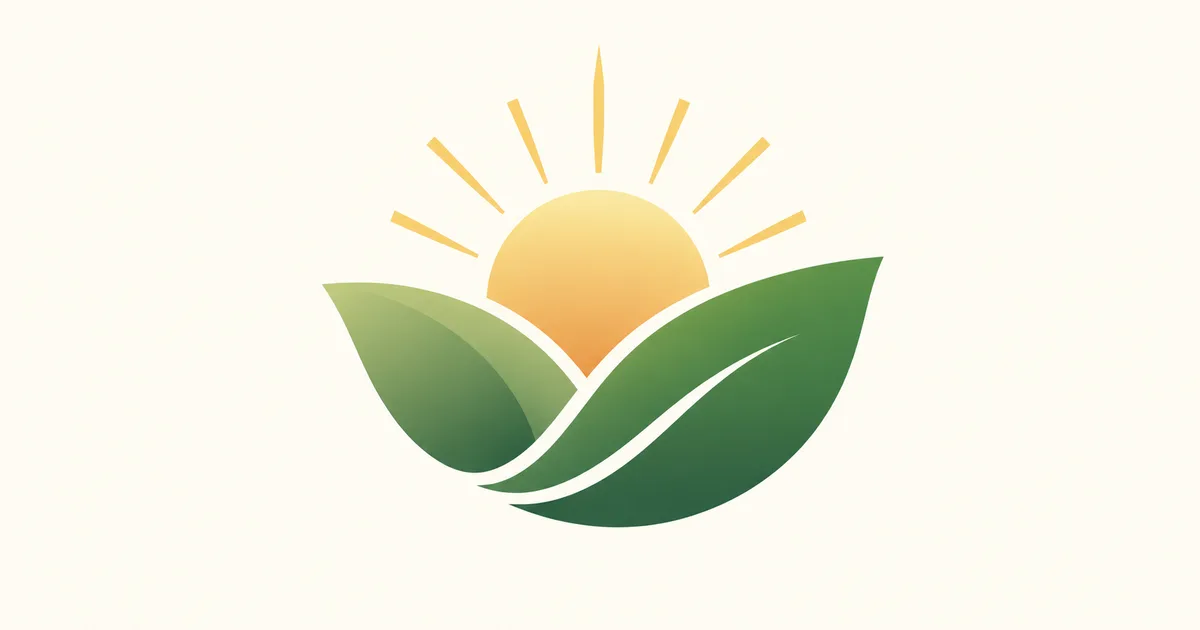
Explore a logo symbol from a sketch or visual reference. Choose a graphic style and palette, then review the raster concept at a small size.
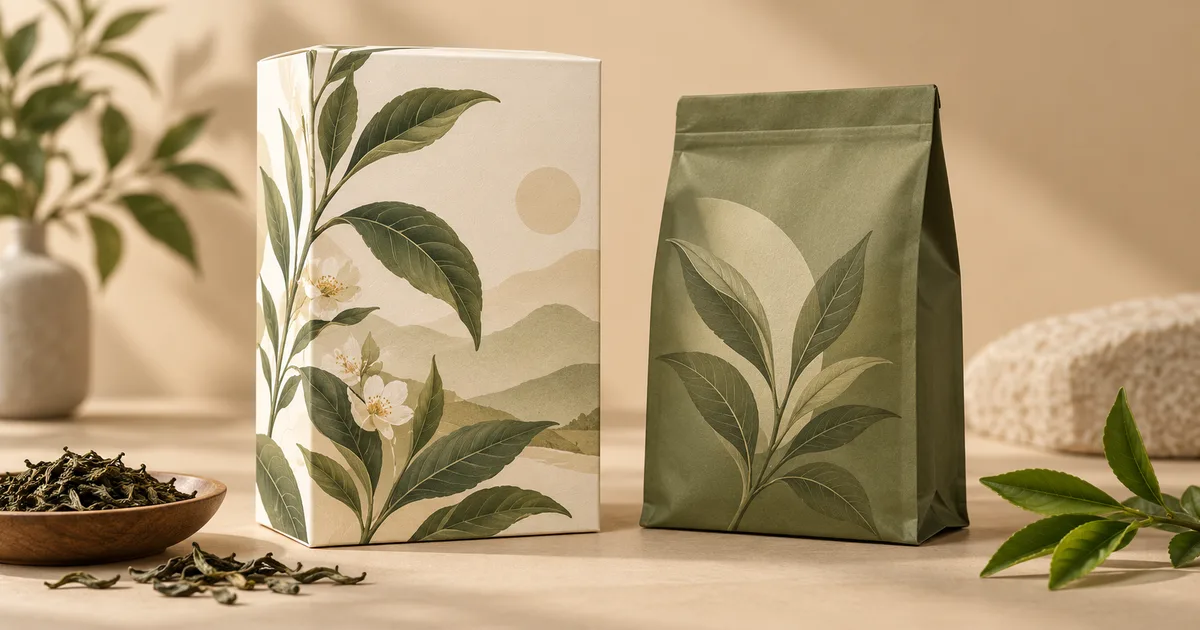
Explore a new packaging concept from a package reference. Choose a package format and visual style, then review graphics, folds and label space.

Use the FireRed Image Edit AI model online ? Xiaohongshu FireRed's open-source instruction-driven image editing model fo
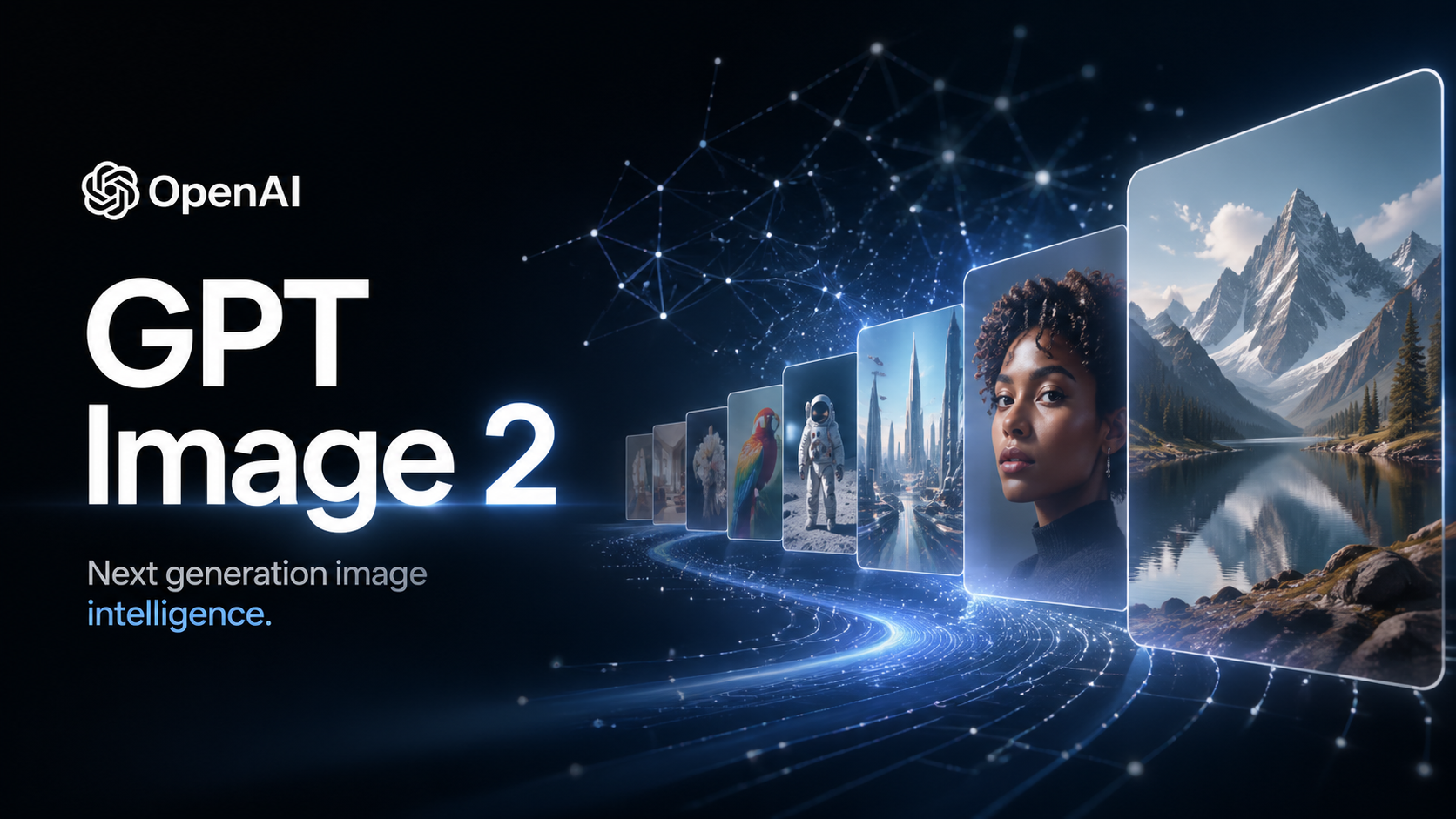
OpenAI's most advanced image generation model with native Thinking Mode, 95%+ text rendering accuracy, web search during

Nano Banana Pro (also known as Gemini 3 Pro Image ) is a free AI image generator by Google DeepMind that produces stunni
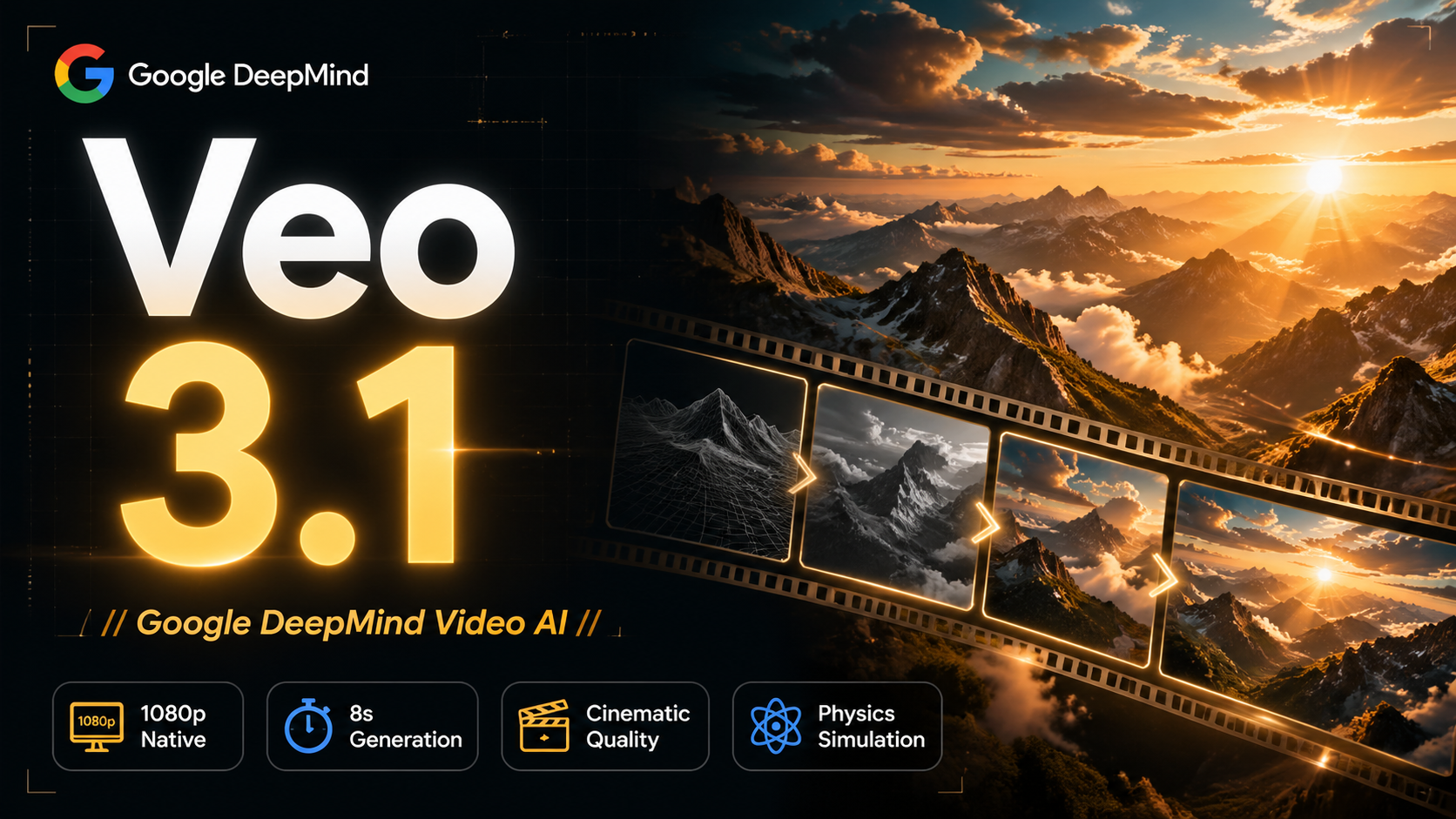
Veo 3.1, released in October 2025 by Google DeepMind, delivers cinematic 1080p videos with native audio generation — fre

OpenAI's most advanced general video generation model — create high-quality videos from text prompts and images with rea
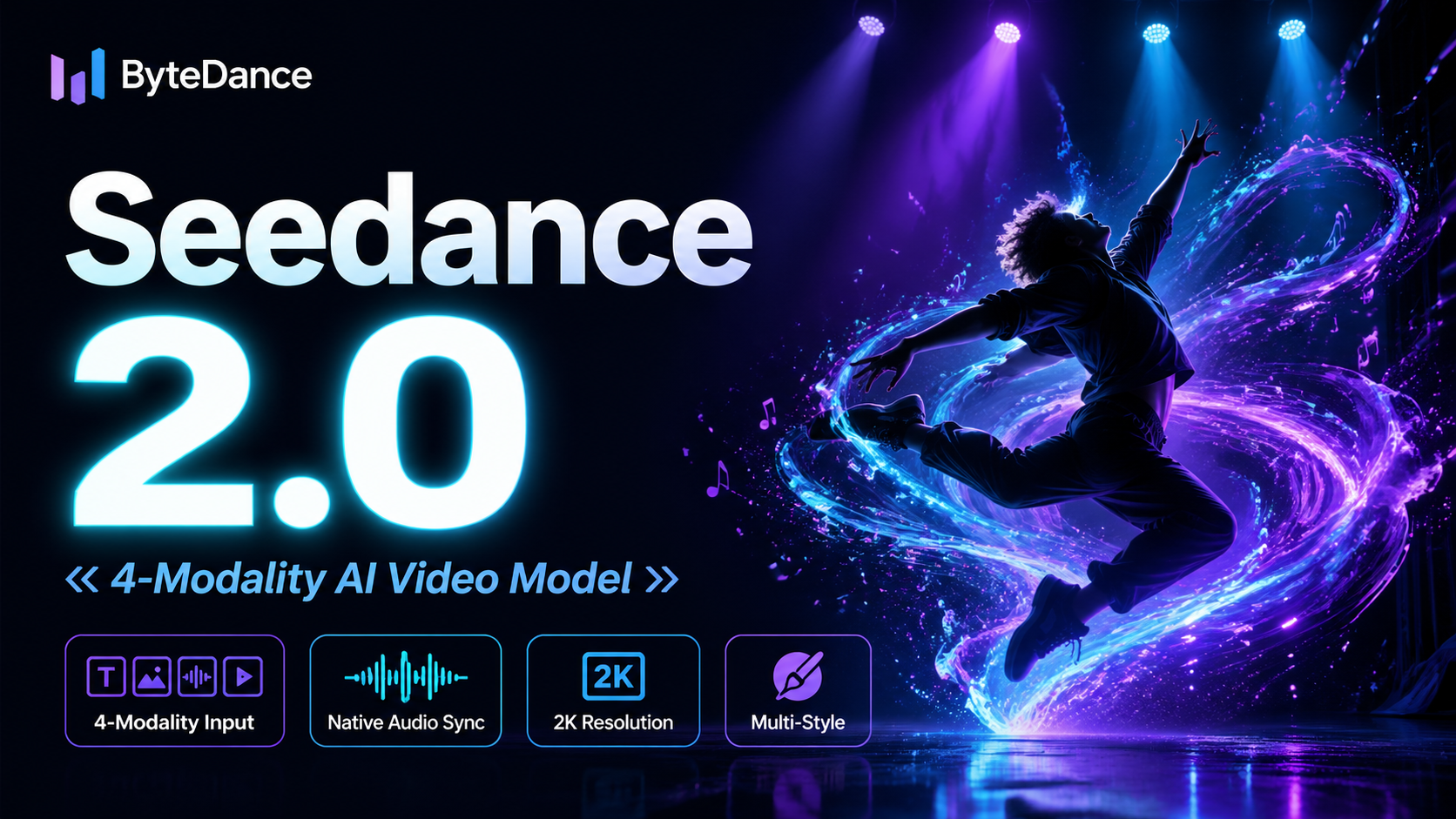
ByteDance's next-generation AI video model with the revolutionary @-reference system. Combine text, images, video clips,
Start editing your images with state-of-the-art AI technology





10,000+ users