
NSFW Image Checker
Check images for NSFW labels, or switch to text to review seven safety categories. Sign in to use; each completed check costs 8 credits.
Check images for NSFW labels, or switch to text to review seven safety categories. Sign in to use; each completed check costs 8 credits.
Upload an image to check for nudity, sexual activity, suggestive content and special-care labels. You can also check captions, comments or prompts in the text tab. Review the actual category results before deciding whether to publish.
This tool checks images for NSFW labels and offers a text tab for captions, comments and prompts. The report shows the service’s actual flags and categories.
Automated detection can miss content or flag harmless material. Review the result in context; it is not a guarantee or a substitute for human moderation.
Images: nudity, sexual activity, sexual suggestions and special-care labels. Text: explicit and suggestive sexual content, sexual content involving minors, violence, hate, harassment and self-harm.
Sign-in is required. Each completed image or text check costs 8 credits, including a result that flags content. Failed checks are not charged.
Upload a static JPG, PNG or WebP up to 10 MB and 32 megapixels. Uploads are fitted into a 1024 × 1024 JPEG without cropping. Direct URLs must be public HTTPS PNG/JPEG images, at most 16 MiB, 256–8192 pixels per side and 78,400–32,000,000 pixels in total.
Uploaded images are processed online to produce a detection report. Data handling follows the applicable service terms.
Use the results to help review content. Image reports show labels; text reports show per-category scores and flags. Check your own platform’s policies before publishing.
Flagged uploaded images and special-care matches are blurred in the local preview. You can reveal them deliberately. URL inputs are not loaded as a preview.
“Essential for moderating our forum. Catches inappropriate uploads before they reach our community. The category breakdown is incredibly useful.”
James R.: “Essential for moderating our forum. Catches inappropriate uploads before they reach our community. The category breakdown is incredibly useful.”
Maria S.: “I check every user-submitted image with this tool before posting. The detailed scores help me make quick, confident decisions.”
Tom K.: “Great for testing our own content filters. I use it to benchmark our moderation system against a reliable third-party tool.”
Sarah L.: “Helps me check images my kids encounter online. Peace of mind knowing I can quickly verify if content is appropriate.”
Alex P.: “We screen all product images with this tool. It's caught several inappropriate uploads that slipped past manual review.”
Diana W.: “I use this to pre-screen educational materials. The multi-category scoring helps me understand exactly what type of content was flagged.”
Alex M.: “NSFW Image Checker is straightforward to use and gives me a useful starting point quickly when I need fresh social visuals.”
Jordan K.: “I use NSFW Image Checker for fast concept exploration before refining the strongest direction in my regular design workflow.”
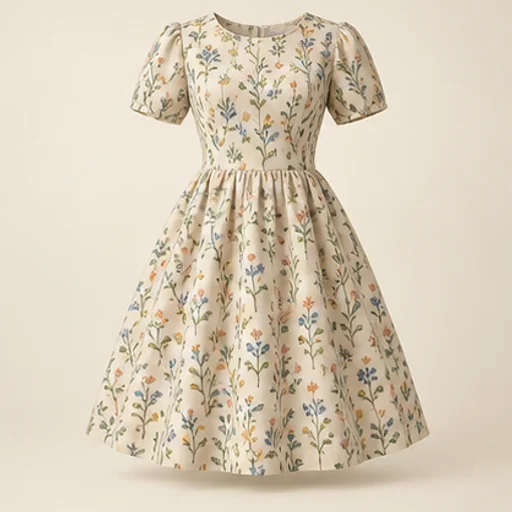
See how a fabric could read on a garment before cutting into it. The sewing fabric visualizer keeps the garment reference as the design guide and uses your chosen material reference for color and pattern; the result is a visual comparison rather than a measured fit simulation.
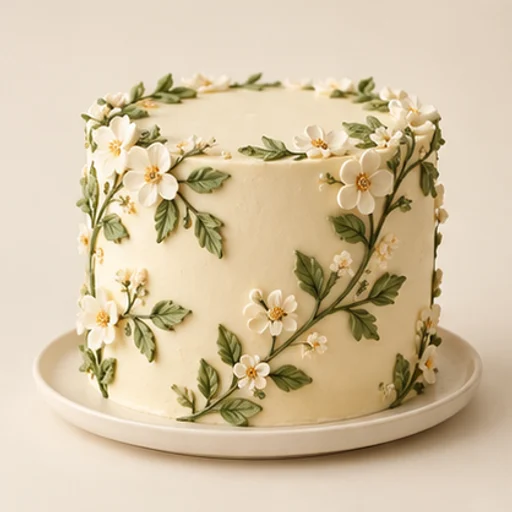
Cake sketch to photo helps a baker turn an existing drawing into a realistic design reference for a customer conversation. It follows the sketch’s tier layout, decoration positions and palette rather than replacing the drawing with an unrelated cake.
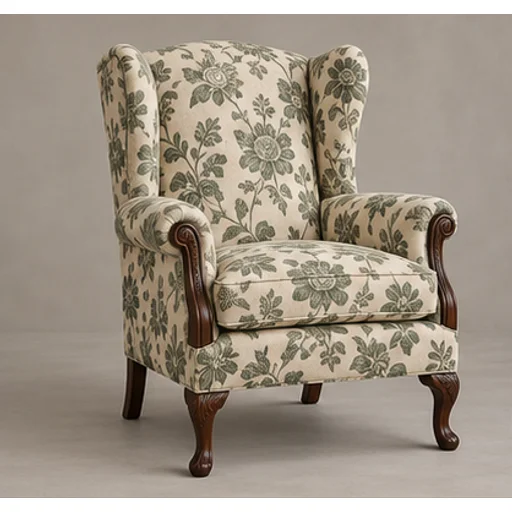
Preview a new textile on your own furniture before committing to reupholstery. The upholstery fabric visualizer uses the original chair or sofa as the shape reference and a swatch or chosen template as the material reference.

Build a rug pattern draft with broad color areas from an original photo or illustration. The tufting pattern generator is intended for planning and tracing: flat regions and a clear silhouette matter more than a realistic photograph of yarn.
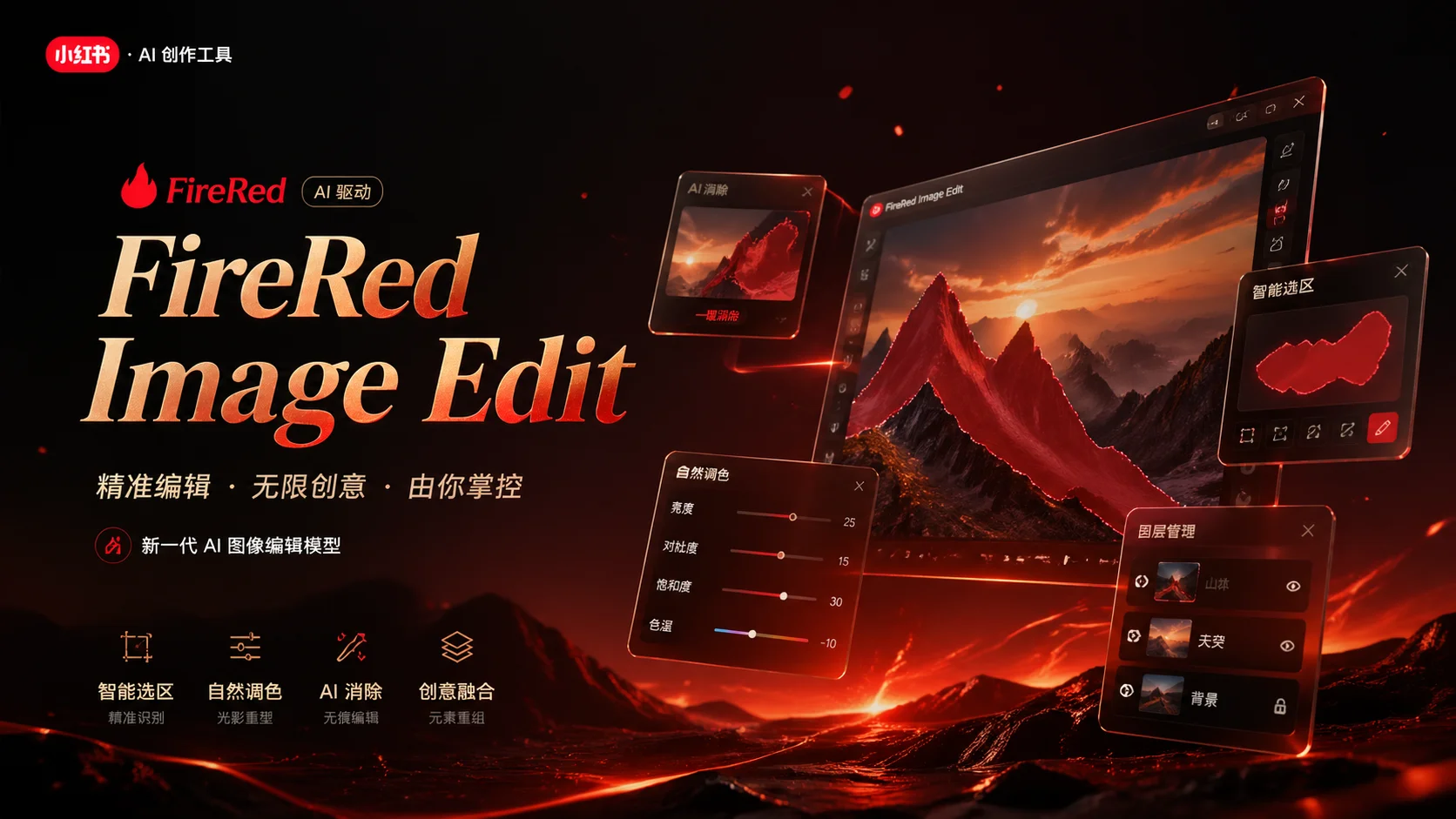
Use the FireRed Image Edit AI model online ? Xiaohongshu FireRed's open-source instruction-driven image editing model fo
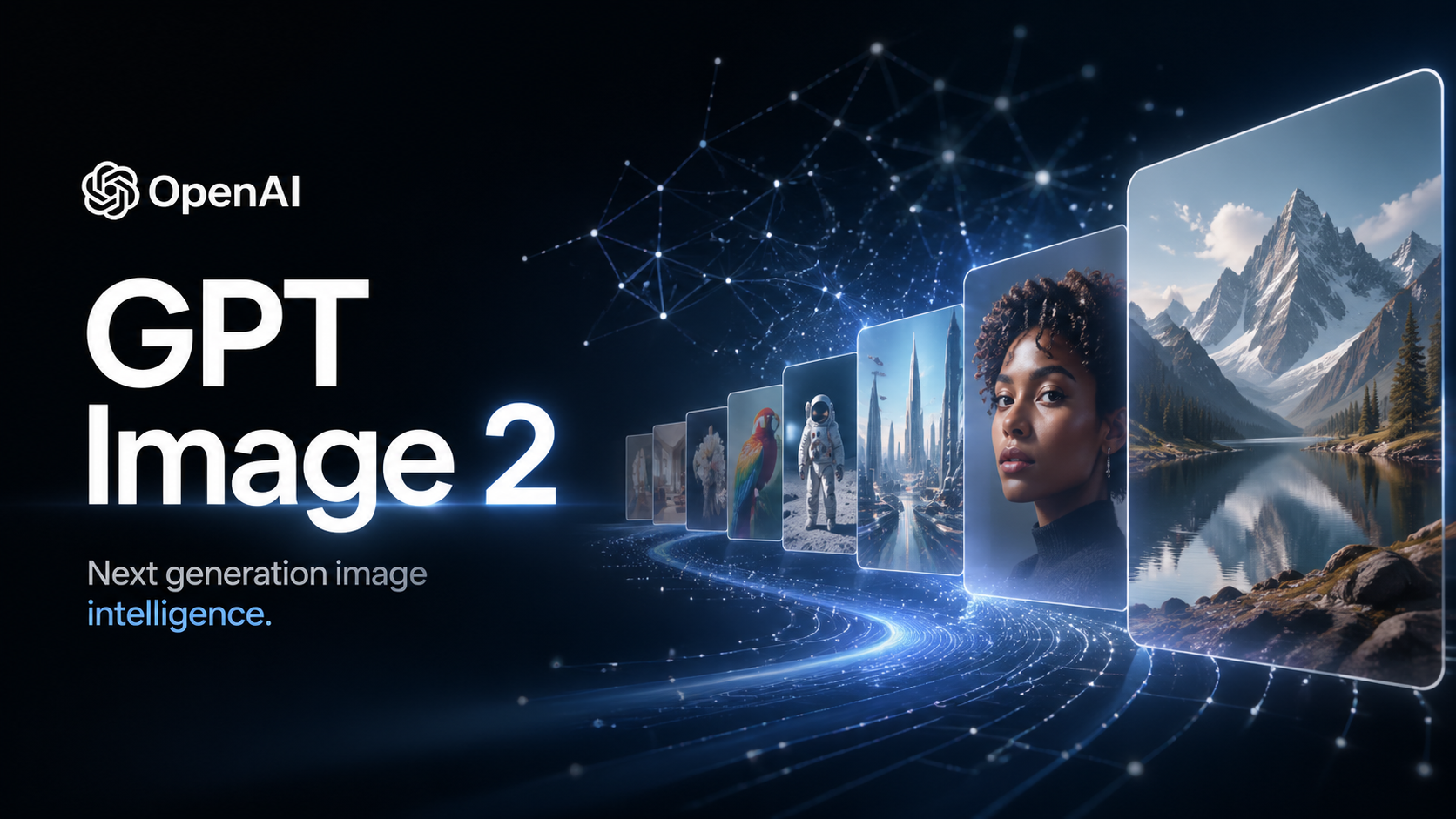
OpenAI's most advanced image generation model with native Thinking Mode, 95%+ text rendering accuracy, web search during

Nano Banana Pro (also known as Gemini 3 Pro Image ) is a free AI image generator by Google DeepMind that produces stunni

Veo 3.1, released in October 2025 by Google DeepMind, delivers cinematic 1080p videos with native audio generation — fre

OpenAI's most advanced general video generation model — create high-quality videos from text prompts and images with rea
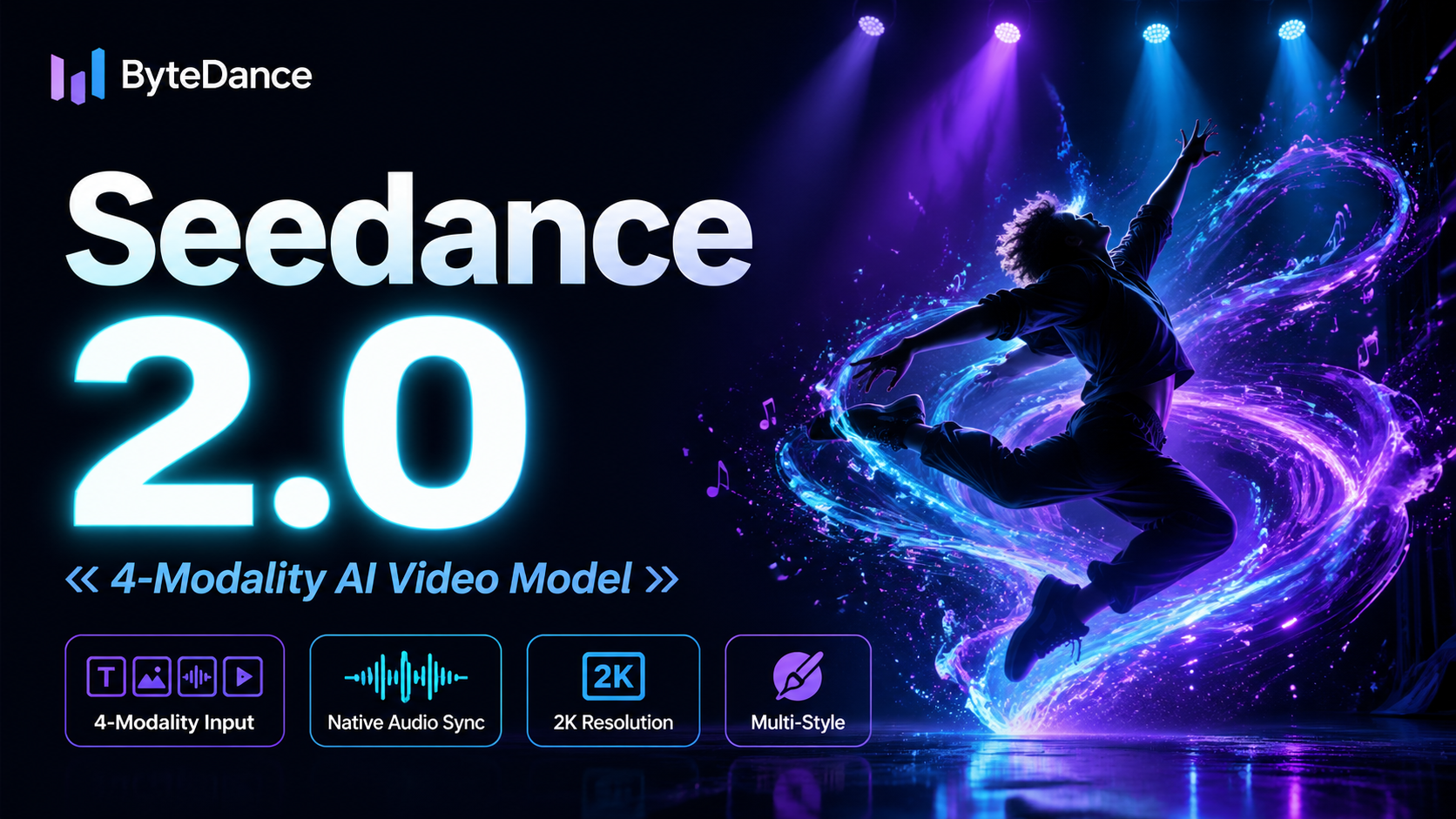
ByteDance's next-generation AI video model with the revolutionary @-reference system. Combine text, images, video clips,
Start editing your images with state-of-the-art AI technology





10,000+ users