







Photo Fail Generator: Create fictional camera mishaps
Give one character a playful fictional camera-mishap collage. Generate a single 3×3 image to inspect or crop for a post, with nine moments rather than nine separate photo files.
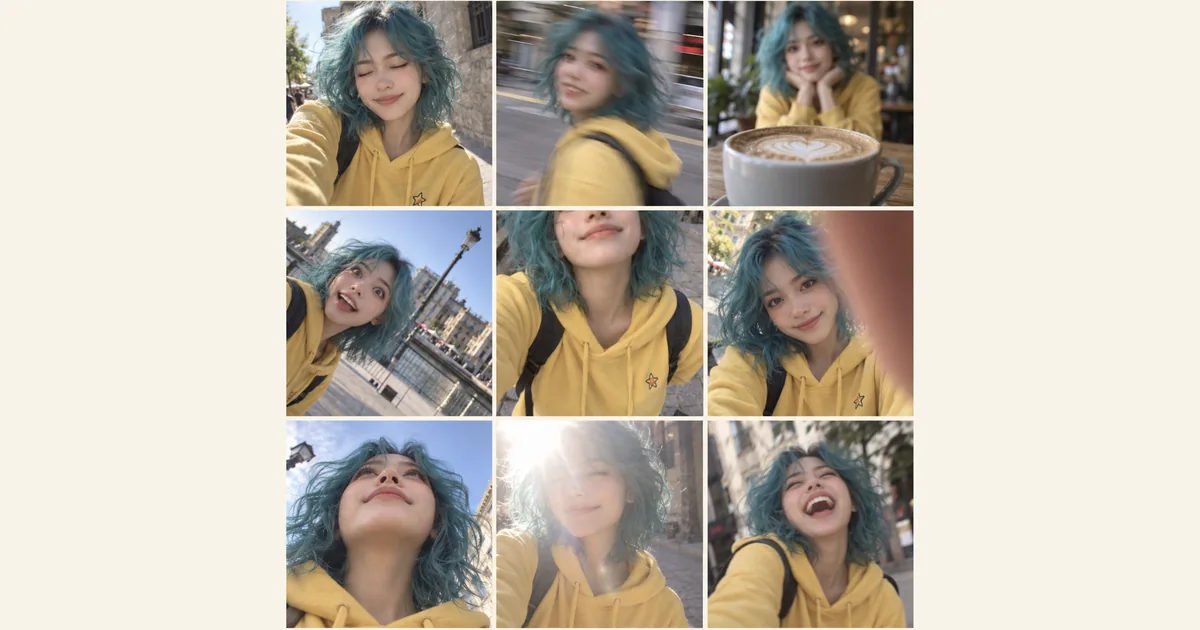
Give one character a playful fictional camera-mishap collage. Generate a single 3×3 image to inspect or crop for a post, with nine moments rather than nine separate photo files.
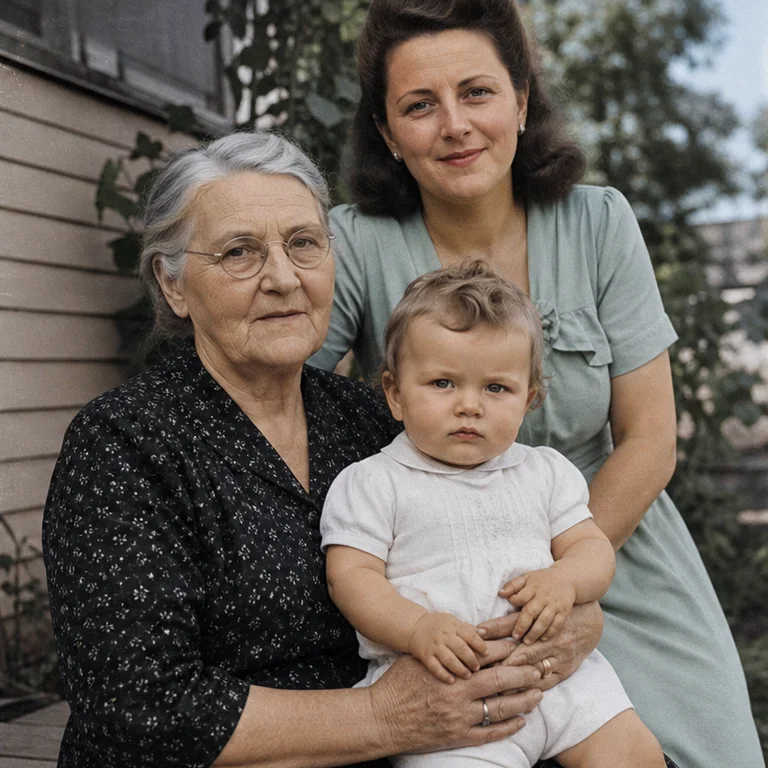
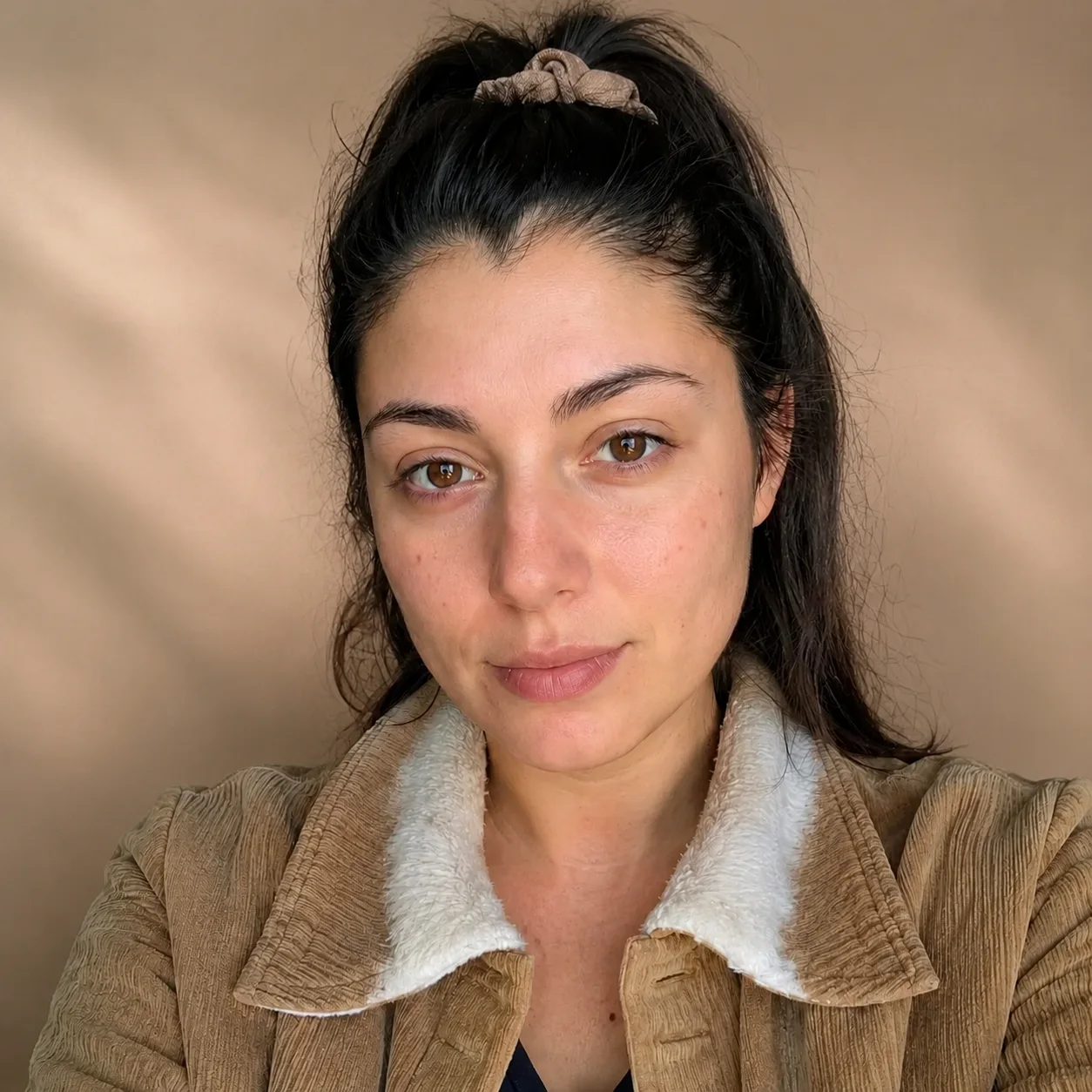
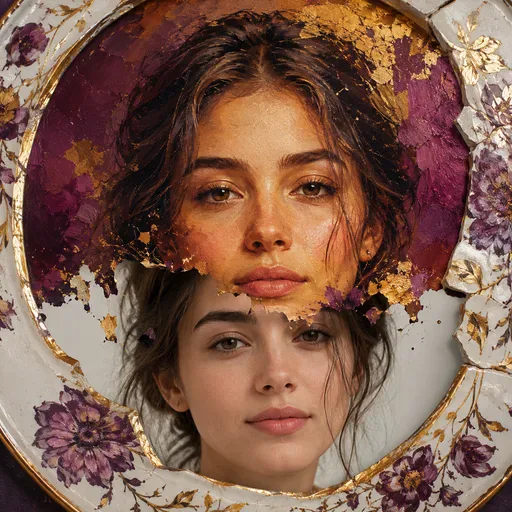
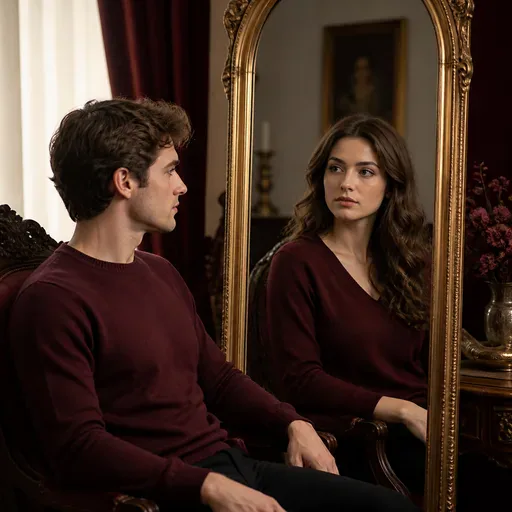
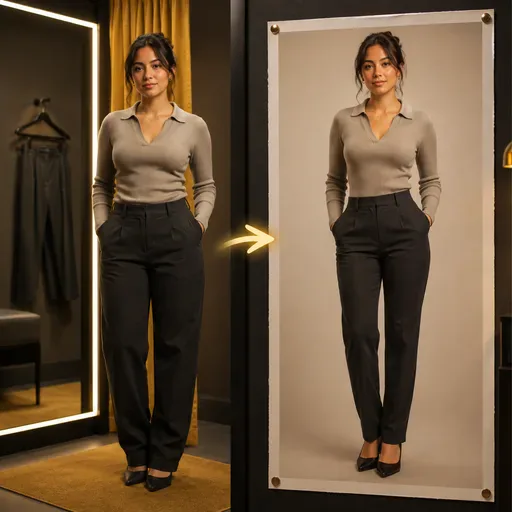
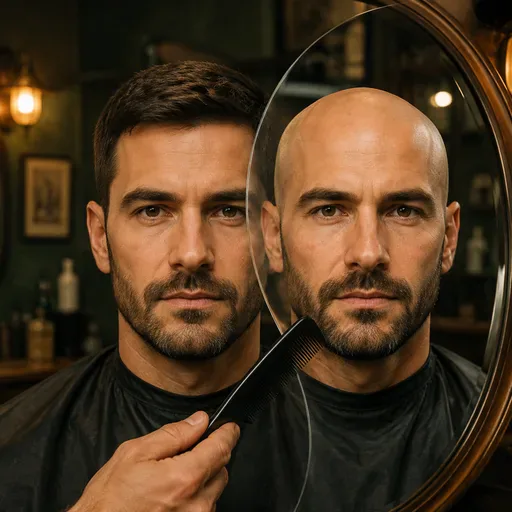
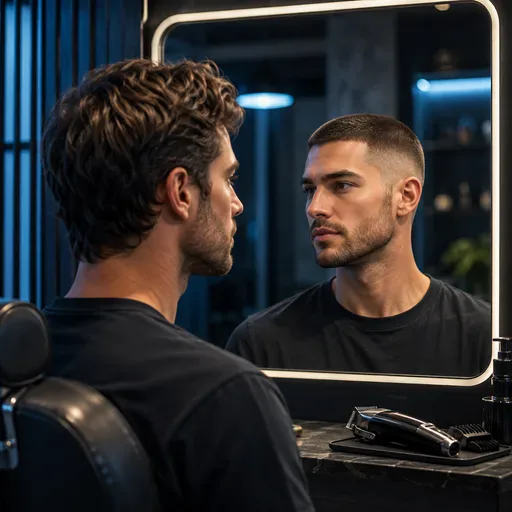
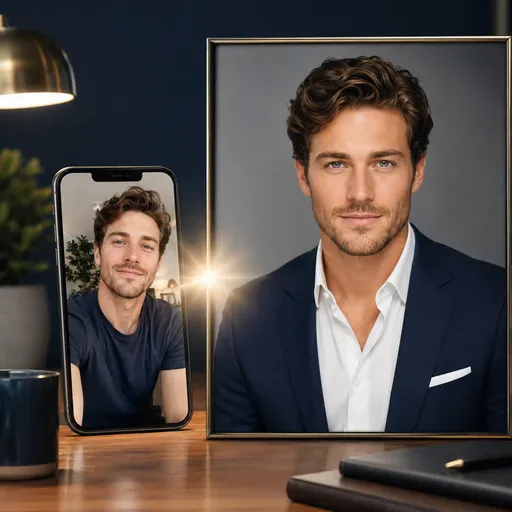
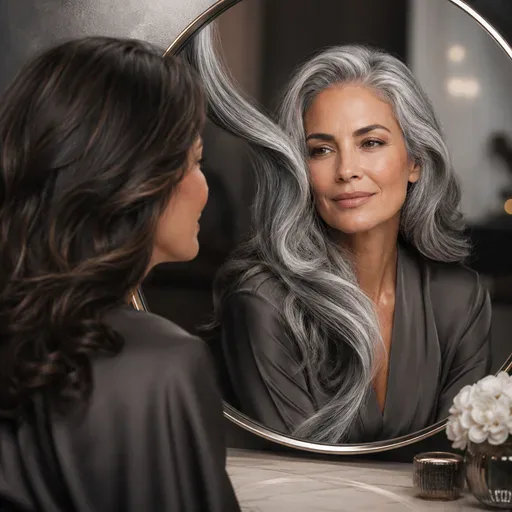
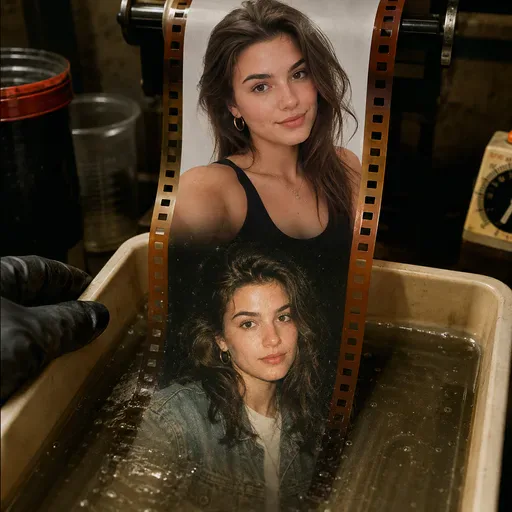
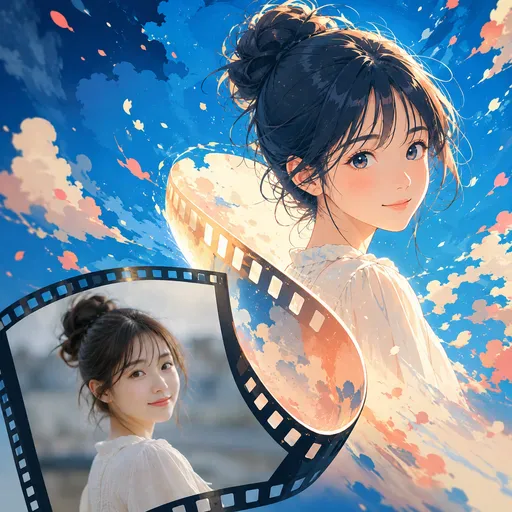
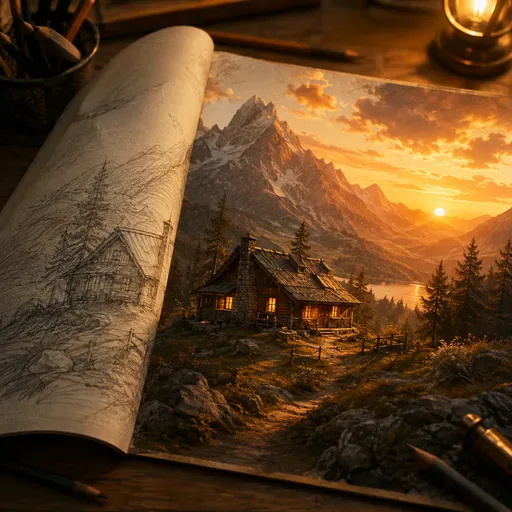
Turn a character reference into a playful contact sheet of badly timed snapshots. The aim is a recognizable character across nine different camera mistakes, useful as a character moodboard or social visual. It creates fictional scenes, rather than recovering failed photographs from a real camera. AI-generated showcase artwork.
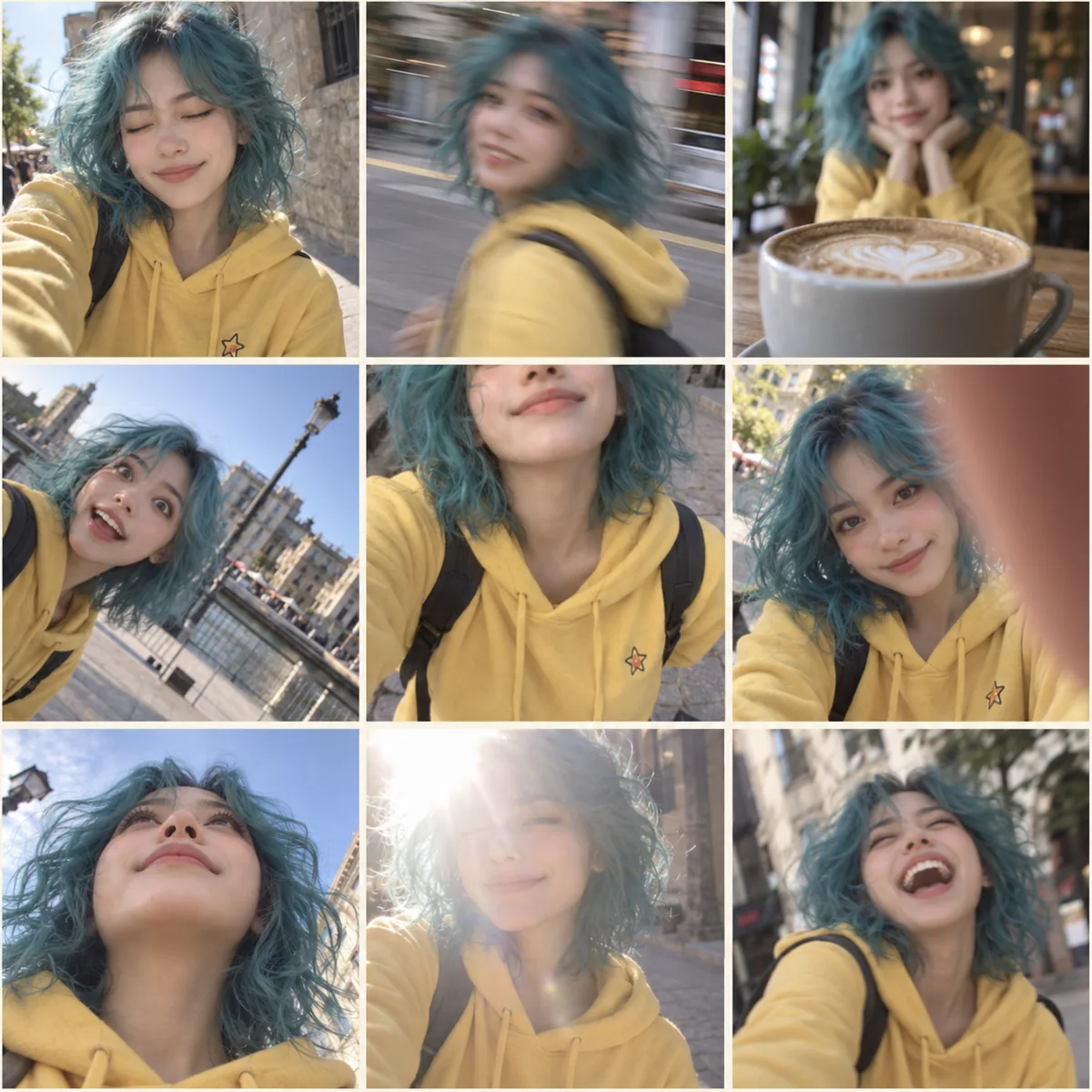
You download one 3×3 collage. To use a moment on its own, crop that panel in an image editor; allow for small variations in the generated borders.
Yes, you can start with an illustrated character. Use a reference in the style you want to keep, and choose the version that best preserves its face, outfit and look.
A fully obscured subject loses the character reference and makes the nine panels difficult to read. Mild blur, missed focus or exposure mistakes convey a camera mishap while keeping key facial, hair and clothing details visible.
No. One clear image of the character is enough to start. Choose a reference with one main subject so the collage is easier to follow.
No. The output is a fictional AI-generated collage. It does not reconstruct a real burst of photos or prove real events. Check identity, anatomy and context before presenting or sharing the result.
Choose a model and image settings to see the credit amount beside the generation button. The amount can vary with the selected model and resolution; check it before submitting.
Choose from the aspect ratios and sizes available for your selected model. Match the image shape to where you want to display or share the result.
Use the result panel to inspect and download the image. You can also check generation history if you leave the page while the task runs. Review the full image before sharing it or handing it to a designer.
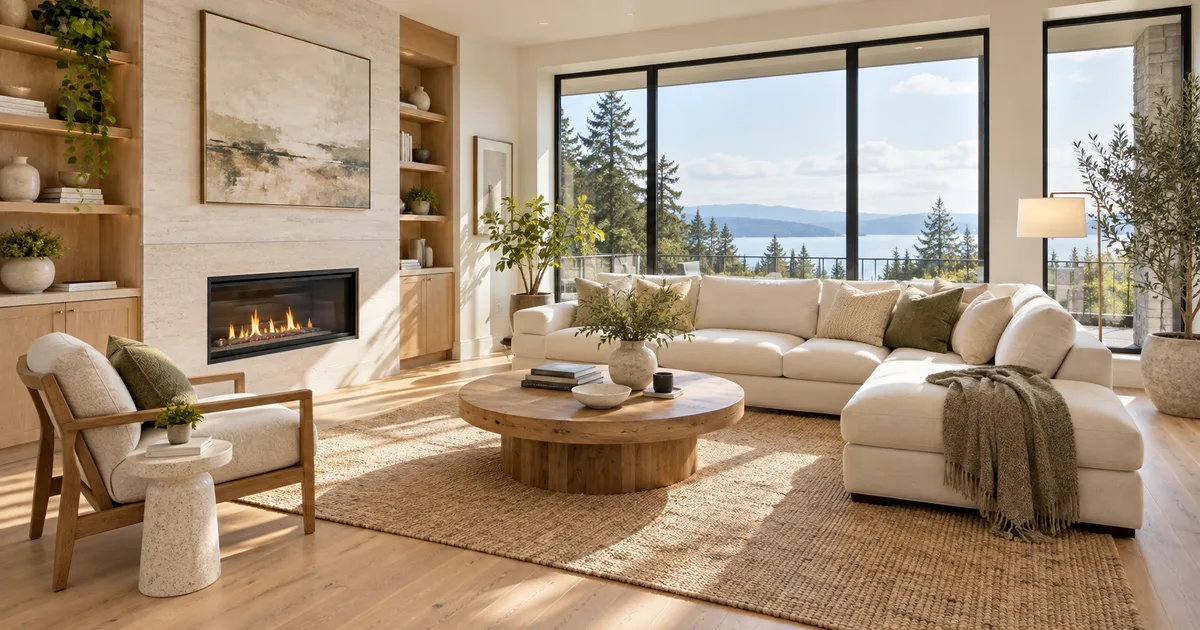
Explore furnishings for an empty room: upload a room photo, choose the room type and furniture style, then generate a virtual-staging concept.
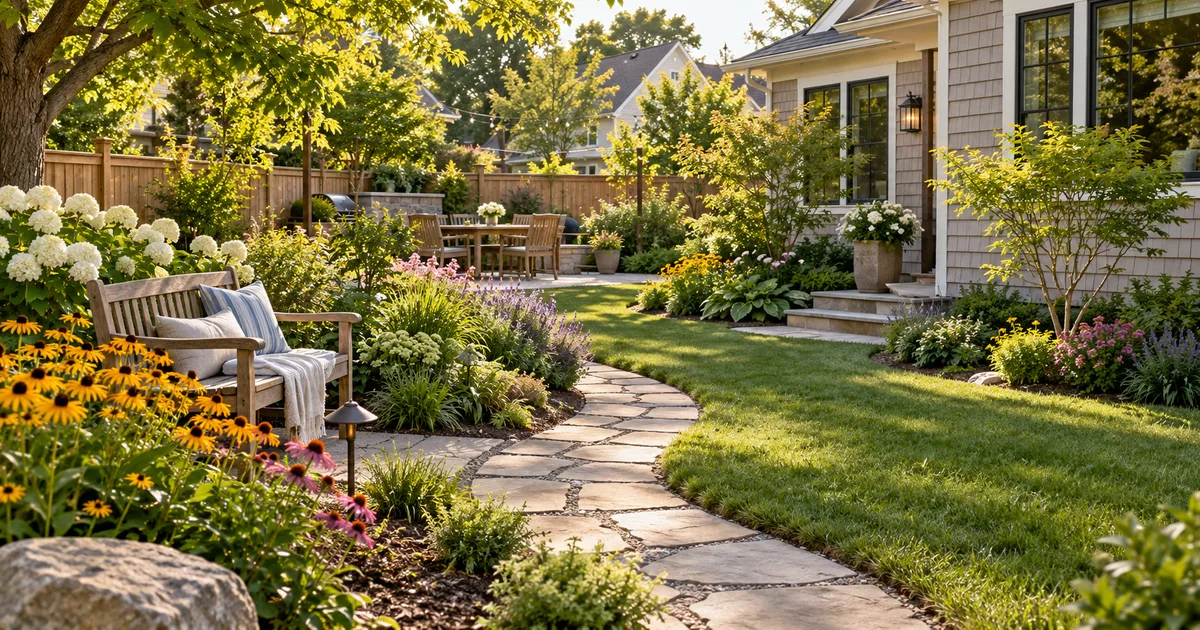
Explore a garden concept from your yard photo. Choose how you want to use the space and a landscape style; review planting and paths before planning work.
Explore a logo symbol from a sketch or visual reference. Choose a graphic style and palette, then review the raster concept at a small size.
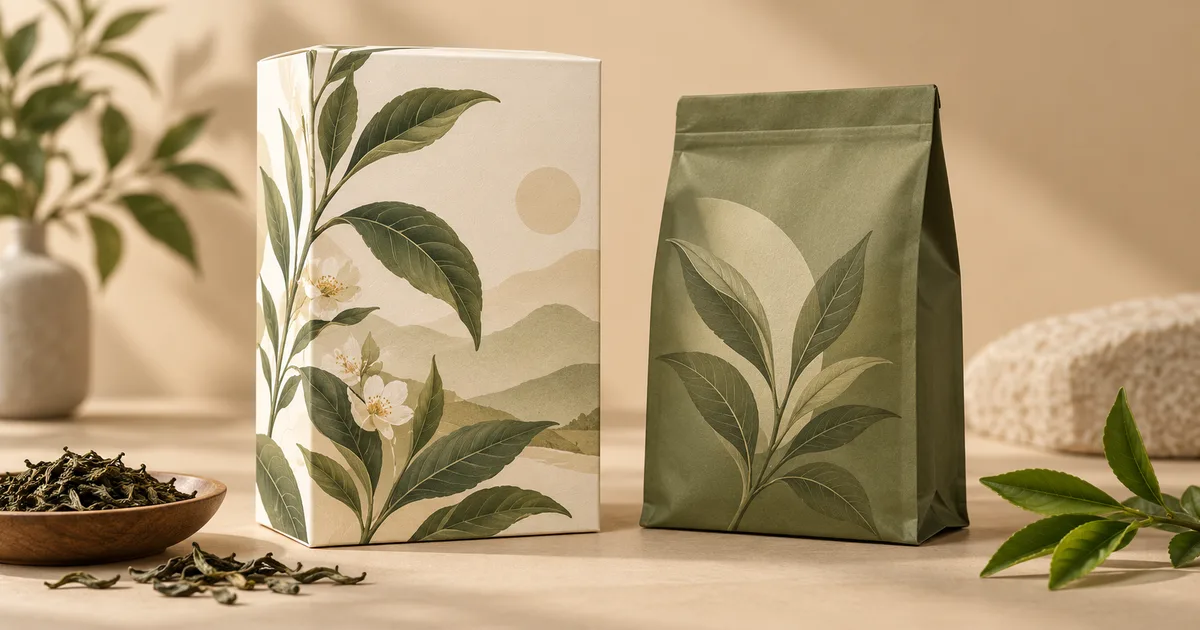
Explore a new packaging concept from a package reference. Choose a package format and visual style, then review graphics, folds and label space.

Use the FireRed Image Edit AI model online ? Xiaohongshu FireRed's open-source instruction-driven image editing model fo
OpenAI's most advanced image generation model with native Thinking Mode, 95%+ text rendering accuracy, web search during

Nano Banana Pro (also known as Gemini 3 Pro Image ) is a free AI image generator by Google DeepMind that produces stunni
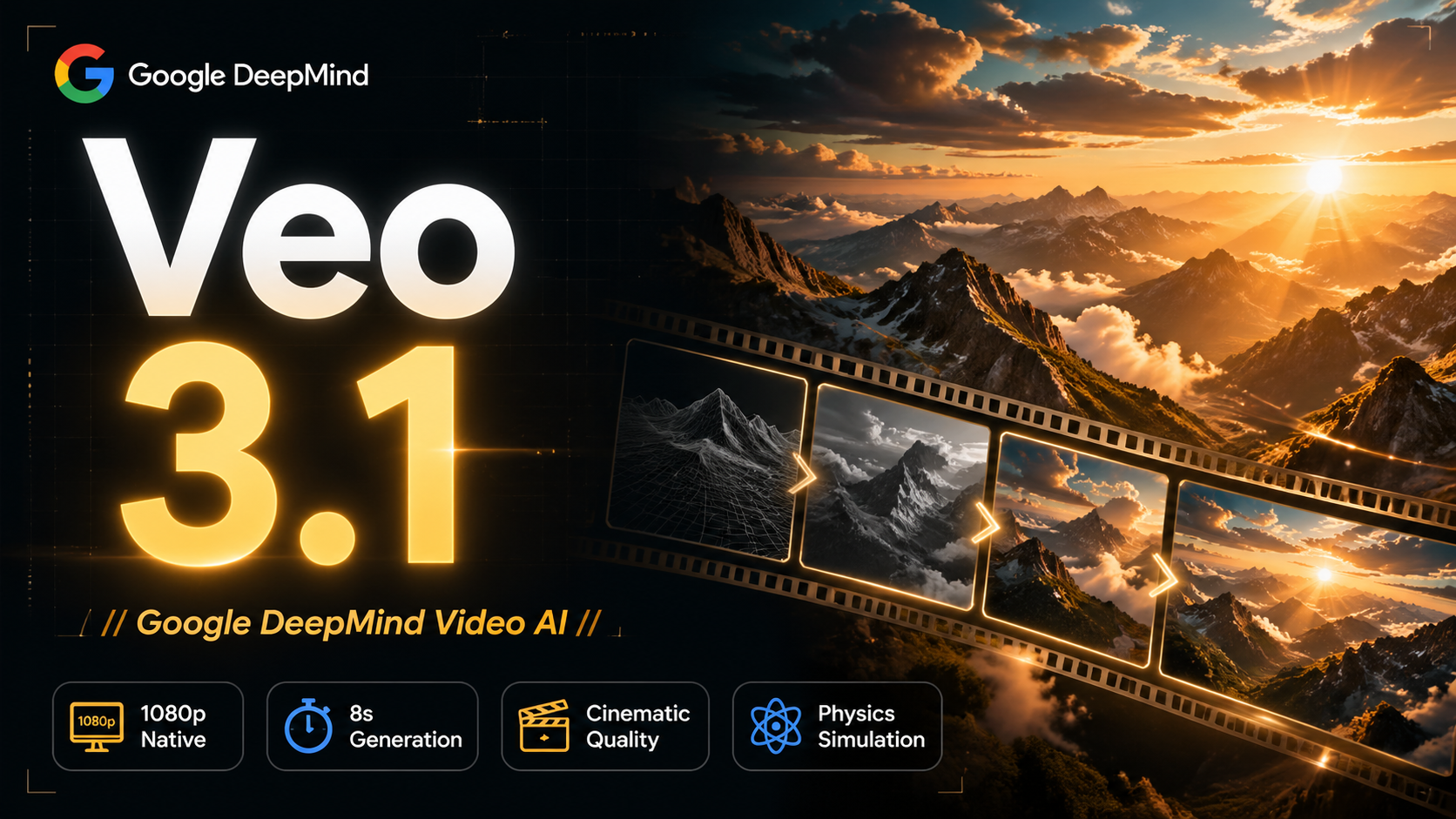
Veo 3.1, released in October 2025 by Google DeepMind, delivers cinematic 1080p videos with native audio generation — fre

OpenAI's most advanced general video generation model — create high-quality videos from text prompts and images with rea
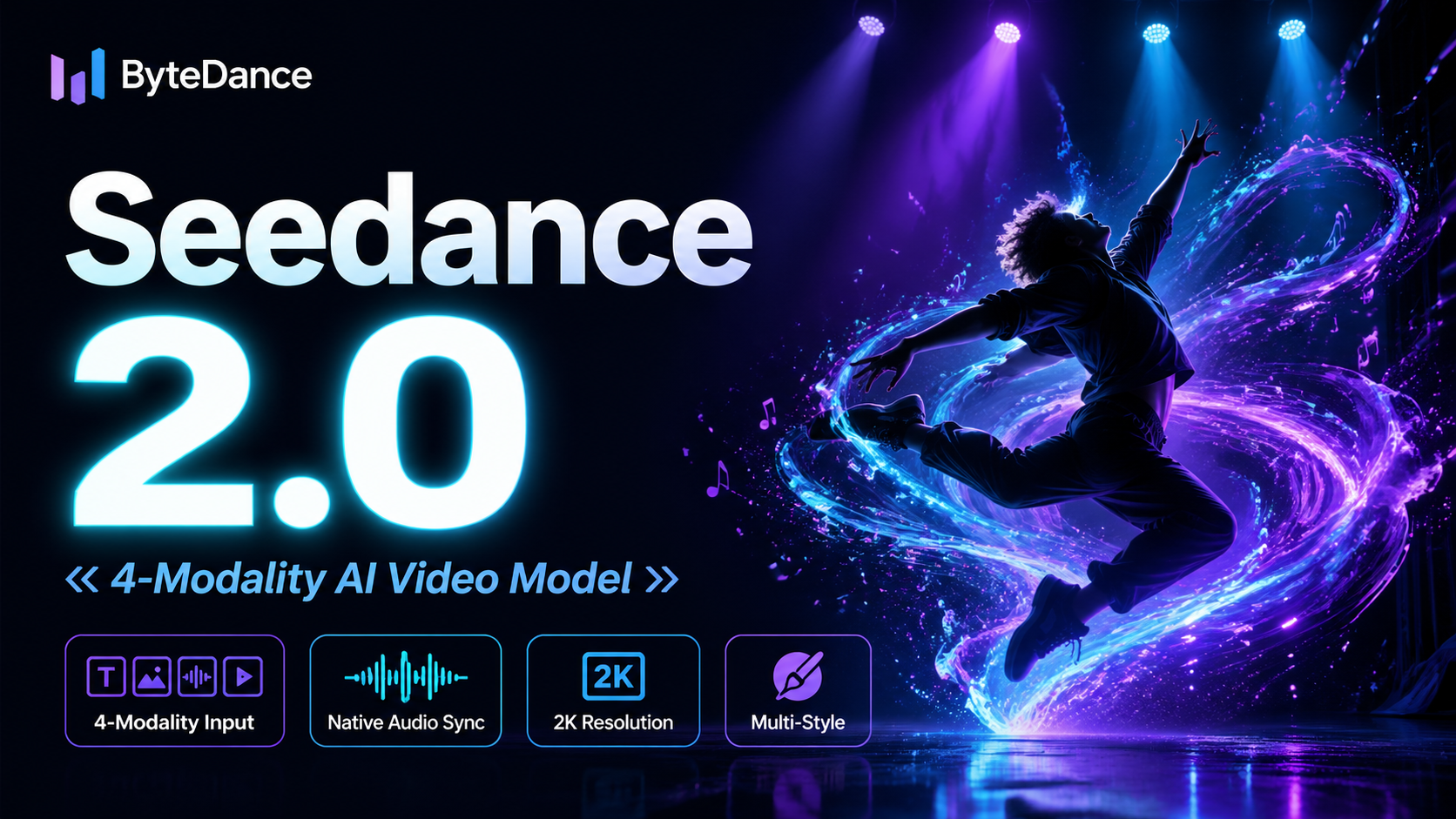
ByteDance's next-generation AI video model with the revolutionary @-reference system. Combine text, images, video clips,
Start editing your images with state-of-the-art AI technology





10,000+ users