
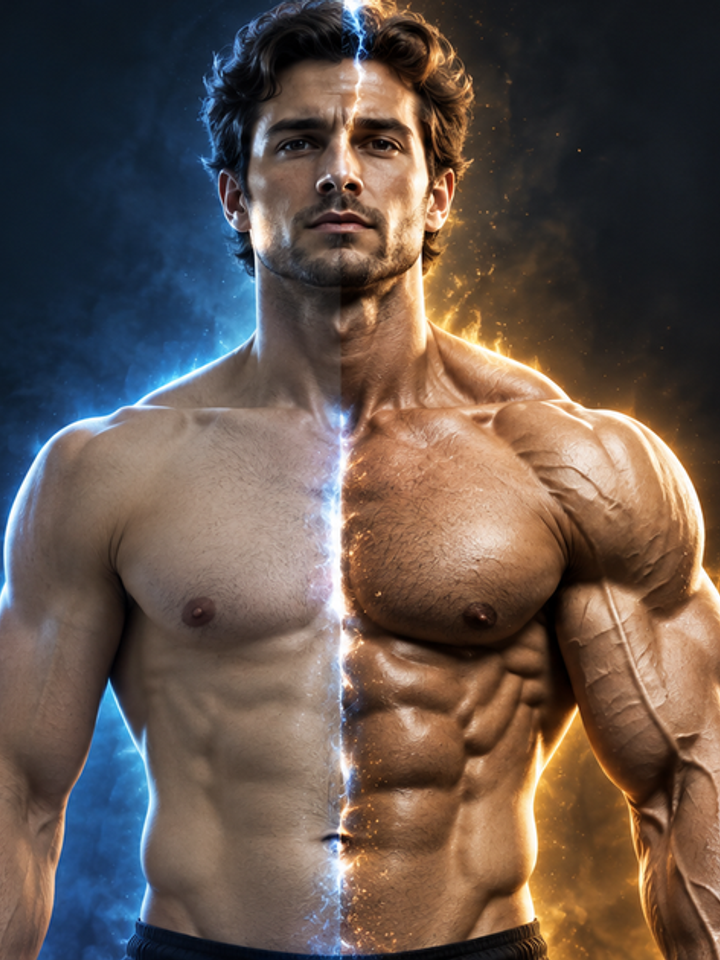
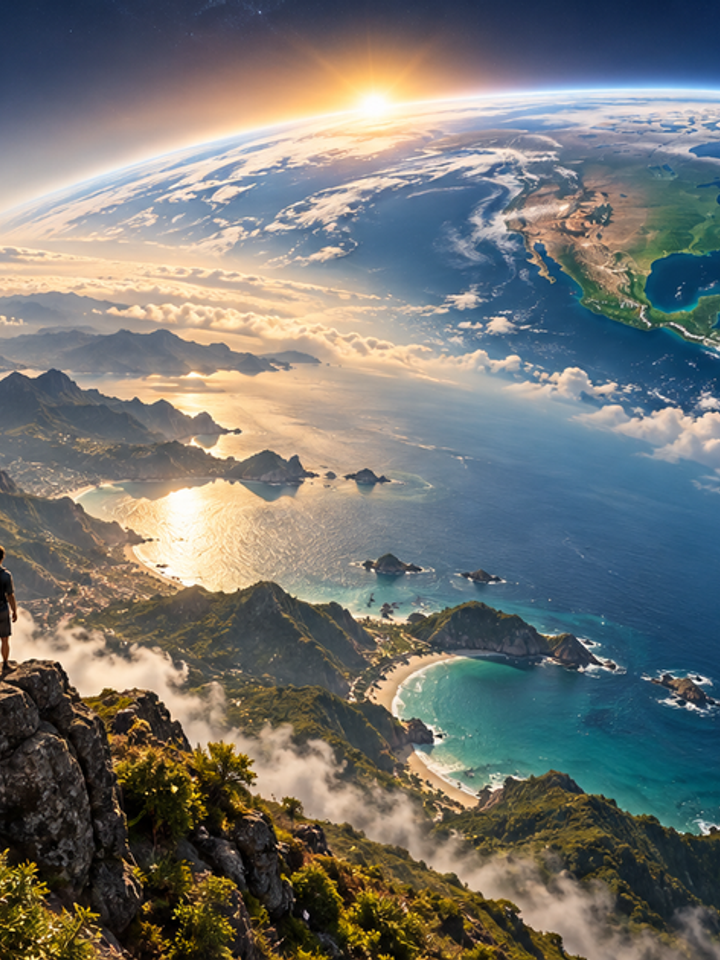
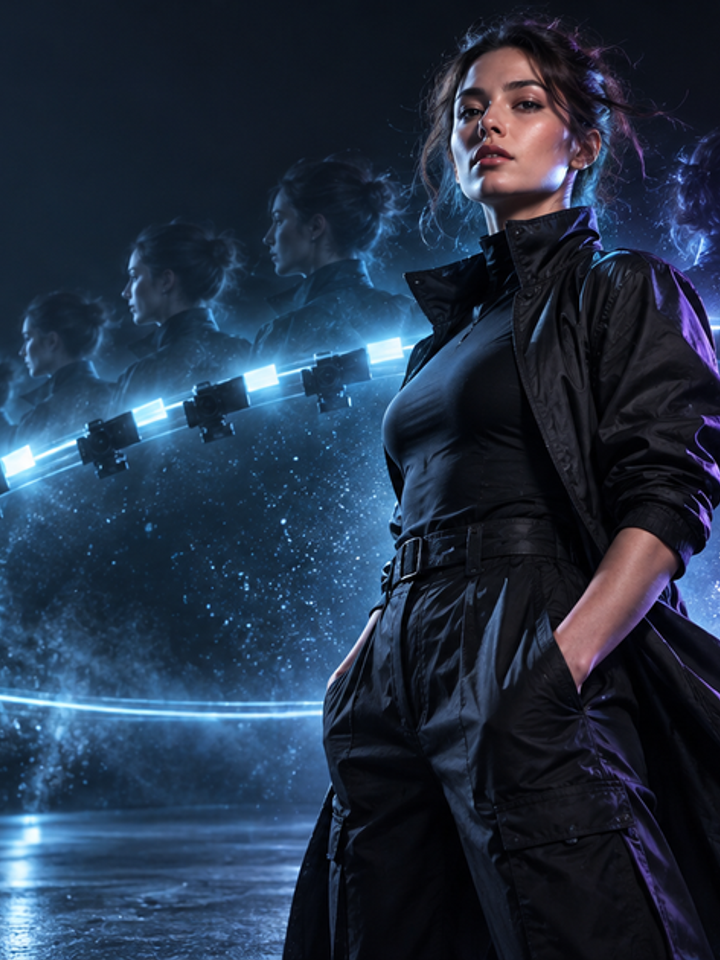



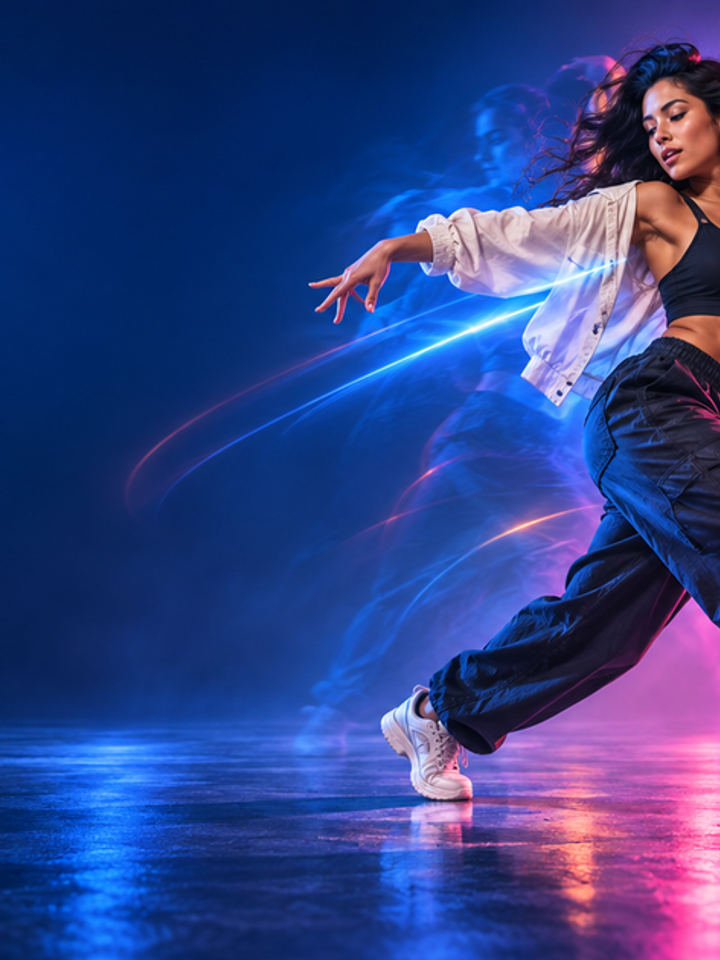

Non-Graphic Action
The effect focuses on stance, movement and energy rather than injury or gore.
Drag & drop reference images here or browse files
Only upload media you have permission to use.
Turn one portrait into a non-graphic cinematic fighter moment with controlled action and strong character identity.
Inspect balance, hands, feet, clothing, and body continuity from the starting pose to the final action pose, including any extra-limb artifacts.
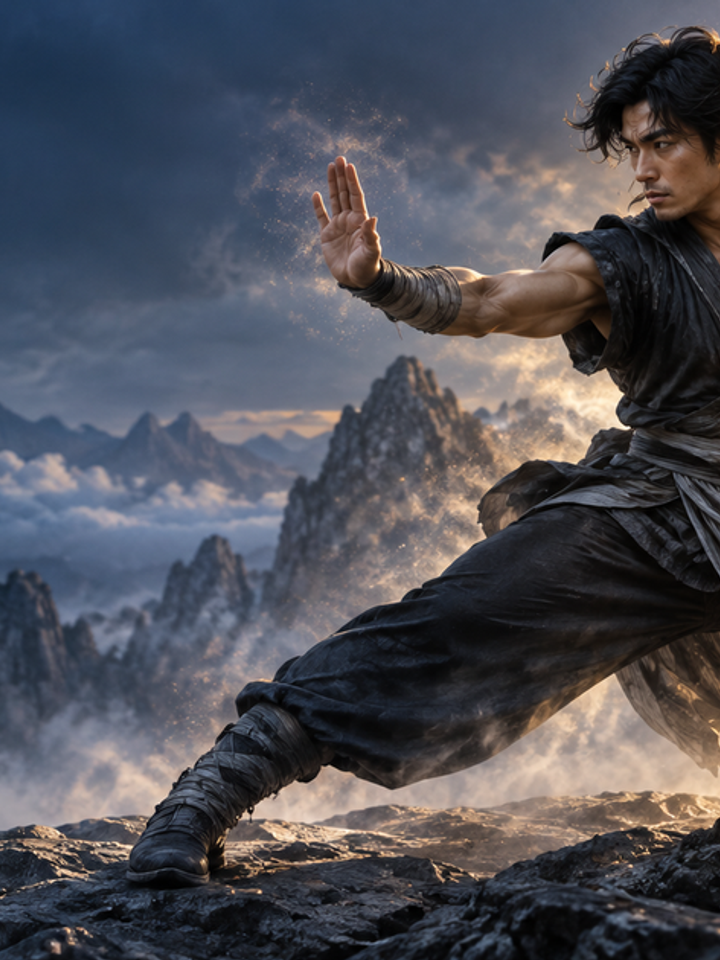
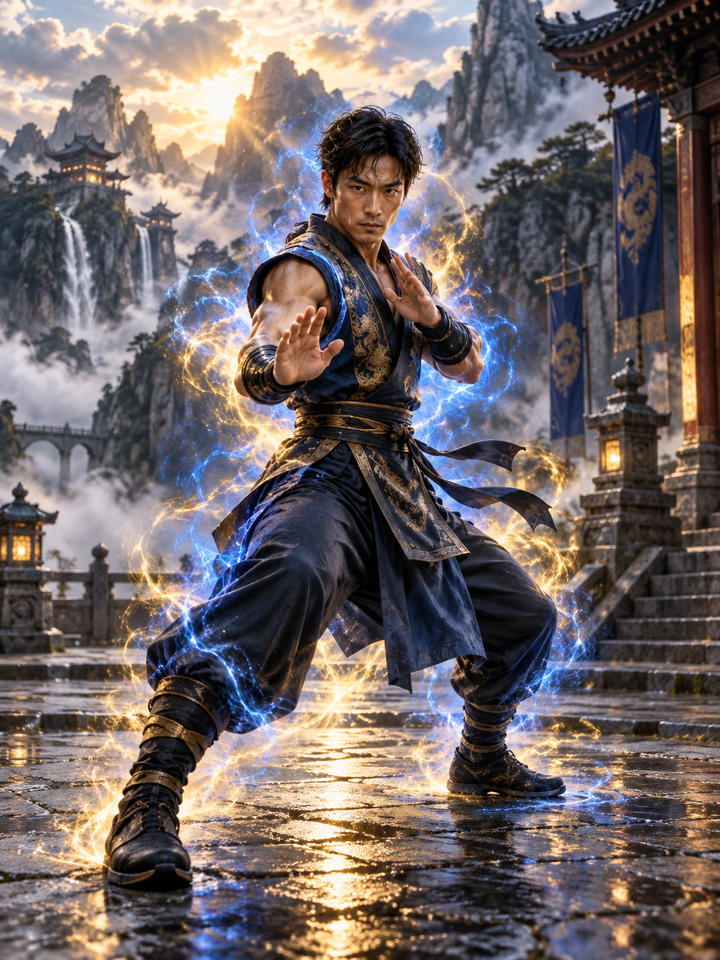
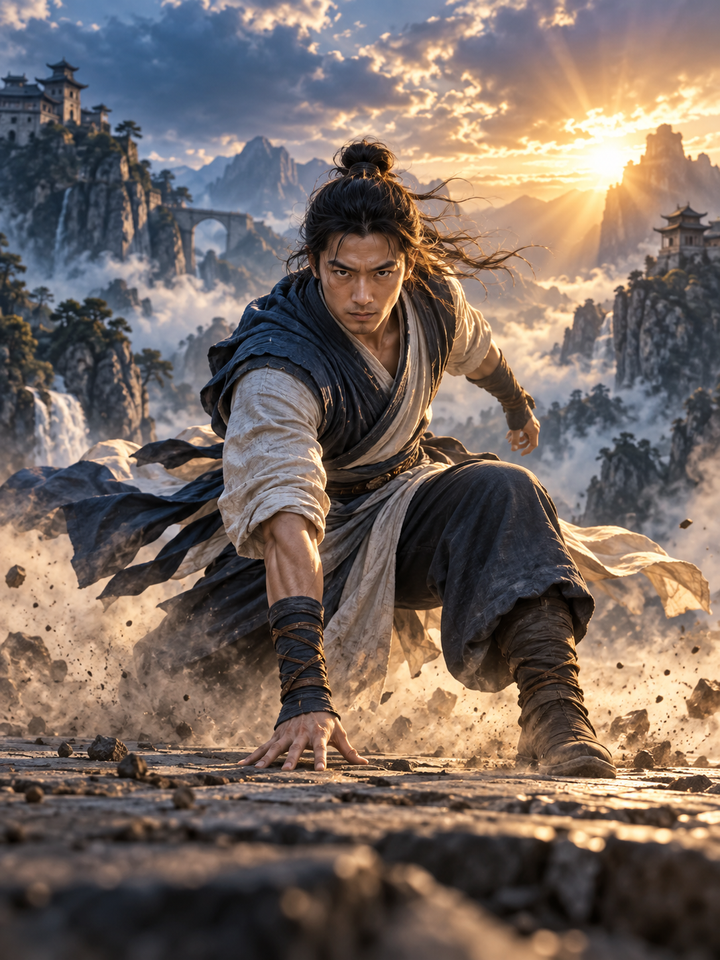
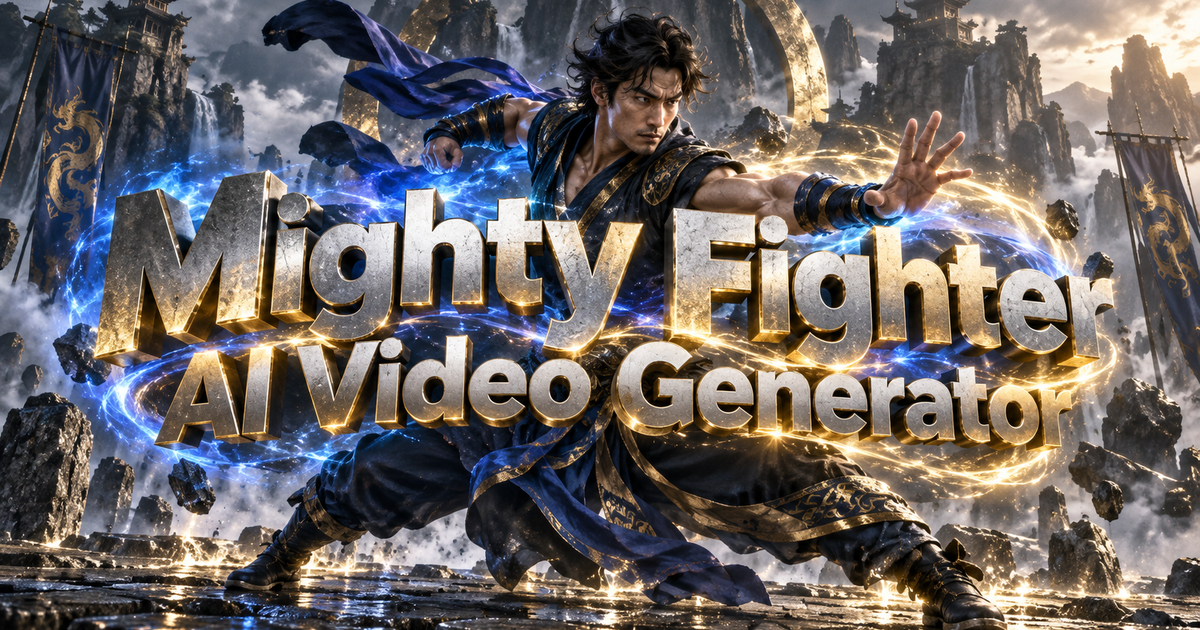
Give one character a short solo action sequence: a power pose, a martial-arts movement or a hero landing. This effect animates stance and body movement, unlike the muscle effect that changes physique. It is not designed to stage a fight between two people or add weapons and injuries.
The effect focuses on stance, movement and energy rather than injury or gore.
Face, outfit and overall appearance remain the anchor of the transformation.
Power Up, Martial Arts and Hero Landing create different kinds of cinematic motion.
Use one person with visible body posture and enough room around the limbs.
Power Up is mostly pose and energy, Martial Arts adds movement, and Hero Landing asks for stronger body motion.
Review hands, arms, legs and costume details after the action sequence is generated.
Standing or three-quarter body photos with visible arms and legs are easier to animate than tightly cropped portraits or highly twisted poses.
The more aggressive the motion, the more the model has to invent intermediate body positions. Review hands, joints, clothing and face consistency before publishing.
No. The presets focus on cinematic poses, martial-arts style movement and energy without graphic injury.
Power Up usually requires less complex body motion than Martial Arts or Hero Landing.
Yes. Clear costumes and visible body structure can work well, although small accessories may change.
Fast arm movement and complex poses make hand reconstruction difficult across frames.
Yes, if the character body is clearly drawn and the uploaded media is yours to use.
Yes. Change the preset or regenerate the same preset for a different motion path.
Choose your photos and a style, then check the credit cost shown in the generator. Review faces, movement and small details before sharing.
Back to the video generator