
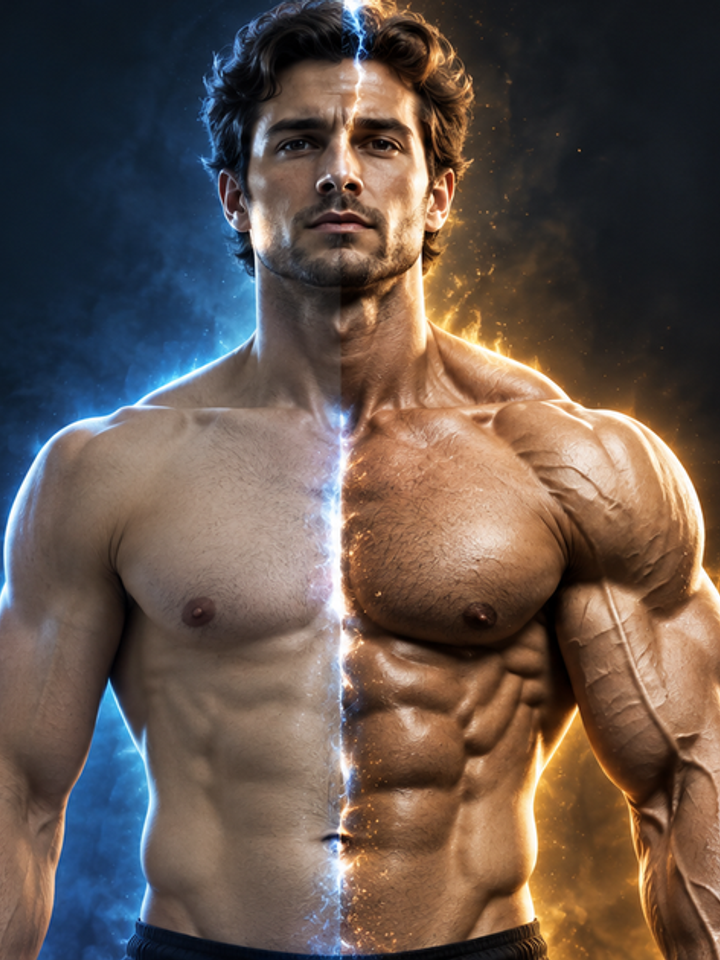

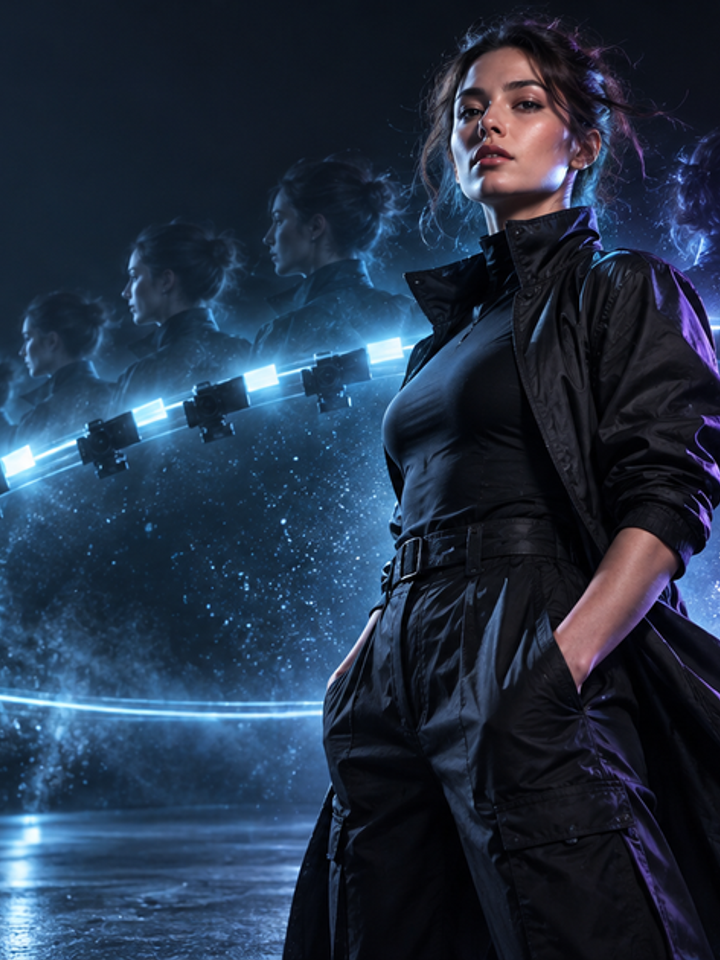




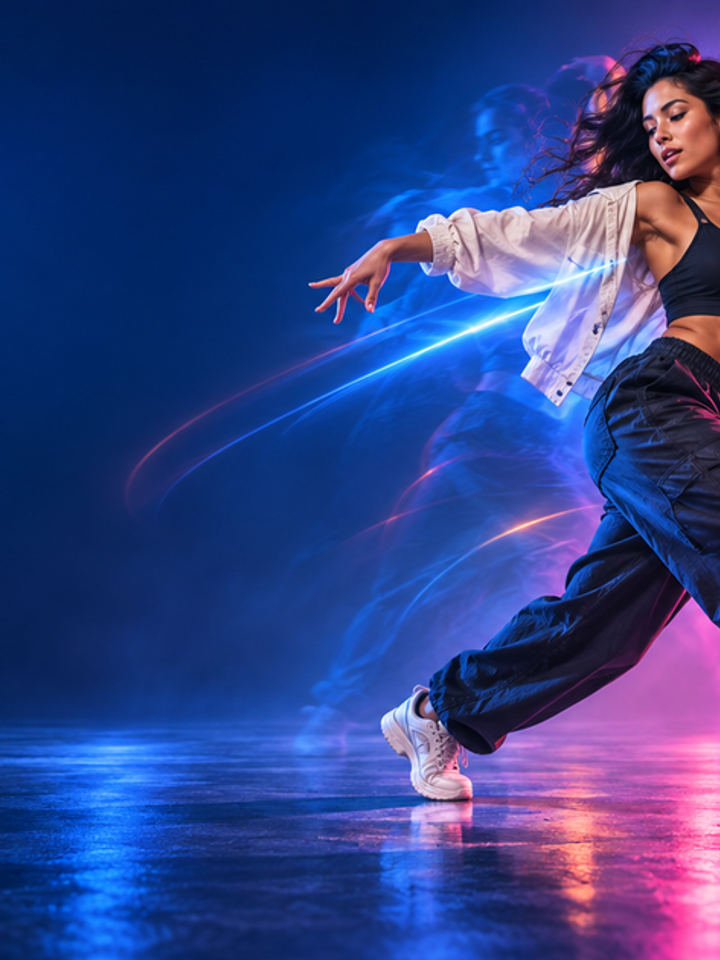

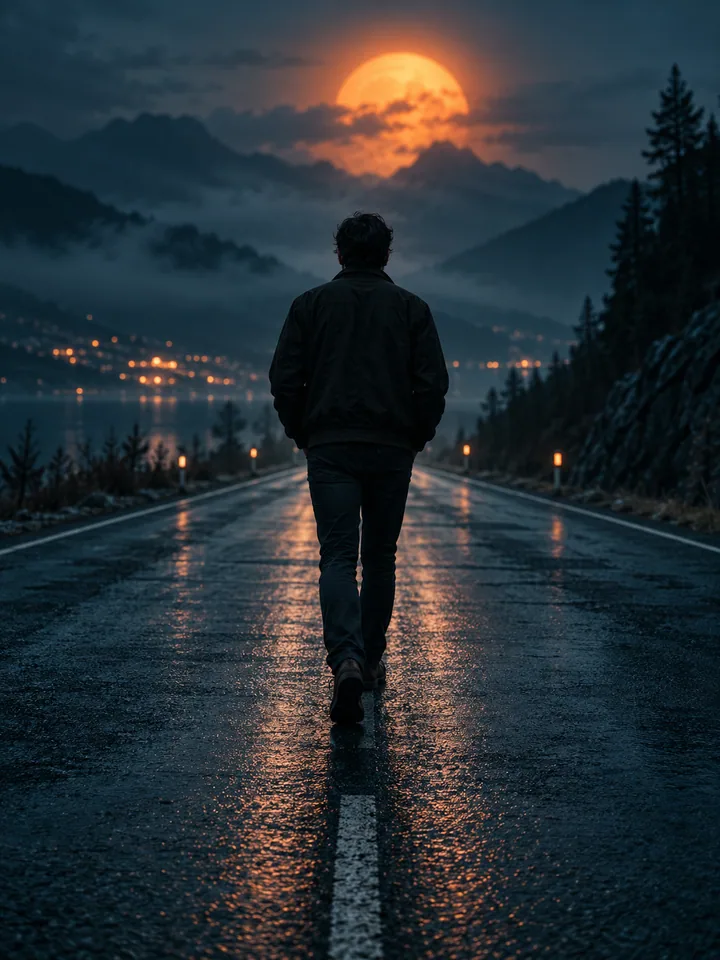


Three Intensity Levels
Holding It In is restrained, Tears Rolling adds visible tears, and Full Cry gives the strongest emotional build.
Drag & drop reference images here or browse files
SUPPORTS: IMAGE • MAX 10 MB
Only upload media you have permission to use.
Turn a portrait into a fictional tearful close-up for a story or social edit. Choose an intensity, watch the facial movement and keep the AI scene distinct from real emotions.
Original illustrations show scene and mood ideas. These images are not videos or results generated by this site.

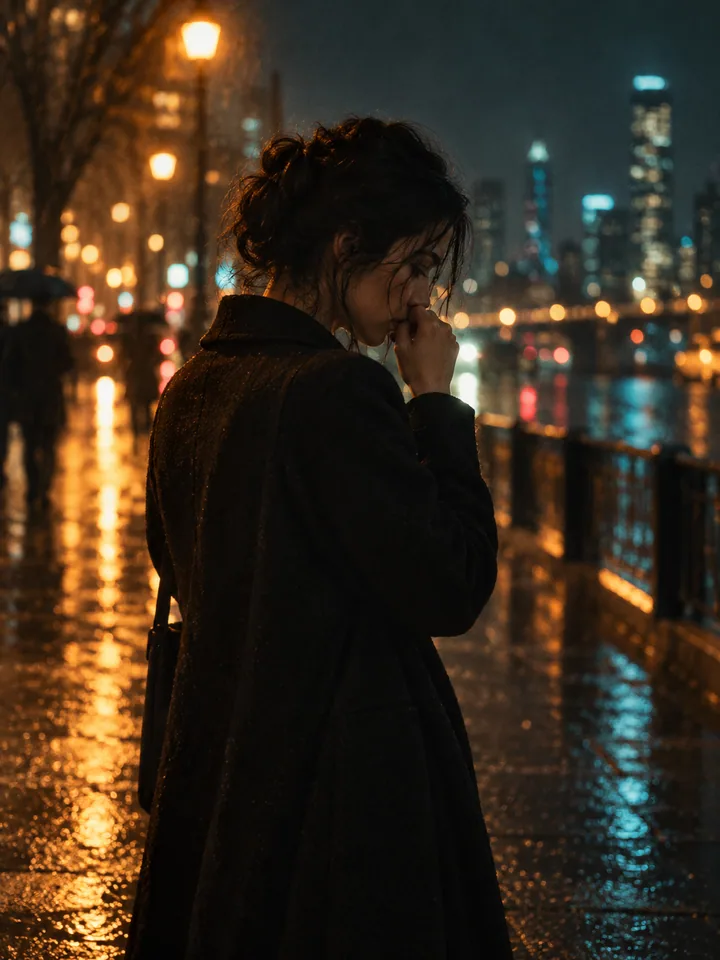

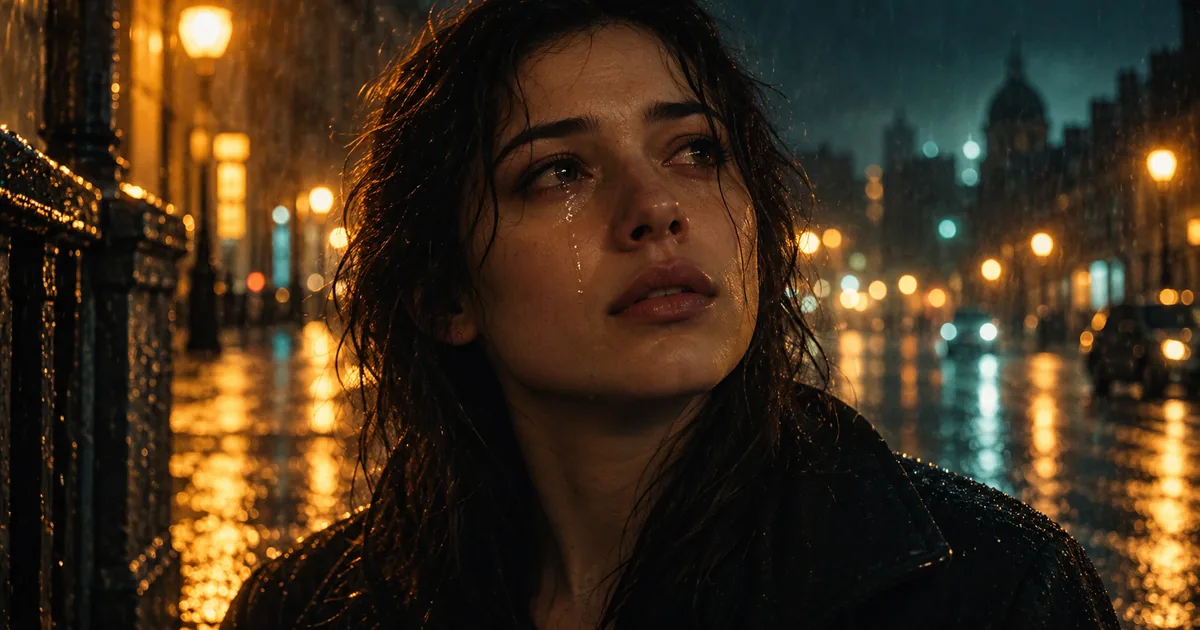
This effect creates a short, close-range emotional shot from one still portrait: the eyes glisten, the brow and mouth tighten, and the movement builds according to the intensity you choose. The camera stays close and largely steady so the face carries the shot. It is different from the 2022 Snapchat crying lens, which placed a static overlay or an AR effect over a live camera feed; here the frames themselves are generated from your photo, so the head, hair and background can move as well.
Holding It In is restrained, Tears Rolling adds visible tears, and Full Cry gives the strongest emotional build.
The framing stays close and calm so the expression, not the background, carries the moment.
The result is a fictional film-style moment and cannot be treated as proof that the person really cried.
Choose one sharp, front-facing photo where both eyes are open and clearly visible, with no sunglasses, deep shadow or hair across the face.
Start with Tears Rolling for a balanced test, use Holding It In for a subtle moment, or Full Cry when you need a stronger emotional beat.
Check the eyes, teeth, mouth shape and skin texture across the whole clip, and confirm the face still looks like the person in the source photo.
A single, well-lit, front-facing portrait with a large face and no obstructions gives the model the most information to work with. Group photos, tilted or heavily shadowed faces and low-resolution crops are harder to animate consistently.
This effect is not the 2022 Snapchat static or AR crying lens, and it is not evidence of a real emotion: it generates synthetic frames from one still photo. Eyes, teeth, mouth shape and tear streaks can change during the shot, so review the clip before publishing. Use only photos you have the right to use, and do not present the result as proof that a person actually cried. Example images on this page are original illustrations, not samples produced by this site's generator.
No. That filter placed a static image or an AR effect over a live camera feed. This tool generates new video frames from your photo, so the head, hair and background can move as well.
One sharp, front-facing portrait with both eyes visible and no obstruction. A larger face in frame gives the model more detail to animate.
Holding It In shows glossy eyes with little movement, Tears Rolling adds visible tears and a tighter brow, and Full Cry gives the strongest sob. Start with Tears Rolling if you are unsure.
The default is 8 seconds in a vertical 9:16 frame at 768p, with 6, 8 and 10 second options. Aspect ratio and resolution follow the model selected in the generator.
No. It is synthetic media and must not be presented as evidence of a real event or a real emotion. Label it as AI-generated when you share it.
Teeth, eye shape, tear streaks, skin texture and hair edges can shift between frames. Very small faces and large expression changes are the most likely to show artifacts.
Only if you have permission to use it. Uploading a recognizable person's face to create a false emotional scene without consent can mislead people and may breach their rights.
Choose your photos and a style, then check the credit cost shown in the generator. Review faces, movement and small details before sharing.
Back to the video generator