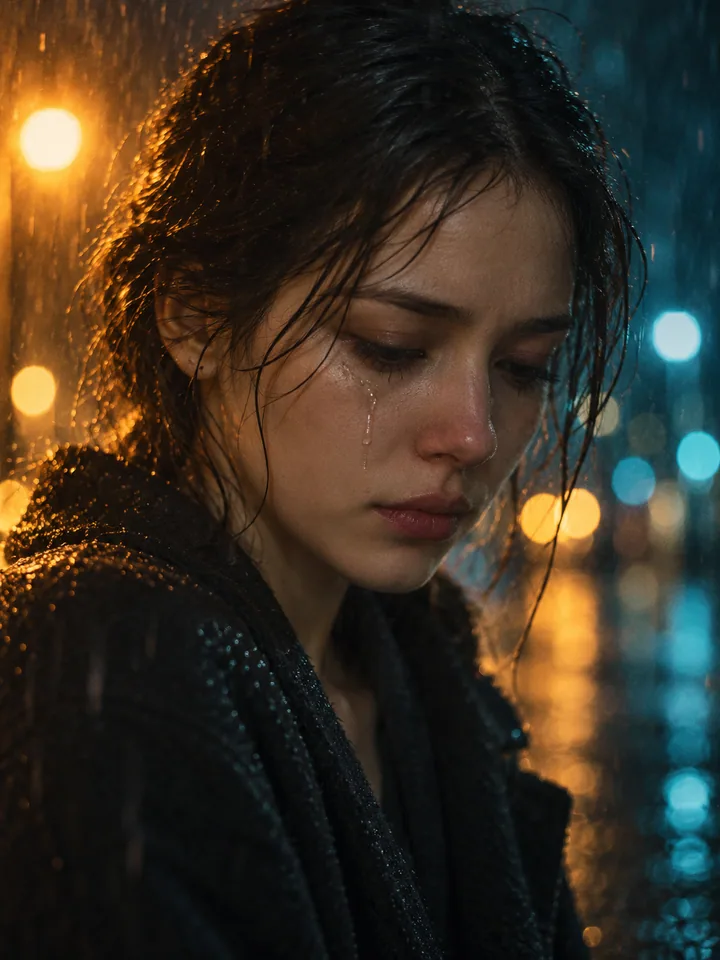
Reference clip remix
Your photo guides the lead character while the video guides movement, camera and surroundings. Choose this when you want a recognizable remix of the supplied scene.
Put yourself in the Bulin 47 AI trend with one photo. Choose a remix of the reference clip or an original freestyle, preview community videos, then generate and download your own.
Put yourself in the Bulin 47 AI trend with one photo. Choose a remix of the reference clip or an original freestyle, preview community videos, then generate and download your own.
Explore how different characters look in the freestyle: compare faces, outfits and shoulder movements, then upload your photo and choose the version you want to create.
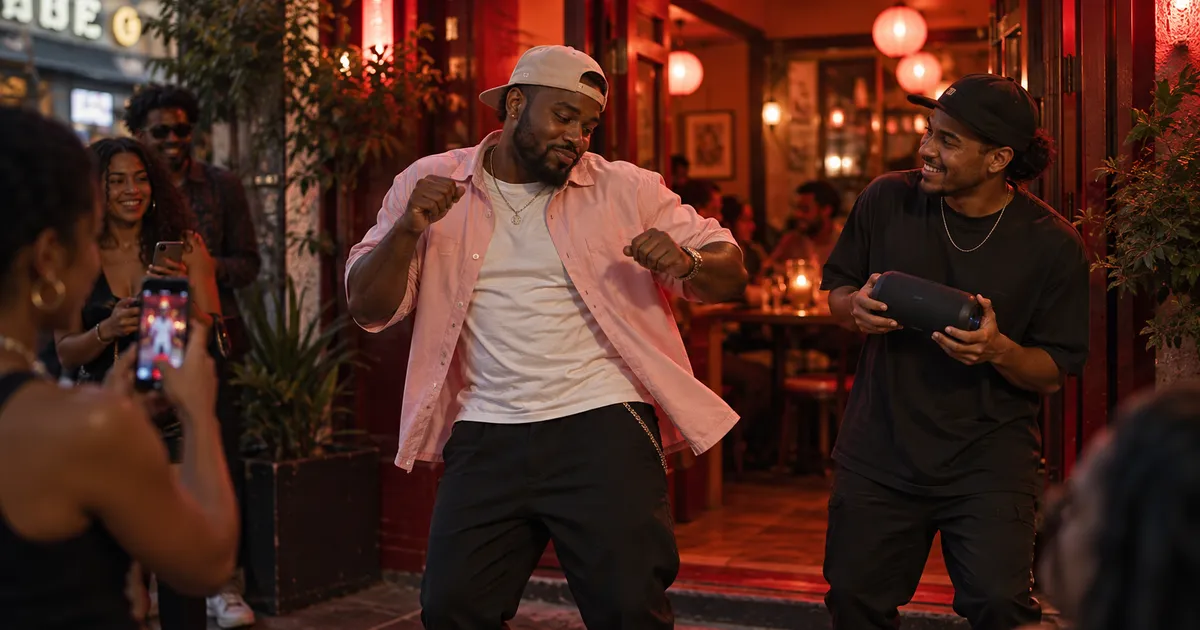
Bulin 47 AI is the freestyle remix trend in which a new character takes the lead in a shoulder-driven dembow performance. Here you can use your photo with the supplied clip, or create a new street performance around your character. The two modes give you different starting points rather than the same scene under two names.
A street freestyle scene illustration.
Your photo guides the lead character while the video guides movement, camera and surroundings. Choose this when you want a recognizable remix of the supplied scene.
Build a fresh performance with rhythmic shoulder moves, a red-lit entrance and a speaker-side crowd. No reference clip is used in this mode.
Review the finished clip in the player and download it. Start with vertical framing for TikTok, Reels or Shorts; check the result before sharing.
Use one consenting adult with the face, hair, shoulders and upper body visible. Avoid crowded photos, strong beauty filters and hidden hands.
Pick the reference remix or original freestyle. Check duration, quality and the displayed credit cost; the reference mode also includes the reference-video processing cost.
Sign in, generate, then watch the whole clip. Check the face, shoulders, hands and background before downloading and sharing your AI remix.
A well-lit waist-up or full-body photo gives the model more information than a tightly cropped selfie. Keep one main person large in the frame, with shoulders separated from the background. Your image guides appearance; it does not guarantee identical clothing or facial details in every frame.
A tiny face, cropped shoulders or overlapping people can confuse the character reference. Use a clearer single-person image, keep the first attempt short and review rapid hand or shoulder movements. The preview videos illustrate the trend; they are not a guarantee of your result.
The reference mode uses AI reconstruction, not a frame-by-frame face replacement. Other people, camera details, clothing and audio can change. Generated sound is not guaranteed to reproduce the original track or words exactly. Original freestyle creates new music and ambience. Review the whole video and make clear that it is AI-generated.
The trend remixes Bulin 47’s street freestyle with new lead characters. Rhythmic shoulder moves, a portable speaker and the crowd give the clip its recognizable dembow feel.
Upload one photo, choose Reference clip remix or Original freestyle, then generate. Your photo guides the lead character; the selected mode determines whether the scene follows the reference or starts fresh.
Choose a clear, well-lit photo of one person, ideally from the waist up or full body. Keep the face and shoulders visible, without sunglasses, masks or heavy filters.
No. This is an independent creative tool, with no official affiliation to Bulin 47 or Kevin Wai.
Download the finished video and upload it to TikTok or Instagram Reels. Use photos and media you have permission to share, review the result, and label AI content using the platform’s publishing options.
Start with the default 6 seconds and vertical 9:16 framing. Use the duration control for a longer performance; the reference clip remains 6 seconds even if the output is longer.
The Generate Video button shows the cost before submission. Changing mode, duration or resolution updates the quote, including reference processing when you choose the remix.
Yes. Keep your uploaded photo, choose another mode or adjust settings, and generate again. Each new generation uses the credits shown before you submit.
Choose your photos and a style, then check the credit cost shown in the generator. Review faces, movement and small details before sharing.
Back to the video generator