


Coat and Face Preservation
The prompt explicitly protects visible markings and facial appearance.
Drag & drop reference images here or browse files
Only upload media you have permission to use.
Animate a cat, dog or other clearly visible pet into a playful dance while preserving coat patterns, face and body shape.
Compare with the source photo and inspect the pet’s face, coat pattern, leg count, accessories, and believable paw-to-ground contact during motion.
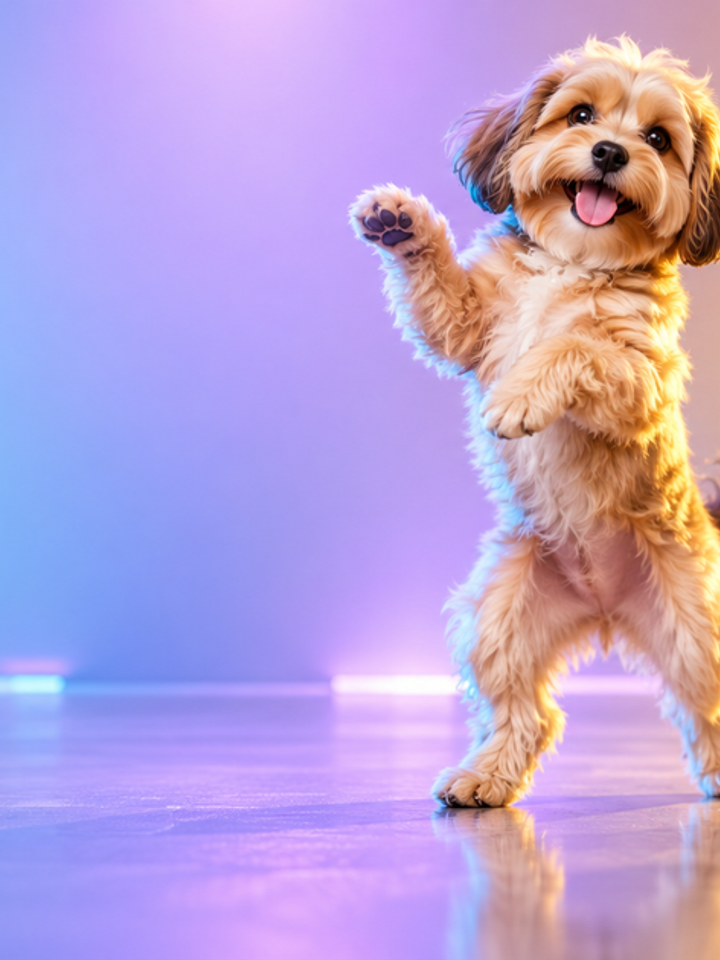
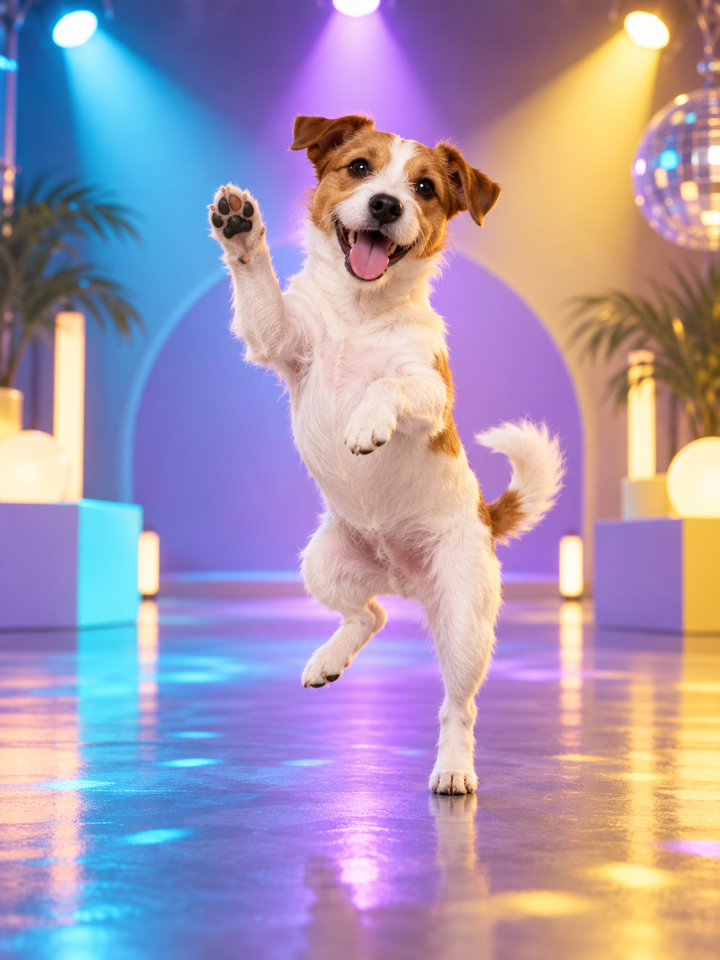
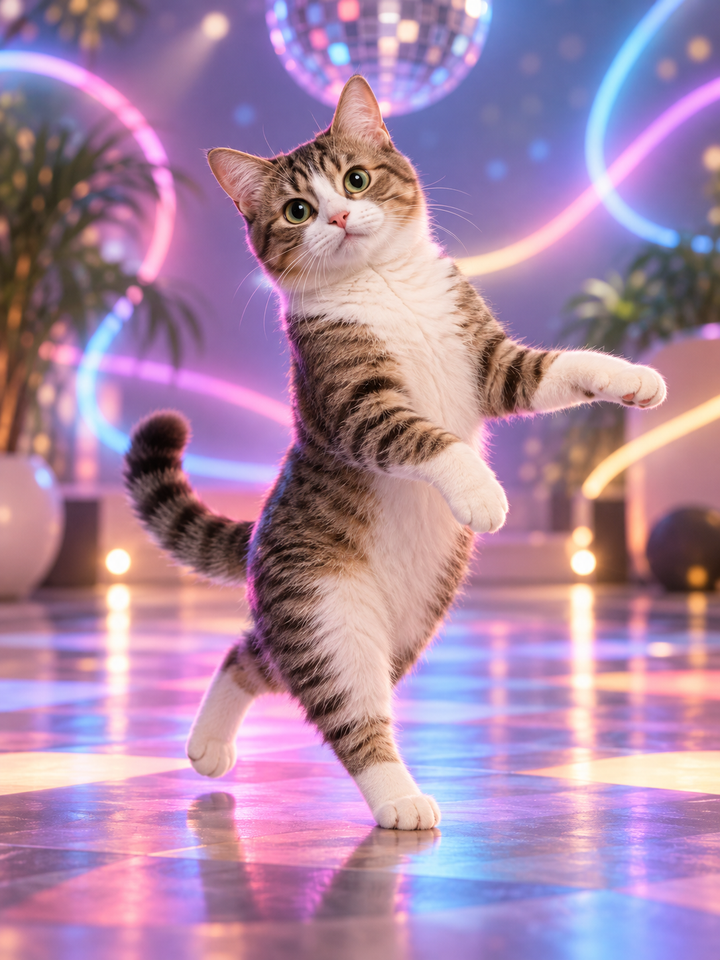
The Pet Dance effect adds rhythmic movement while trying to keep the animal’s species, face, coat markings, accessories and overall body shape consistent. It avoids intentionally turning the pet into a human-shaped character.
The prompt explicitly protects visible markings and facial appearance.
Motion is asked to remain playful without adding human limbs or changing species.
Cute is subtle, Groove is funnier, and Party asks for the most energetic motion.
Show the pet’s face, torso and paws when possible. Avoid heavy blankets or objects covering the body.
Start with Cute for small motion, then try Groove or Party for more energy.
Review leg count, paw contact, coat patterns and facial features across the clip.
Single-pet images with visible paws, a clear face and a simple background are easier to animate consistently than group photos or pets hidden under furniture or clothing.
AI may exaggerate posture, paws or facial expression during energetic motion. Check that the pet remains recognizable and anatomically plausible before sharing.
Yes. Clear cat and dog photos are good starting points, and other pets can work when their body structure is visible.
The prompt explicitly asks for animal-like anatomy, but highly energetic generations can still become stylized.
Cute uses smaller motion and is usually the safest first test.
The current effect is designed for one main pet per generation.
Fast motion requires the model to redraw the animal across frames, which can alter small markings.
Yes. Each generation can create a different dance path while using the same source image.
Choose your photos and a style, then check the credit cost shown in the generator. Review faces, movement and small details before sharing.
Back to the video generator