AI背景チェンジャー
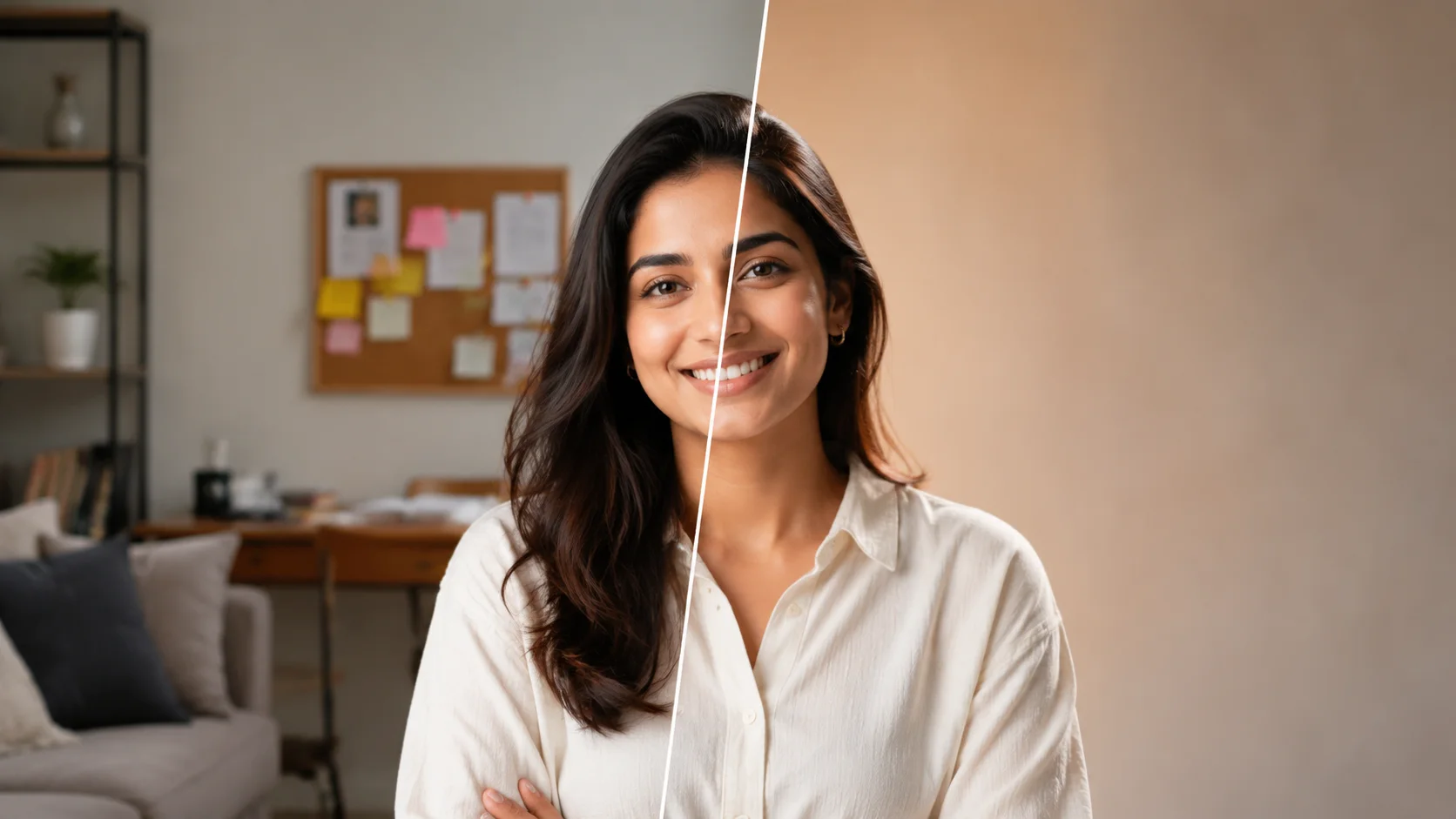
被写体の輪郭、髪、影、実寸感を保ちながら写真の背景を差し替えます。
AI背景チェンジャー
被写体の輪郭、髪、影、実寸感を保ちながら写真の背景を差し替えます。
FAQ
被写体の輪郭、髪、影、実寸感を保ちながら写真の背景を差し替えます。 Use a clear source image and review tiny text, faces, edges, and lighting before publishing.
ページのコントロールやプリセットから始めて、具体的な詳細を1つ追加してください。長いプロンプトは矛盾を生みやすく、結果が不安定になります。
生成された画像は広告、EC、SNS投稿、下書きに使用できます。最終使用前に商標、モデルの権利、商品の正確性、現地の規則を確認してください。
Use a clear image with even lighting and minimal obstruction. Cleaner source material gives AI背景チェンジャー more visual detail to work with.
Choose a sharp image with the main subject fully visible and a reasonably simple background. Very dark, blurry, or heavily obstructed images may produce less consistent results.
AI generation includes some variation, so details, textures, and composition can change slightly between runs. Trying a few versions can help you pick the strongest result.
Try a clearer source image, reduce background clutter or obstruction, and keep the main subject easy to identify. If prompts are available, make your request more specific before regenerating.
No. The tool creates a new generated result based on the image you provide, so your original local file remains unchanged.
ユーザーメモ
“高品質な元写真は結果をより安定させるので、公開前にエッジと細部を確認しています。”
Maya R.: “高品質な元写真は結果をより安定させるので、公開前にエッジと細部を確認しています。”
Jon K.: “短いプロンプトの方が長い要望リストより効果的です。最も近いプリセットを選んでから、一つ詳細を追加します。”
Ari S.: “視覚的な方向性を素早く比較するのに便利ですが、自然に見えるバージョンだけを残します。”
Alex M.: “AI背景チェンジャー is straightforward to use and gives me a useful starting point quickly when I need fresh social visuals.”
Jordan K.: “I use AI背景チェンジャー for fast concept exploration before refining the strongest direction in my regular design workflow.”
Taylor R.: “AI背景チェンジャー makes routine image experiments much easier without requiring a complicated editing setup.”
Casey L.: “Being able to try several variations with AI背景チェンジャー helps me compare ideas before committing to a final look.”
Morgan S.: “AI背景チェンジャー speeds up the process when I need several visual options for covers, posts, or campaign drafts.”

おすすめAIモデル
 Image
ImageFireRed Image Edit
FireRed Image Edit AIモデルをオンラインで使用 ? 小紅書 FireRed チームのオープンソース指示駆動画像編集モデルです。追加、削除、置換、背景、スタイル化、テキスト、修復、ポートレートメイク、複数画像融合、バーチャ
 ImageNEW
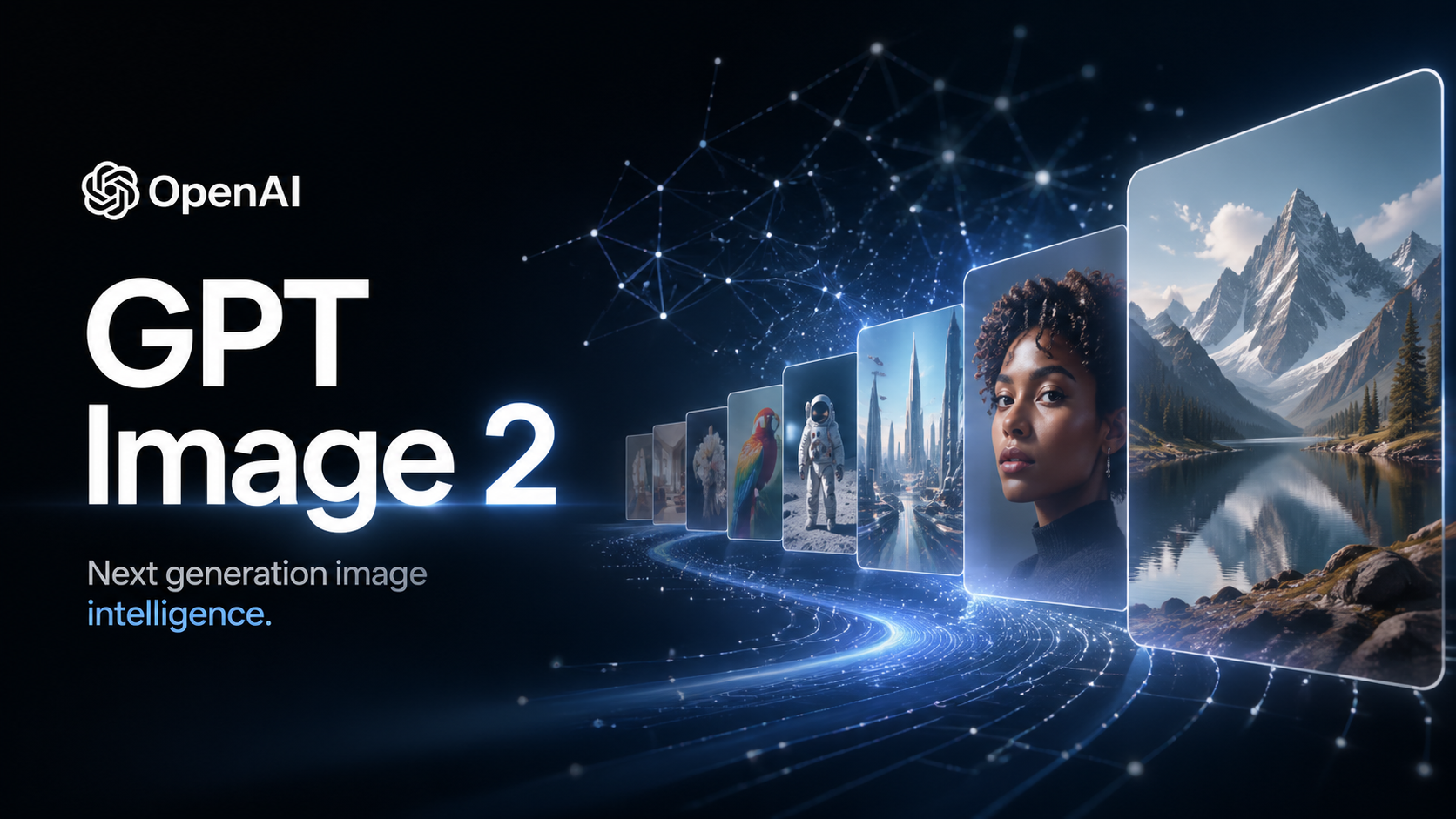
GPT Image 2
ネイティブThinking Mode、95%超のテキストレンダリング精度、生成中のWeb検索、最大16枚の参照画像に対応したOpenAI最先端の画像生成モデル。正確なタイポグラフィ、一貫性のあるキャラクター、多言語テキスト対応で、プロダクシ
 Image
ImageNano Banana Pro
Nano Banana Pro( Gemini 3 Pro Image としても知られる)は、Google DeepMindによる無料AI画像生成ツールで、透かしなしの美しい4K画像を生成します。登録・ログイン不要で無制限にオンラインアクセ
 VideoNEW
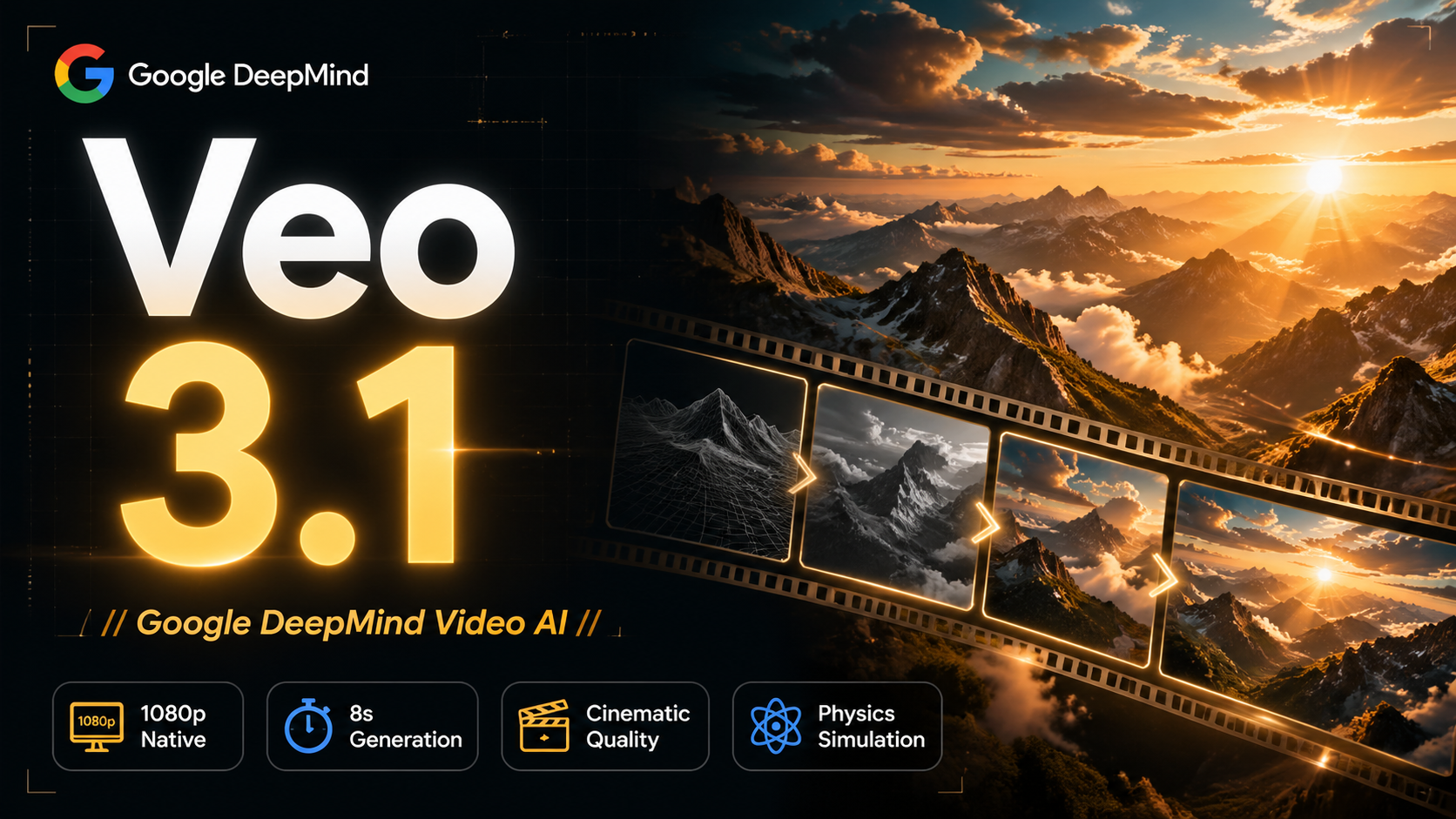
Veo 3.1
Veo 3.1はGoogle DeepMindが2025年10月にリリースした、ネイティブ音声生成搭載の無料AI動画生成ツールです。オンラインで1080p HD動画を作成、透かしなし、無制限、ログイン不要。 FireRed Image Ed
 Video
VideoSora 2
OpenAI's most advanced general video generation model — create high-quality videos from text prompts and images with rea
 VideoNEW
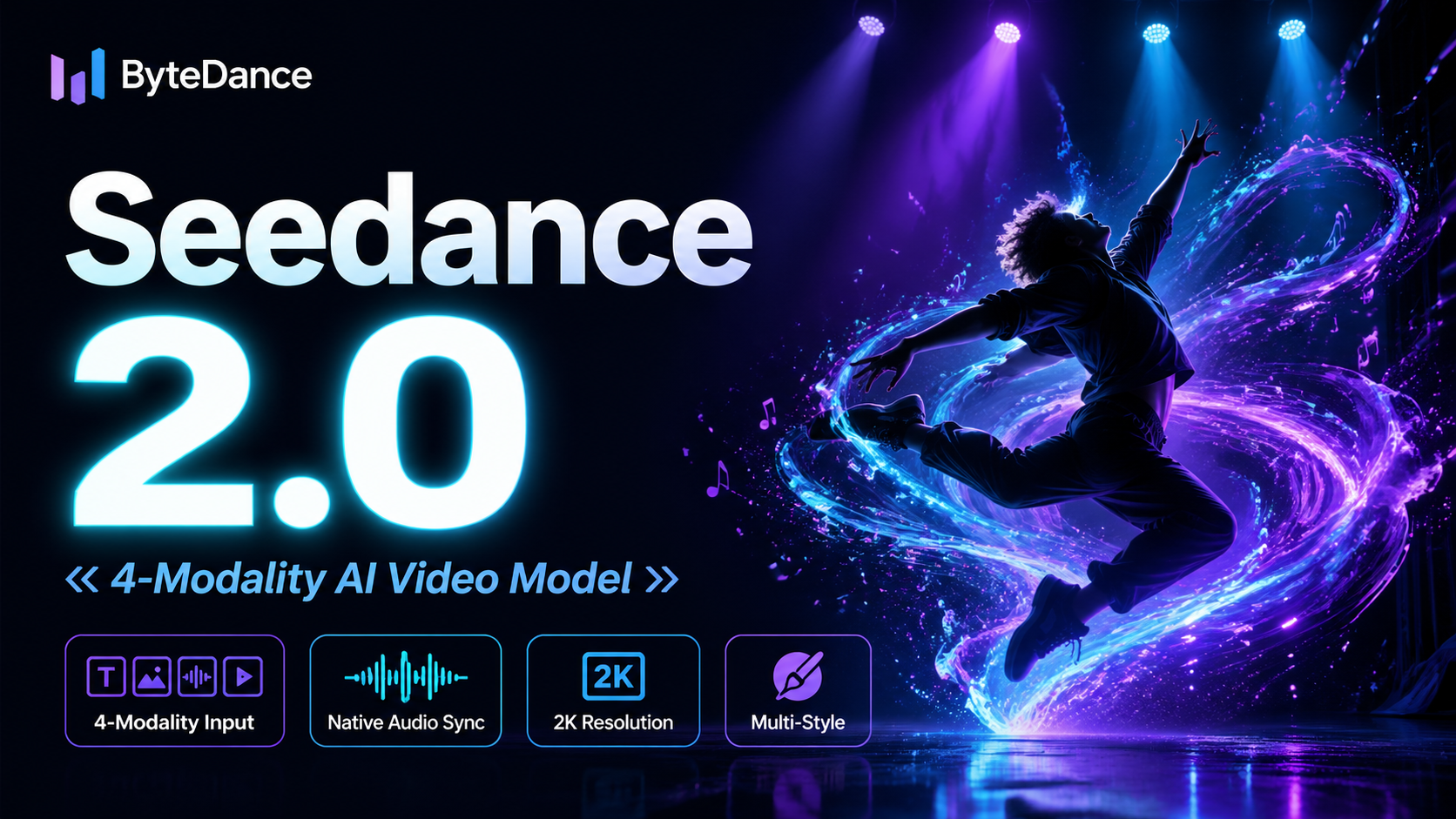
Seedance 2.0
ByteDanceの次世代AI動画モデル、革新的な@-referenceシステムを搭載。テキスト、画像、動画クリップ、音声を単一のプロンプトで組み合わせられます。ネイティブな映像音声同期、V2V編集、最大2K解像度・30fpsの出力を、すべ




