AI Comic Generator: Create Comics from Text Prompts Free
Describe a scene or short story, choose a comic style and panel layout, then generate a readable page without drawing every panel by hand.
Describe a scene or short story, choose a comic style and panel layout, then generate a readable page without drawing every panel by hand.
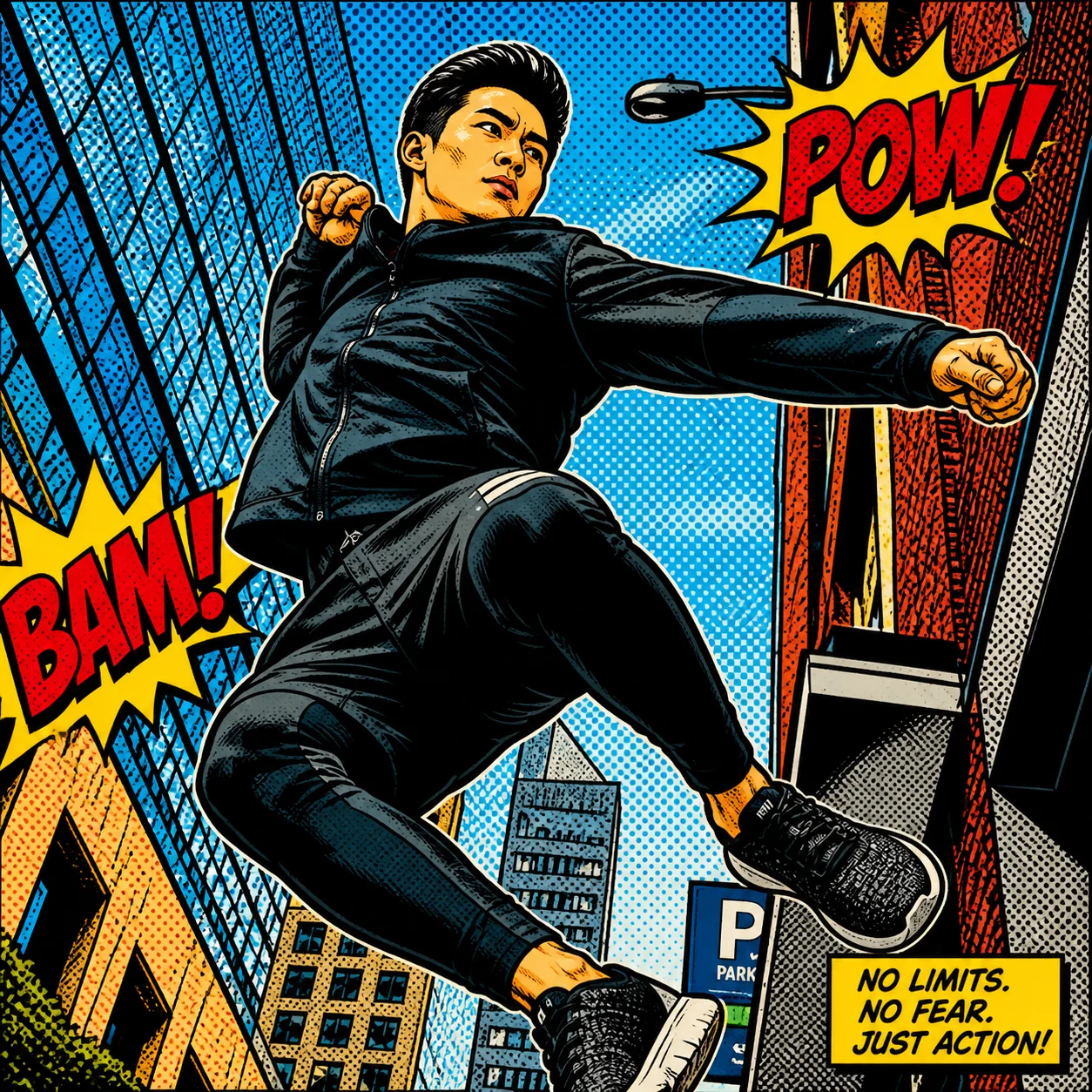
Describe one scene with a clear beginning and payoff, choose a visual tradition, then select a panel layout. The generator handles gutters and progression, but a focused story beat works better than an entire novel chapter.
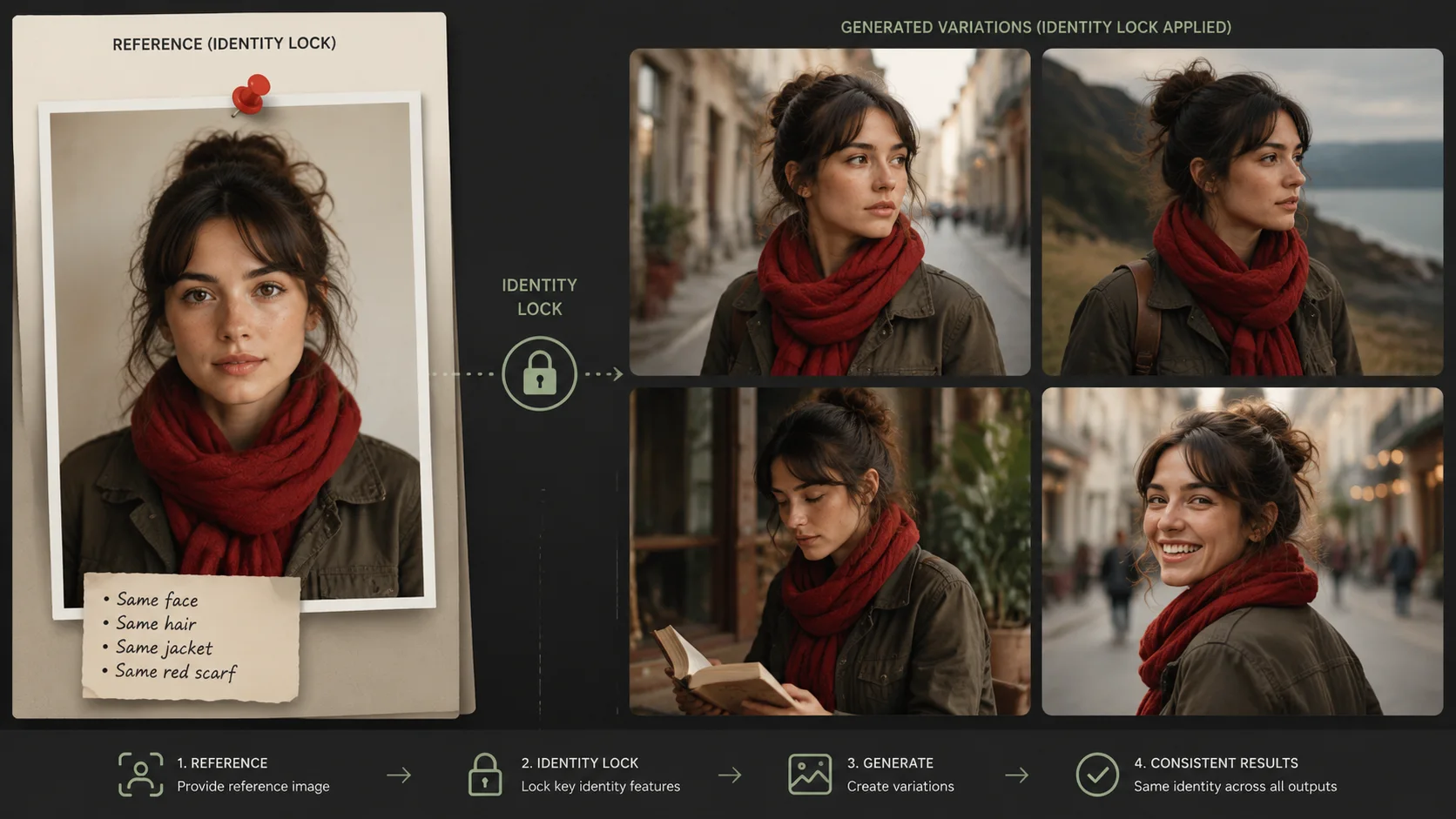
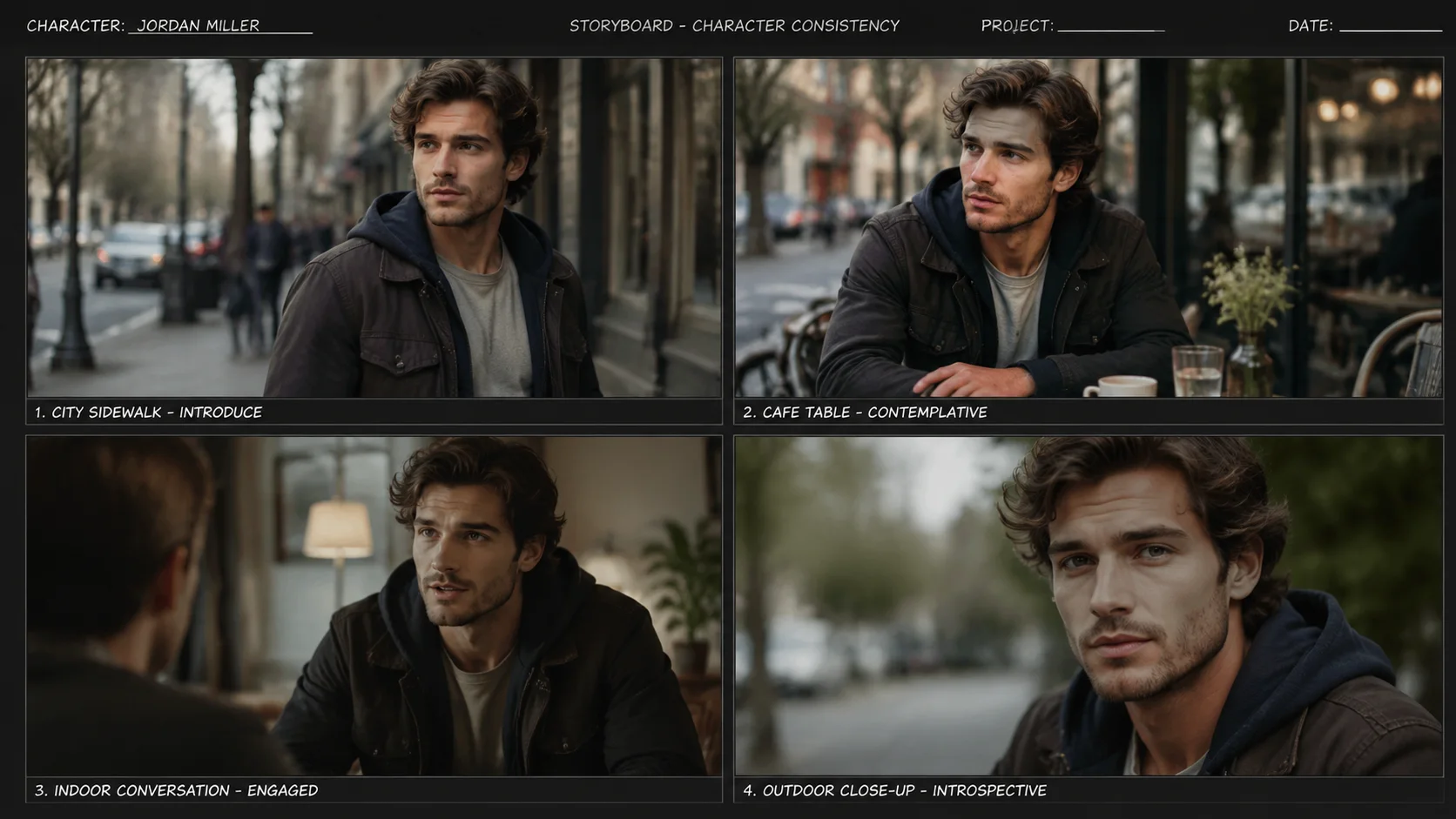
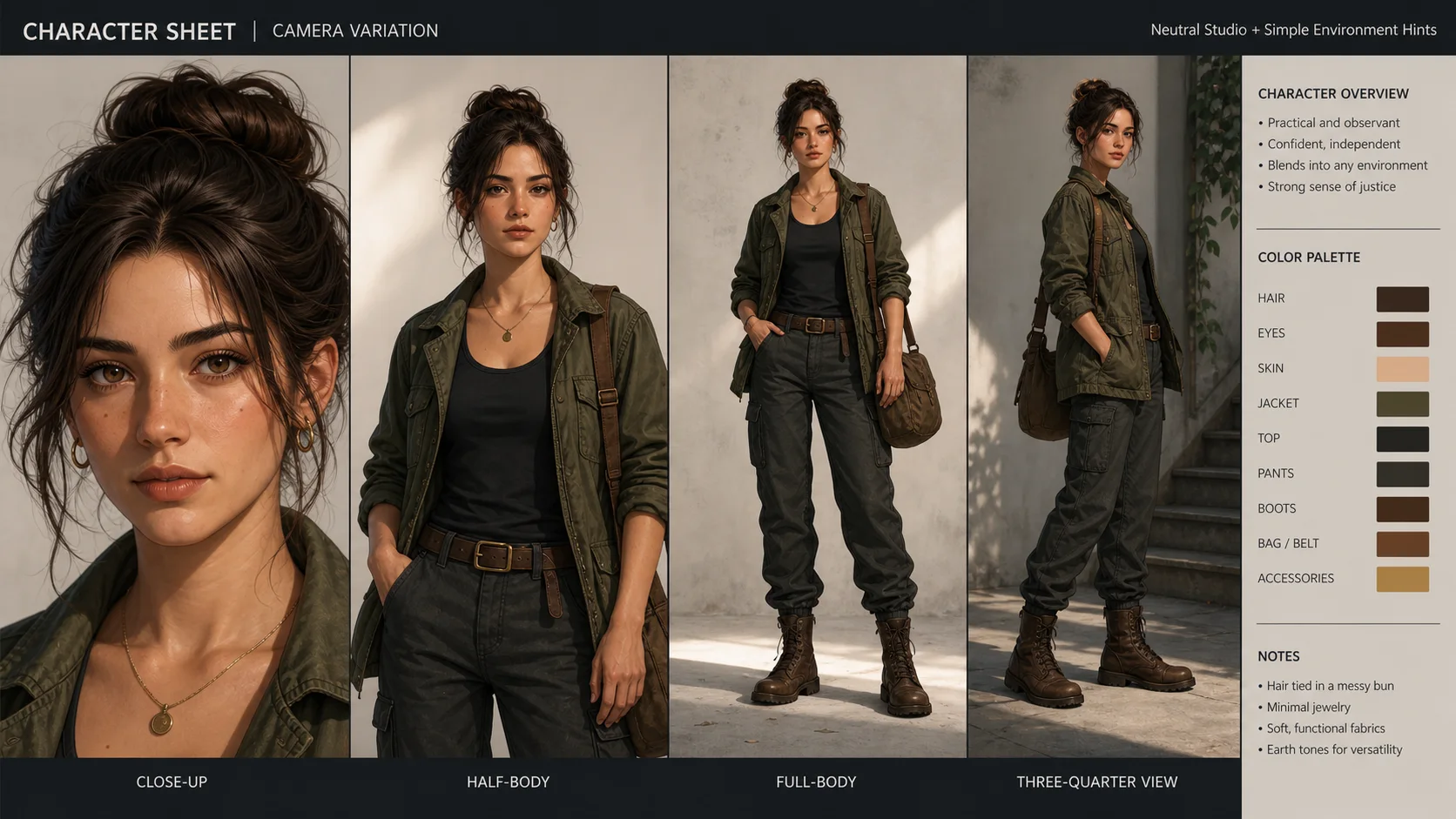
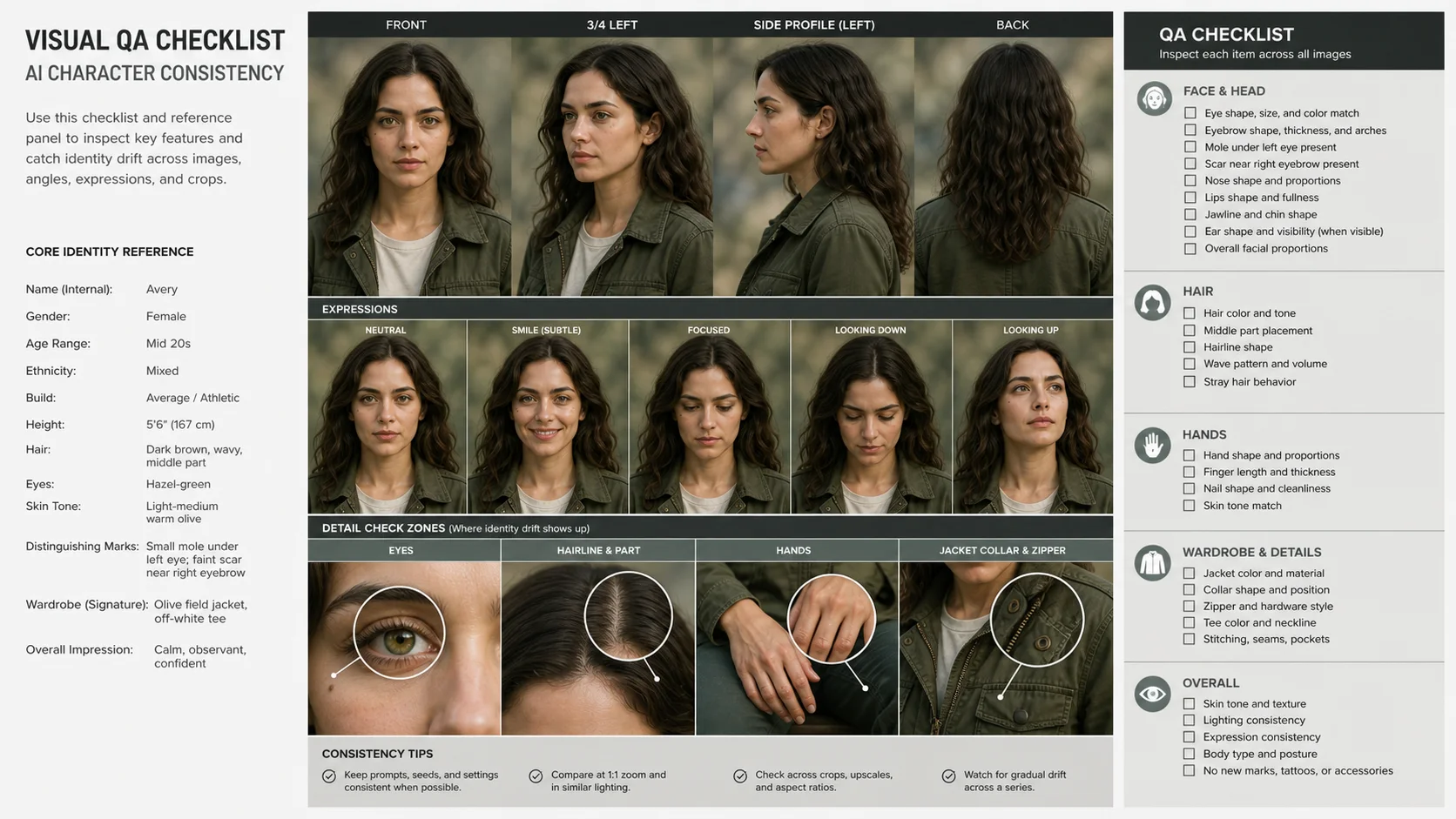
Strict mode protects face, hair, outfit, and palette across panels, but consistency still drops when the prompt changes age, costume, or camera angle too aggressively.
A three-panel strip is the safest start: setup, turn, and payoff. Six panels give more story room but make faces and lettering smaller.
Yes. Export the page, use Manga Colorizer for black-and-white pages or Line Art Colorizer for clean sketches, then run Manga Translator to localize speech bubbles.
It is designed for that, but the input matters. A clear reference with visible hairline, eyes, nose, and outfit cues gives the model more anchors. Extreme side profiles, masks, heavy sunglasses, or low-resolution faces can still drift.
Use Strict for model sheets, avatars, and continuity checks. Balanced is better for brand content because it allows lighting and pose changes. Expressive is useful for storyboards, but you should inspect eyes, mouth, hands, and costume details.
It outputs one square multi-panel sheet. That makes it easier to compare identity consistency at a glance and avoids mismatched exports from separate generations.
Four panels is the safest default. Three panels gives larger faces and cleaner inspection. Six panels is useful for storyboards, but smaller faces increase the chance of identity drift.
Use a clear image with even lighting and minimal obstruction. Cleaner source material gives AI Comic Generator: Create Comics from Text Prompts Free more visual detail to work with.
“Strict lock made the four panels usable for a pitch. The hands still needed checking, but the face stayed recognizably the same.”
Alex: “Strict lock made the four panels usable for a pitch. The hands still needed checking, but the face stayed recognizably the same.”
Mika: “Lineup mode gave me a clean front and side reference before I started drawing the comic page.”
Nora: “For brand avatars I use four panels. Six is useful, but small faces are harder to inspect.”
Jon: “The fantasy preset kept the jacket and hair shape better than my loose prompt did.”
Rina: “Balanced lock feels less stiff than strict while still keeping the same person.”
Sam: “I regenerate any panel where the teeth or hairline changes. The sheet view makes that fast.”

Explore furnishings for an empty room: upload a room photo, choose the room type and furniture style, then generate a virtual-staging concept.

Explore a garden concept from your yard photo. Choose how you want to use the space and a landscape style; review planting and paths before planning work.

Explore a logo symbol from a sketch or visual reference. Choose a graphic style and palette, then review the raster concept at a small size.

Explore a new packaging concept from a package reference. Choose a package format and visual style, then review graphics, folds and label space.

Use the FireRed Image Edit AI model online ? Xiaohongshu FireRed's open-source instruction-driven image editing model fo
OpenAI's most advanced image generation model with native Thinking Mode, 95%+ text rendering accuracy, web search during

Nano Banana Pro (also known as Gemini 3 Pro Image ) is a free AI image generator by Google DeepMind that produces stunni

Veo 3.1, released in October 2025 by Google DeepMind, delivers cinematic 1080p videos with native audio generation — fre

OpenAI's most advanced general video generation model — create high-quality videos from text prompts and images with rea
ByteDance's next-generation AI video model with the revolutionary @-reference system. Combine text, images, video clips,
Start editing your images with state-of-the-art AI technology





10,000+ users