
Family Portrait Colorization
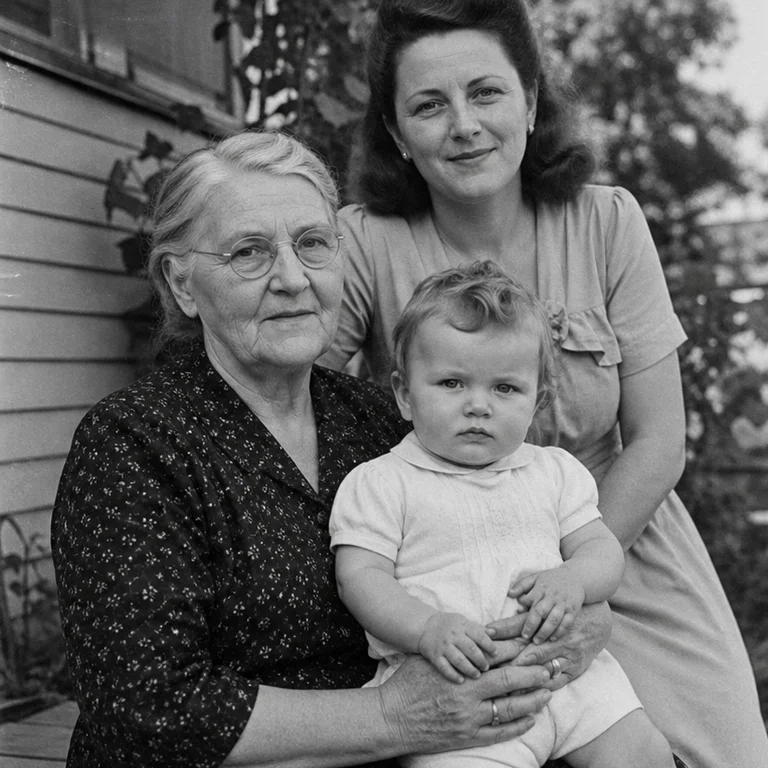
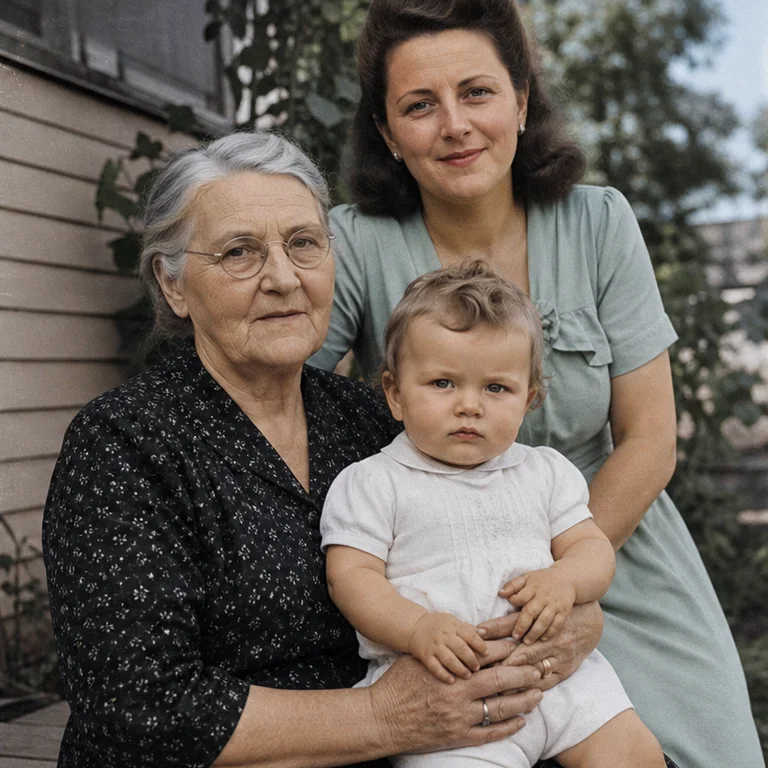
The AI Photo Colorizer predicts plausible color for grayscale portraits, family albums, streets, and archival scenes without changing the original crop. Natural mode favors restrained skin and fabric tones, while Archive mode avoids modern-looking saturation. Color is an informed reconstruction, not historical proof, so uniforms, cars, flags, and signs should be checked against references.
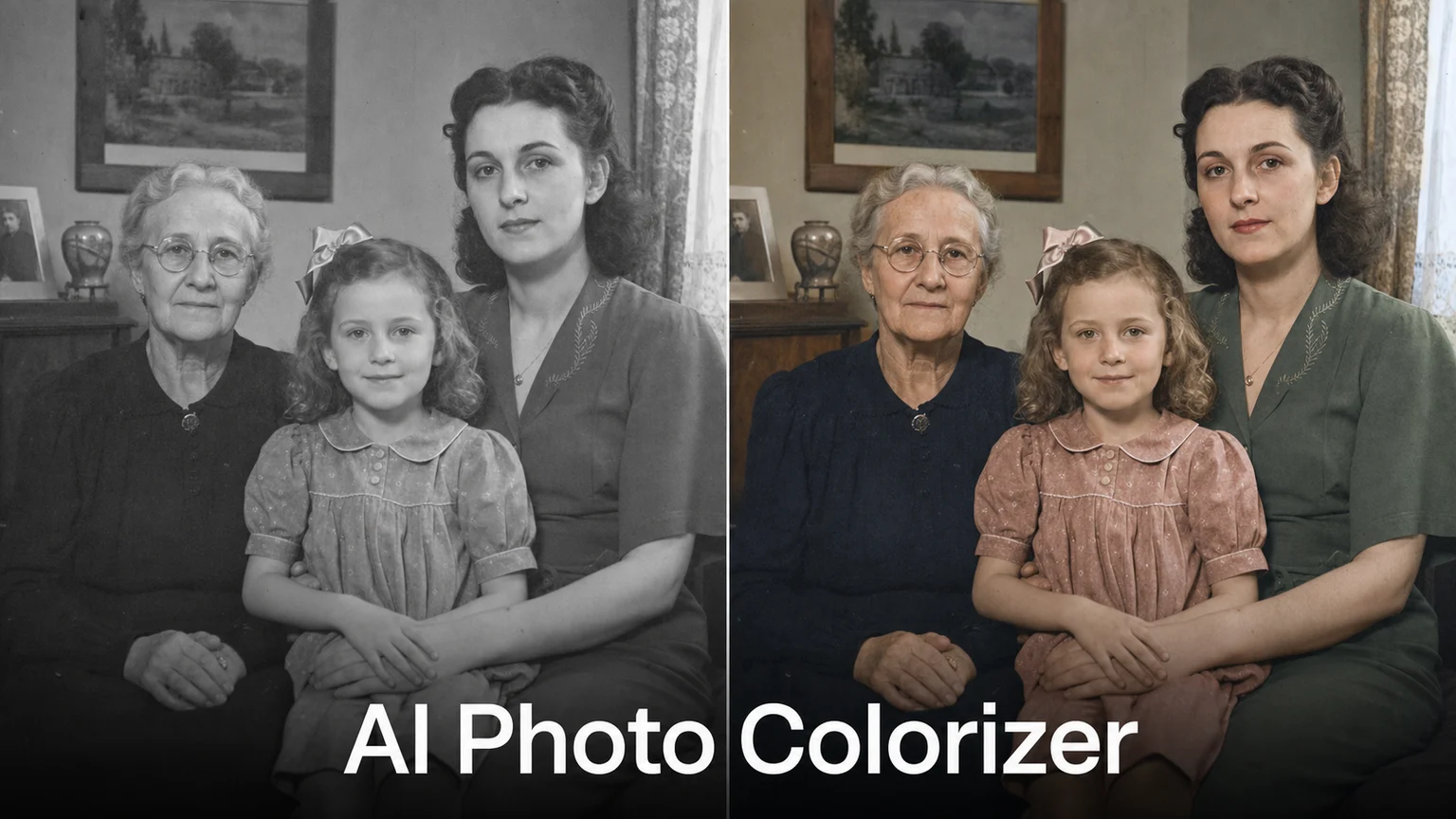
The AI Photo Colorizer predicts plausible color for grayscale portraits, family albums, streets, and archival scenes without changing the original crop. Natural mode favors restrained skin and fabric tones, while Archive mode avoids modern-looking saturation. Color is an informed reconstruction, not historical proof, so uniforms, cars, flags, and signs should be checked against references.
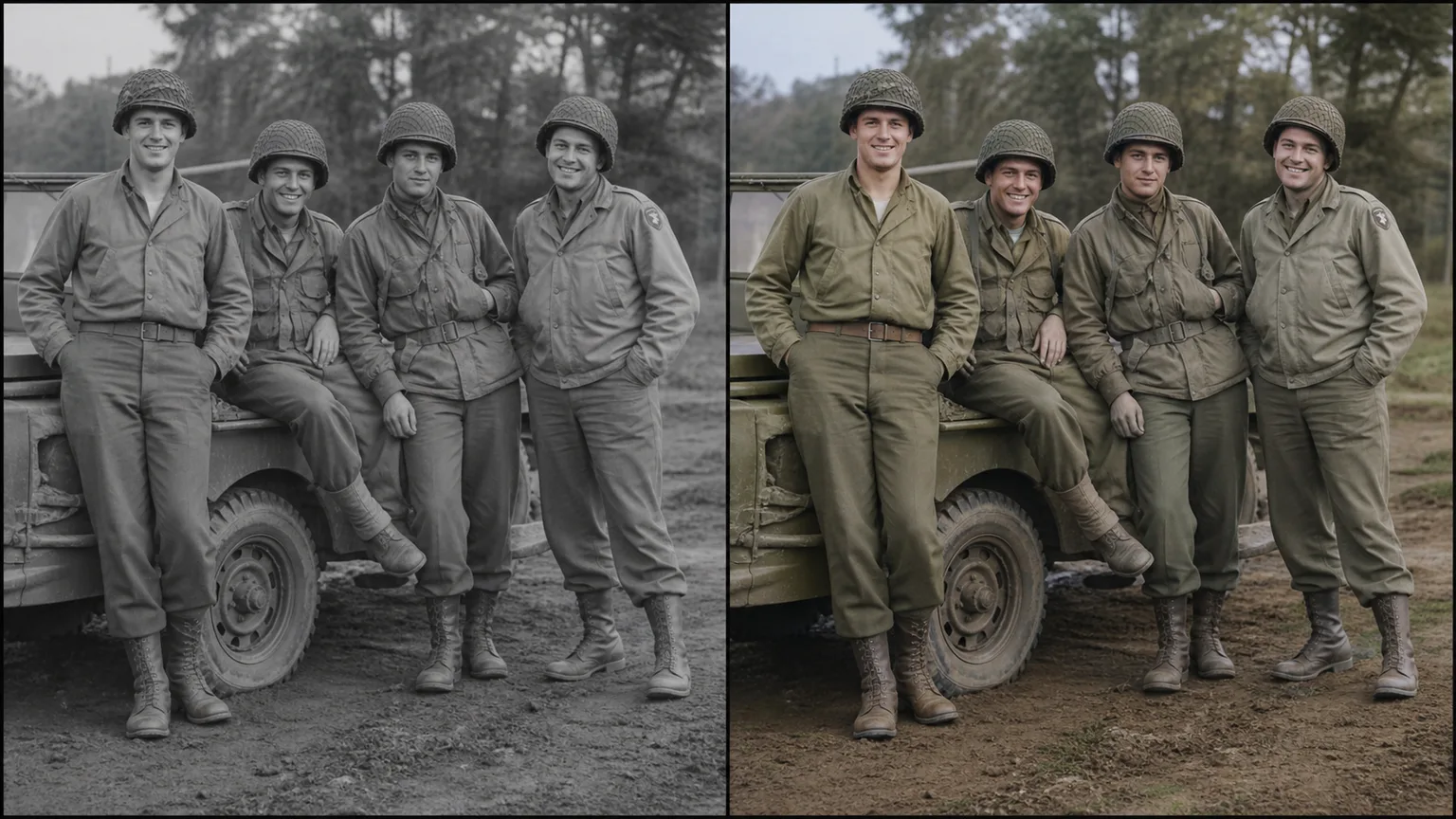
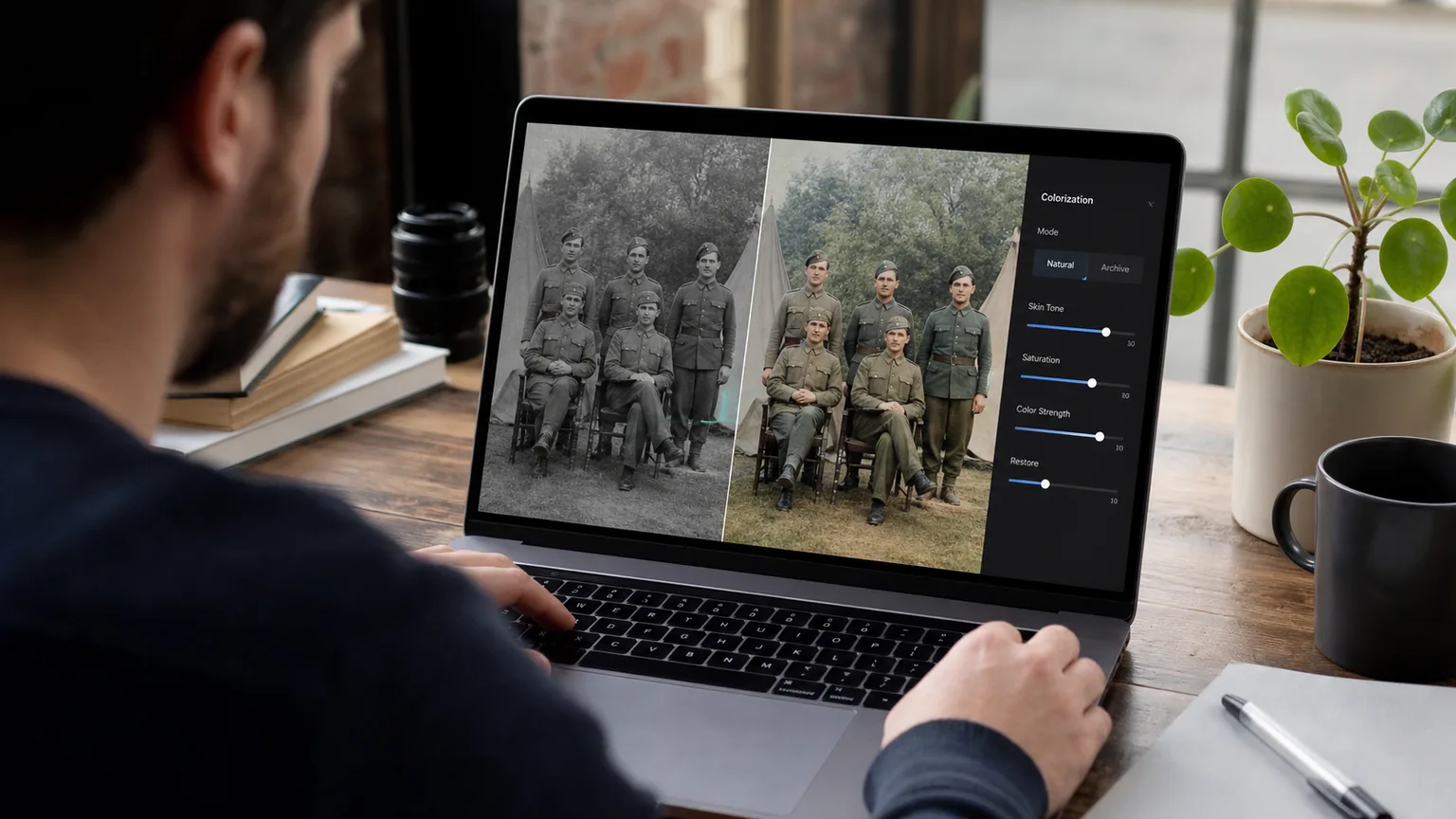
Use the original file rather than a social-media screenshot.
Choose one visual goal and one preservation setting.
Compare edges, faces, hands, text, and repeated patterns at 100%.
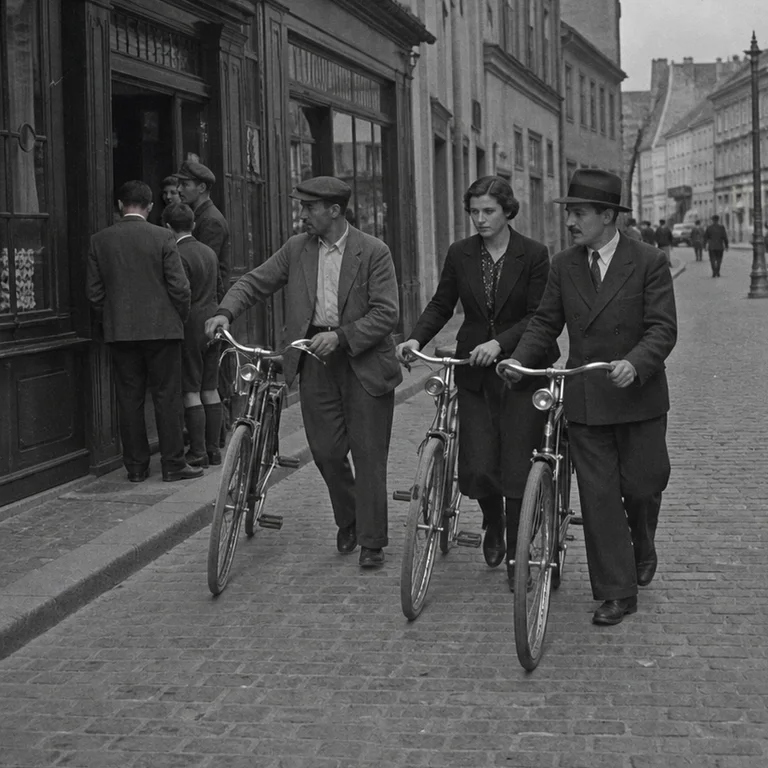
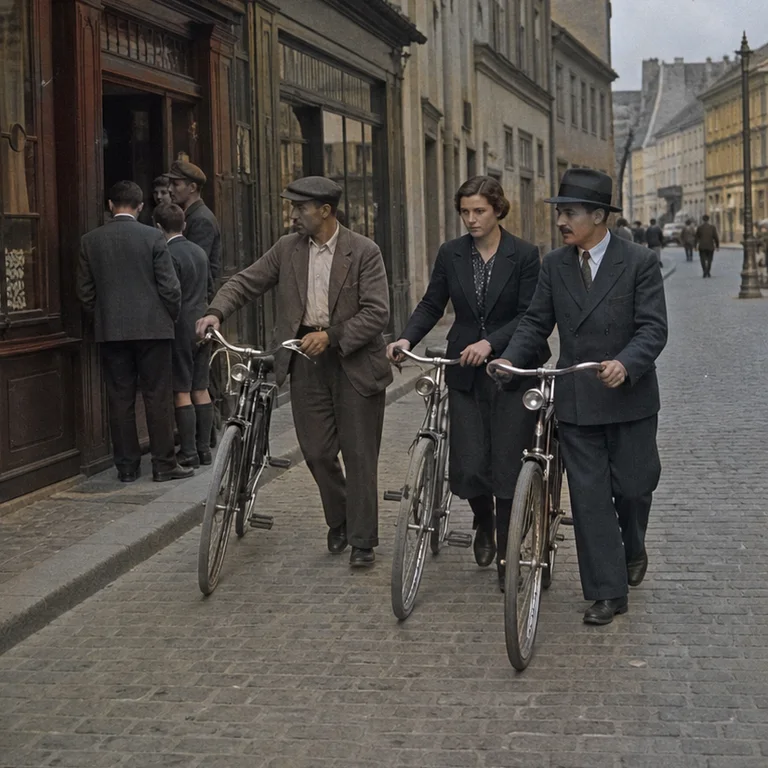
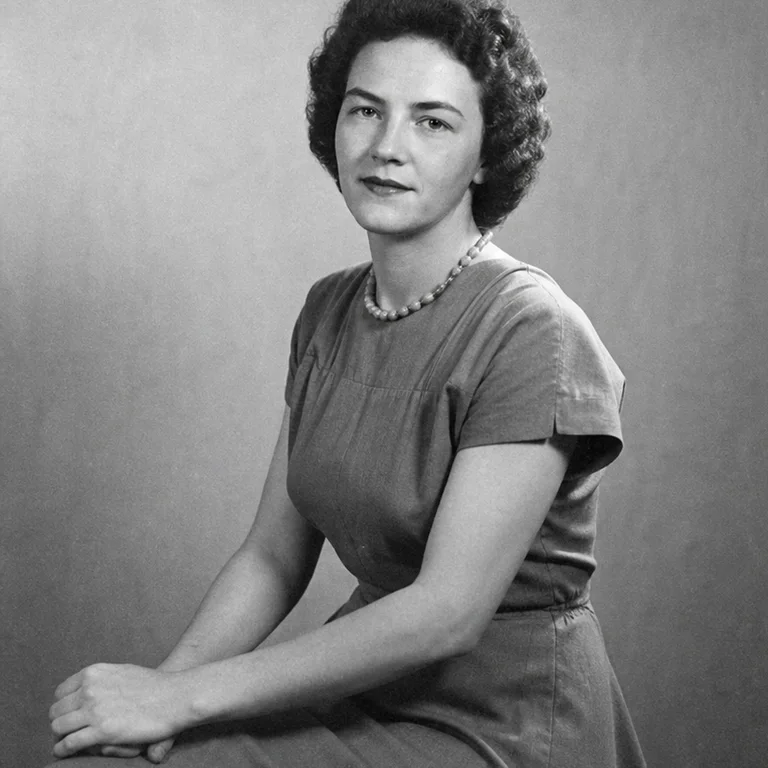
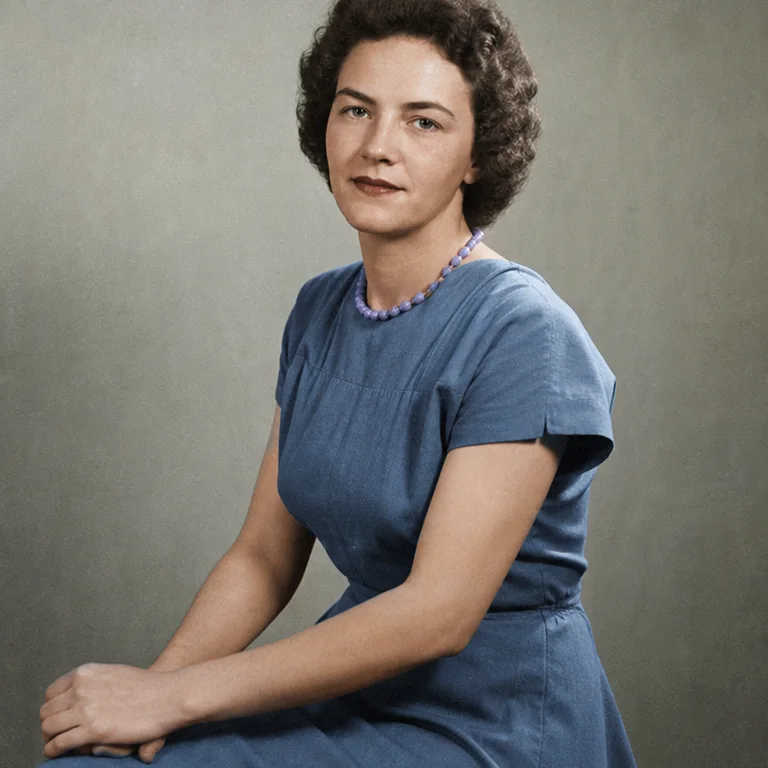
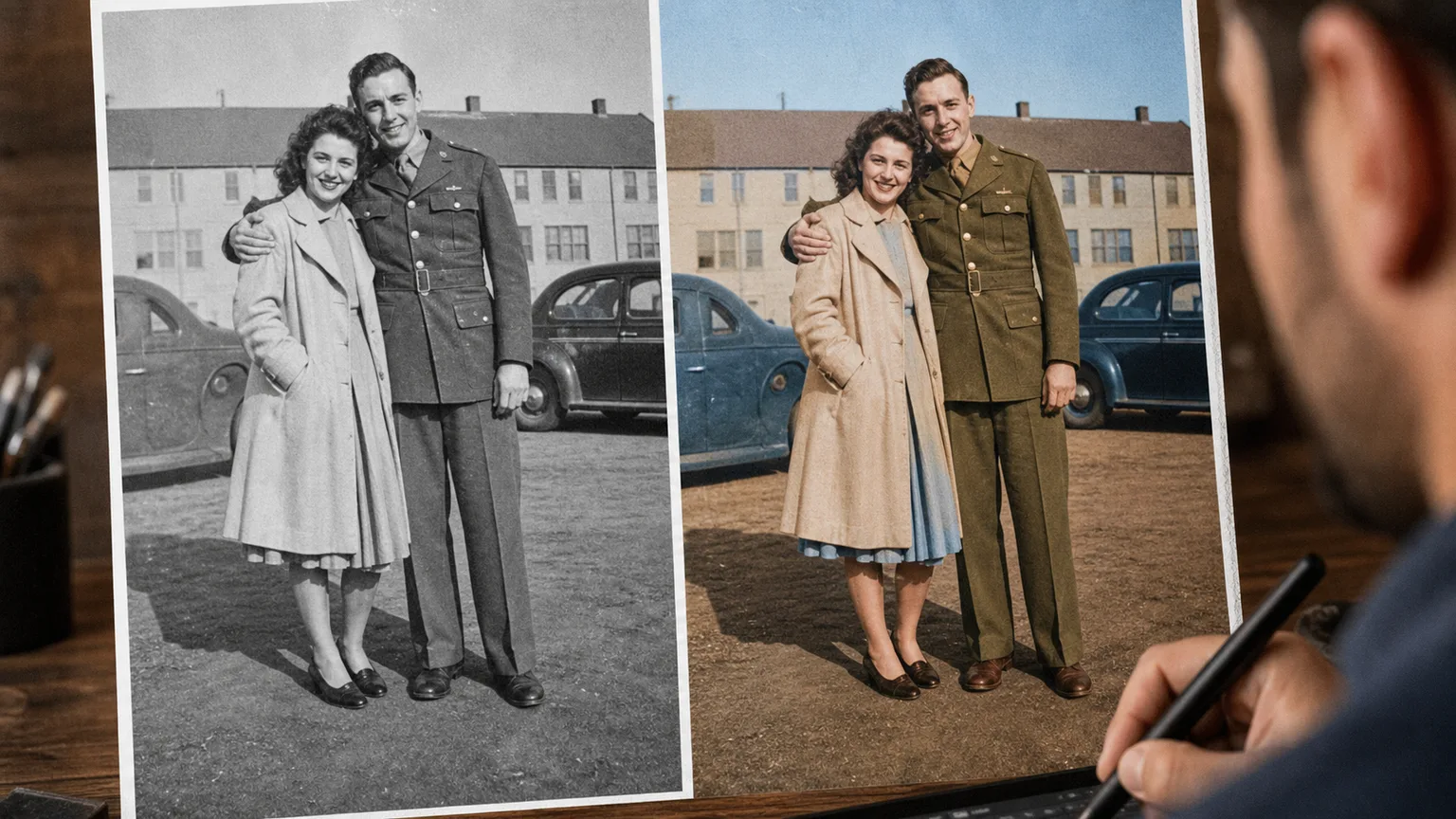
No account wall before the first result
Focused controls instead of a generic prompt box
Visible failure guidance before download
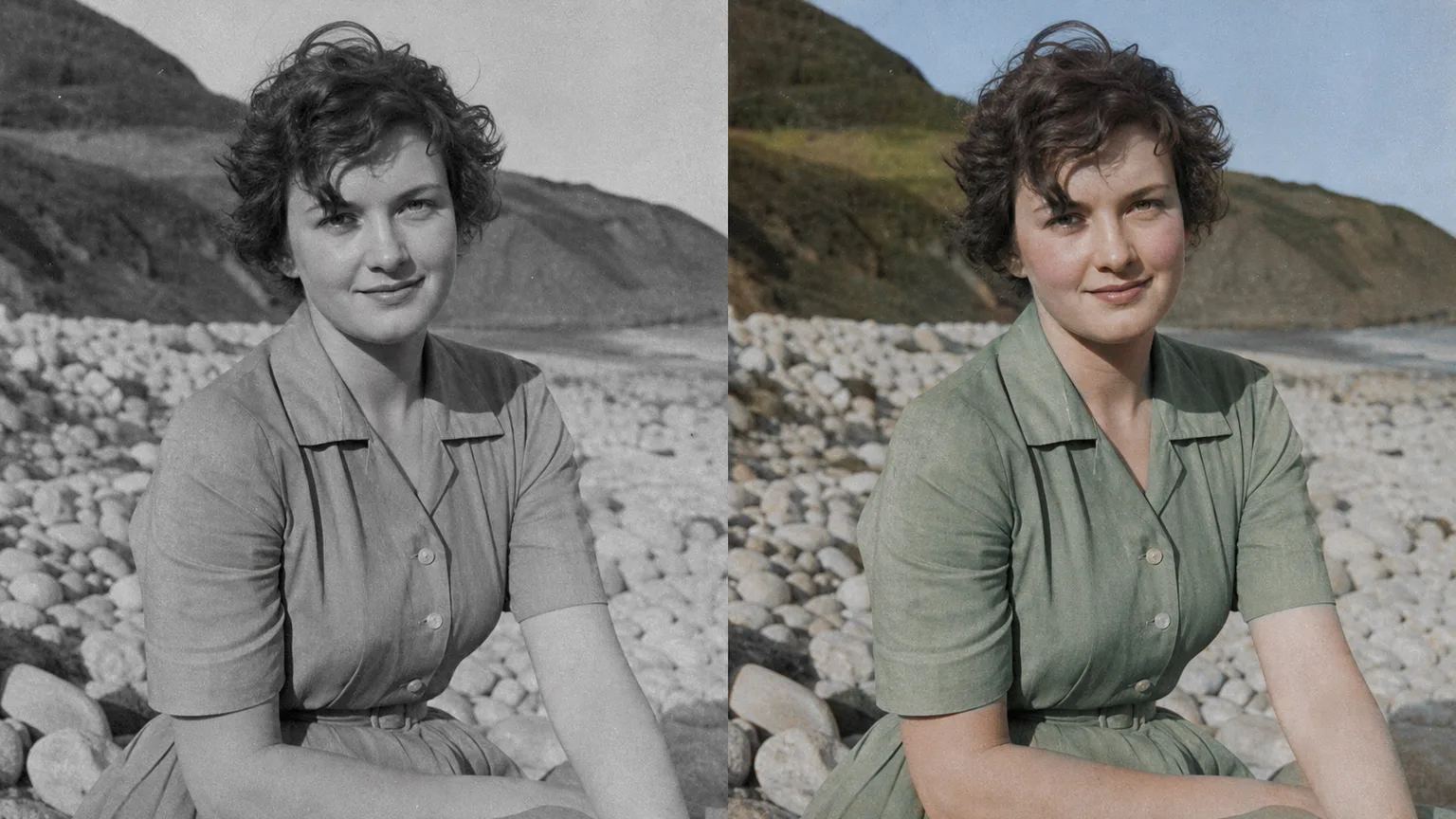
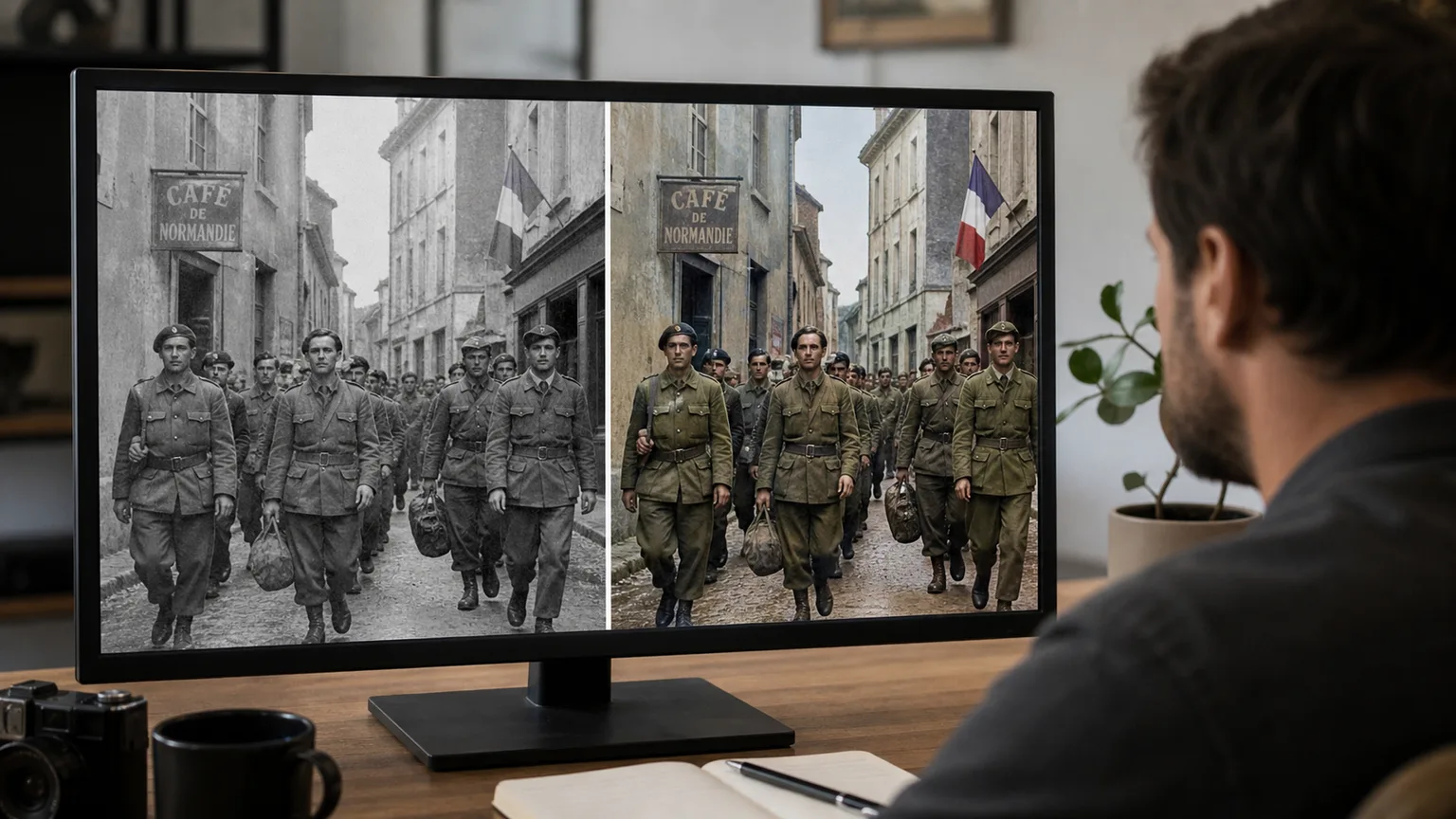
Choose a grayscale original with readable faces and tonal range; archival mode is safer when historical plausibility matters.
Use the preservation-focused option and describe only the intended change. Avoid asking for a new pose, camera angle, and background in the same pass.
For Family Portrait Colorization, begin with Natural; generate once before adding extra instructions so you can see which setting caused the change.
The model cannot know true historical colors. Uniforms, flags, vehicles, and faded highlights must be checked against references.
Rights depend on the source photo, brands, recognizable people, and the intended market. Review those rights separately; a generated result is not automatic clearance.
Upload the least-compressed original available. Repeated JPEG saves, tiny screenshots, and enlarged thumbnails give the model fewer reliable edges to preserve.
Use a clear image with even lighting and minimal obstruction. Cleaner source material gives AI Photo Colorizer – Colorize Black & White Photos Free more visual detail to work with.
Choose a sharp image with the main subject fully visible and a reasonably simple background. Very dark, blurry, or heavily obstructed images may produce less consistent results.
“I used it for Family Portrait Colorization. The first pass was close, and the focused controls made the second pass predictable.”
Maya R.: “I used it for Family Portrait Colorization. The first pass was close, and the focused controls made the second pass predictable.”
Jon K.: “For Family Portrait Colorization, it kept the framing better than a long free-form prompt. I still checked small edges at full size.”
Ari S.: “My first result pushed the effect too far. Dropping back to Natural kept the source more believable.”
Lena P.: “The before-and-after view exposed a small texture error I would have missed on a phone screen.”
Chris M.: “I like that the page says where AI Photo Colorizer can fail. That saved me from using the wrong source photo.”
Noah T.: “Upload from mobile was quick, but I downloaded and reviewed the final file on desktop before publishing.”
Alex M.: “AI Photo Colorizer – Colorize Black & White Photos Free is straightforward to use and gives me a useful starting point quickly when I need fresh social visuals.”
Jordan K.: “I use AI Photo Colorizer – Colorize Black & White Photos Free for fast concept exploration before refining the strongest direction in my regular design workflow.”
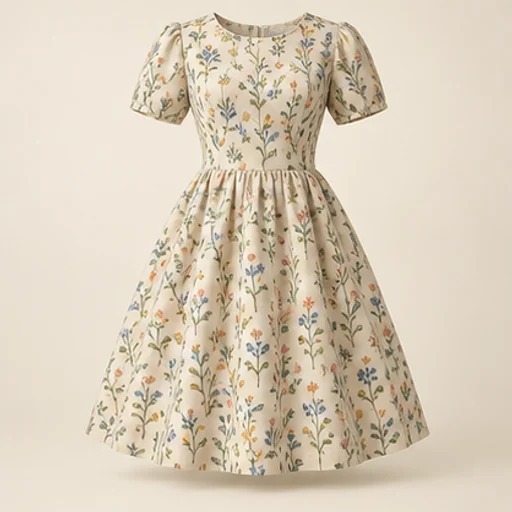
See how a fabric could read on a garment before cutting into it. The sewing fabric visualizer keeps the garment reference as the design guide and uses your chosen material reference for color and pattern; the result is a visual comparison rather than a measured fit simulation.
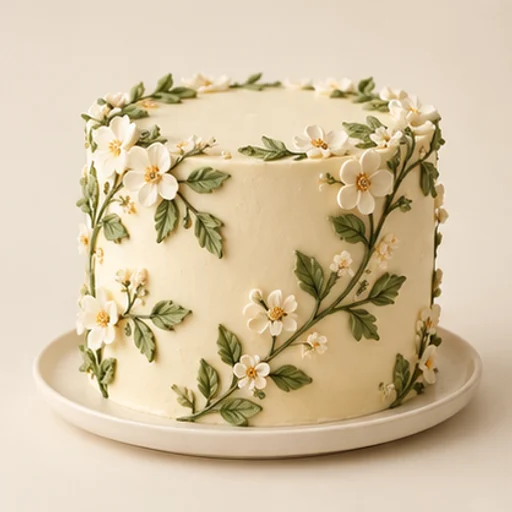
Cake sketch to photo helps a baker turn an existing drawing into a realistic design reference for a customer conversation. It follows the sketch’s tier layout, decoration positions and palette rather than replacing the drawing with an unrelated cake.
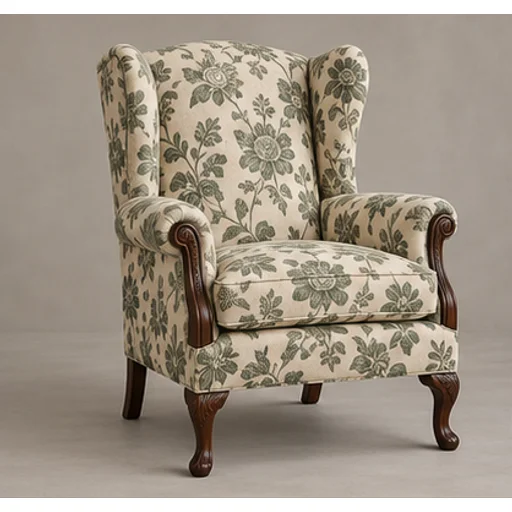
Preview a new textile on your own furniture before committing to reupholstery. The upholstery fabric visualizer uses the original chair or sofa as the shape reference and a swatch or chosen template as the material reference.
Build a rug pattern draft with broad color areas from an original photo or illustration. The tufting pattern generator is intended for planning and tracing: flat regions and a clear silhouette matter more than a realistic photograph of yarn.

Use the FireRed Image Edit AI model online ? Xiaohongshu FireRed's open-source instruction-driven image editing model fo
OpenAI's most advanced image generation model with native Thinking Mode, 95%+ text rendering accuracy, web search during

Nano Banana Pro (also known as Gemini 3 Pro Image ) is a free AI image generator by Google DeepMind that produces stunni

Veo 3.1, released in October 2025 by Google DeepMind, delivers cinematic 1080p videos with native audio generation — fre

OpenAI's most advanced general video generation model — create high-quality videos from text prompts and images with rea
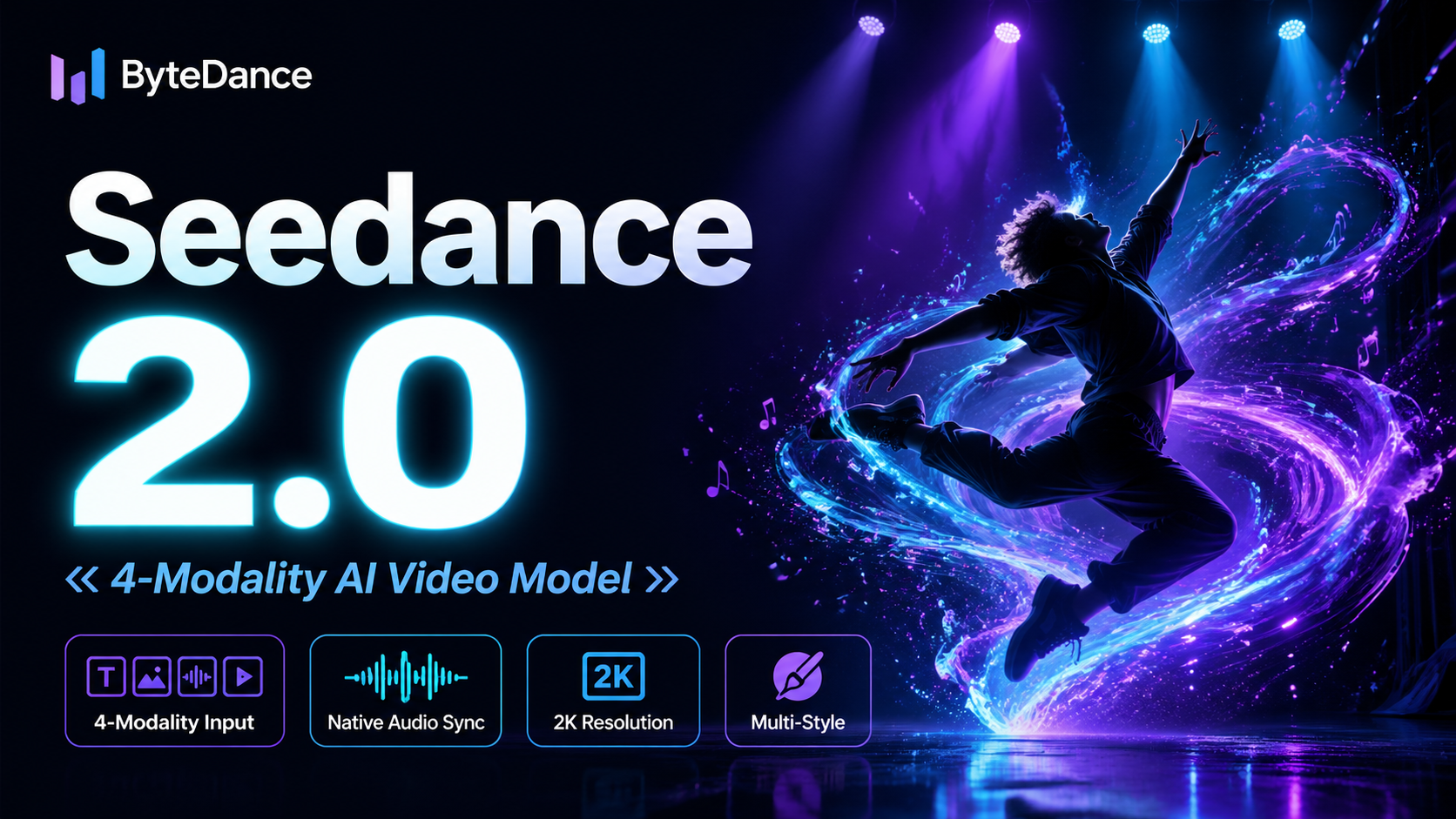
ByteDance's next-generation AI video model with the revolutionary @-reference system. Combine text, images, video clips,
Start editing your images with state-of-the-art AI technology





10,000+ users