
FireRed Image Edit
  • Home
  • Reviews
  • Assets
  • Pricing
Models
GPT Image 2.5 FlareGPT Image 2.5 SunburstSeedream 5.0 LiteNano Banana ProNano Banana 2Nano Banana 2 LiteGrok 4.2 ImageSeedream 5.0 ProGrok Imagine Image 2Qwen Image 3Seedream 5.0 FlashMiniMax H3MiniMax H3 MaxSeedance 2.5Seedance 2Seedance 2 FastSeedance 1.5 ProSeedance 2 MiniGemini OmniVeo 3.1HappyHorseGrok Imagine 1.5 PreviewGemini Omni 1.1 FlashPixVerse V6Wan 3.0 VideoWan 3.0 Video PrimeMiniMax H3 Max Turbo
FireRed Image EditFireRed Image Edit

Kling Motion Control — Video scene creation

Kling Motion Control AI Video Generator — Use this page to understand motion-reference workflows: choose a movement source, describe the intended result, and verify the generated motion. Kuaishou describes Kling 2.6 Motion Control as a feature that can reproduce a specified movement from an uploaded video or from an online motion library. This page keeps that motion-reference purpose separate from the controls exposed by this site’s generator.
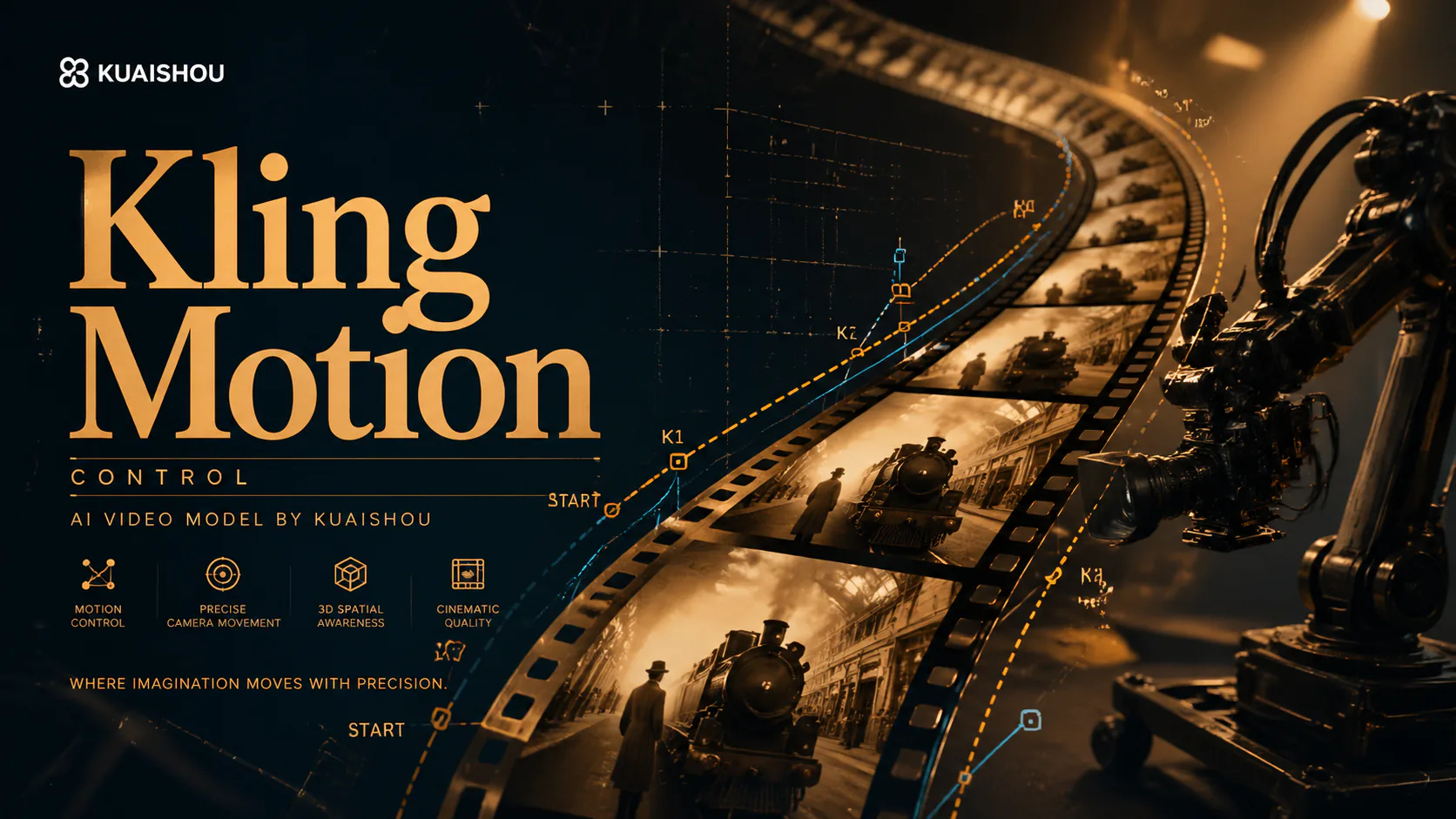
Kling Motion Control — Video scene creation
  1. Home
  2. /
  3. AI Video Generator
  4. /
  5. Kling Motion Control — Video scene creation
About

About Kling Motion Control

Kuaishou describes Kling 2.6 Motion Control as a feature that can reproduce a specified movement from an uploaded video or from an online motion library. This page keeps that motion-reference purpose separate from the controls exposed by this site’s generator. Use this page to understand motion-reference workflows: choose a movement source, describe the intended result, and verify the generated motion.


About Kling Motion Control

Key features — Kling Motion Control

Use this page to understand motion-reference workflows: choose a movement source, describe the intended result, and verify the generated motion.

Core Features Overview

Motion reference

Use a movement source to direct the intended action.

Uploaded video

The disclosed feature can reproduce movement from an uploaded video.

Online motion library

The disclosed feature can also use a movement from an online library.

Check the result

Review timing and body motion before using the generated video.

Kling Motion Control — Key features

Kling Motion Control 3.0 Full Tutorial Create ANY Character in ANY Scene.

Sebastien Jefferies

Watch on:YouTube

How I Use Kling Motion Control 3.0 for Better AI Videos

Roboverse

Watch on:YouTube

The Kling 2.6 Masterclass: Ultimate Guide to Motion Reference

AI Filmmaking Academy

Watch on:YouTube

This how to use the new Kling Motion Control AI for Adding anyone to your Scenes -

TechGuyver - Always be creating

Watch on:YouTube

How to Create Realistic People using AI - Kling 3.0 Motion Control

Ben Kaluza - Tutorials & Workflows

Watch on:YouTube

Kling AI’s Biggest Upgrade Yet

Artlist

Watch on:YouTube
FAQ

FAQ — Kling Motion Control

Kling Motion Control — Video scene creation FAQ

01

Kuaishou describes Kling 2.6 Motion Control as a feature that can reproduce a specified movement from an uploaded video or from an online motion library. This page keeps that motion-reference purpose separate from the controls exposed by this site’s generator.

02

Use this page to understand motion-reference workflows: choose a movement source, describe the intended result, and verify the generated motion.

03

Duration, aspect ratio, resolution, input mode, and other controls follow what the site generator currently displays.

04

Review each generated clip before publishing.

Explore More AI Video Models

Grok Video

Grok Video

New

Grok Video (powered by Grok Imagine Video) is xAI's video generation model built directly into the Grok ecosystem. Powered by the proprietary Aurora engine, it converts text prompts or static images into short video clips with synchronized audio. What sets Grok Video apart is its speed — clips generate in seconds, not minutes — combined with real-time web data access for current, relevant visual references. The model prioritizes prompt adherence and natural motion coherence, making it ideal for rapid social media content, quick prototyping, and iterative creative workflows.

Try now
Veo 3.1 Free AI Video Generator

Veo 3.1 Free AI Video Generator

New

Veo 3.1 is Google DeepMind's most advanced free AI video generator with native audio generation. It creates synchronized sound effects, dialogue, and environmental audio alongside 1080p video at 24 FPS — all available online with no watermark. Generate unlimited HD videos up to 8 seconds per clip, extendable to 60+ seconds.

Try now
Sora 2

Sora 2

Sora 2 is OpenAI's flagship video generation model capable of producing high-quality videos from both text descriptions and image inputs. It understands complex scene compositions, character interactions, camera movements, and real-world physics to deliver cinematic results. Sora 2 represents a major leap in AI video generation with improved temporal consistency, longer duration support, and more faithful prompt interpretation.

Try now
HappyHorse

HappyHorse

New

HappyHorse is Alibaba's next-generation AI video model built on a native multimodal architecture. A single unified model covers four production scenarios — text-to-video, image-to-video, multi-image reference-to-video, and in-place video editing — with native audio-video synthesis, 720p/1080p output, and deep adaptation for advertising, e-commerce, short drama, and social creative content production.

Try now
Wan 2.6

Wan 2.6

New

Wan 2.6 is Alibaba's video generation model delivering high-quality videos with diverse style support, smooth motion, and cinematic output from text prompts and reference images.

Try now
Kling 2.6

Kling 2.6

Kling 2.6 is Kuaishou's latest AI video generation model, recognized for its exceptional motion quality and cinematic output. Built on advanced spatiotemporal modeling, Kling 2.6 produces videos with fluid character movement, dynamic camera transitions, and rich visual detail. It supports both text-to-video and image-to-video generation, making it a versatile tool for creators seeking professional-quality AI video content.

Try now

Create with Kling Motion Control

Use this page to understand motion-reference workflows: choose a movement source, describe the intended result, and verify the generated motion.

Create with Kling Motion Control
user 1
user 2
user 3
user 4
user 5

10,000+ users

FireRed Image EditFireRed Image Edit

FireRed Image Edit is an open-source, general-purpose image editing model by Xiaohongshu, trained on 1.6 billion samples for production-grade editing.

AI Image Generator

  • GPT-Image 2
  • Seedream 5.0
  • Nano Banana 2
  • Grok 4.2 Image
  • Nano Banana Pro

AI Video Generator

  • Gemini Omni
  • HappyHorse
  • Seedance 2
  • Veo 3.1
  • Grok Imagine 1.5
  • Wan 2.6

AI Tools

  • Background Remover
  • Image Upscaler
  • Photo Restoration
  • AI Background Changer
  • AI Object Remover
  • AI Product Photo Generator

Video Effects

  • AI Hug Video
  • AI Kiss Video
  • AI Dance Video
  • Earth Zoom Out
  • Bullet Time Video
  • Product 360° Video

Explore

  • Showcases
  • Blog
  • Pricing
  • API
  • Changelog
  • About
© 2026 FireRed Image Edit· All rights reserved
Privacy PolicyTerms of ServiceRefund PolicyRefund RequestAbout Us
DeutschEnglishEspañolFrançais繁體中文日本語한국어Türkçe中文עבריתPolski
FireRed Image Edit is an open-source model by Xiaohongshu. This service provides a hosted interface for the model.
HomeAI ToolsAssetsProfile