
Vintage Film Filter
Apply analog film color, grain, light leaks, and warm vintage mood without destroying faces or details.
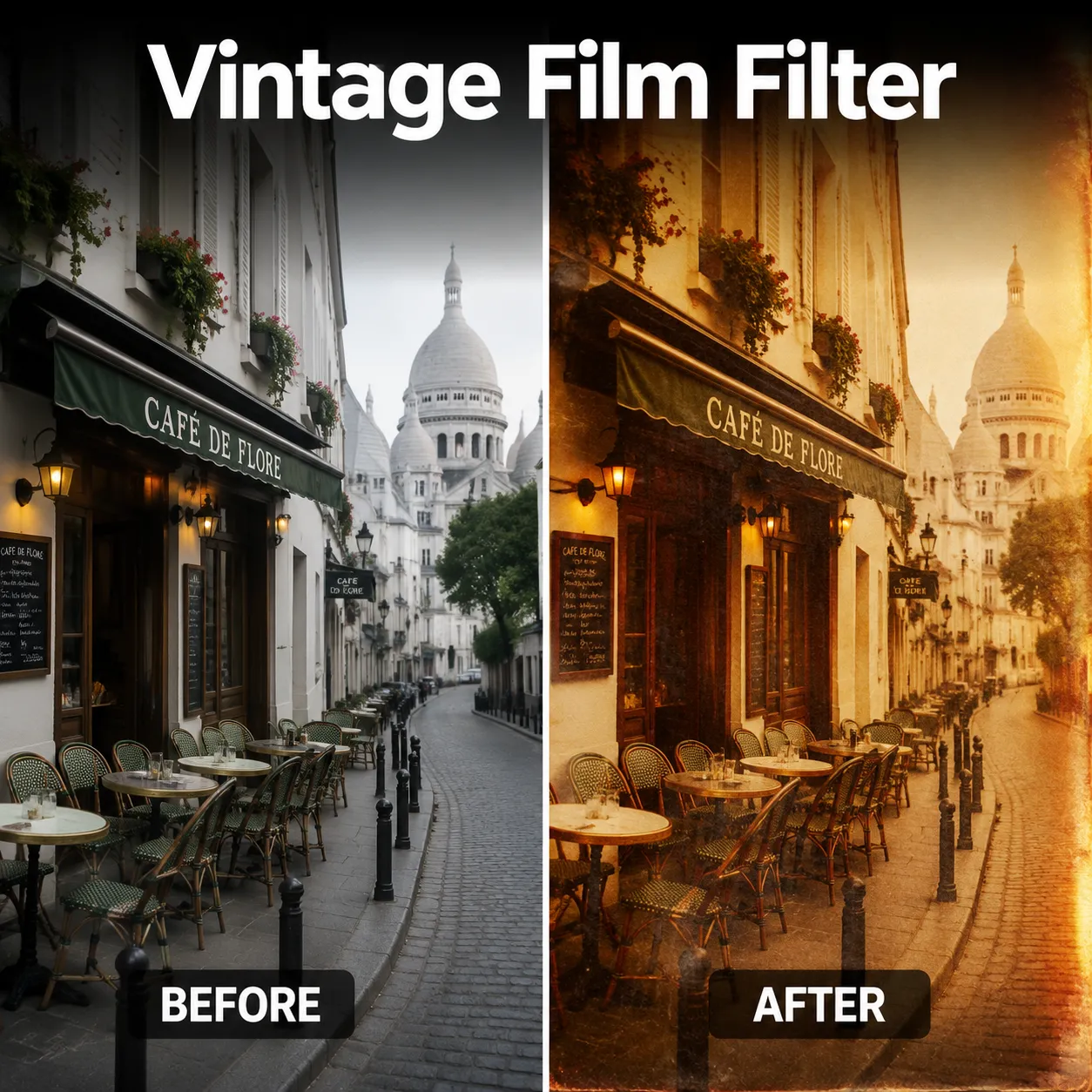
Vintage Film Filter
Apply analog film color, grain, light leaks, and warm vintage mood without destroying faces or details.
FAQ
Apply analog film color, grain, light leaks, and warm vintage mood without destroying faces or details. Use a clear source image and review tiny text, faces, edges, and lighting before publishing.
Start with the page controls or presets, then add one precise detail. Long prompts often create conflicts and less stable results.
Generated images can support ads, ecommerce, social posts, and drafts. Check trademarks, model rights, product accuracy, and local rules before final use.
Use a clear image with even lighting and minimal obstruction. Cleaner source material gives Vintage Film Filter more visual detail to work with.
Choose a sharp image with the main subject fully visible and a reasonably simple background. Very dark, blurry, or heavily obstructed images may produce less consistent results.
AI generation includes some variation, so details, textures, and composition can change slightly between runs. Trying a few versions can help you pick the strongest result.
Try a clearer source image, reduce background clutter or obstruction, and keep the main subject easy to identify. If prompts are available, make your request more specific before regenerating.
No. The tool creates a new generated result based on the image you provide, so your original local file remains unchanged.
User notes
“This tool perfectly captures the Kodak Portra look I've been trying to achieve in Lightroom for years. The skin tones are incredibly natural and warm.”
Sarah Mitchell: “This tool perfectly captures the Kodak Portra look I've been trying to achieve in Lightroom for years. The skin tones are incredibly natural and warm.”
James Chen: “My engagement went up 40% after I started using the vintage film filter on my travel photos. The authentic grain and color grading make every shot look editorial.”
Emily Rodriguez: “I used to spend hours color grading wedding photos to get that film look. Now I can achieve the same result in seconds with much more consistency across a whole set.”
David Park: “The CineStill 800T simulation is spot-on. Those tungsten halation effects around neon lights look exactly like real CineStill film. Absolutely incredible.”
Rachel Thompson: “I love how each film stock has its own character. The Polaroid effect gives my flat-lays that perfect nostalgic feel my audience loves.”
Michael Foster: “As someone who shot real film for 20 years, I'm impressed by how accurately this captures the look. The grain structure and color shifts are remarkably authentic.”
Alex M.: “Vintage Film Filter is straightforward to use and gives me a useful starting point quickly when I need fresh social visuals.”
Jordan K.: “I use Vintage Film Filter for fast concept exploration before refining the strongest direction in my regular design workflow.”
More AI Tools
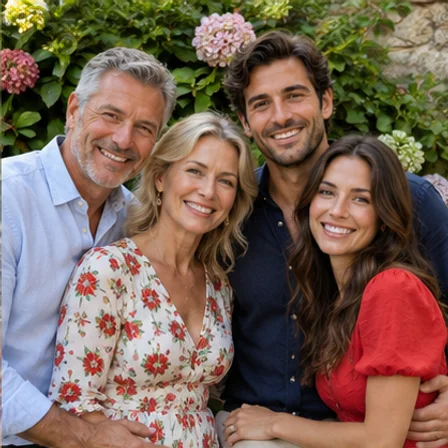
AI Image Color Correction
Correct unwanted orange, yellow, green or magenta casts in AI images. Choose a visual preset and preserve the original scene and natural skin tones.

Remove Sweat Stains from Photo
Reduce dark sweat marks on clothing in a photo. Select a fabric example and aim to preserve the original color, print, texture and folds.

Remove Tan Lines from Photo
Soften clothing, strap or watch tan lines in a photo. Choose a visual preset and match nearby skin without whitening the whole person.
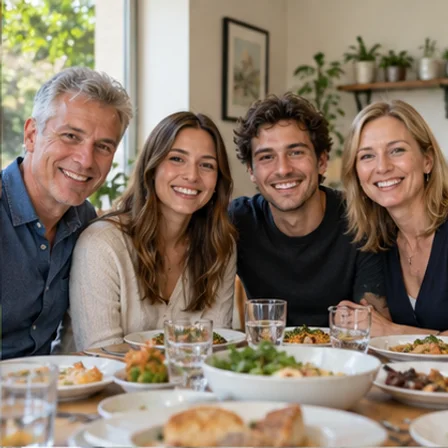
Group Photo Distortion Correction
Fix stretched faces near the edges of a group photo. Choose a visual preset, select a face and adjust local correction without generating new facial details.
AI Models You May Like
 Image
ImageFireRed Image Edit
Use the FireRed Image Edit AI model online ? Xiaohongshu FireRed's open-source instruction-driven image editing model fo
 ImageNEW
GPT Image 2
OpenAI's most advanced image generation model with native Thinking Mode, 95%+ text rendering accuracy, web search during
 Image
ImageNano Banana Pro
Nano Banana Pro (also known as Gemini 3 Pro Image ) is a free AI image generator by Google DeepMind that produces stunni
 VideoNEW
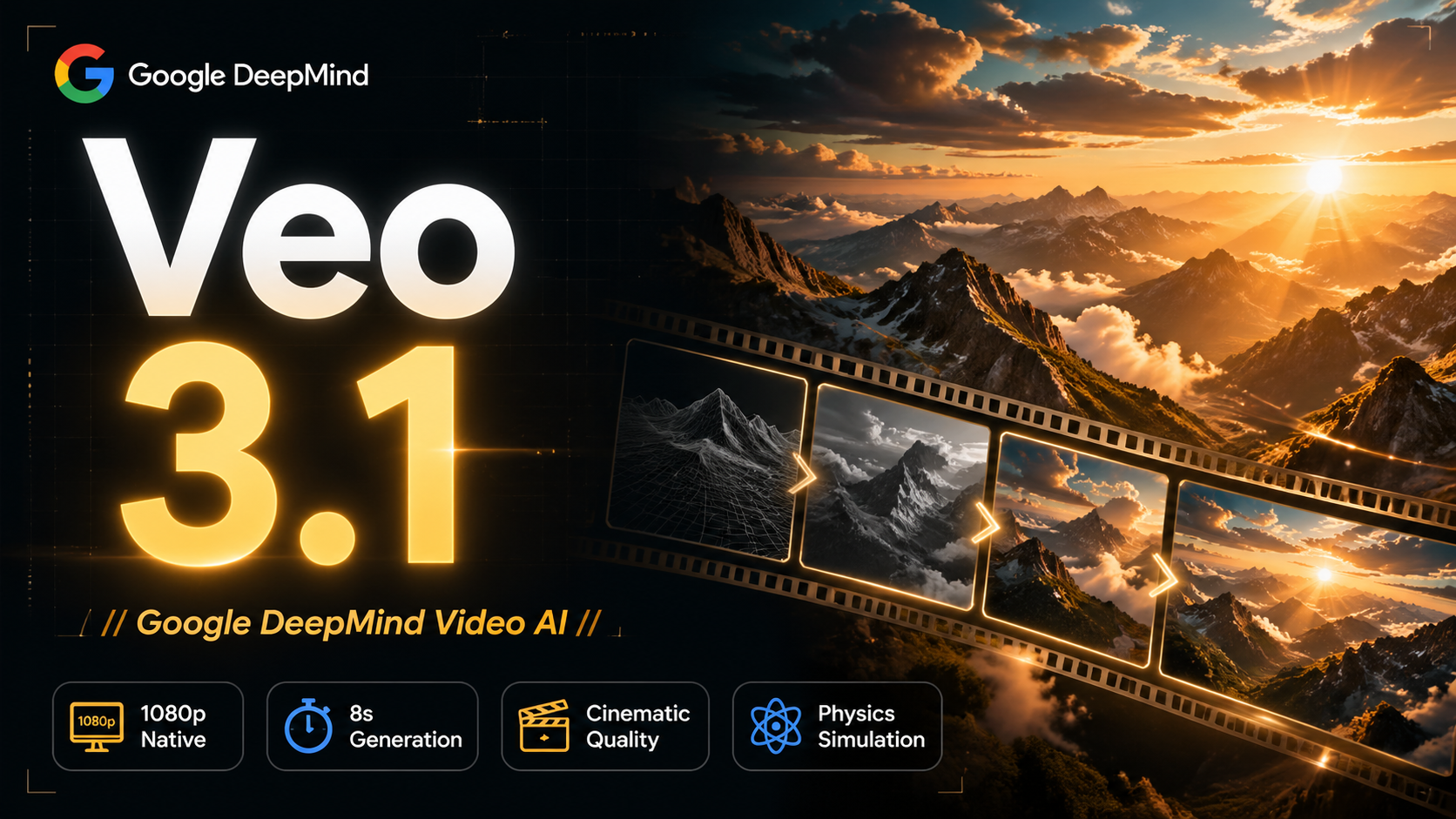
Veo 3.1
Veo 3.1, released in October 2025 by Google DeepMind, delivers cinematic 1080p videos with native audio generation — fre
 Video
VideoSora 2
OpenAI's most advanced general video generation model — create high-quality videos from text prompts and images with rea
 VideoNEW
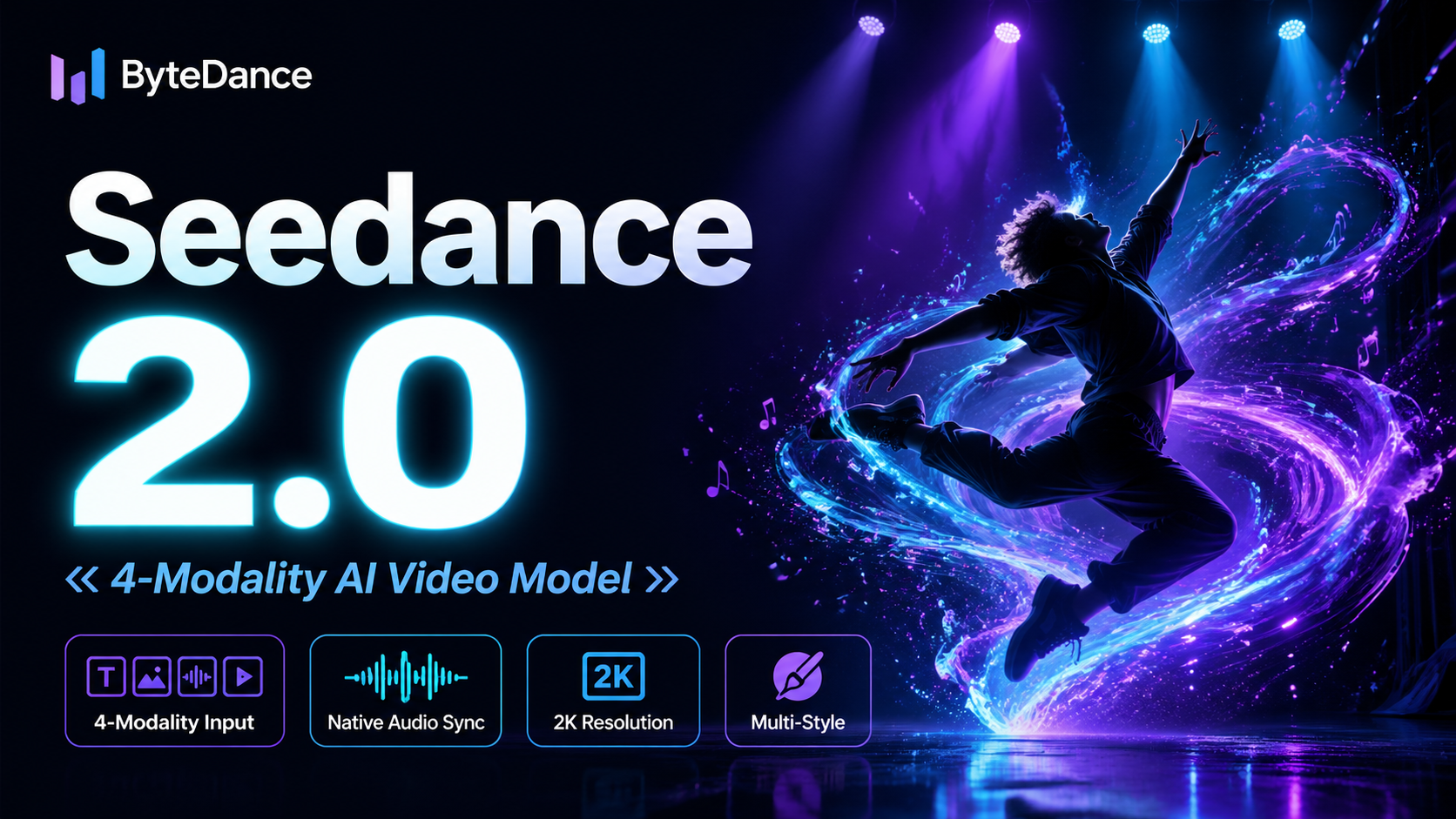
Seedance 2.0
ByteDance's next-generation AI video model with the revolutionary @-reference system. Combine text, images, video clips,
Experience FireRed Image Edit
Start editing your images with state-of-the-art AI technology





10,000+ users