Sketch to 3D
Transform your sketches into professional 3D models with AI magic.
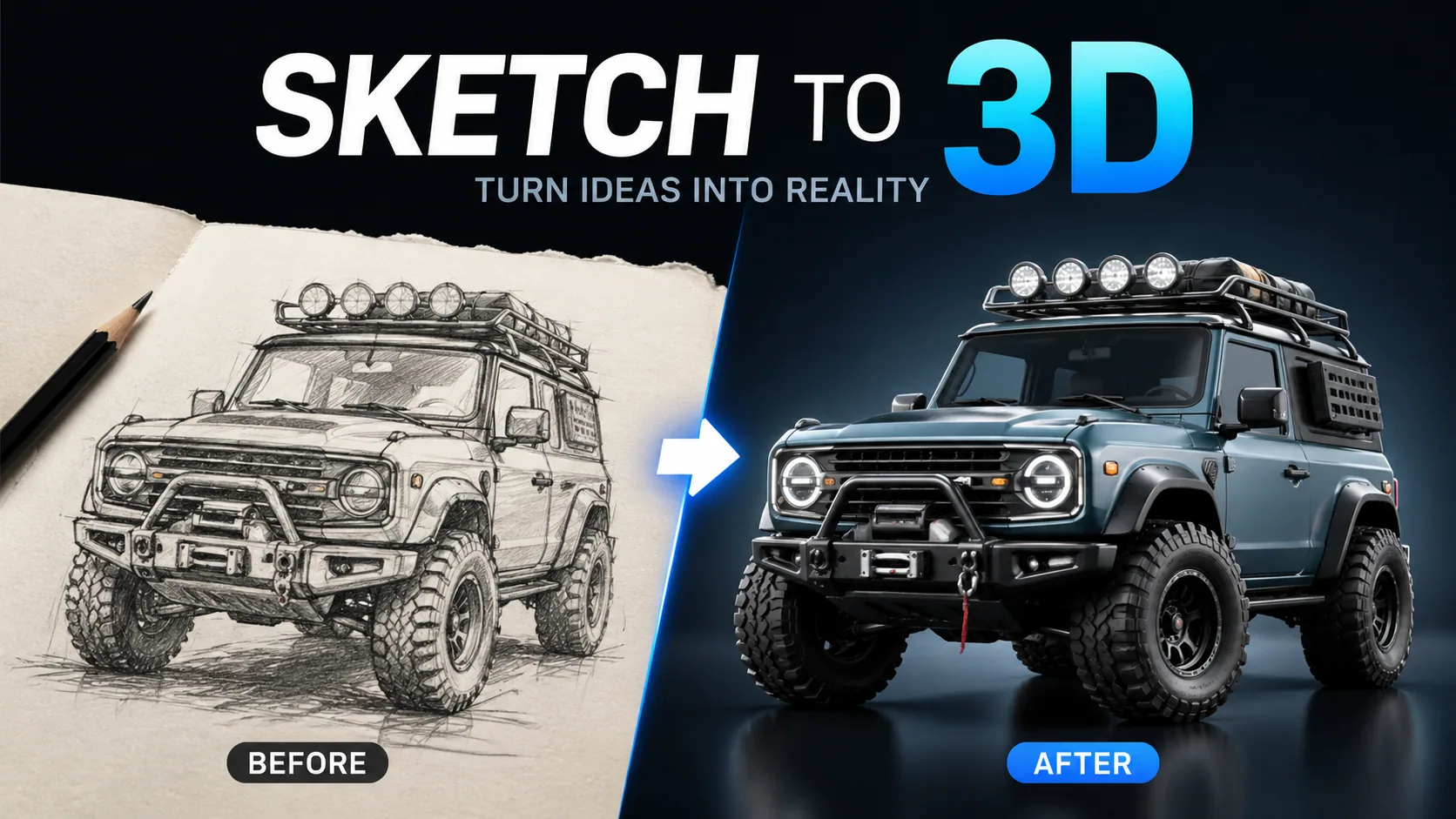
AI Sketch to 3D: Turn Your Drawings into 3D Models
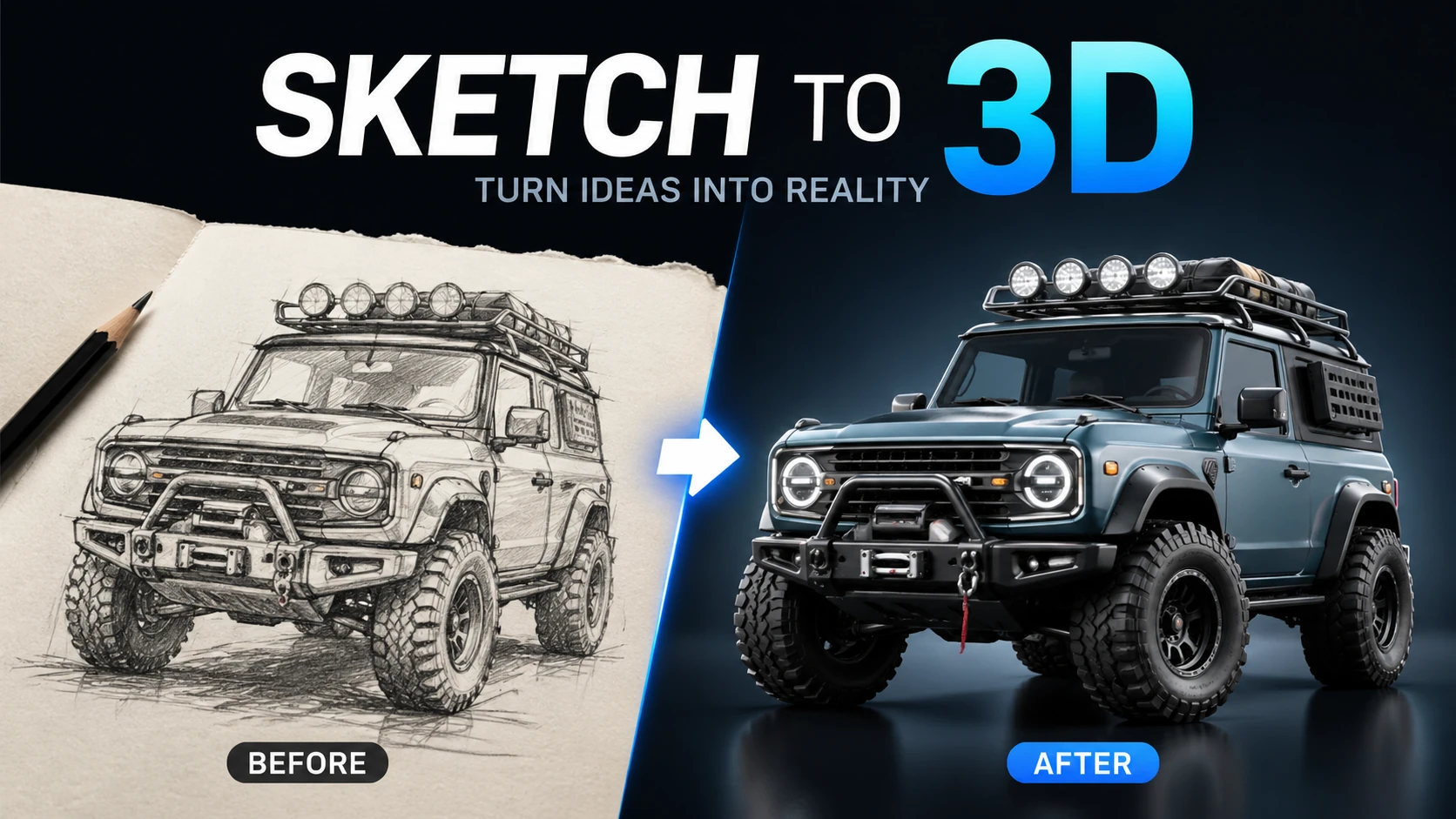
Transform your 2D sketches and drawings into stunning 3D models with AI. Our sketch-to-3D converter interprets your line art, adds depth, textures, and lighting to create professional 3D renders — perfect for product design, game assets, architectural visualization, and creative projects.
FAQ
It's an AI-powered tool that transforms your 2D sketches and drawings into detailed 3D models. Simply upload a sketch, and the AI interprets the lines and shapes to create a three-dimensional representation.
Clear line drawings work best — character sketches, product designs, architectural drawings, and simple object outlines. The AI can handle both simple doodles and detailed technical drawings.
Yes! Choose from presets like Realistic Render, Stylized Art, Game Asset, Clay Style, or Architectural. You can also describe your desired style in the prompt.
Yes, the basic sketch-to-3D conversion is free. Premium plans offer higher resolution outputs, faster processing, and additional style options.
You can upload sketches in JPG, PNG, or WebP formats. For best results, use high-contrast images with clear lines.
Use a clear image with even lighting and minimal obstruction. Cleaner source material gives Sketch to 3D more visual detail to work with.
Choose a sharp image with the main subject fully visible and a reasonably simple background. Very dark, blurry, or heavily obstructed images may produce less consistent results.
AI generation includes some variation, so details, textures, and composition can change slightly between runs. Trying a few versions can help you pick the strongest result.
User Reviews
“Sketch to 3D is straightforward to use and gives me a useful starting point quickly when I need fresh social visuals.”
Alex M.: “Sketch to 3D is straightforward to use and gives me a useful starting point quickly when I need fresh social visuals.”
Jordan K.: “I use Sketch to 3D for fast concept exploration before refining the strongest direction in my regular design workflow.”
Taylor R.: “Sketch to 3D makes routine image experiments much easier without requiring a complicated editing setup.”
Casey L.: “Being able to try several variations with Sketch to 3D helps me compare ideas before committing to a final look.”
Morgan S.: “Sketch to 3D speeds up the process when I need several visual options for covers, posts, or campaign drafts.”
Riley P.: “The workflow is easy to understand, and Sketch to 3D gives me results I can continue refining in other creative tools.”
Jamie T.: “Sketch to 3D is useful for turning a rough visual idea into something concrete enough for the team to review and discuss.”
Sam W.: “Sketch to 3D feels approachable even without advanced editing experience, which makes it practical for quick one-off image tasks.”
More AI Tools
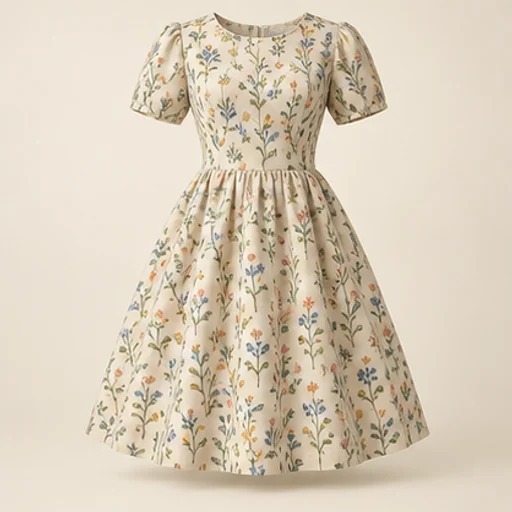
Sewing Fabric Visualizer
See how a fabric could read on a garment before cutting into it. The sewing fabric visualizer keeps the garment reference as the design guide and uses your chosen material reference for color and pattern; the result is a visual comparison rather than a measured fit simulation.
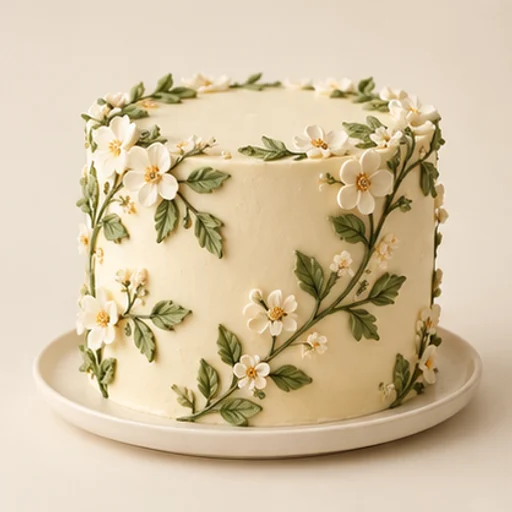
Cake Sketch to Photo
Cake sketch to photo helps a baker turn an existing drawing into a realistic design reference for a customer conversation. It follows the sketch’s tier layout, decoration positions and palette rather than replacing the drawing with an unrelated cake.
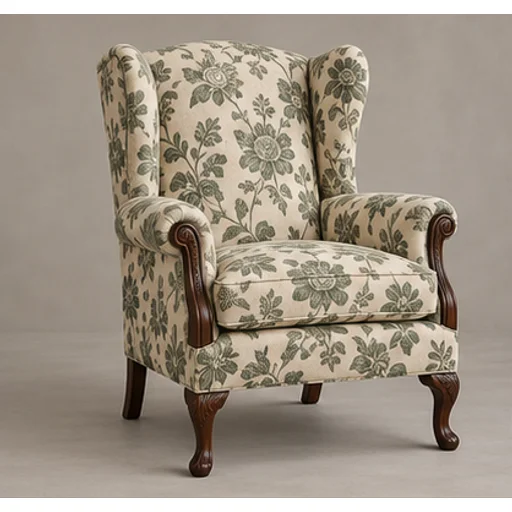
Upholstery Fabric Visualizer
Preview a new textile on your own furniture before committing to reupholstery. The upholstery fabric visualizer uses the original chair or sofa as the shape reference and a swatch or chosen template as the material reference.
Tufting Pattern Generator
Build a rug pattern draft with broad color areas from an original photo or illustration. The tufting pattern generator is intended for planning and tracing: flat regions and a clear silhouette matter more than a realistic photograph of yarn.
AI Models You May Like
 Image
ImageFireRed Image Edit
Use the FireRed Image Edit AI model online ? Xiaohongshu FireRed's open-source instruction-driven image editing model fo
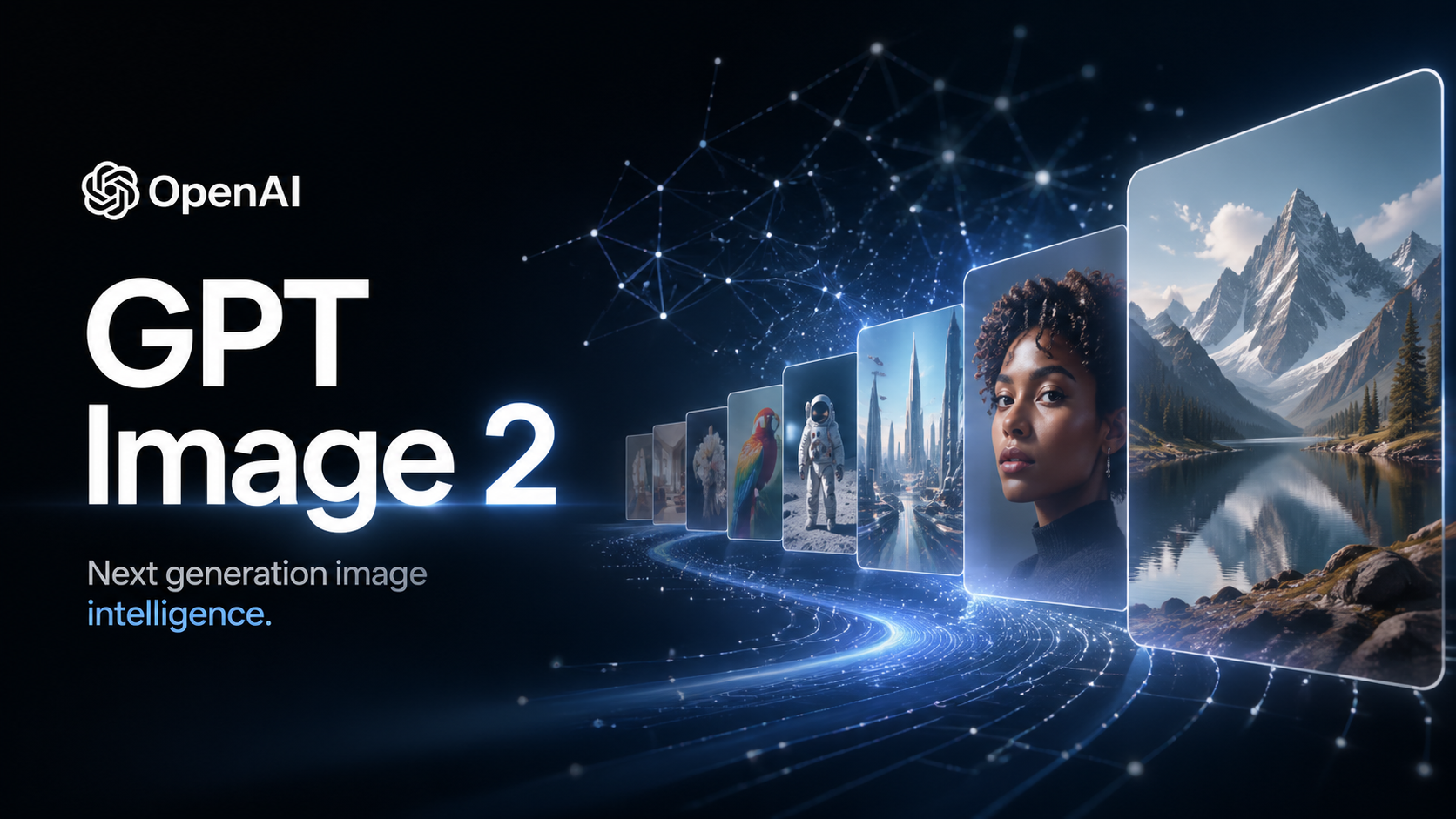 ImageNEW
GPT Image 2
OpenAI's most advanced image generation model with native Thinking Mode, 95%+ text rendering accuracy, web search during
 Image
ImageNano Banana Pro
Nano Banana Pro (also known as Gemini 3 Pro Image ) is a free AI image generator by Google DeepMind that produces stunni
 VideoNEW
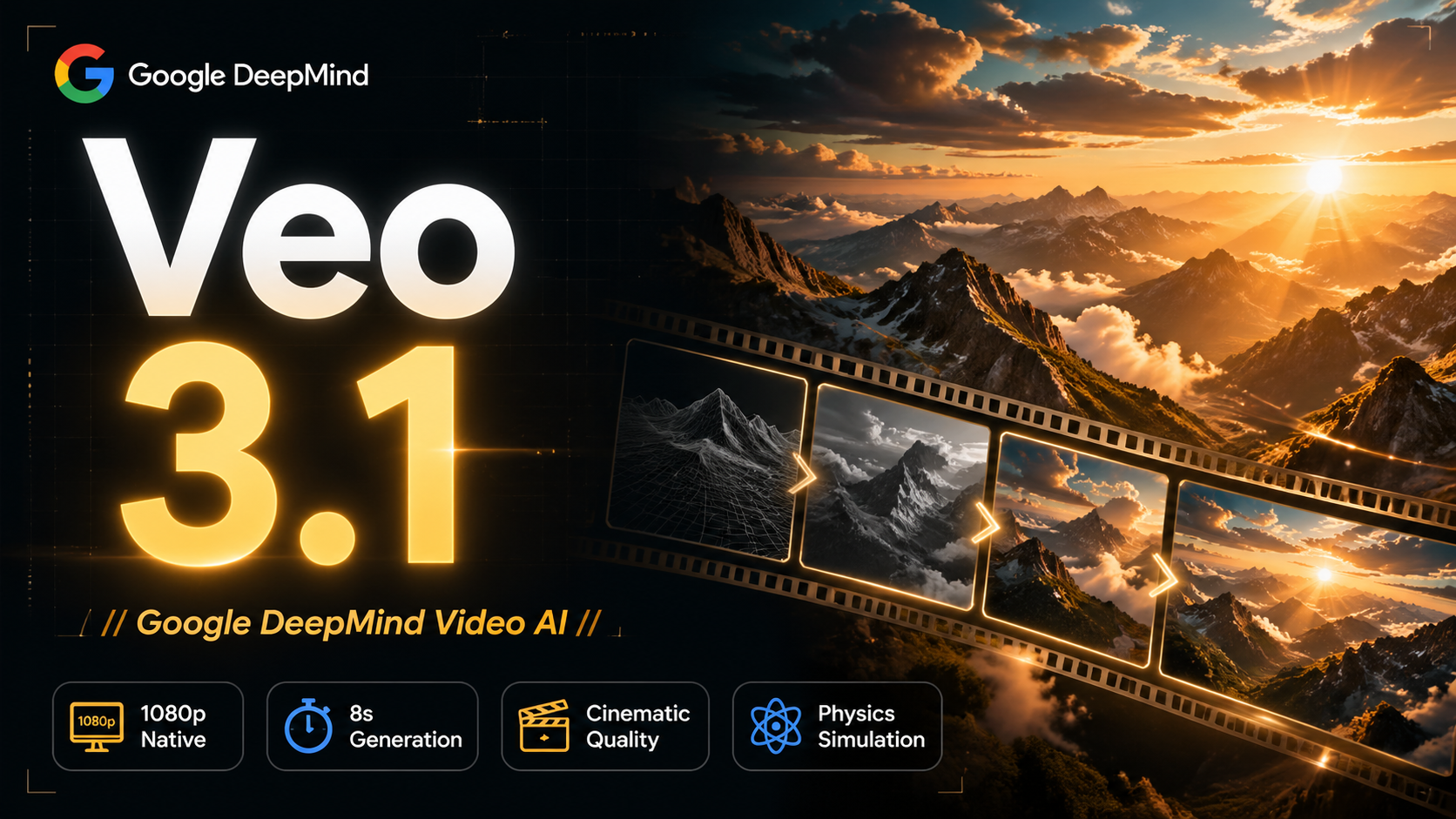
Veo 3.1
Veo 3.1, released in October 2025 by Google DeepMind, delivers cinematic 1080p videos with native audio generation — fre
 Video
VideoSora 2
OpenAI's most advanced general video generation model — create high-quality videos from text prompts and images with rea
 VideoNEW
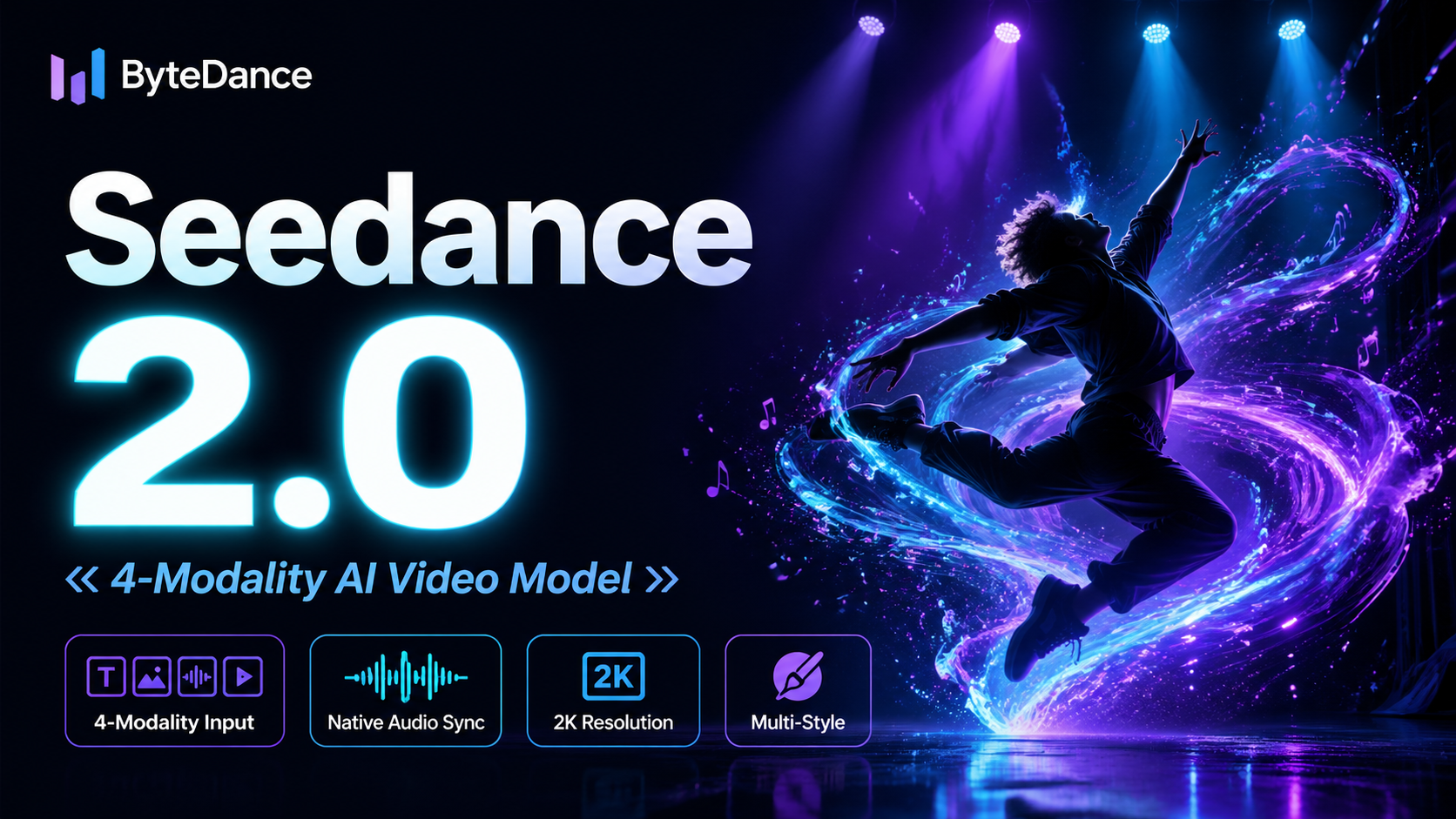
Seedance 2.0
ByteDance's next-generation AI video model with the revolutionary @-reference system. Combine text, images, video clips,
Experience FireRed Image Edit
Start editing your images with state-of-the-art AI technology





10,000+ users