AI Image Color Correction
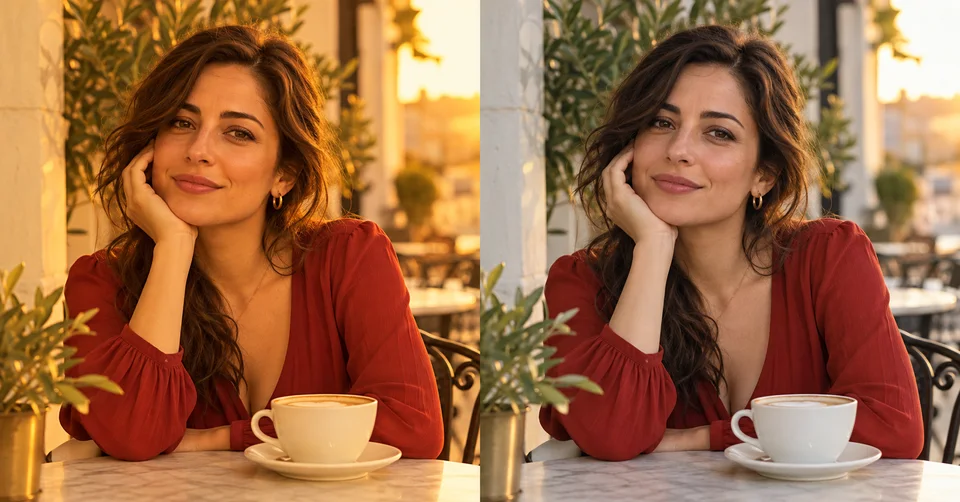
Correct unwanted orange, yellow, green or magenta casts in AI images. Choose a visual preset and preserve the original scene and natural skin tones.
What this tool does
Correct unwanted orange, yellow, green or magenta casts in AI images. Choose a visual preset and preserve the original scene and natural skin tones. Use a clear image with a visible unwanted cast. Intentional candlelight or sunset warmth should remain. AI correction cannot recover a provably true original color.
How to use it
Upload your original photo in the shared generator.
Choose the closest visual example and review the model and displayed credit cost.
Generate, compare the result with your original and download the version you prefer.
Choose the right photos
Questions before you start
No. Click an example image to select its built-in editing instructions.
This tool uses the shared image generator. Sign in when required, select an available model and check the displayed credit cost before generating.
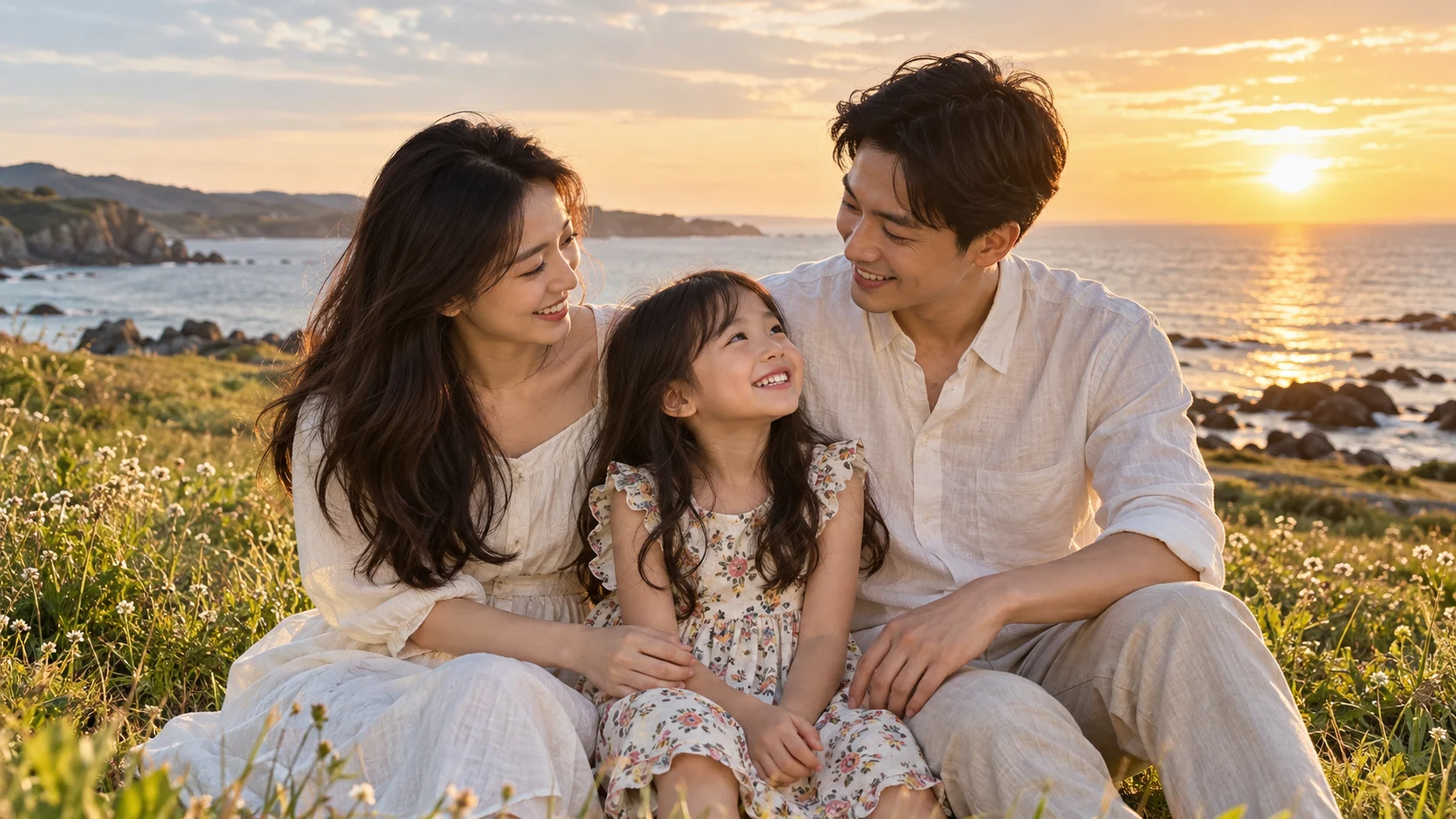
Use a clear image with a visible unwanted cast. Intentional candlelight or sunset warmth should remain. AI correction cannot recover a provably true original color.
AI can change small details. Compare faces, text, garment patterns, skin texture and background with the original before saving.
No. Uploaded photos are processed through the site’s image-generation service and selected provider; this is different from the two local group-photo editors.
AI Toolbox
Remove Sweat Stains from Photo
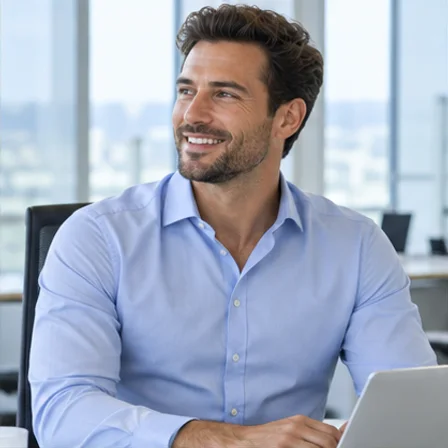
Reduce dark sweat marks on clothing in a photo. Select a fabric example and aim to preserve the original color, print, texture and folds.
Remove Tan Lines from Photo
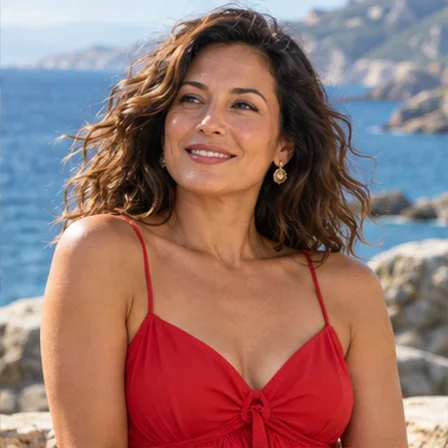
Soften clothing, strap or watch tan lines in a photo. Choose a visual preset and match nearby skin without whitening the whole person.
Group Photo Distortion Correction
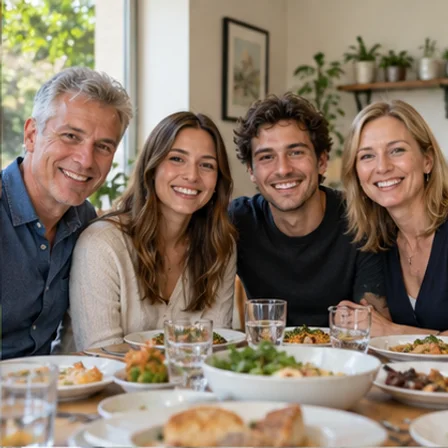
Fix stretched faces near the edges of a group photo. Choose a visual preset, select a face and adjust local correction without generating new facial details.
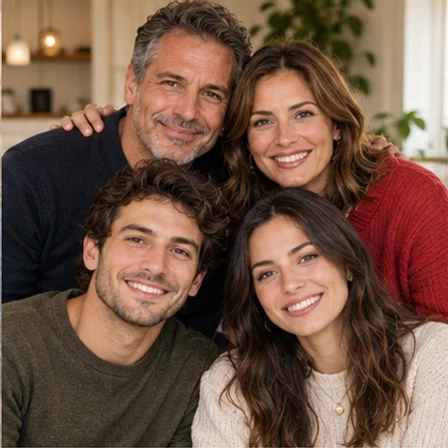
Best Take Photo Merger
Combine the best expressions from similar group photos. Select the same face in two shots, blend the real reference pixels and download your keeper.
AI Models
 Image
ImageFireRed Image Edit
Use the FireRed Image Edit AI model online ? Xiaohongshu FireRed's open-source instruction-driven image editing model fo
 ImageNEW
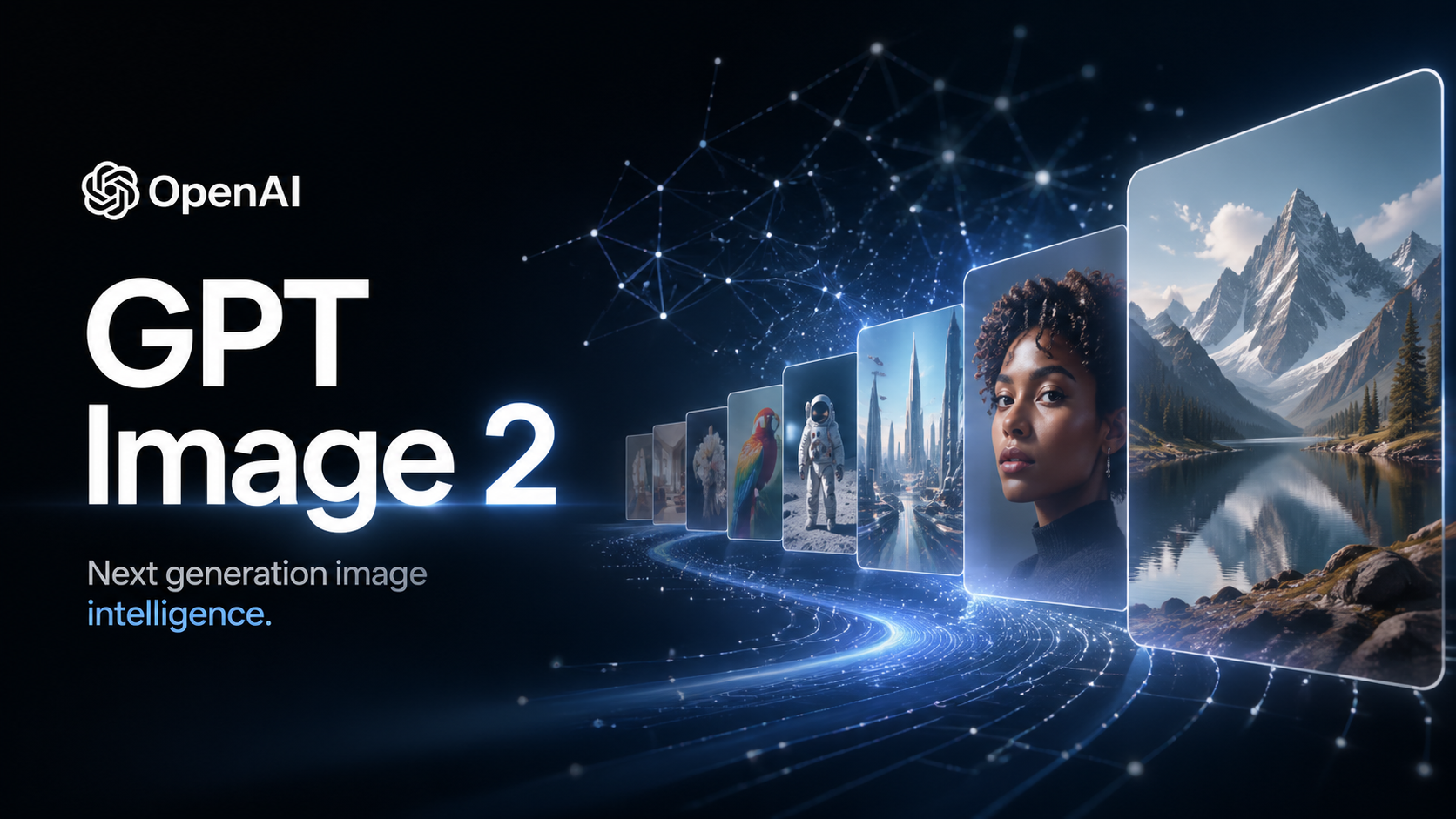
GPT Image 2
OpenAI's most advanced image generation model with native Thinking Mode, 95%+ text rendering accuracy, web search during
 Image
ImageNano Banana Pro
Nano Banana Pro (also known as Gemini 3 Pro Image ) is a free AI image generator by Google DeepMind that produces stunni
 VideoNEW
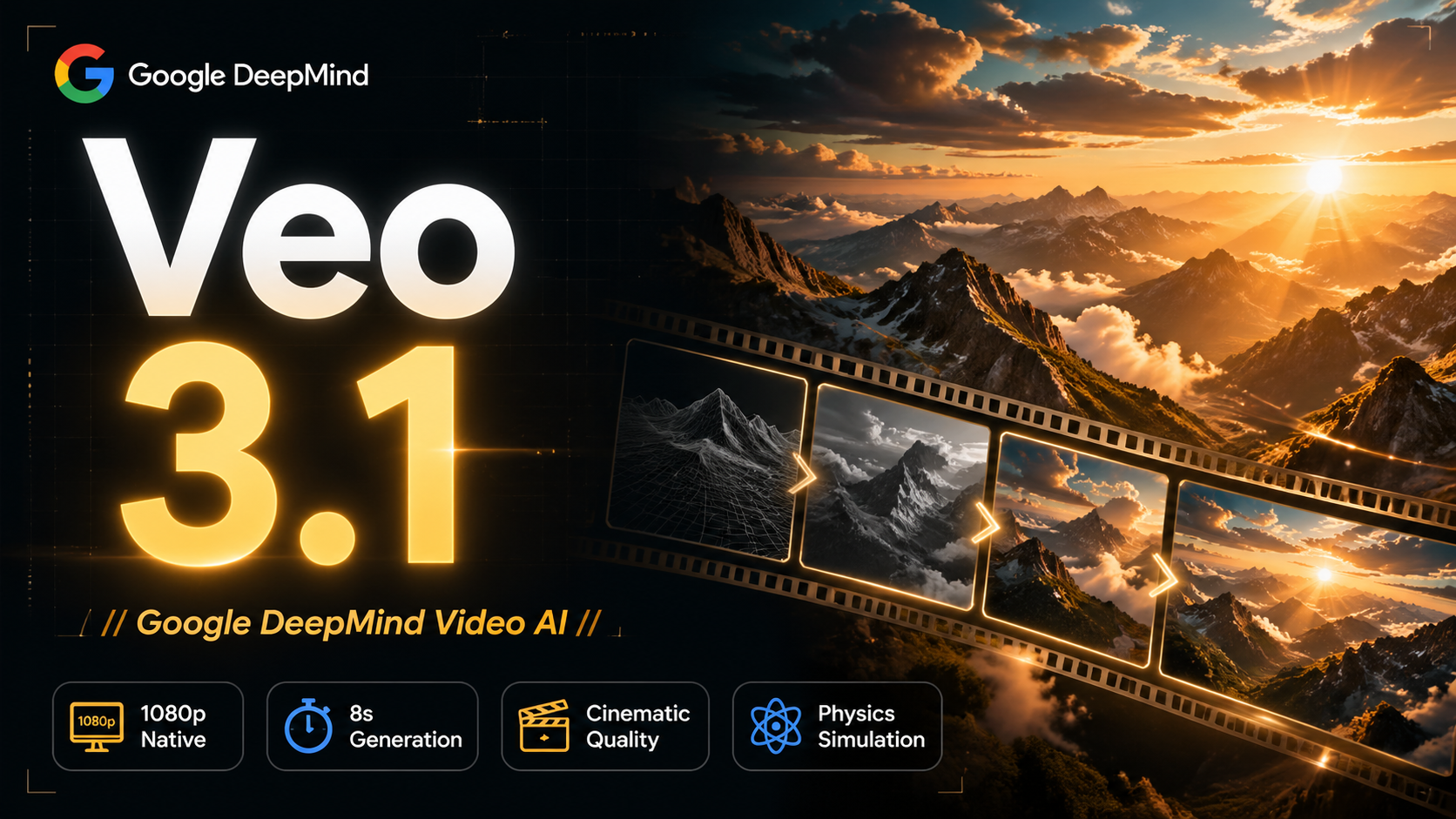
Veo 3.1
Veo 3.1, released in October 2025 by Google DeepMind, delivers cinematic 1080p videos with native audio generation — fre
 Video
VideoSora 2
OpenAI's most advanced general video generation model — create high-quality videos from text prompts and images with rea
 VideoNEW
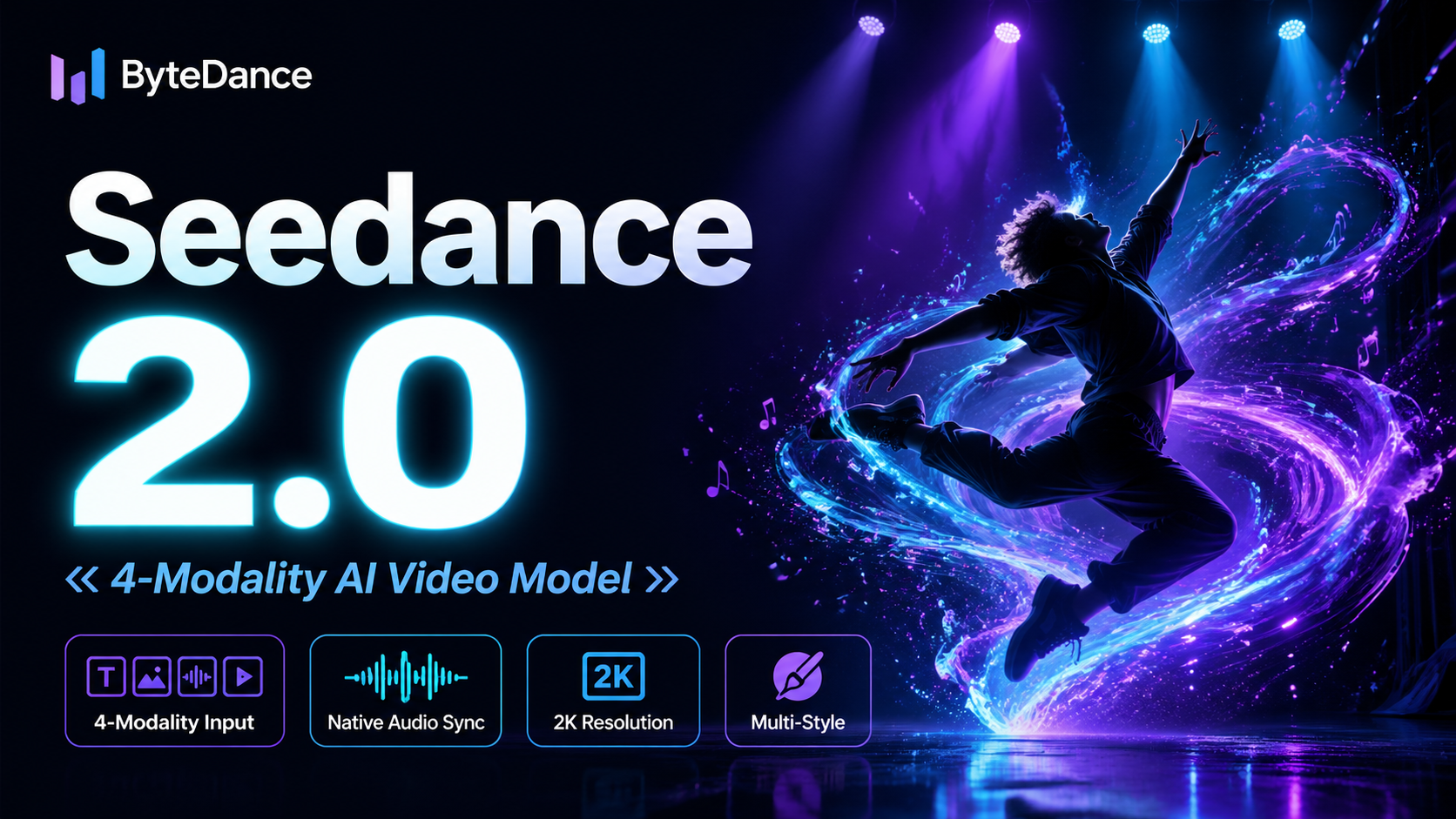
Seedance 2.0
ByteDance's next-generation AI video model with the revolutionary @-reference system. Combine text, images, video clips,
Experience FireRed Image Edit
Start editing your images with state-of-the-art AI technology





10,000+ users