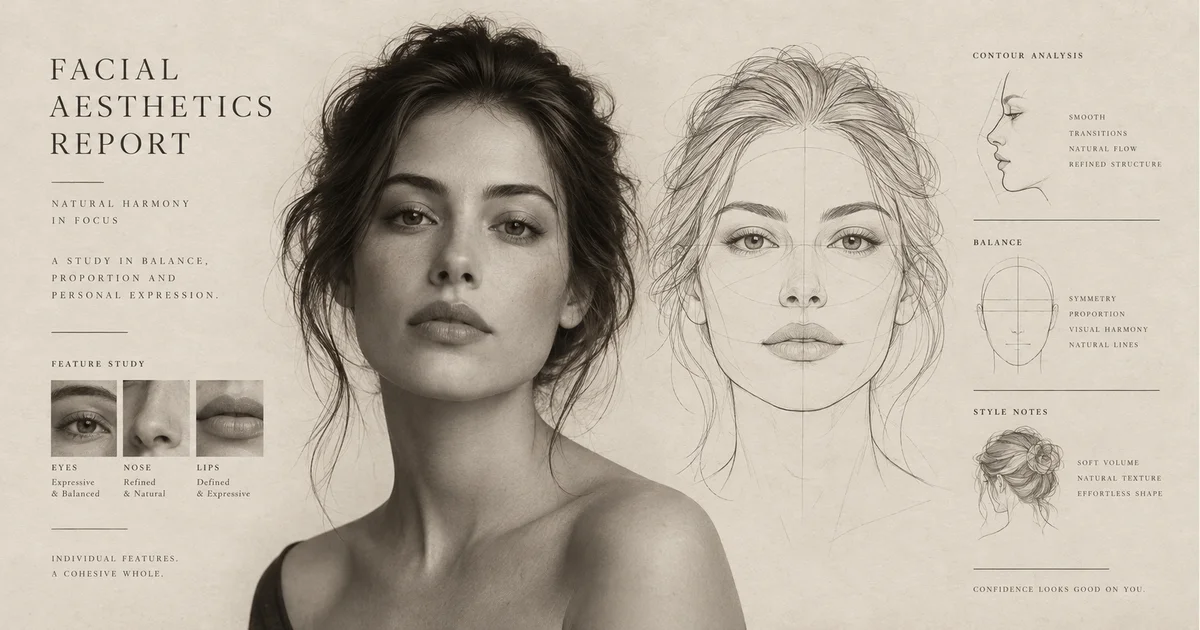
Facial Aesthetics Report
Turn your portrait into an illustrated facial aesthetics report with a face outline, visual observations and styling ideas.
A facial aesthetics report you can explore visually
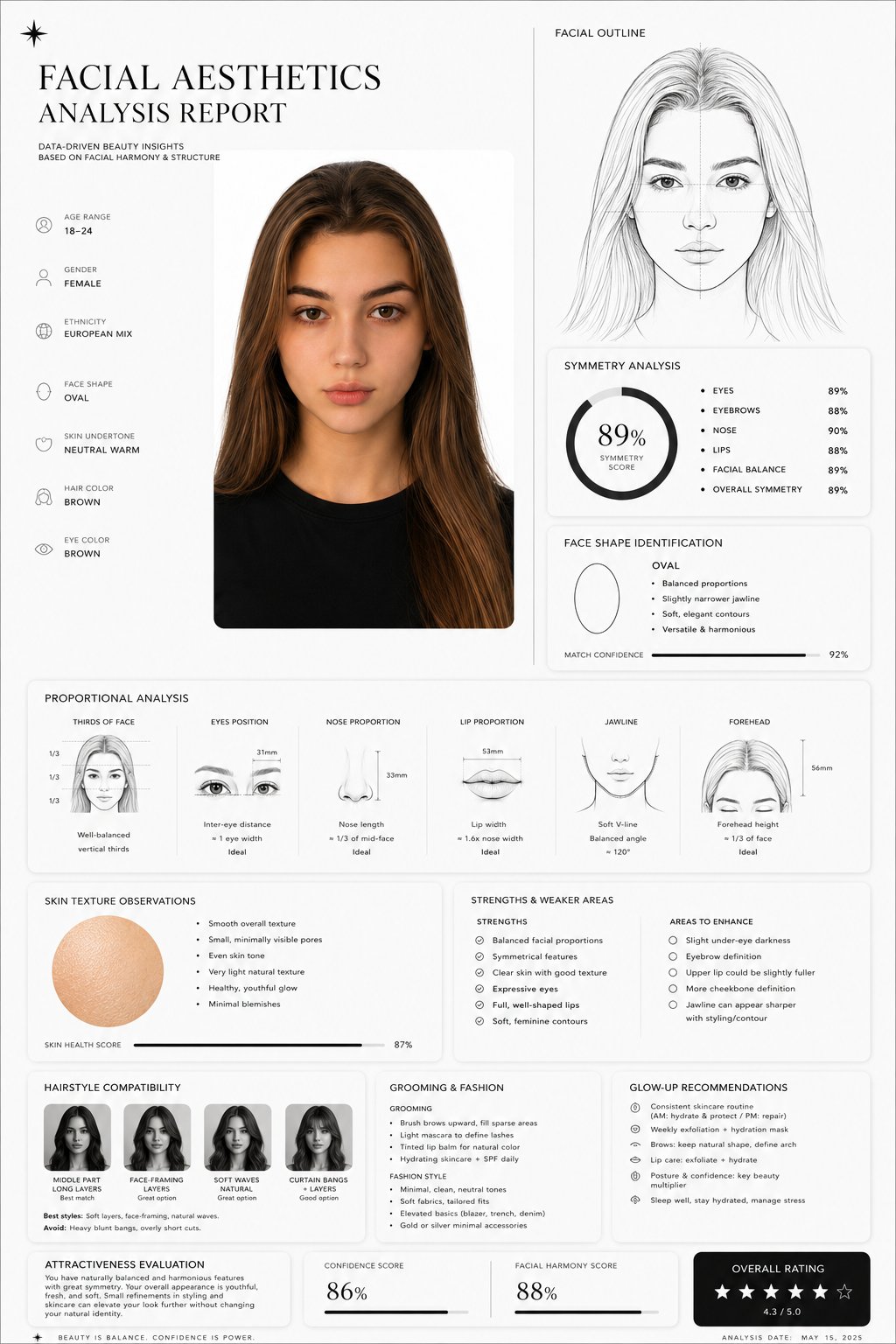
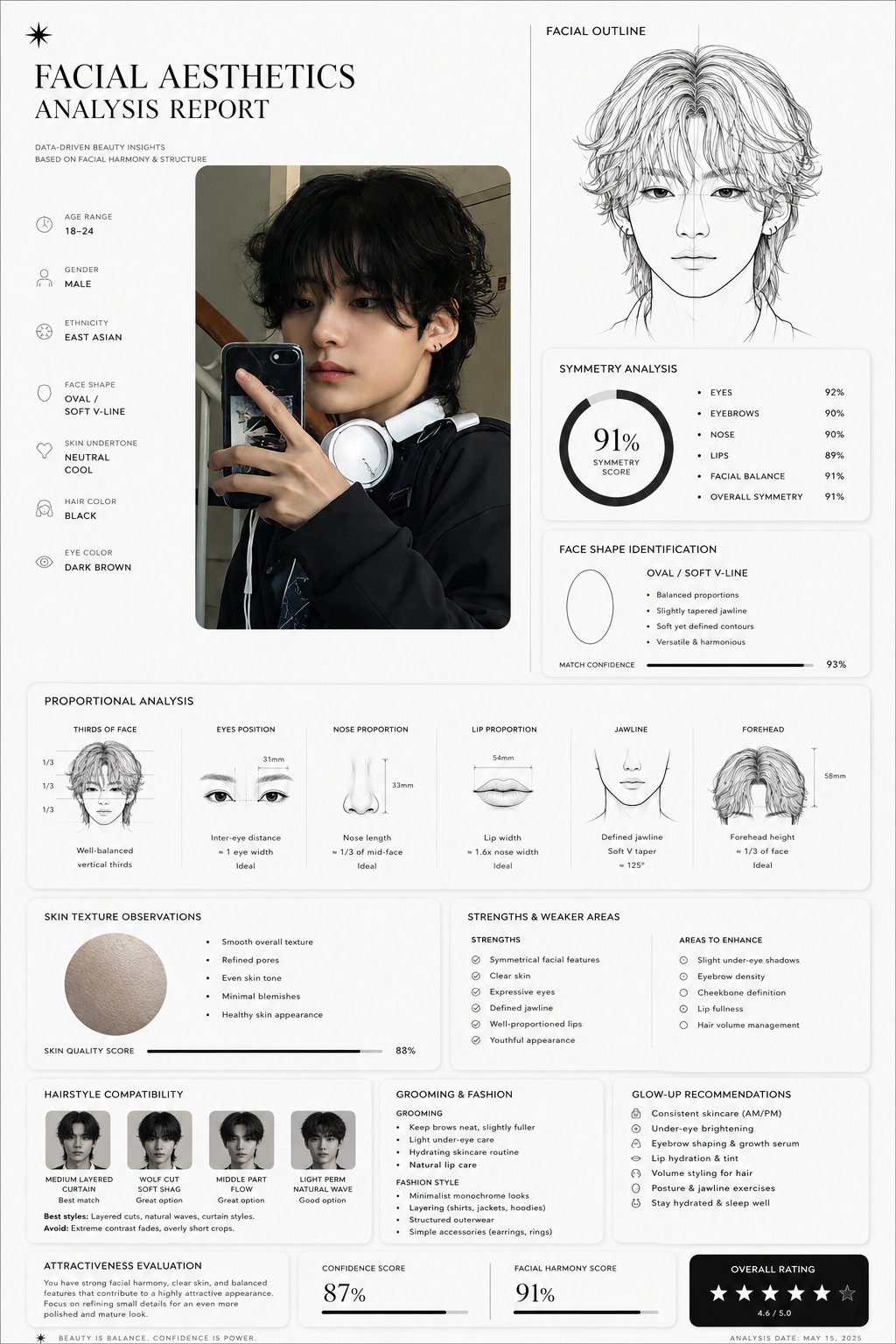
Start with a clear portrait you can use
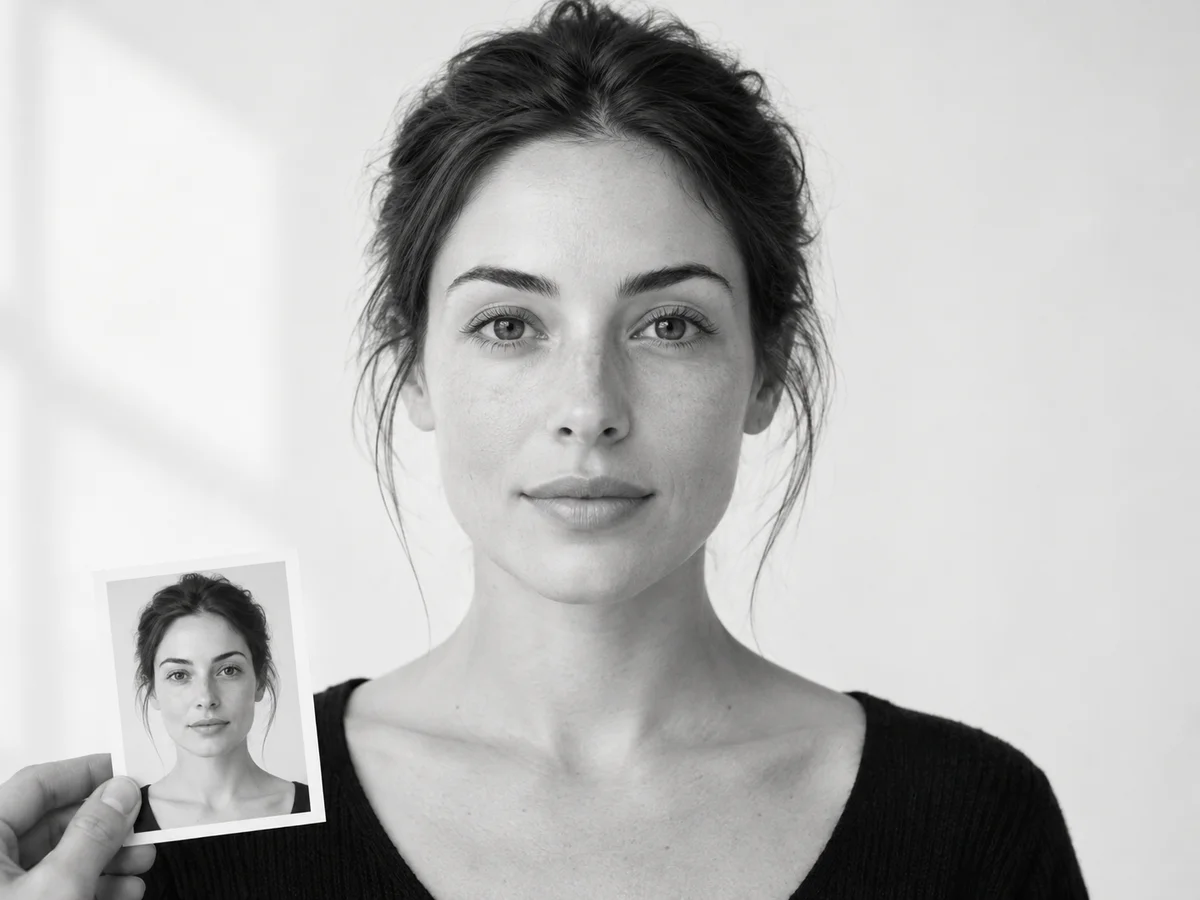
A portrait, outline and styling notes in one image
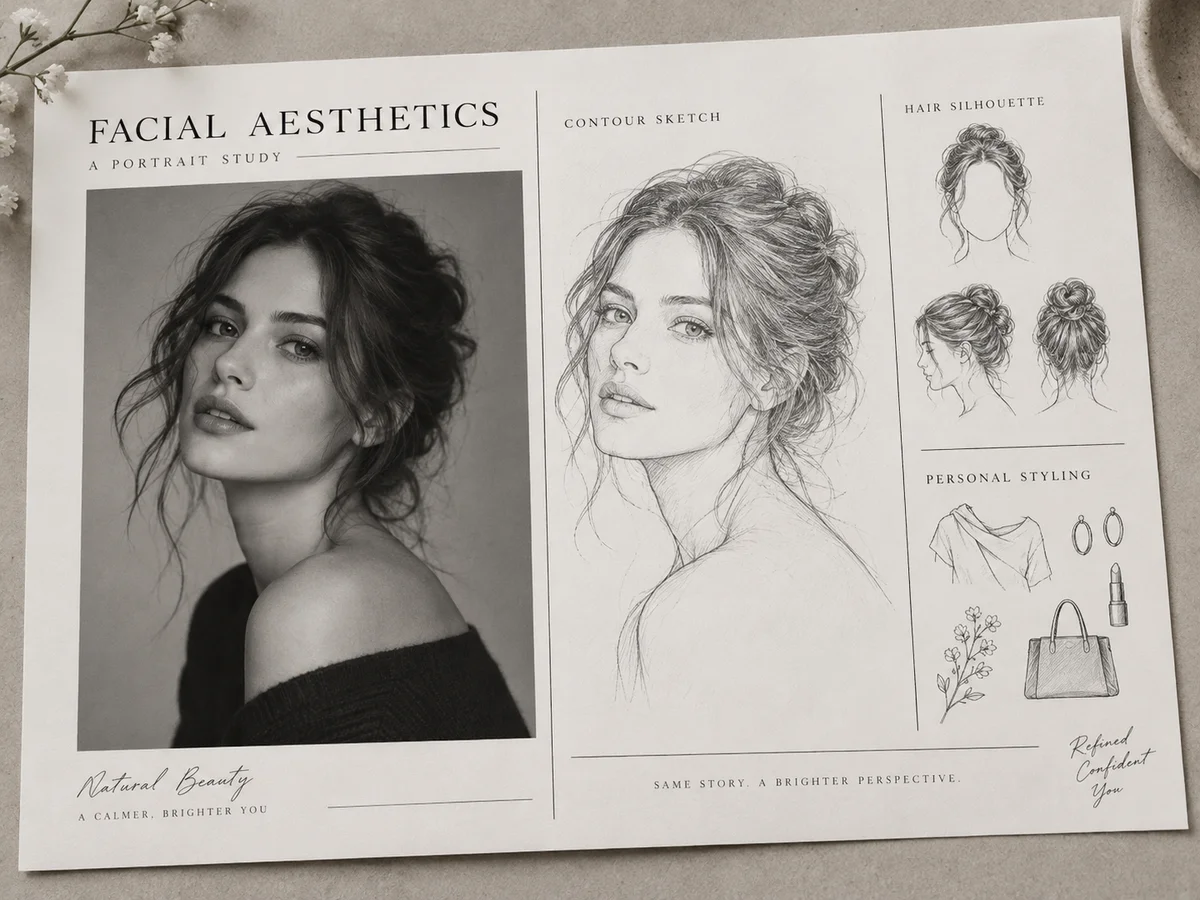
Check the person, lettering and layout
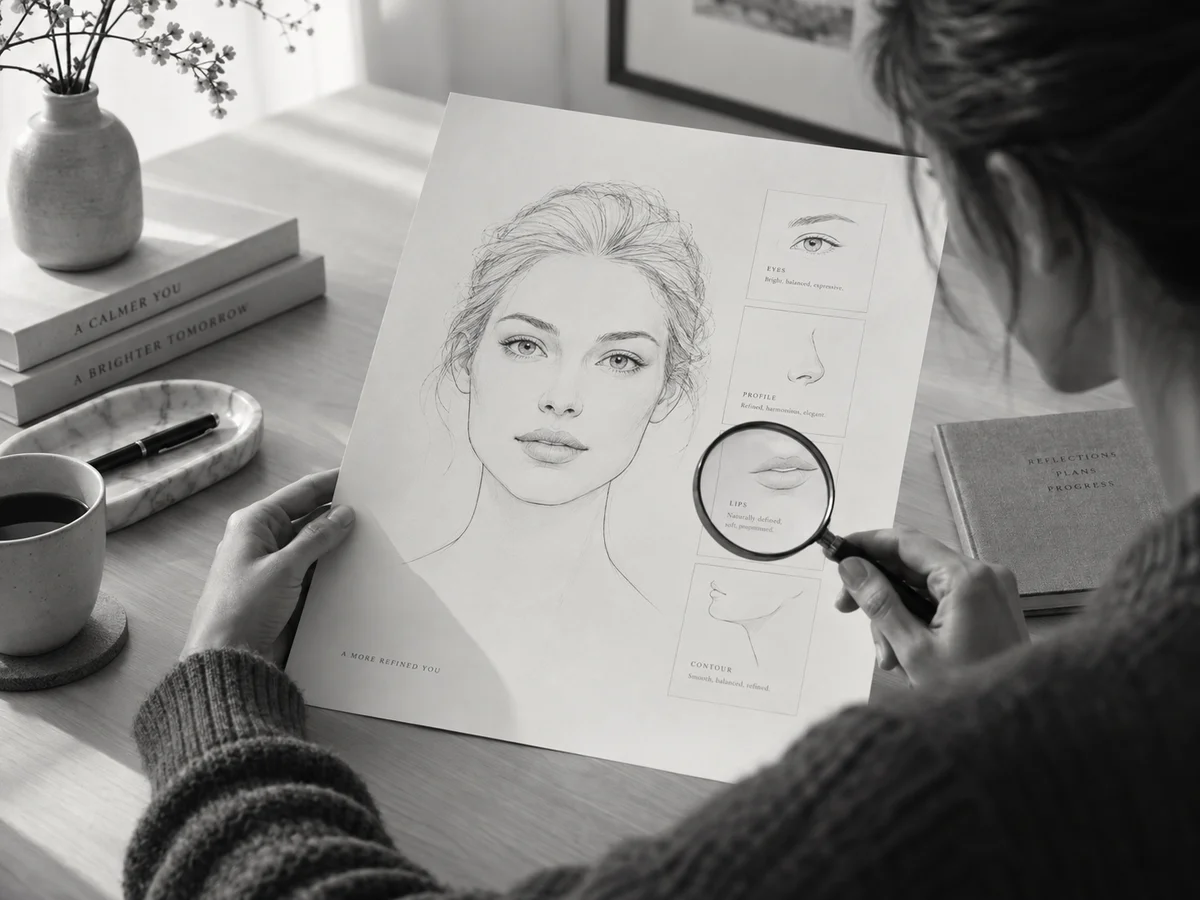
Practical questions before you start
It is a generated report image combining your portrait, a facial contour sketch and observations about face shape, visible proportions, hair and grooming. It may include charts or scores. The result is an image for visual exploration, rather than an editable document, PDF or measured facial dataset.
Use one person facing the camera in even light, with the eyes, hairline and jaw visible. Avoid sunglasses, strong beauty filters and extreme angles. Keep the original for comparison. The uploader accepts JPG, JPEG, PNG and WEBP; follow its displayed file limit and use a photo you have permission to upload.
No. Any scores, symmetry labels or proportion charts are generated content, not calibrated measurements or an objective attractiveness rating. Camera angle, lighting and the model can change them. Use the report to explore styling ideas; it cannot diagnose skin conditions or guide medical treatment.
Upload your portrait, sign in and choose an available image model. Select a portrait canvas if you want a tall report, check the displayed credit cost and generate. The report brief is already supplied. Open the completed image at full size to check the face, text and layout before downloading.
Compare the eyes, nose, mouth and jaw with your original. If important features have changed, try a clearer, front-facing portrait without strong filters or choose another available model. Image generation can reinterpret a face, so exact identity preservation is not guaranteed. Keep the version that resembles the reference most closely.
Generation requires signing in and enough account credits. The cost is shown beside the generation button after you choose the model and image settings; those selections can change the amount. Check that figure before submitting. This page does not have one fixed price for every model.
If available, choose a larger output resolution and a portrait aspect ratio that gives the report room. Download and inspect the full-size image rather than its thumbnail. Generated lettering may still contain errors; for accurate wording, correct the image in an editor. A “4K” description alone does not set the actual output resolution.
Download the completed image from the result area, or find the task in generation history if you left the page. This tool outputs an image; it does not export an editable PDF or spreadsheet. You can use the image as a styling reference or mood-board element after checking the face and text.
AI tools
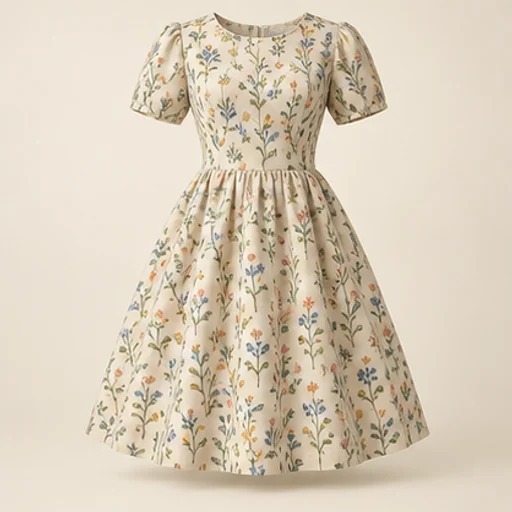
Sewing Fabric Visualizer
See how a fabric could read on a garment before cutting into it. The sewing fabric visualizer keeps the garment reference as the design guide and uses your chosen material reference for color and pattern; the result is a visual comparison rather than a measured fit simulation.
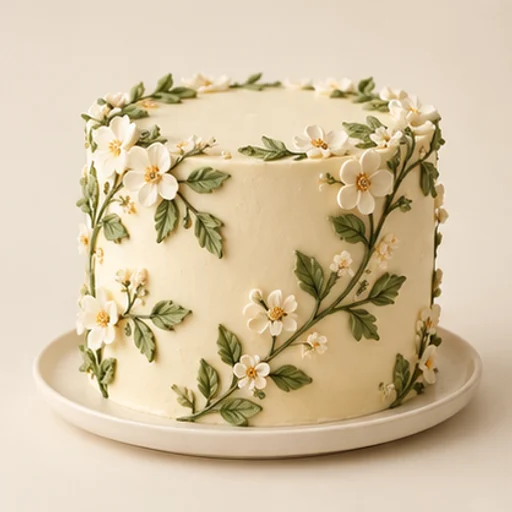
Cake Sketch to Photo
Cake sketch to photo helps a baker turn an existing drawing into a realistic design reference for a customer conversation. It follows the sketch’s tier layout, decoration positions and palette rather than replacing the drawing with an unrelated cake.
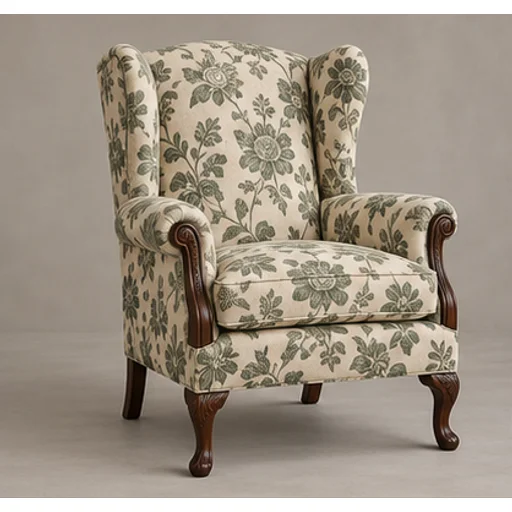
Upholstery Fabric Visualizer
Preview a new textile on your own furniture before committing to reupholstery. The upholstery fabric visualizer uses the original chair or sofa as the shape reference and a swatch or chosen template as the material reference.
Tufting Pattern Generator
Build a rug pattern draft with broad color areas from an original photo or illustration. The tufting pattern generator is intended for planning and tracing: flat regions and a clear silhouette matter more than a realistic photograph of yarn.
AI Models
 Image
ImageFireRed Image Edit
Use the FireRed Image Edit AI model online ? Xiaohongshu FireRed's open-source instruction-driven image editing model fo
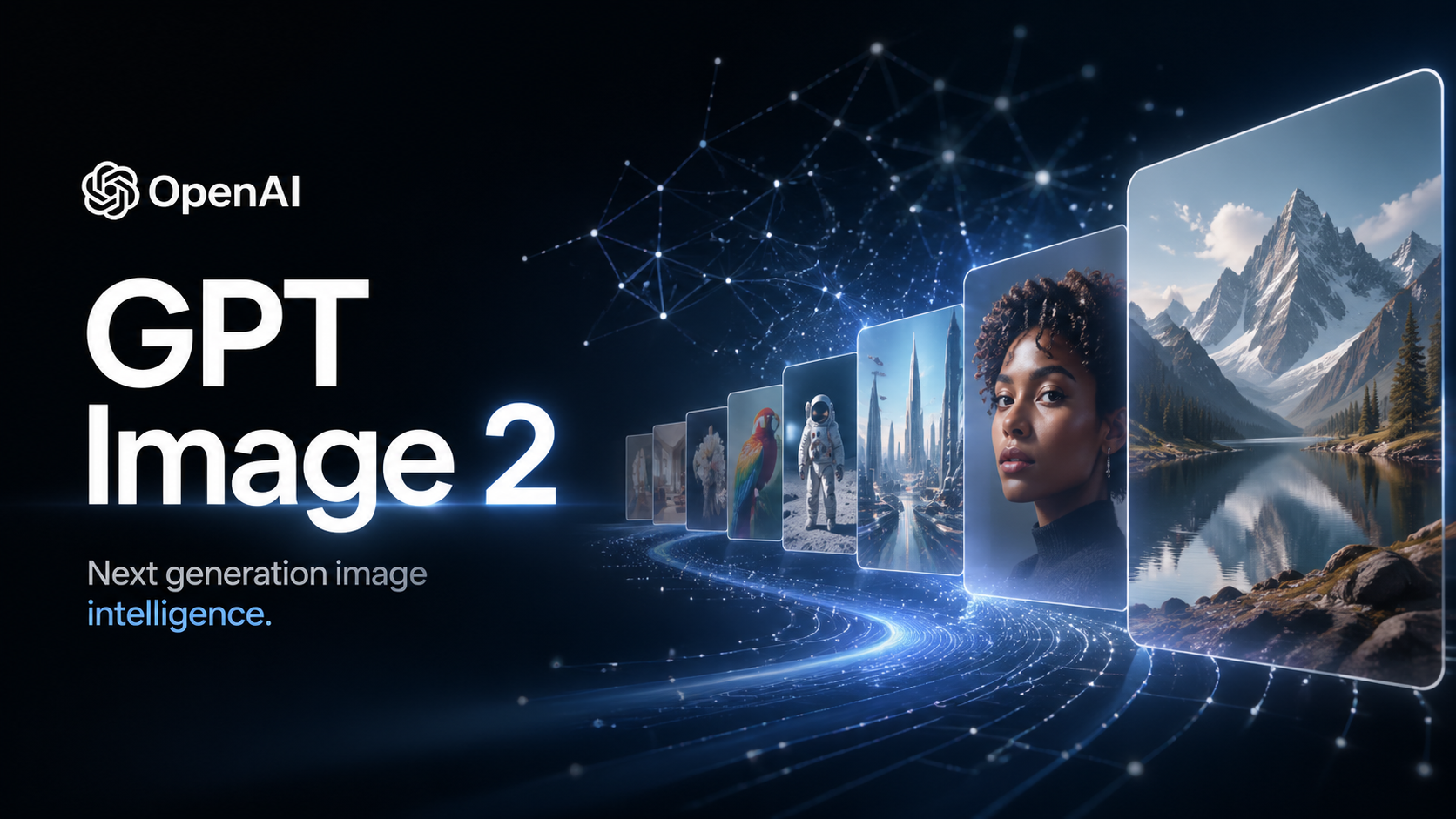 ImageNEW
GPT Image 2
OpenAI's most advanced image generation model with native Thinking Mode, 95%+ text rendering accuracy, web search during
 Image
ImageNano Banana Pro
Nano Banana Pro (also known as Gemini 3 Pro Image ) is a free AI image generator by Google DeepMind that produces stunni
 VideoNEW
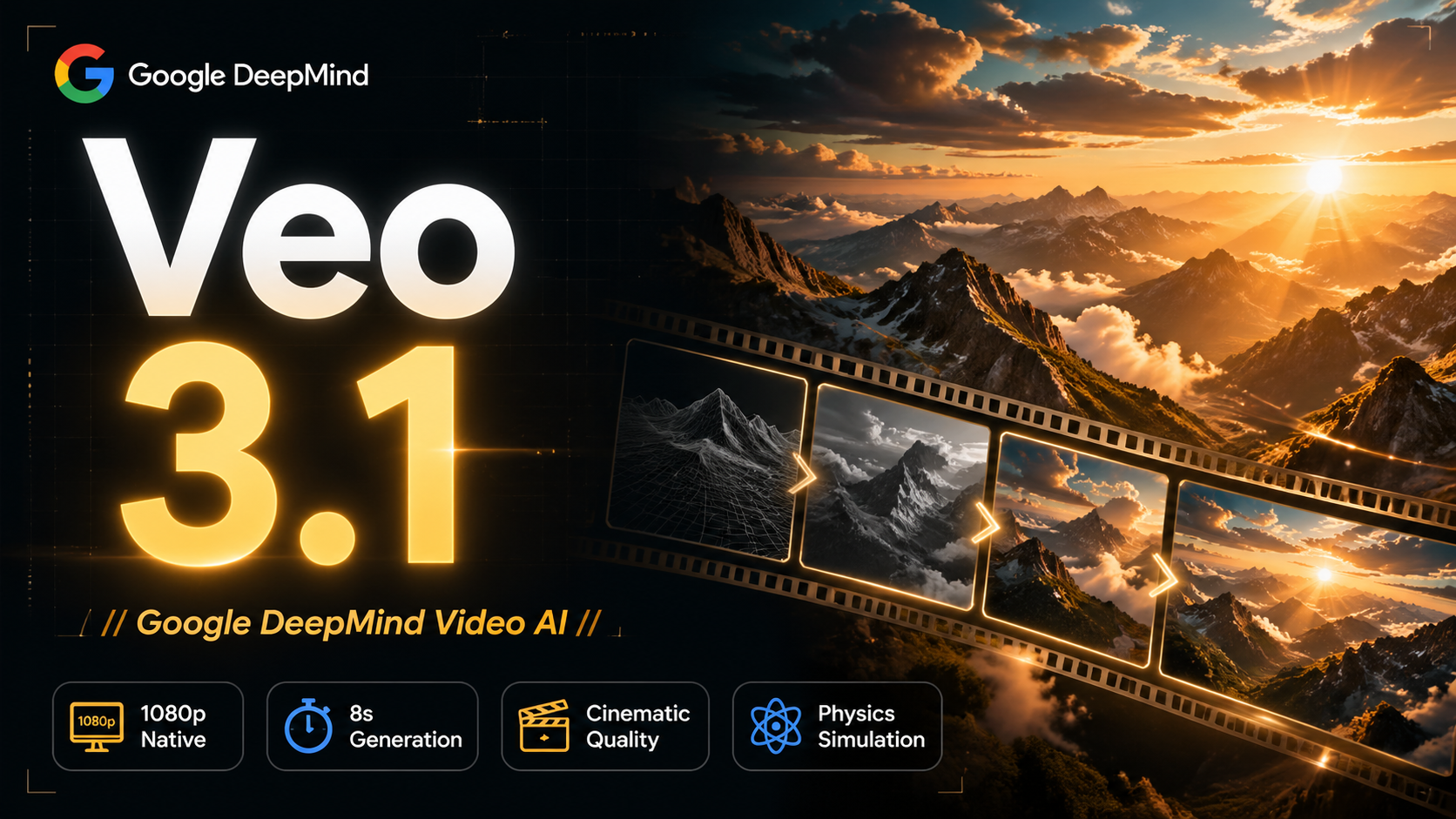
Veo 3.1
Veo 3.1, released in October 2025 by Google DeepMind, delivers cinematic 1080p videos with native audio generation — fre
 Video
VideoSora 2
OpenAI's most advanced general video generation model — create high-quality videos from text prompts and images with rea
 VideoNEW
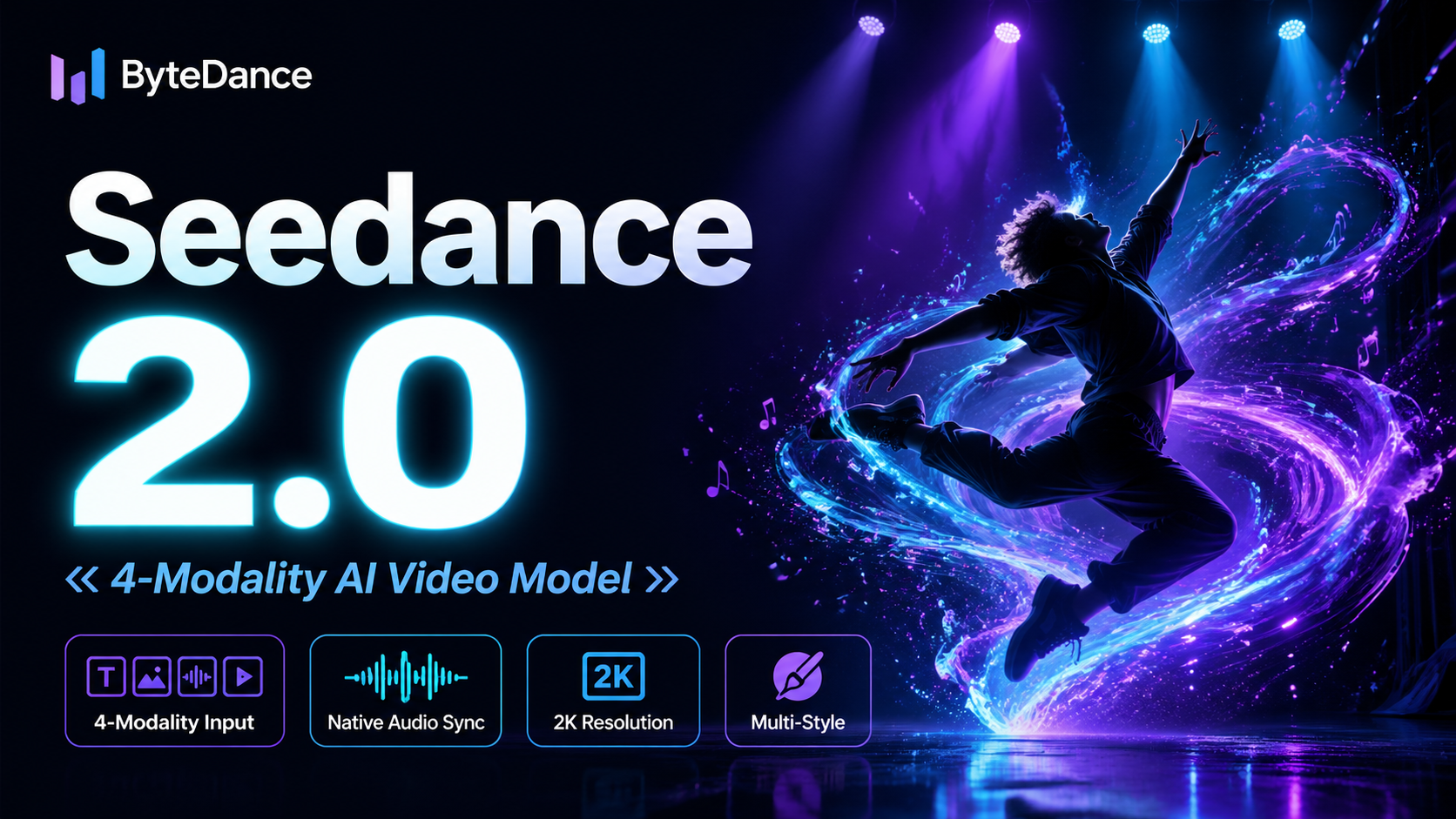
Seedance 2.0
ByteDance's next-generation AI video model with the revolutionary @-reference system. Combine text, images, video clips,
Experience FireRed Image Edit
Start editing your images with state-of-the-art AI technology





10,000+ users